





















Produktbilder

Auf Lager
Darum werden Sie OnBuy lieben:
Preisangaben inkl. USt.
Zinsfreie Zahlungsmöglichkeiten verfügbar


Vollständige Produktbeschreibung und Details anzeigen
Voraussichtliche Zustellung: Standard (Kostenlos) | Mi. 18. - Mo. 23. Nov
Verkauft von: ZHANHUANG
Rücksendungen: 30 Tage
180 Tage Zahlungsschutz
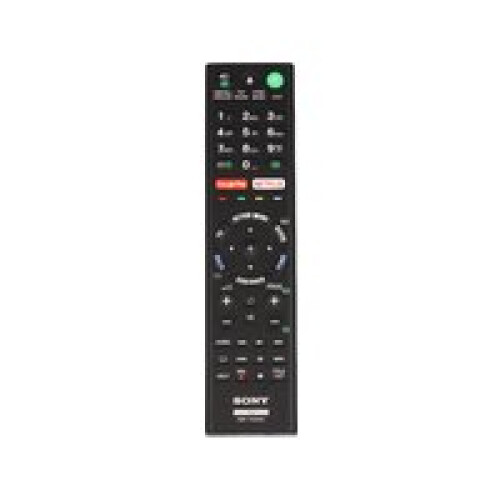


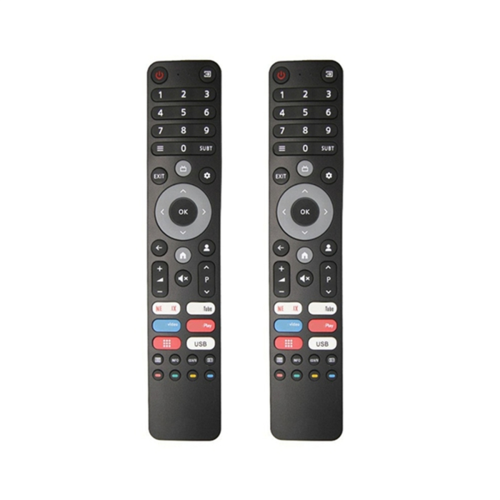


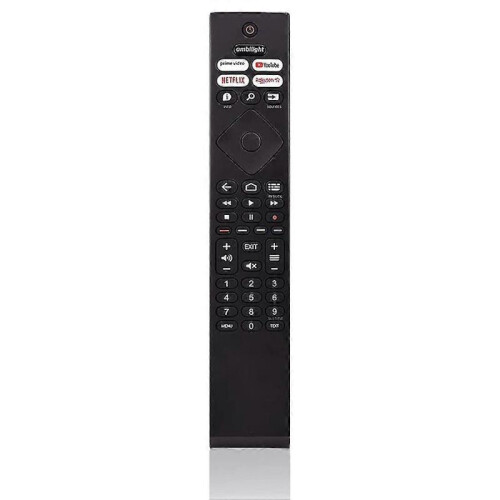
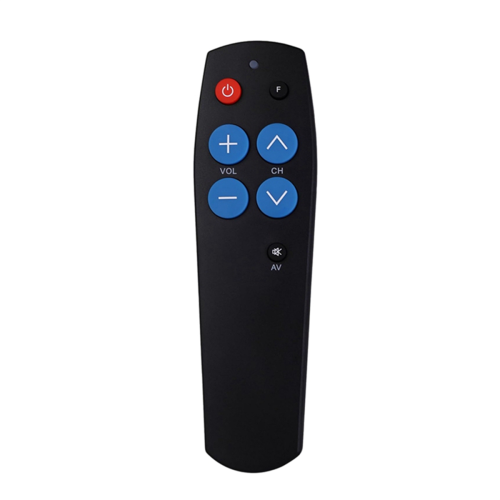

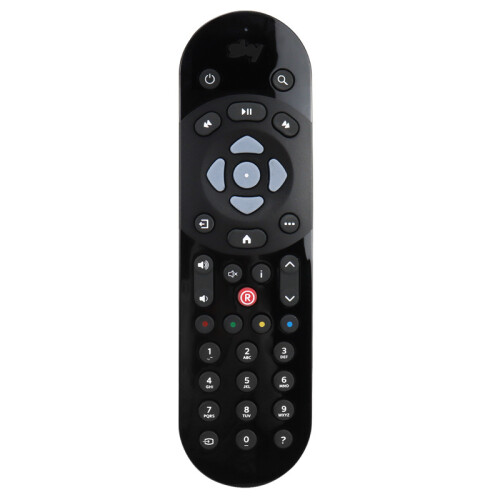
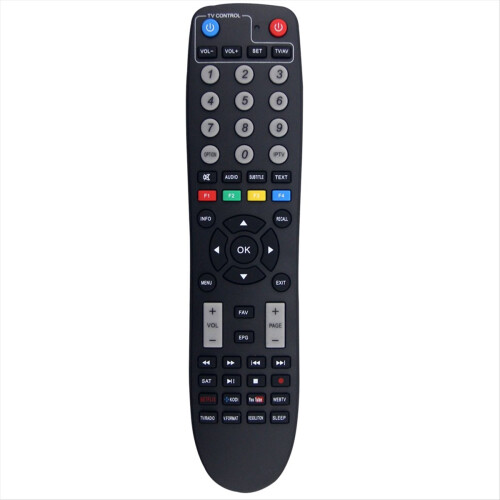


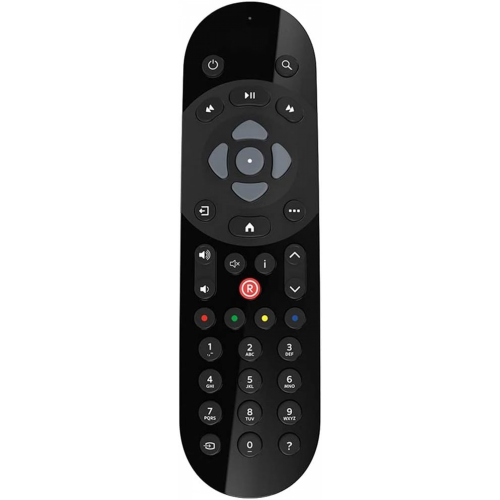


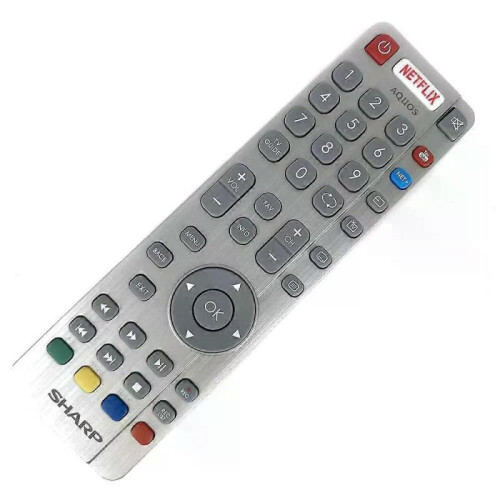
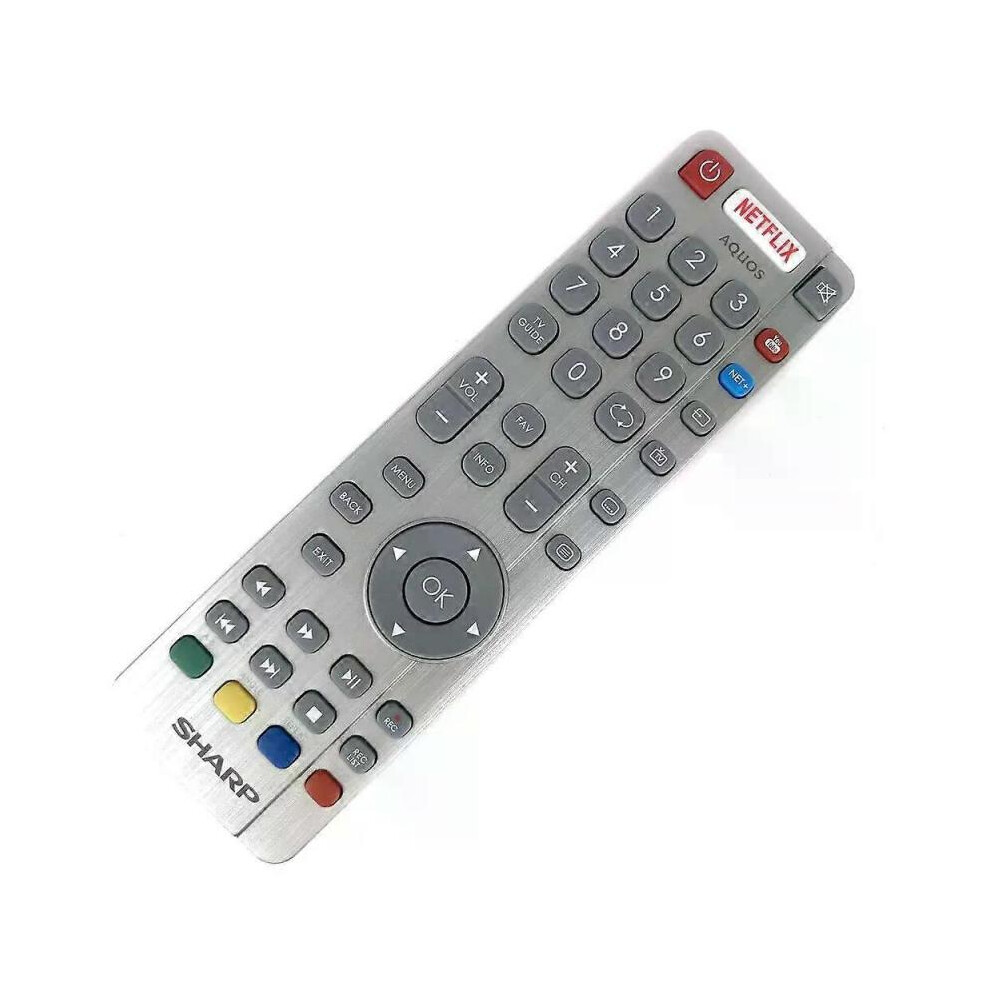
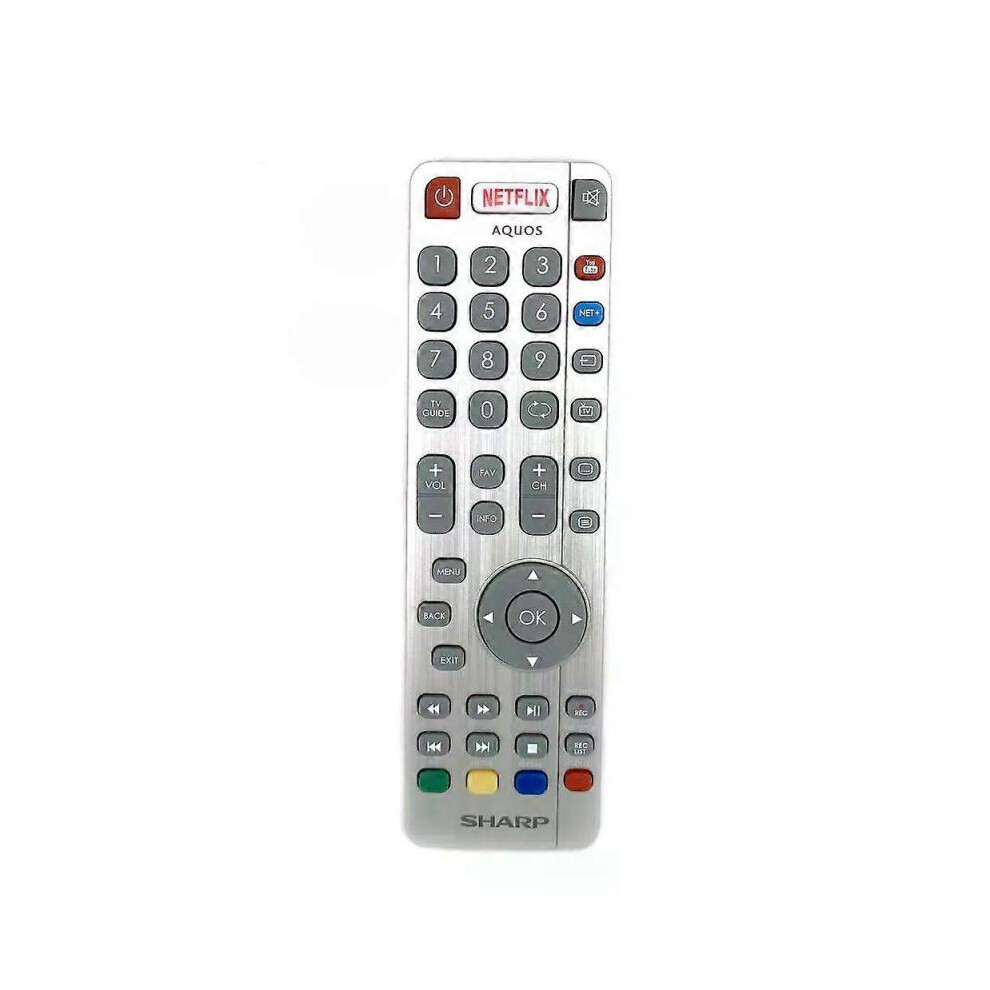
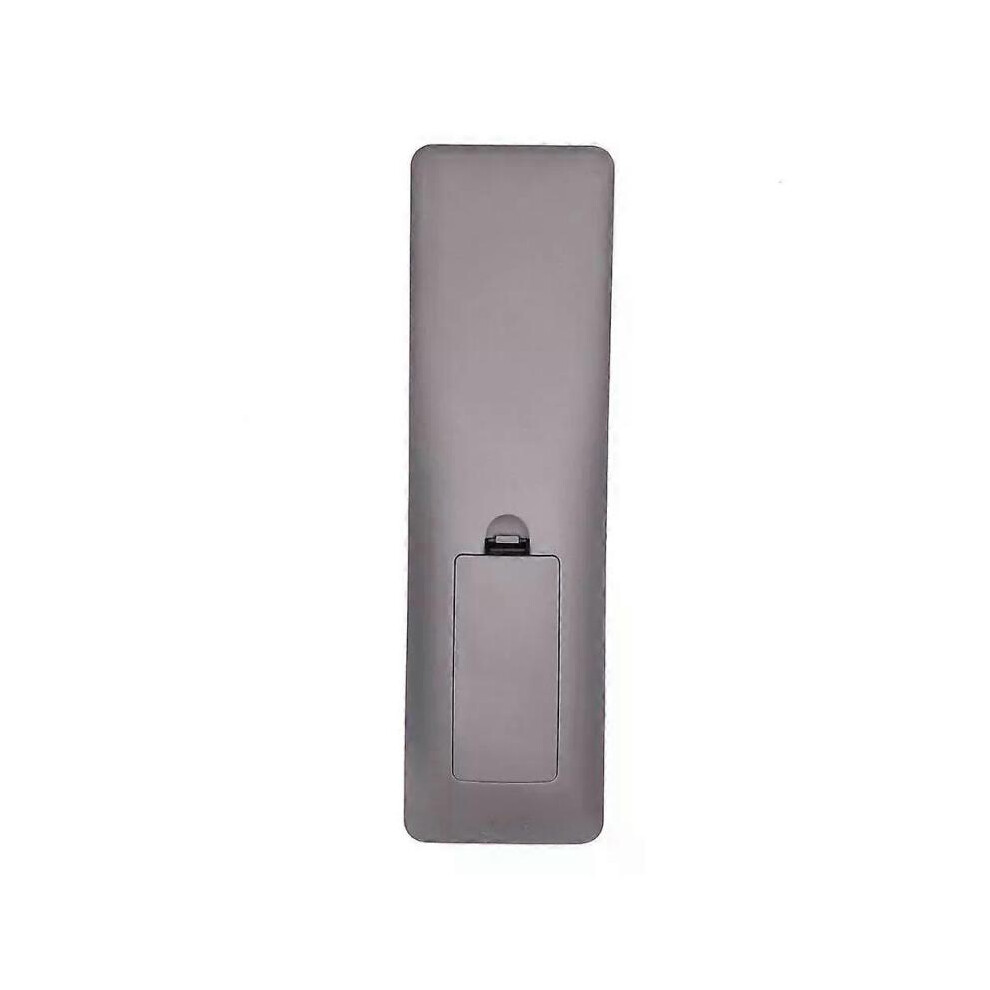
Model Number:SHWRMC0116 Condition:New Compatible Brand:For Sharp Type:TV Remote Material: ABS Material Colour: As Shown Quantity: 1 x remote control (requires 2 x AAA batteries,batteries are not included) Unit Type: piece Package: PP Bag Package Weight: 0.150kg (0.33lb.) Package Size: 28cm x 13.5cm x 5cm (11.02in x 5.31in x 2in) Remark: This is Original remote control units. Supplied with models: SHW/RMC/0117 Here is the instruction as below: 1. Remote does not work with TV when first-time installation is on the screen During first-time installation press and hold the YELLOW and BLUE buttons on the remote control for a few seconds. The power light will blink 5 times to confirm the TV and remote control are paired. 2. Remote control does not power on the TV set or work with TV Switch the TV on using the standby button on the TV set (not the remote control), once switched on, press the standby button on the TV set once, this will prompt the pairing menu to appear, scroll through and highlight Pair your remote by pressing the CH+/CH- TV button (scroll up/down function in the menu) then press the TV sets standby button (OK function in the menu) to confirm your selection, then with the remote control, press and hold the YELLOW and BLUE buttons for a few seconds, the power light will blink 5 times to confirm the TV and the remote control is paired. OR Switch the TV on by pressing the TV control stick once, this is located on the back of the TV in the left bottom corner. Once switched on, press and hold the TV control stick on the TV set for a few seconds. This will prompt the pairing menu to appear, scroll through and highlight the Pair your remote option by pressing the TV control stick up or down, then press the control stick to confirm your selection. Then with the remote control, press and hold the YELLOW and BLUE buttons for a few seconds, the power light will blink 5 times to confirm the TV and remote control are paired.
[OnBuy.com]Details
| OPC | PHXS99D |
|---|---|
| Codes | 8297080679178 (EAN) |
| Produkt- und Sicherheitsinformationen |
Wichtige Informationen
Warnhinweise
Anwendungshinweise
| Verkäufer | Bewertungen | Garantie | Rückgaben | Preis | Lieferung | Gesamt | Menge |
|---|---|---|---|---|---|---|---|
|
Versendet von:

|
(804 Bewertungen) | - |
30 Tage
Kostenlose Rücksendungen Nein
|
36,00 €inkl. MwSt.
|
+Free Delivery
Voraussichtliche Lieferung:
18-23 Nov
|
36,00 € inkl. MwSt.
|
Verdienen Sie bei jedem Einkauf sofort Cashback auf alles.
Kein Haken, keine Kosten
Werden Sie Cashback VIP
Schon mit einem einzigen Einkauf sichern Sie sich höhere Rabatte und bessere Konditionen
Sofortiges Cashback gibt es nur bei OnBuy! Gib unten deine E-Mail-Adresse ein und wir senden dir eine Kopie deines Warenkorbs, damit du später Zeit sparst.
Wenn du deine E-Mail-Adresse eingibst, wirst du automatisch in unsere Datenbank aufgenommen und erhältst personalisierte Cashback-Angebote sowie frühzeitigen Zugang zu unseren besten Deals. Du kannst dich jederzeit von unseren E-Mails abmelden und wir geben deine Daten niemals an Drittanbieter weiter. Weitere Informationen findest du in unserer Datenschutzerklärung und unseren AGBs.
Melde Dich für unseren Newsletter an und erhalte personalisierte Angebote sowie Cashback-Guthaben, das Du bei Deinem nächsten Einkauf einlösen kannst.
Du kannst unsere E-Mails jederzeit abbestellen. Dein Cashback wird Deinem Kundenkonto gutgeschrieben und ist ab dem nächsten Einkauf einlösbar. Wir geben Deine Daten niemals an Dritte weiter. Weitere Informationen findest Du in unserer Datenschutzerklärung und den AGBs .
Diese Seite ist abgelaufen.
Aktualisieren und fortfahren