





















Productafbeeldingen

Op voorraad
Waarom je van winkelen bij OnBuy zult houden:
Prijzen zijn inclusief btw.
Rentevrije betaalopties beschikbaar


Bekijk de volledige productbeschrijving & details
Bezorging: Standaard (Gratis) | do. 19de - di. 24ste nov.
Verkocht door: ZHANHUANG
Retourzendingen: 30 dagen
180 dagen betalingsbescherming

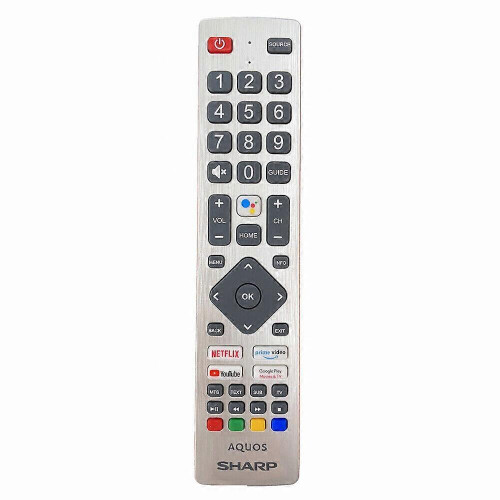
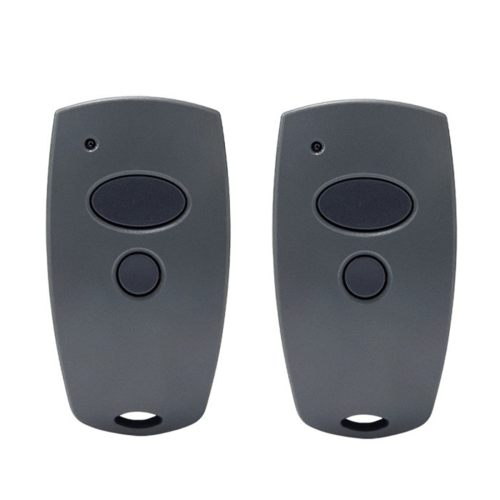


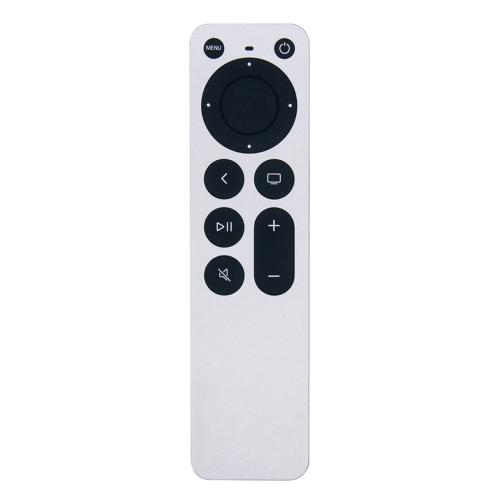
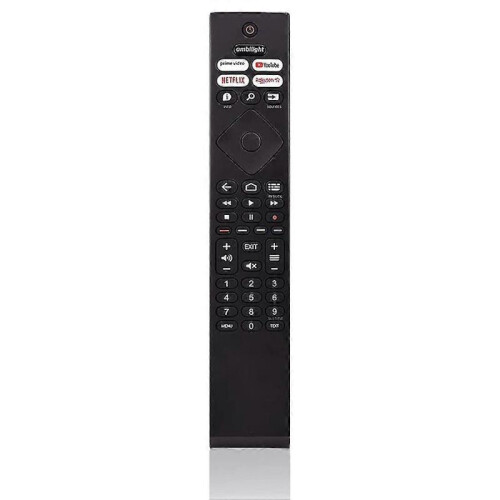

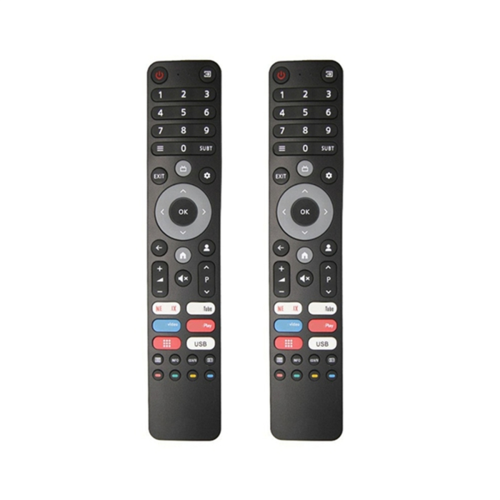


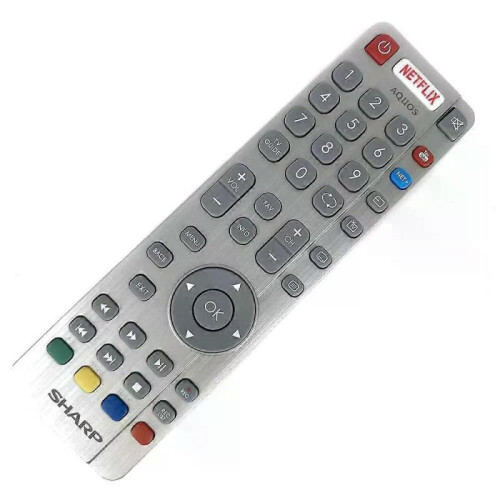
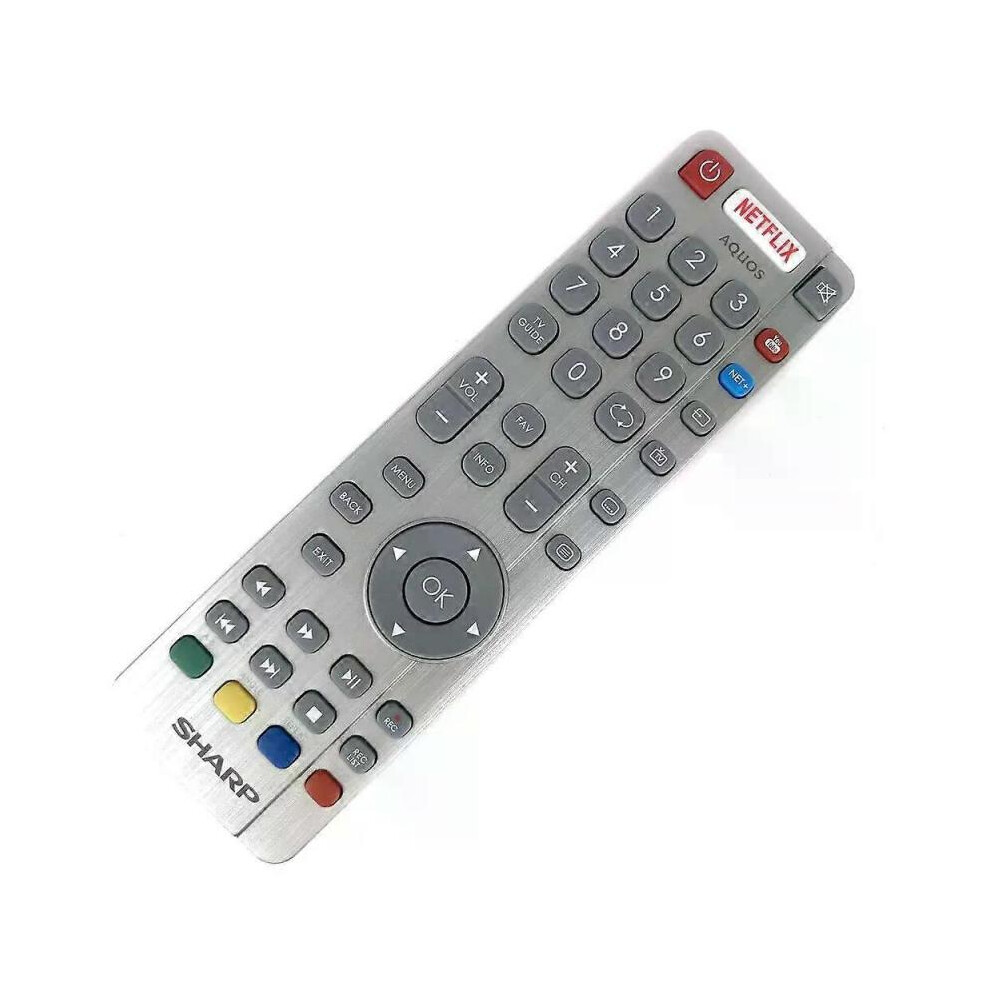
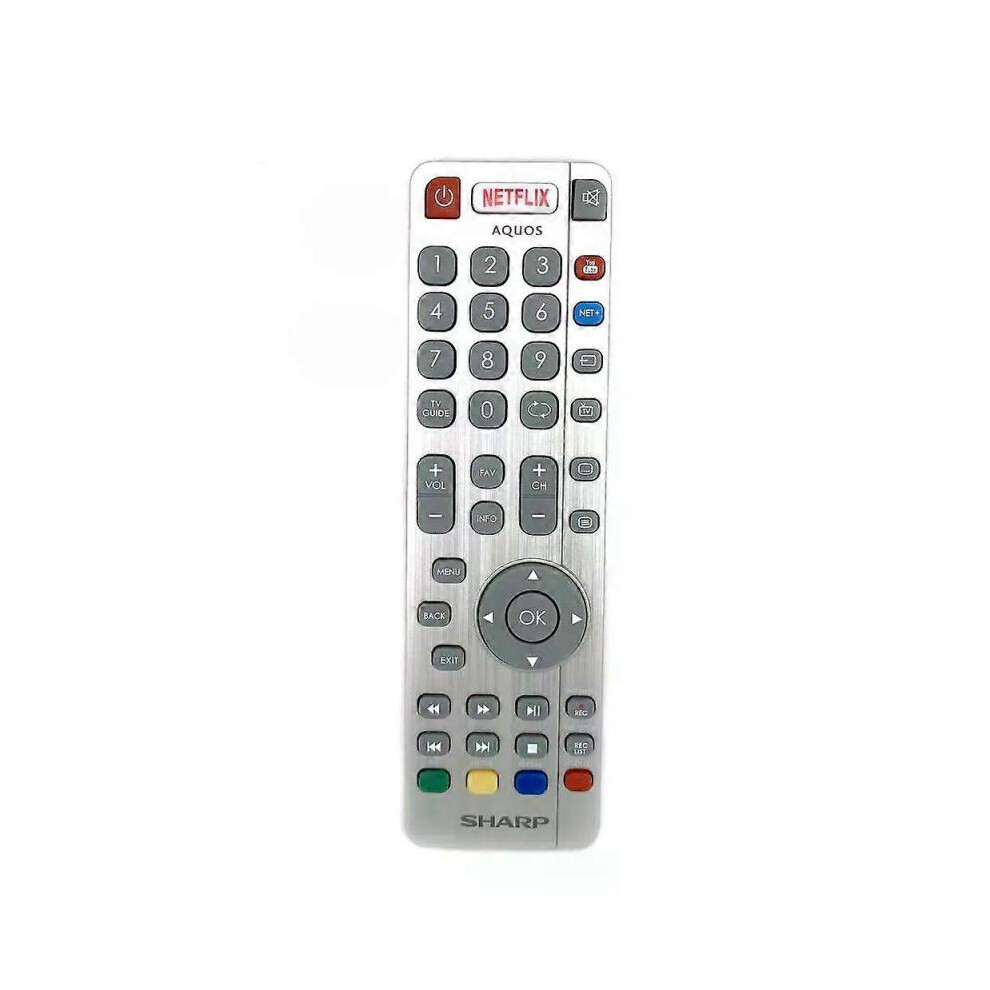
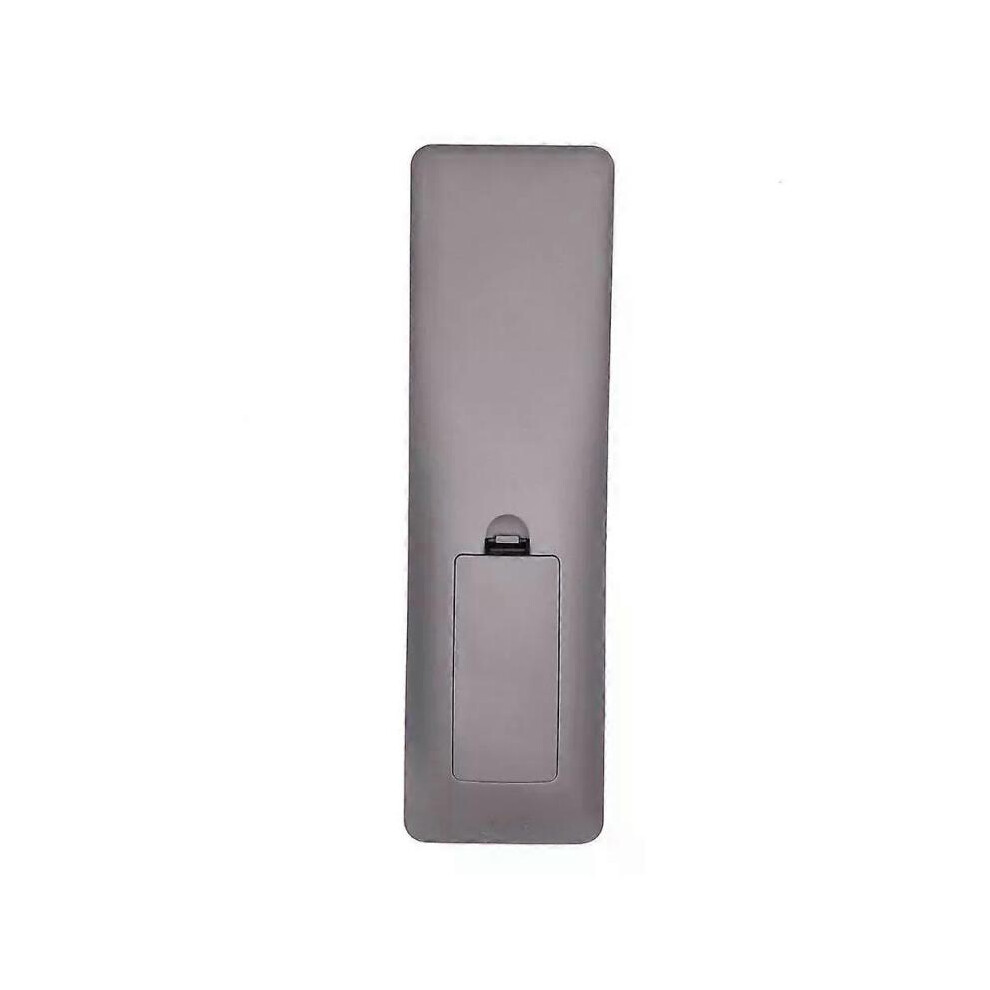
Model Number:SHWRMC0116 Condition:New Compatible Brand:For Sharp Type:TV Remote Material: ABS Material Colour: As Shown Quantity: 1 x remote control (requires 2 x AAA batteries,batteries are not included) Unit Type: piece Package: PP Bag Package Weight: 0.150kg (0.33lb.) Package Size: 28cm x 13.5cm x 5cm (11.02in x 5.31in x 2in) Remark: This is Original remote control units. Supplied with models: SHW/RMC/0117 Here is the instruction as below: 1. Remote does not work with TV when first-time installation is on the screen During first-time installation press and hold the YELLOW and BLUE buttons on the remote control for a few seconds. The power light will blink 5 times to confirm the TV and remote control are paired. 2. Remote control does not power on the TV set or work with TV Switch the TV on using the standby button on the TV set (not the remote control), once switched on, press the standby button on the TV set once, this will prompt the pairing menu to appear, scroll through and highlight Pair your remote by pressing the CH+/CH- TV button (scroll up/down function in the menu) then press the TV sets standby button (OK function in the menu) to confirm your selection, then with the remote control, press and hold the YELLOW and BLUE buttons for a few seconds, the power light will blink 5 times to confirm the TV and the remote control is paired. OR Switch the TV on by pressing the TV control stick once, this is located on the back of the TV in the left bottom corner. Once switched on, press and hold the TV control stick on the TV set for a few seconds. This will prompt the pairing menu to appear, scroll through and highlight the Pair your remote option by pressing the TV control stick up or down, then press the control stick to confirm your selection. Then with the remote control, press and hold the YELLOW and BLUE buttons for a few seconds, the power light will blink 5 times to confirm the TV and remote control are paired.
[OnBuy.com]Details
| OPC | PHXS99D |
|---|---|
| Codes | 8297080679178 (EAN) |
| Product- en veiligheidsinformatie |
Belangrijke informatie
Waarschuwingen
Gebruiksaanwijzing
| Verkoper | Beoordelingen | Garantie | Retourneren | Prijs | Bezorging | Totaal | Aantal |
|---|---|---|---|---|---|---|---|
|
Verzonden vanuit:

|
(804 beoordelingen) | - |
30 dagen
Gratis retourneren Nee
|
€ 36,00
|
+Free Delivery
Geschatte bezorging:
19de-24ste nov.
|
€ 36,00
|
Verdien terwijl je shopt met directe Cashback op alles.
Zonder addertjes, zonder kosten
Word een Cashback VIP
Slechts 1 aankoop ontgrendelt grotere deals en betere tarieven
Alleen bij OnBuy ontvang je direct cashback! Vul hieronder je e-mailadres in en we sturen je een kopie van je winkelmandje!
Door je e-mailadres in te voeren, word je automatisch toegevoegd aan onze database en kun je profiteren van gepersonaliseerde Cashback-aanbiedingen en als eerste toegang krijgen tot onze beste deals. Je kunt je op elk moment afmelden voor onze e-mails en we zullen je gegevens nooit met anderen delen. Bekijk ons privacybeleid en onze algemene voorwaarden voor meer informatie.
Wil je profiteren van persoonlijke aanbiedingen en de hoogste Cashback-rentes? Schrijf je hieronder in voor onze e-mails.
Je kunt je op elk moment afmelden voor onze e-mails en we zullen je gegevens nooit met anderen delen. Bekijk ons Privacybeleid en onze Algemene voorwaarden voor meer informatie.
Deze pagina is verlopen.
Vernieuw en ga verder