





















Imagini produs

În stoc
De ce îți va plăcea să cumperi de la OnBuy:
Prețurile articolelor vândute de OnBuy includ TVA.
Opțiuni de plată în rate fără dobândă disponibile

Vezi descrierea completă și detaliile produsului
Livrare: Standard (Gratuit) | mie 11 - lun 16 nov.
Vândut de: ZHANHUANG
Returnări: 30 zile
Protecție la plată pentru 180 de zile
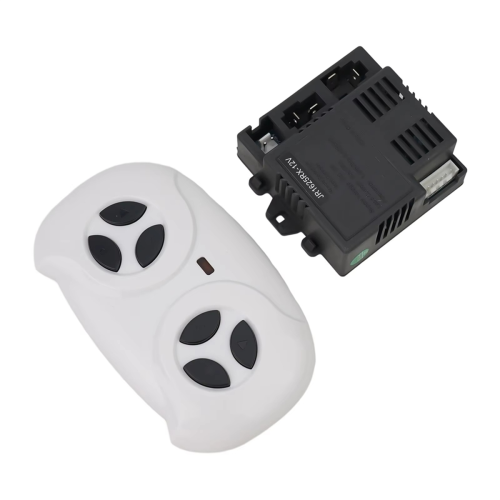


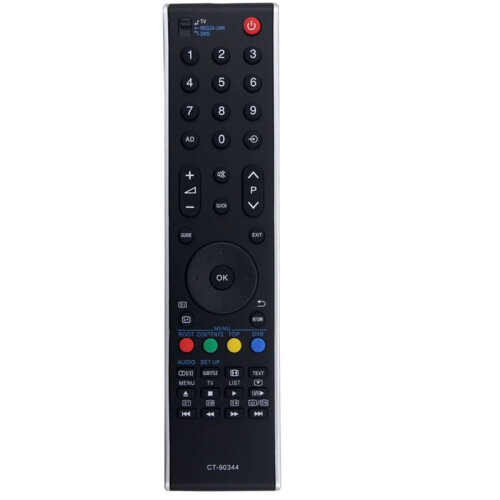


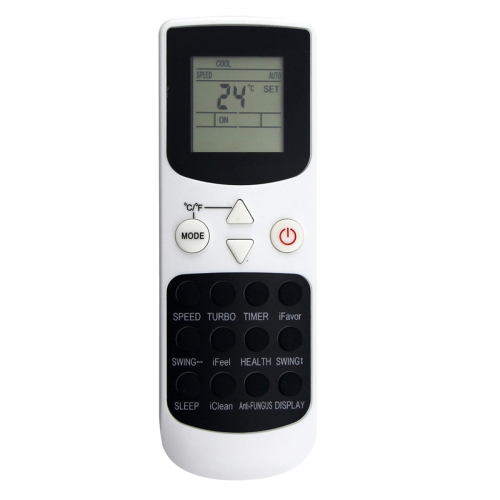

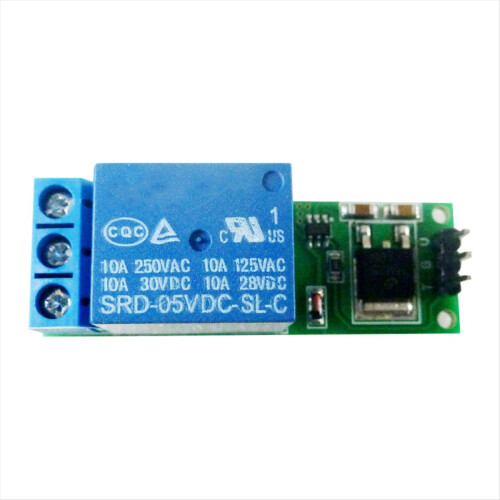





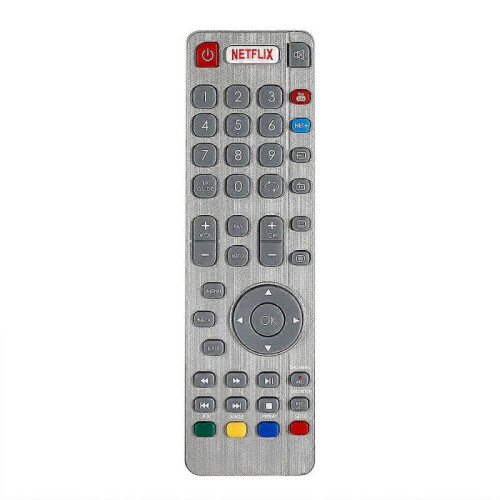

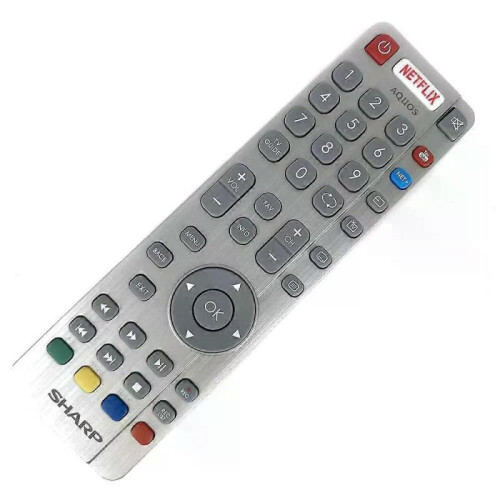
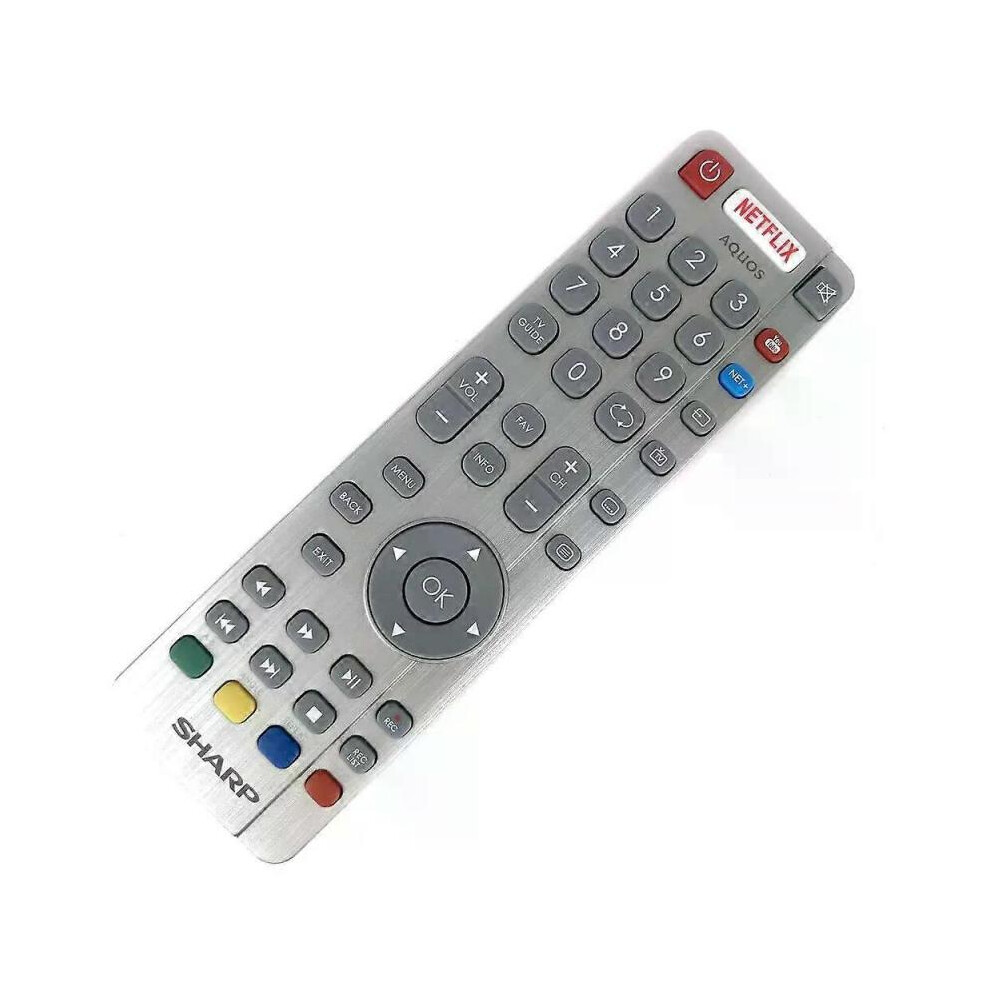
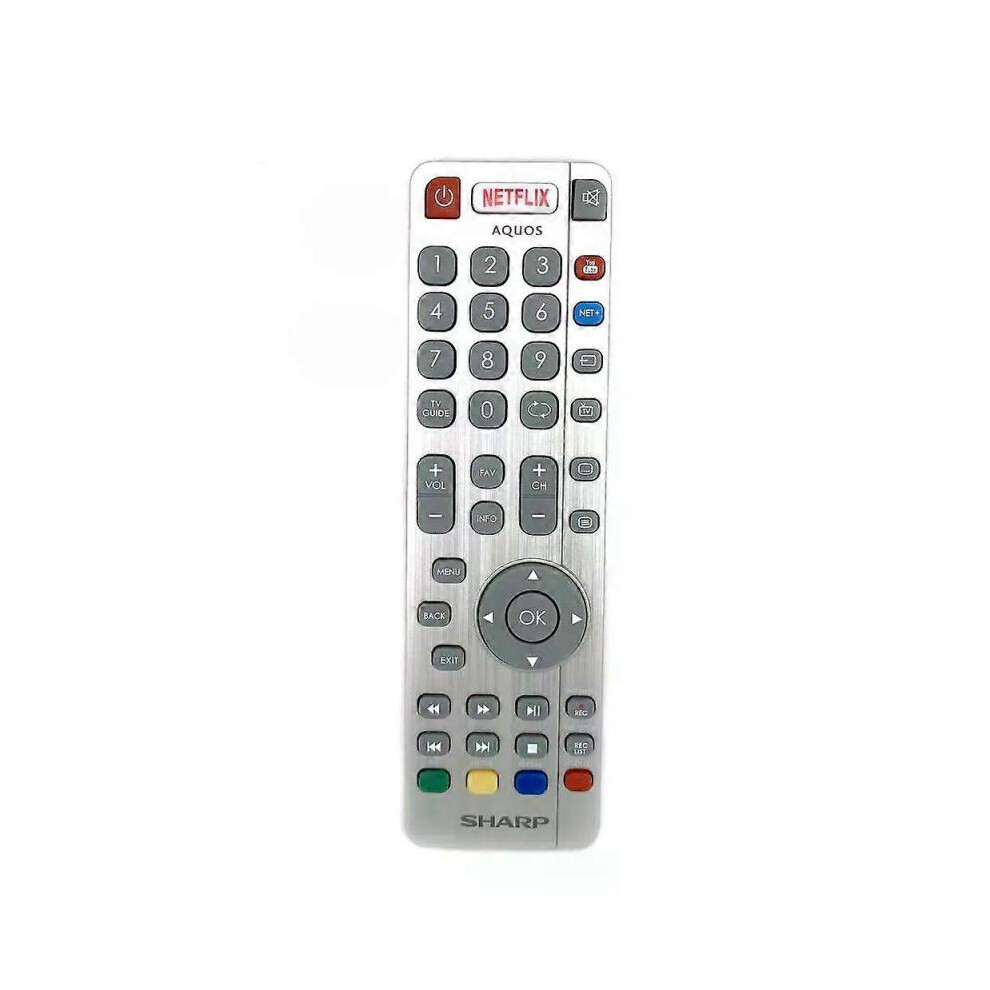
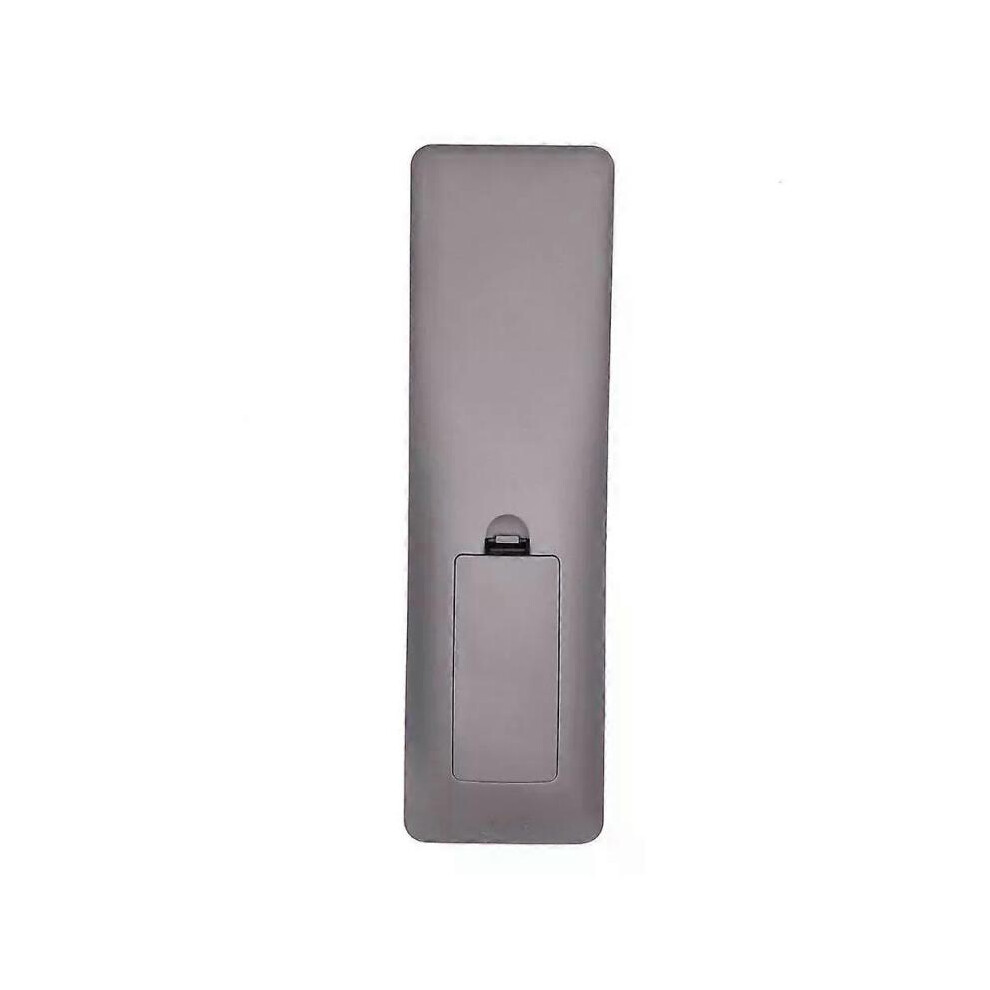
Model Number:SHWRMC0116 Condition:New Compatible Brand:For Sharp Type:TV Remote Material: ABS Material Colour: As Shown Quantity: 1 x remote control (requires 2 x AAA batteries,batteries are not included) Unit Type: piece Package: PP Bag Package Weight: 0.150kg (0.33lb.) Package Size: 28cm x 13.5cm x 5cm (11.02in x 5.31in x 2in) Remark: This is Original remote control units. Supplied with models: SHW/RMC/0117 Here is the instruction as below: 1. Remote does not work with TV when first-time installation is on the screen During first-time installation press and hold the YELLOW and BLUE buttons on the remote control for a few seconds. The power light will blink 5 times to confirm the TV and remote control are paired. 2. Remote control does not power on the TV set or work with TV Switch the TV on using the standby button on the TV set (not the remote control), once switched on, press the standby button on the TV set once, this will prompt the pairing menu to appear, scroll through and highlight Pair your remote by pressing the CH+/CH- TV button (scroll up/down function in the menu) then press the TV sets standby button (OK function in the menu) to confirm your selection, then with the remote control, press and hold the YELLOW and BLUE buttons for a few seconds, the power light will blink 5 times to confirm the TV and the remote control is paired. OR Switch the TV on by pressing the TV control stick once, this is located on the back of the TV in the left bottom corner. Once switched on, press and hold the TV control stick on the TV set for a few seconds. This will prompt the pairing menu to appear, scroll through and highlight the Pair your remote option by pressing the TV control stick up or down, then press the control stick to confirm your selection. Then with the remote control, press and hold the YELLOW and BLUE buttons for a few seconds, the power light will blink 5 times to confirm the TV and remote control are paired.
Detalii
| OPC | PHXS99D |
|---|---|
| Coduri | 8297080679178 (EAN) |
| Informații despre produs și siguranță |
| Vânzător | Note | Garanție | Retururi | Preț | Livrare | Total | Cantitate |
|---|---|---|---|---|---|---|---|
|
Expediat din:

|
(793 recenzii) | - |
30 zile
Retur gratuit Nu
|
183,00 RON
|
+Free Delivery
Livrare estimată:
11-16 nov.
|
183,00 RON
|
Câștigați în timp ce cumpărați cu Cashback instant la orice produs.
Fără condiții ascunse, fără costuri
Deveniți un Cashback VIP
O singură achiziție deblochează oferte și rate mai avantajoase
Doar pe OnBuy primești Cashback instant! Introdu adresa ta de e-mail mai jos și îți vom trimite o copie a coșului pentru a economisi timp mai târziu.
Prin introducerea adresei tale de e-mail, vei fi adăugat automat în baza noastră de date, unde poți beneficia de oferte personalizate de Cashback și acces anticipat la cele mai bune promoții. Te poți dezabona oricând de la e-mailurile noastre, iar datele tale nu vor fi niciodată partajate cu terți. Consultă Politica de Confidențialitate și Termenii și Condițiile pentru mai multe informații.
Vrei să beneficiezi de oferte personalizate și cele mai mari rate de Cashback? Înscrie-te la newsletter-ul nostru mai jos.
Poți renunța la e-mailurile noastre în orice moment și nu vom împărtăși niciodată datele tale cu nimeni. Consultă Politica de Confidențialitate și Termenii și Condițiile pentru a afla mai multe.
Această pagină a expirat.
Reîncarcă și continuă