





























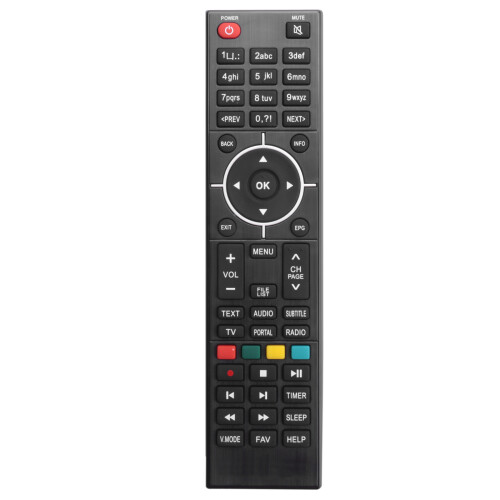


Immagini del prodotto

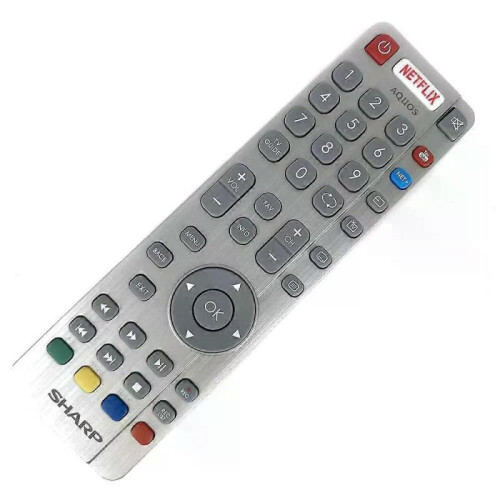
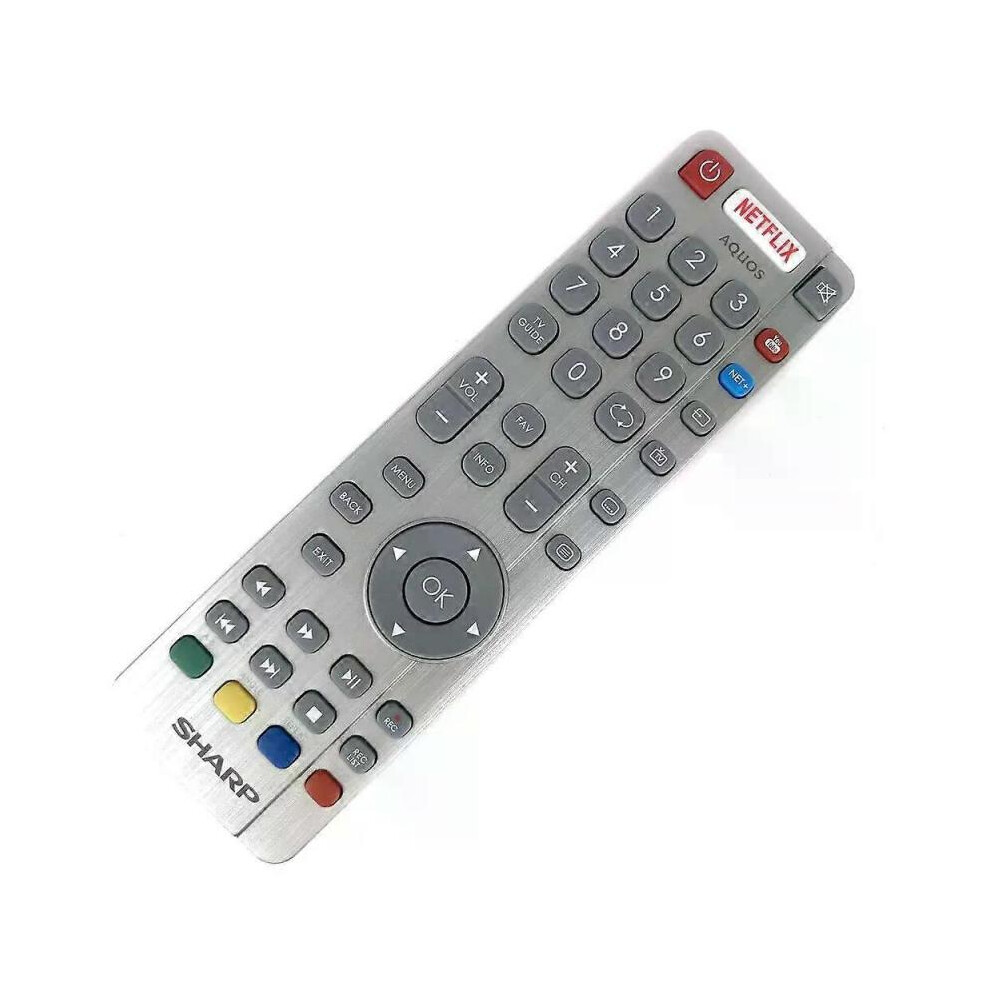
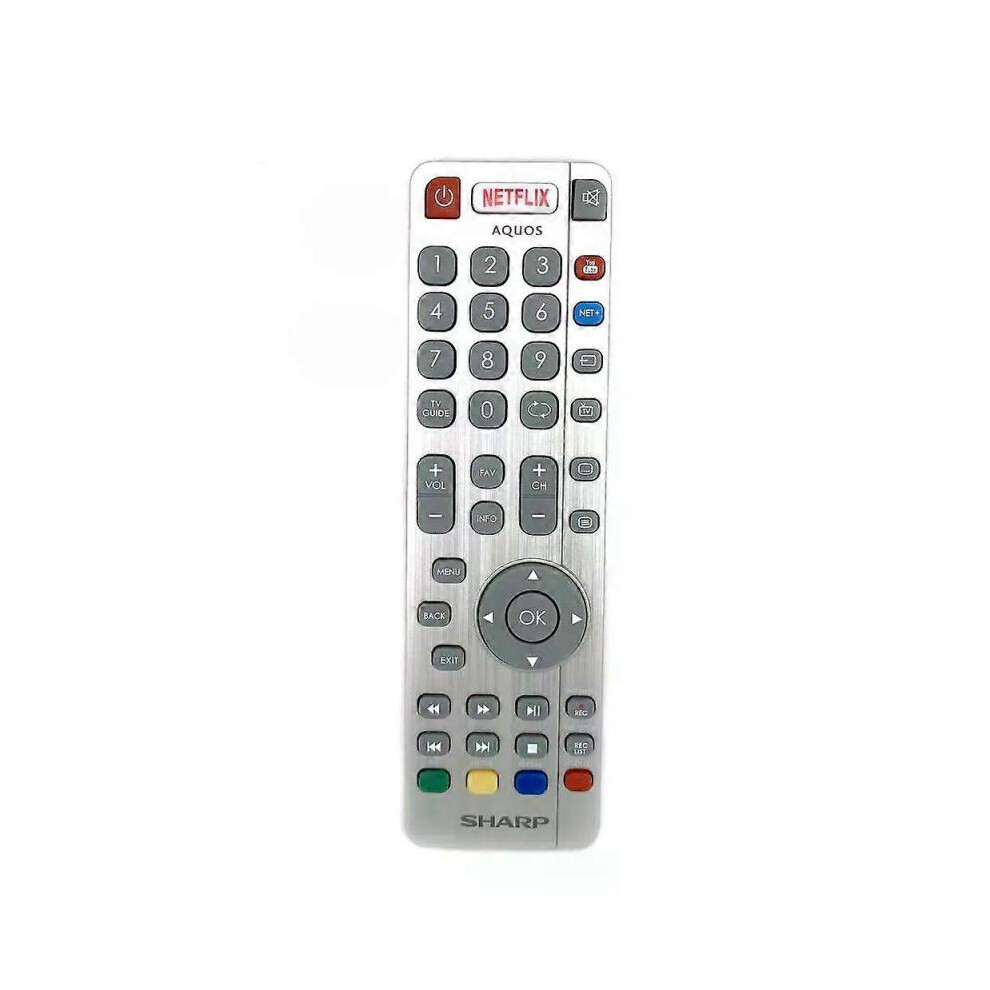
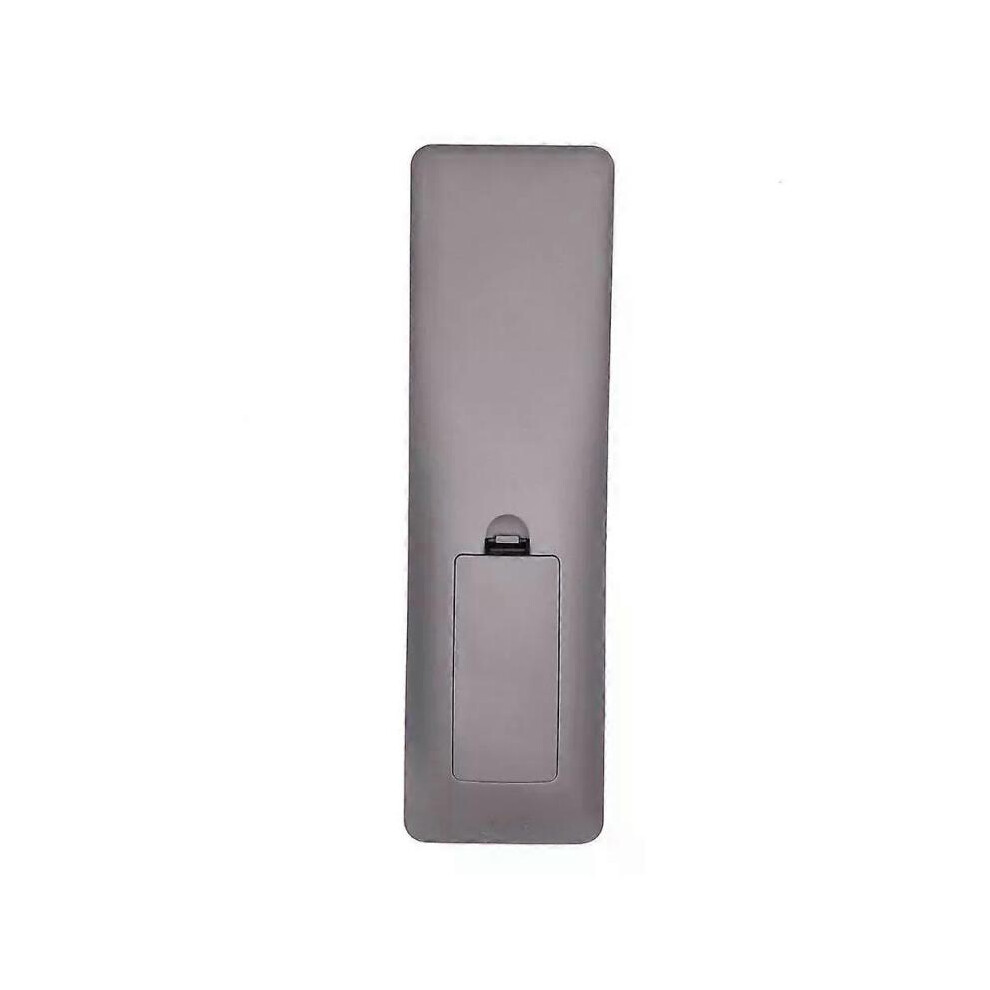
Disponibile
Perché amerai fare acquisti su OnBuy:
I prezzi degli articoli in vendita su OnBuy includono l’IVA
Opzioni di pagamento a rate senza interessi disponibili


Vedi la descrizione completa e i dettagli del prodotto
Consegna: Standard (Gratis) | mer 7 - mar 13 ott
Venduto da: ZHANHUANG
Resi: 30 giorni
Protezione dei pagamenti per 180 giorni
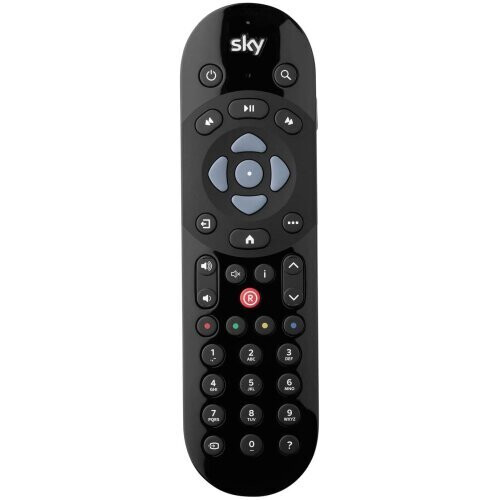
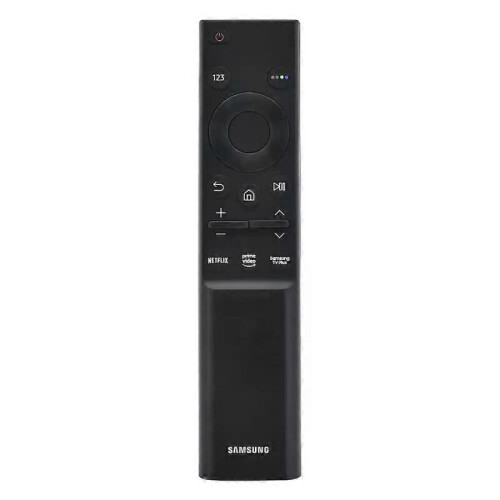
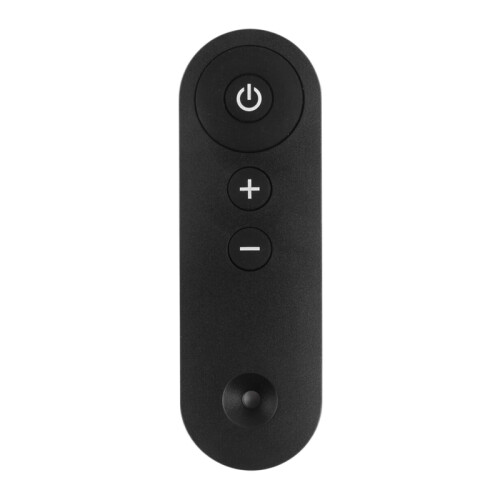
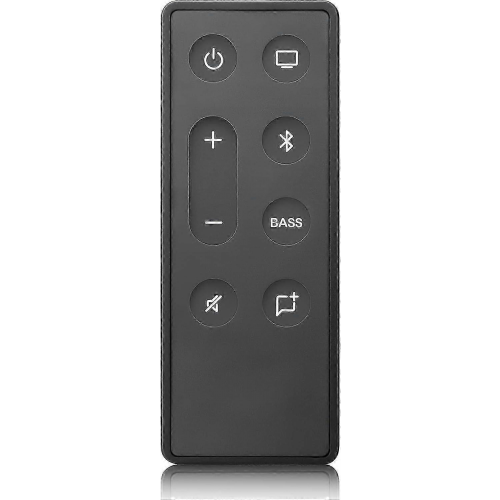
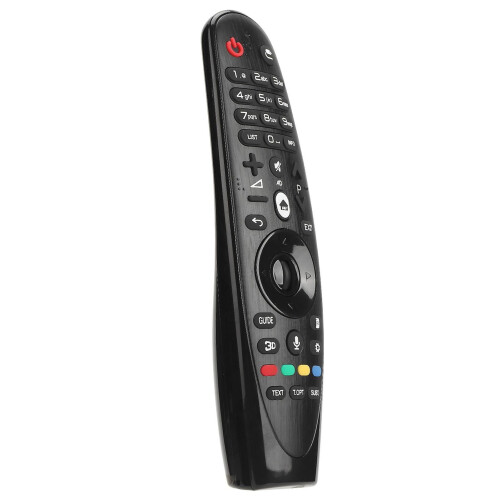
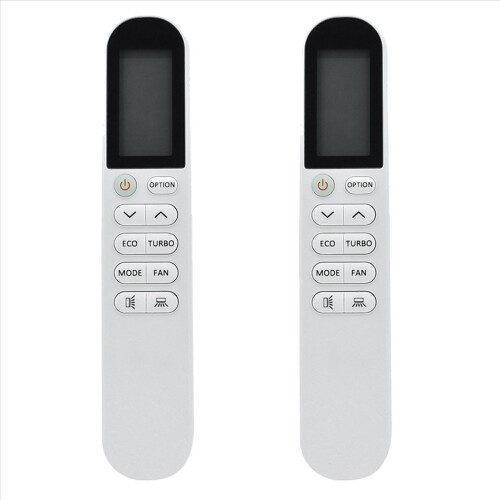
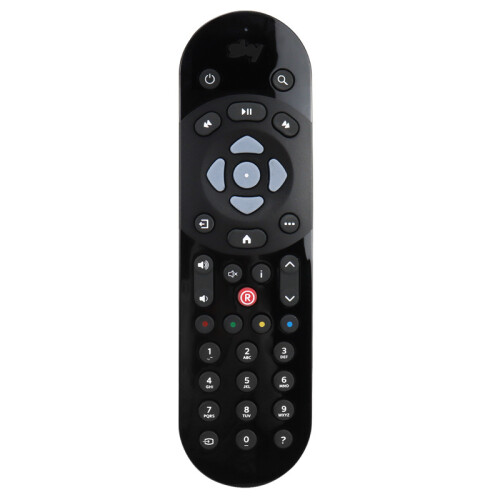
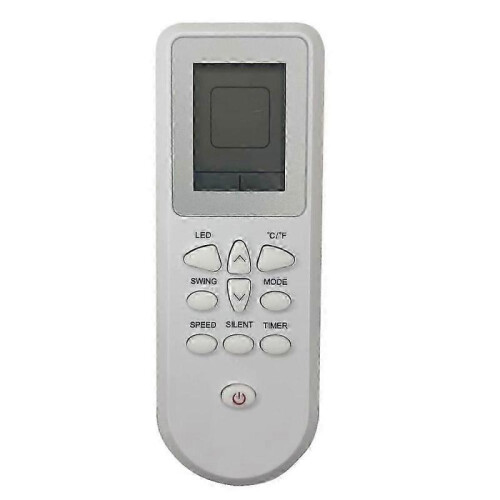
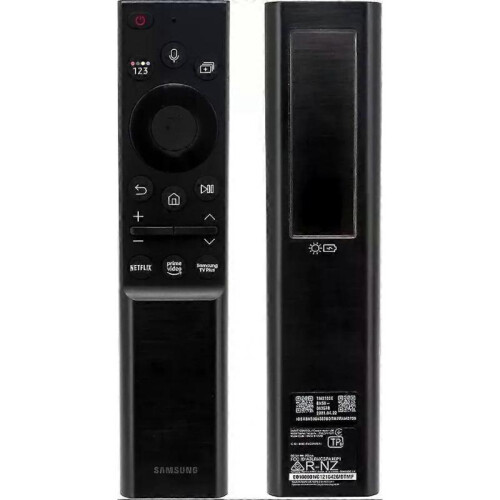
Model Number:SHWRMC0116 Condition:New Compatible Brand:For Sharp Type:TV Remote Material: ABS Material Colour: As Shown Quantity: 1 x remote control (requires 2 x AAA batteries,batteries are not included) Unit Type: piece Package: PP Bag Package Weight: 0.150kg (0.33lb.) Package Size: 28cm x 13.5cm x 5cm (11.02in x 5.31in x 2in) Remark: This is Original remote control units. Supplied with models: SHW/RMC/0117 Here is the instruction as below: 1. Remote does not work with TV when first-time installation is on the screen During first-time installation press and hold the YELLOW and BLUE buttons on the remote control for a few seconds. The power light will blink 5 times to confirm the TV and remote control are paired. 2. Remote control does not power on the TV set or work with TV Switch the TV on using the standby button on the TV set (not the remote control), once switched on, press the standby button on the TV set once, this will prompt the pairing menu to appear, scroll through and highlight Pair your remote by pressing the CH+/CH- TV button (scroll up/down function in the menu) then press the TV sets standby button (OK function in the menu) to confirm your selection, then with the remote control, press and hold the YELLOW and BLUE buttons for a few seconds, the power light will blink 5 times to confirm the TV and the remote control is paired. OR Switch the TV on by pressing the TV control stick once, this is located on the back of the TV in the left bottom corner. Once switched on, press and hold the TV control stick on the TV set for a few seconds. This will prompt the pairing menu to appear, scroll through and highlight the Pair your remote option by pressing the TV control stick up or down, then press the control stick to confirm your selection. Then with the remote control, press and hold the YELLOW and BLUE buttons for a few seconds, the power light will blink 5 times to confirm the TV and remote control are paired.
[OnBuy.com]Dettagli
| OPC | PHXS99D |
|---|---|
| Codici | 8297080679178 (EAN) |
| Informazioni sul prodotto e sulla sicurezza |
| Venditore | Recensioni | Garanzia | Resi | Prezzo | Consegna | Totale | Quantità |
|---|---|---|---|---|---|---|---|
|
Spedito da:

|
(401 recensioni) | - |
30 giorni
Resi gratuiti No
|
36,00 €
|
+Free Delivery
Consegna stimata:
7-13 ott
|
36,00 €
|
Guadagna mentre fai acquisti con Cashback istantaneo su tutto.
Nessun trucco, nessun costo
Diventa un Cashback VIP
Basta 1 acquisto per sbloccare offerte e vantaggi ancora più grandi
Ricevi subito il Cashback solo su OnBuy! Inserisci la tua email qui sotto e ti invieremo una copia del tuo carrello, così potrai risparmiare tempo più tardi.
Inserendo il tuo indirizzo email, verrai automaticamente aggiunto al nostro database e potrai usufruire di offerte Cashback personalizzate e accesso anticipato alle nostre migliori promozioni. Puoi annullare l'iscrizione alle nostre email in qualsiasi momento e non condivideremo mai i tuoi dati con nessuno. Consulta la nostra Informativa sulla Privacy e i nostri Termini e Condizioni per saperne di più.
Vuoi ricevere offerte personalizzate e ottenere le percentuali di Cashback più alte? Iscriviti alla nostra newsletter qui sotto.
Puoi annullare l’iscrizione alle nostre email in qualsiasi momento e non condivideremo mai i tuoi dati con nessuno. Consulta la nostra Informativa sulla Privacy e i Termini e Condizioni per saperne di più.
Questa pagina è scaduta.
Aggiorna e continua