































Imagens do Produto

Em stock
Porque vai adorar comprar na OnBuy:
Os preços dos produtos vendidos na OnBuy incluem IVA.
Opções de pagamento sem juros disponíveis


Ver descrição completa e detalhes do produto
Entrega: Padrão (Grátis) | ter 6 - sáb 10 out
Vendido por: ZHANHUANG
Devoluções: 30 Dias
Proteção de pagamento de 180 dias
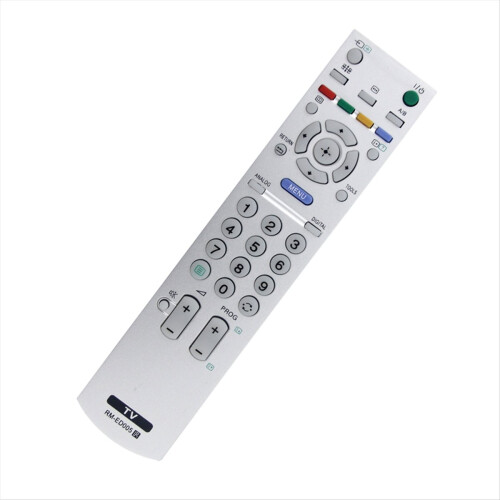
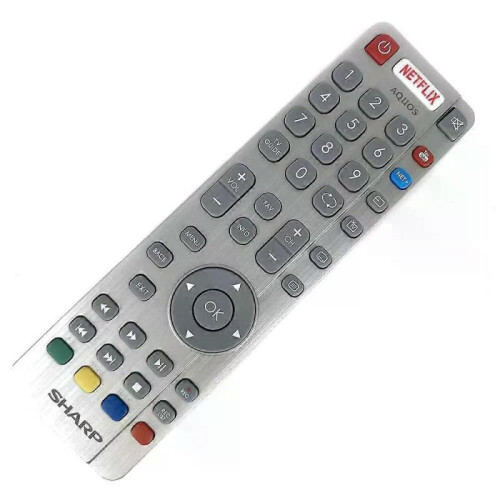
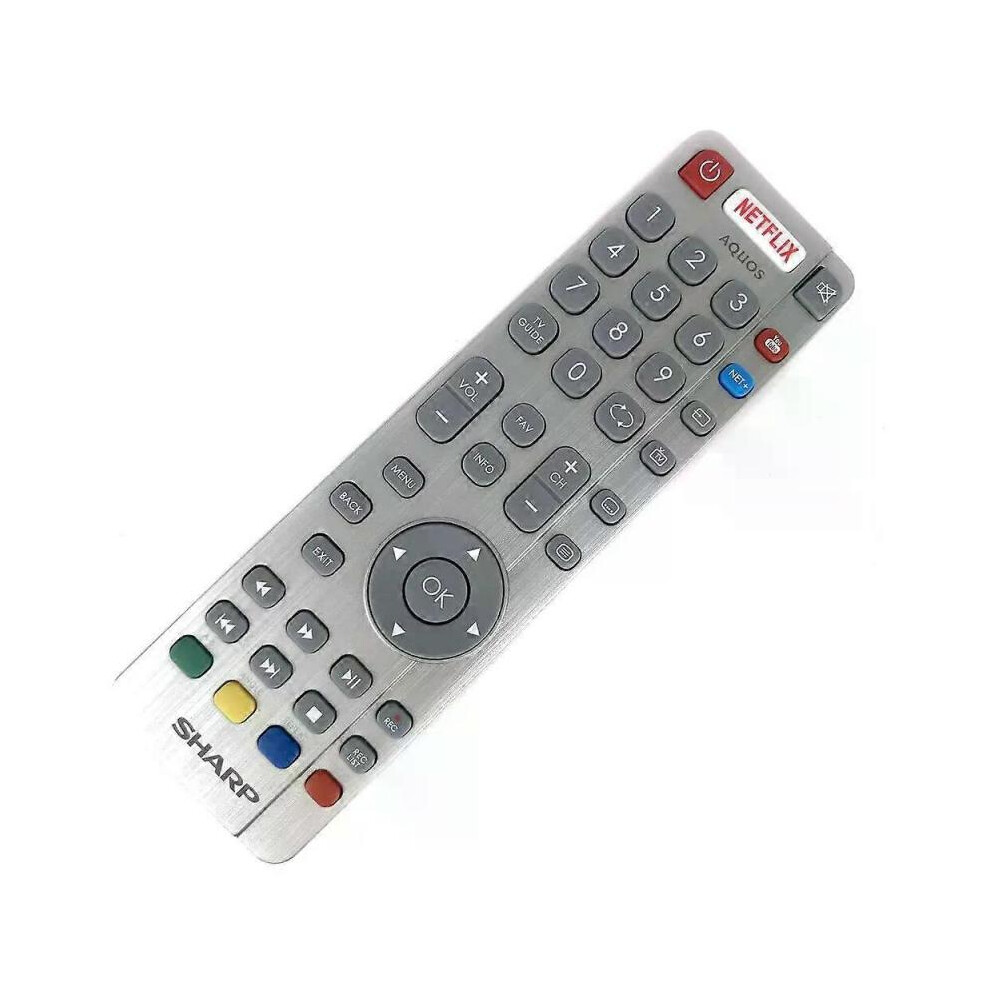
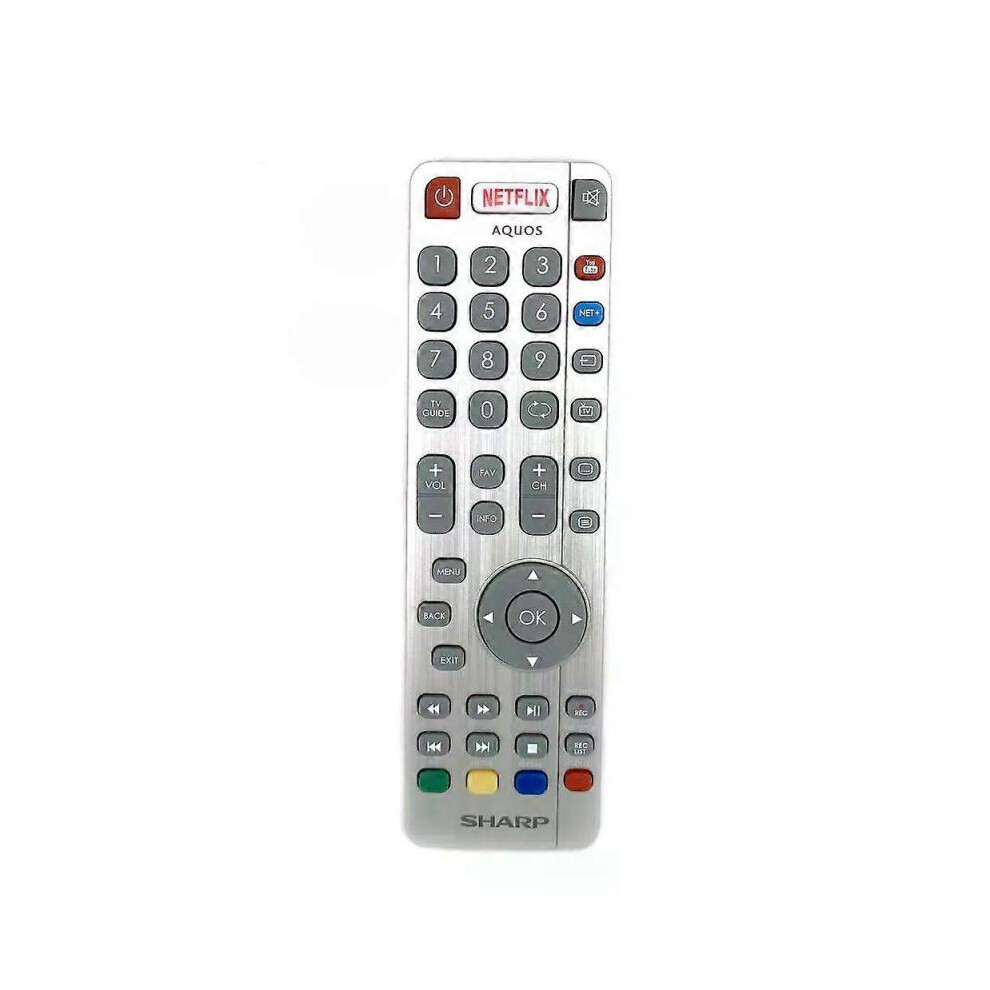
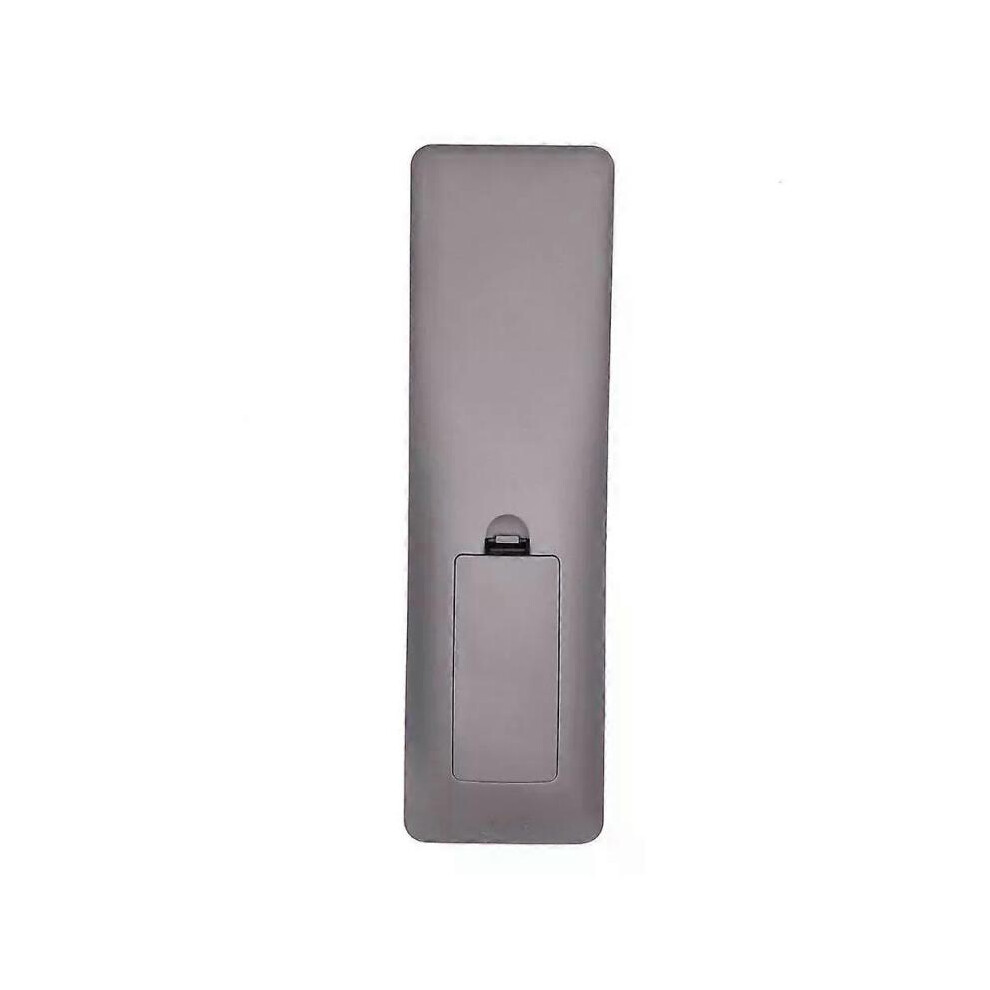
Model Number:SHWRMC0116 Condition:New Compatible Brand:For Sharp Type:TV Remote Material: ABS Material Colour: As Shown Quantity: 1 x remote control (requires 2 x AAA batteries,batteries are not included) Unit Type: piece Package: PP Bag Package Weight: 0.150kg (0.33lb.) Package Size: 28cm x 13.5cm x 5cm (11.02in x 5.31in x 2in) Remark: This is Original remote control units. Supplied with models: SHW/RMC/0117 Here is the instruction as below: 1. Remote does not work with TV when first-time installation is on the screen During first-time installation press and hold the YELLOW and BLUE buttons on the remote control for a few seconds. The power light will blink 5 times to confirm the TV and remote control are paired. 2. Remote control does not power on the TV set or work with TV Switch the TV on using the standby button on the TV set (not the remote control), once switched on, press the standby button on the TV set once, this will prompt the pairing menu to appear, scroll through and highlight Pair your remote by pressing the CH+/CH- TV button (scroll up/down function in the menu) then press the TV sets standby button (OK function in the menu) to confirm your selection, then with the remote control, press and hold the YELLOW and BLUE buttons for a few seconds, the power light will blink 5 times to confirm the TV and the remote control is paired. OR Switch the TV on by pressing the TV control stick once, this is located on the back of the TV in the left bottom corner. Once switched on, press and hold the TV control stick on the TV set for a few seconds. This will prompt the pairing menu to appear, scroll through and highlight the Pair your remote option by pressing the TV control stick up or down, then press the control stick to confirm your selection. Then with the remote control, press and hold the YELLOW and BLUE buttons for a few seconds, the power light will blink 5 times to confirm the TV and remote control are paired.
[OnBuy.com]Detalhes
| OPC | PHXS99D |
|---|---|
| Códigos | 8297080679178 (EAN) |
| Informações sobre o Produto e Segurança |
| Vendedor | Avaliações | Garantia | Devoluções | Preço | Entrega | Total | Quantidade |
|---|---|---|---|---|---|---|---|
|
Enviado de:

|
(401 avaliações) | - |
30 Dias
Devoluções grátis Não
|
36,00 €
|
+Free Delivery
Entrega prevista:
6-10 out
|
36,00 €
|
Ganhe enquanto compra com Cashback instantâneo em tudo.
Sem truques, sem custos
Torne-se Cashback VIP
Basta 1 compra para desbloquear melhores ofertas e taxas
Só na OnBuy recebe Cashback instantâneo! Introduza o seu email abaixo e enviaremos uma cópia do seu cesto para poupar tempo mais tarde.
Ao inserir o seu endereço de email, será automaticamente adicionado à nossa base de dados, onde poderá usufruir de ofertas personalizadas de Cashback e acesso antecipado às nossas melhores promoções. Pode cancelar a subscrição dos nossos emails a qualquer momento e nunca partilharemos os seus dados com terceiros. Consulte a nossa Política de Privacidade e os Termos e Condições para saber mais.
Quer receber ofertas personalizadas e as taxas de Cashback mais altas? Inscreva-se na nossa newsletter abaixo.
Pode cancelar a subscrição dos nossos emails a qualquer momento e nunca partilharemos os seus dados com terceiros. Consulte a nossa Política de Privacidade e os Termos e Condições para saber mais.
Esta página expirou.
Atualize e continue