





















Product Images

In stock
Smart shoppers OnBuy it!
Interest-free payment options available


See full product description & details
Delivery: Standard (Free) | Thu 3rd - Tue 8th Dec
Sold by: ZHANHUANG
Returns: 30 days
180-day payment protection

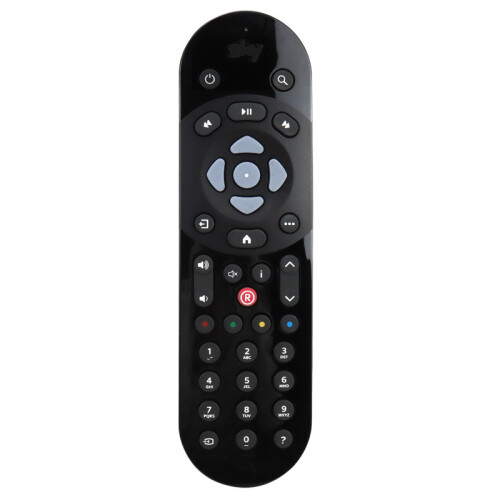
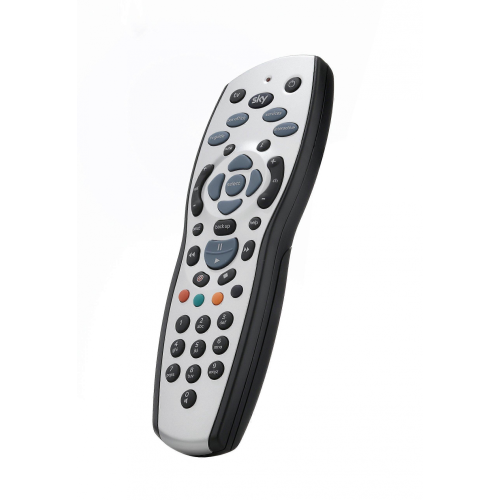
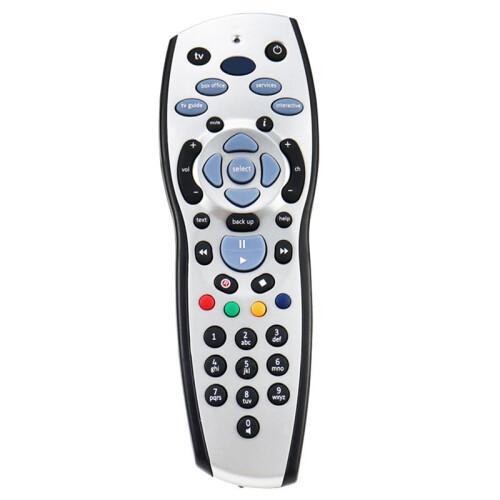
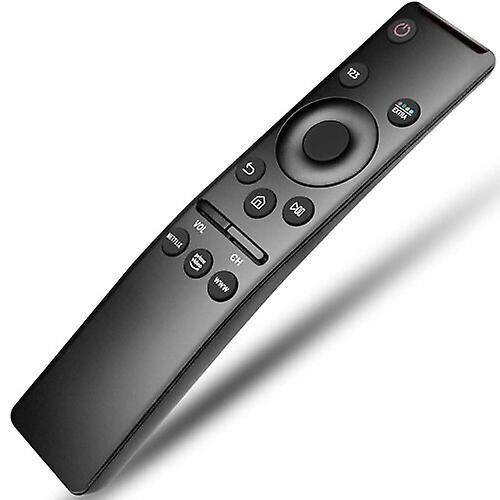
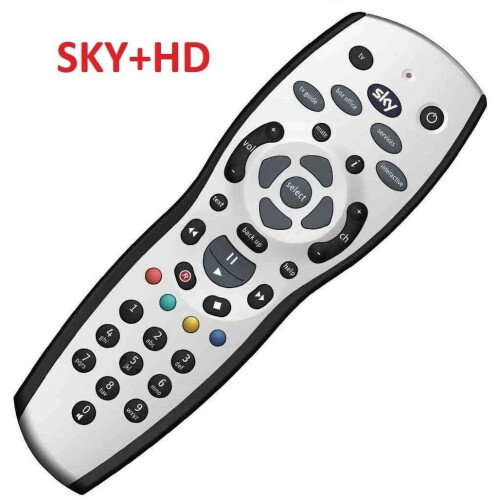
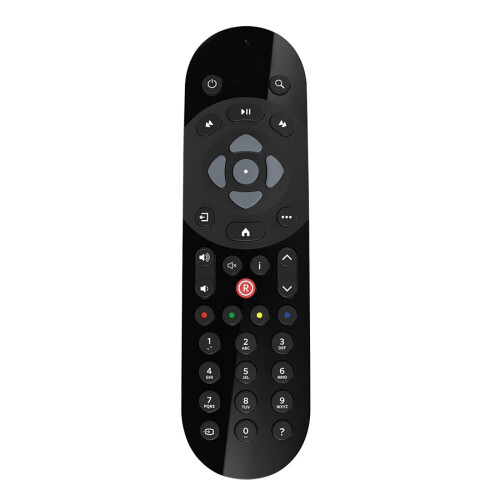
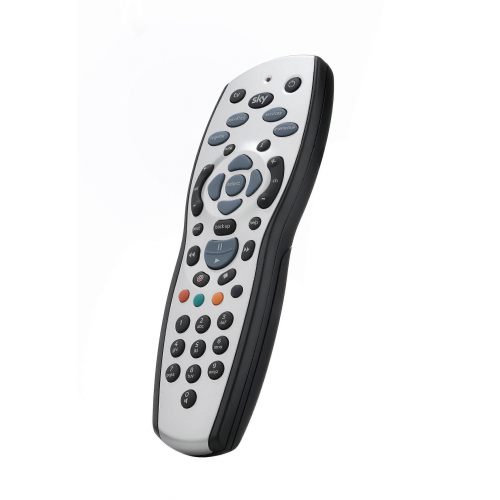
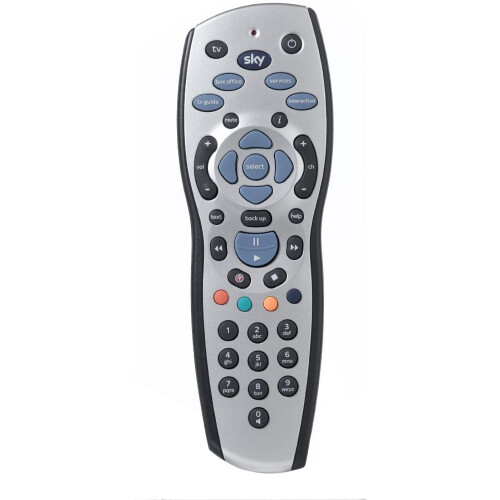
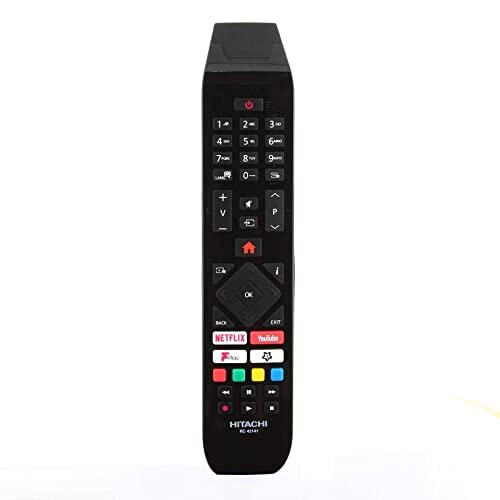

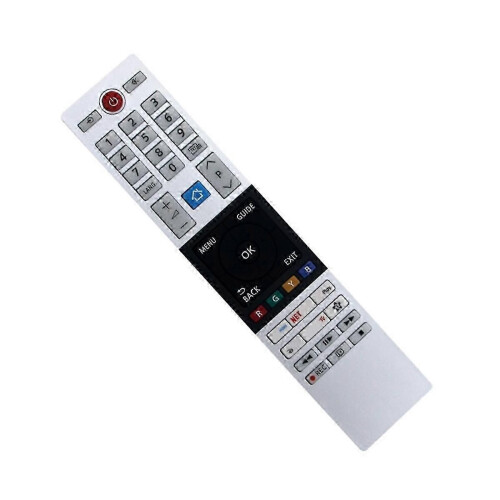

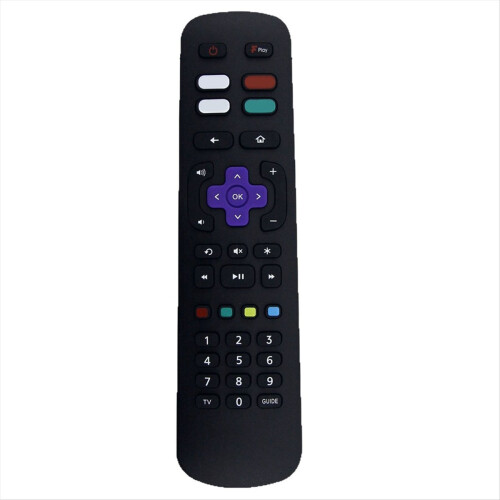
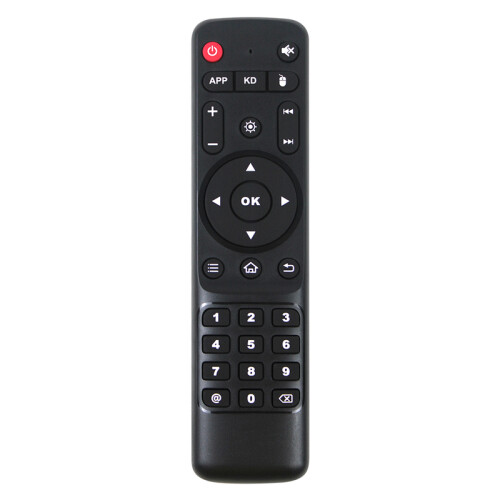
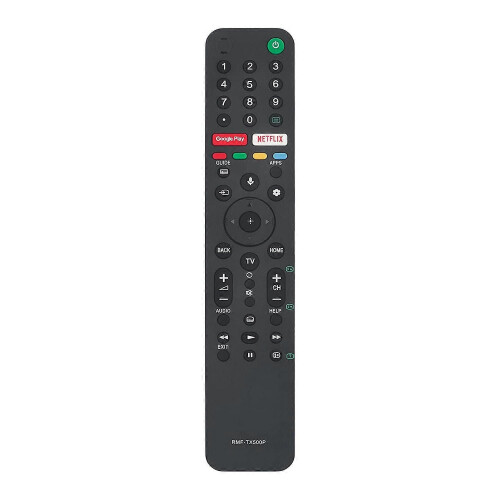
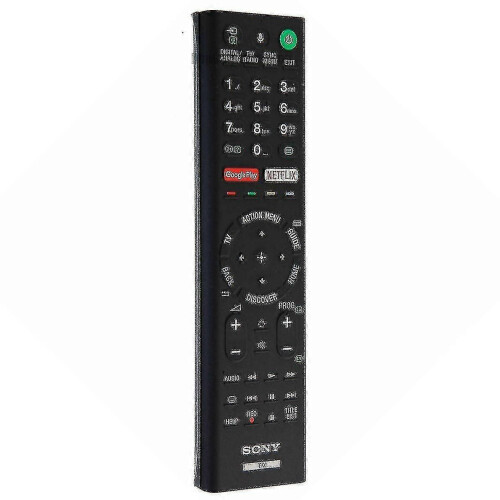


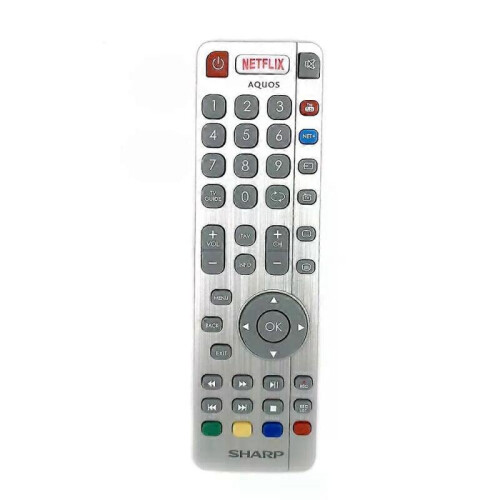
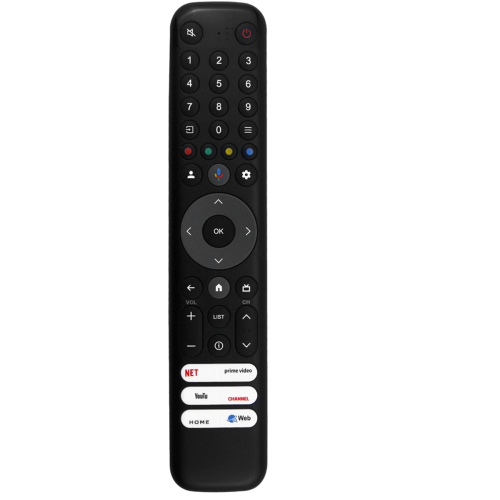
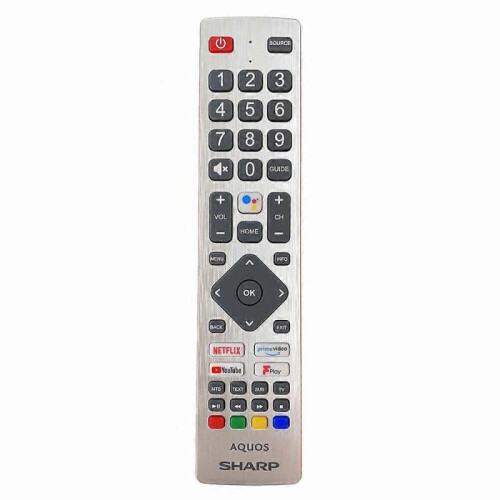
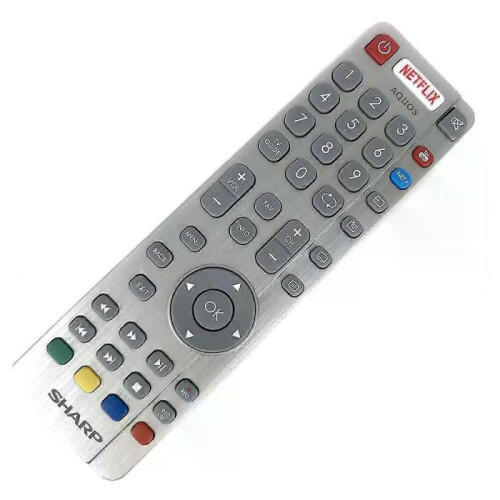
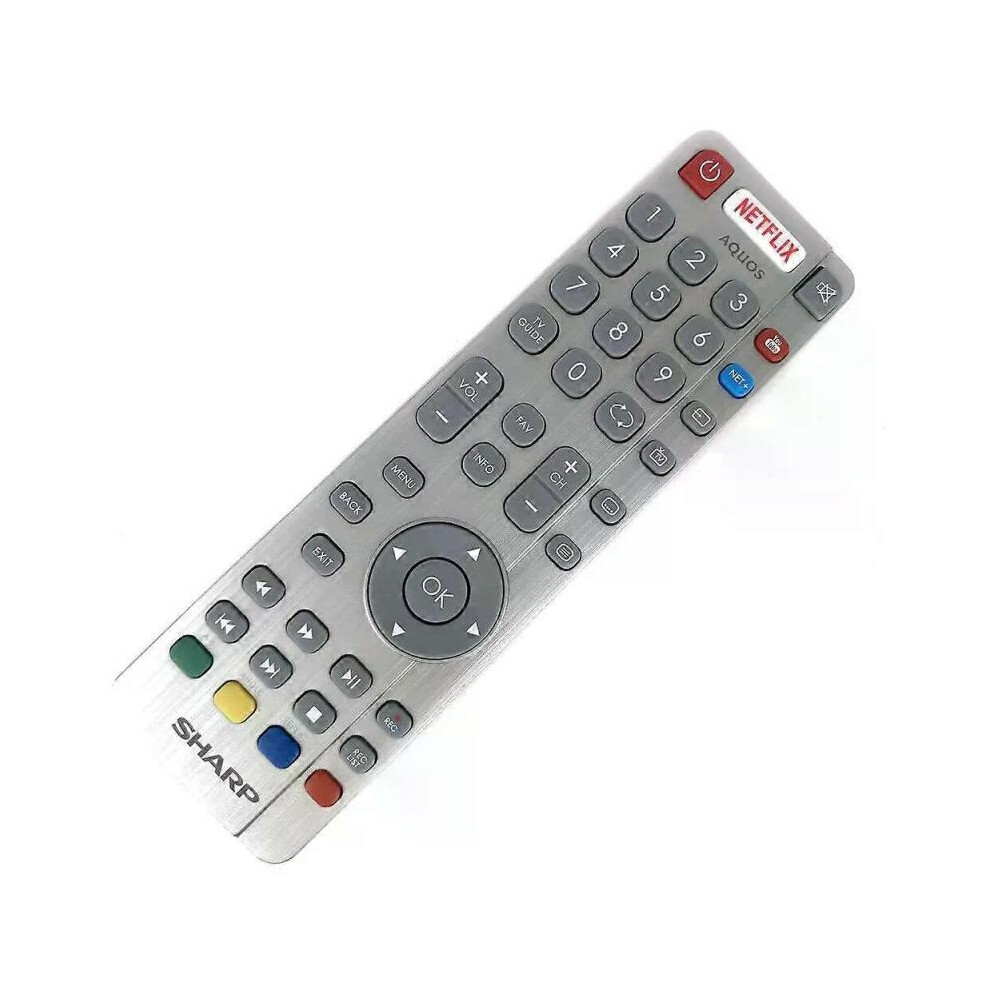
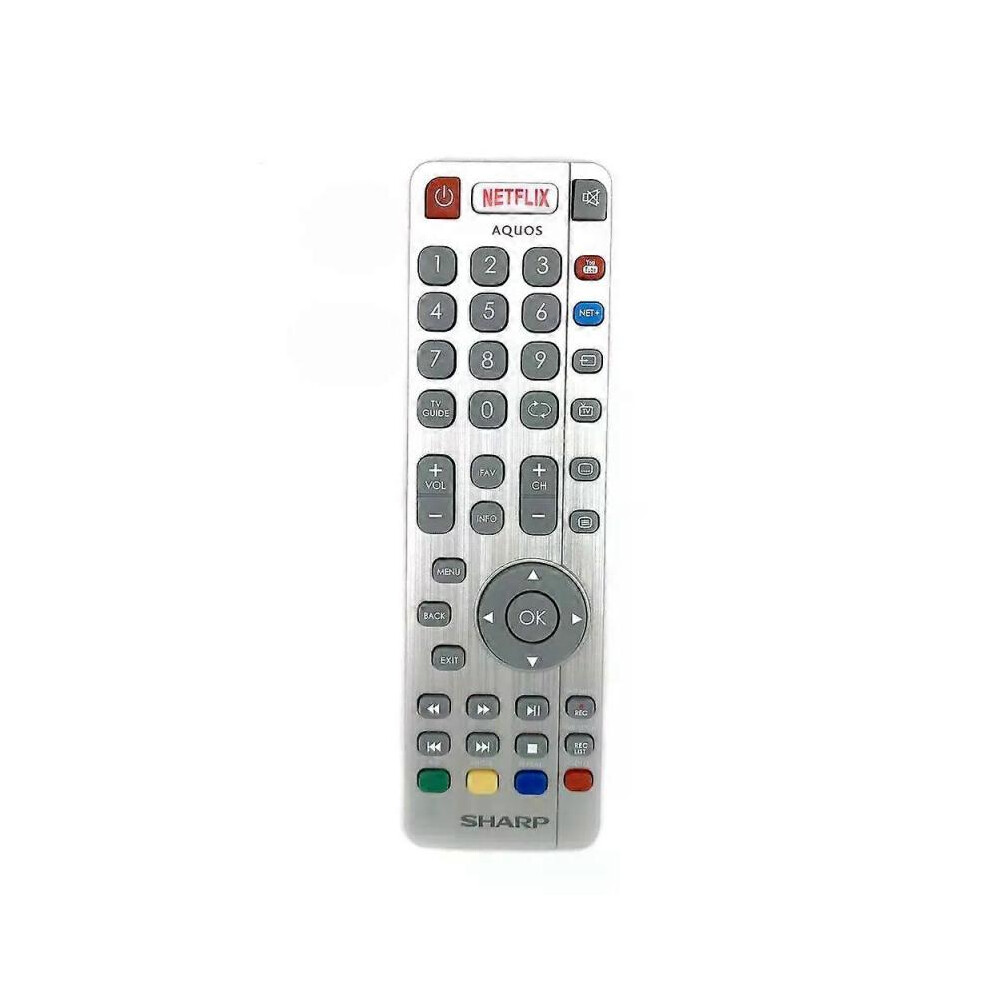
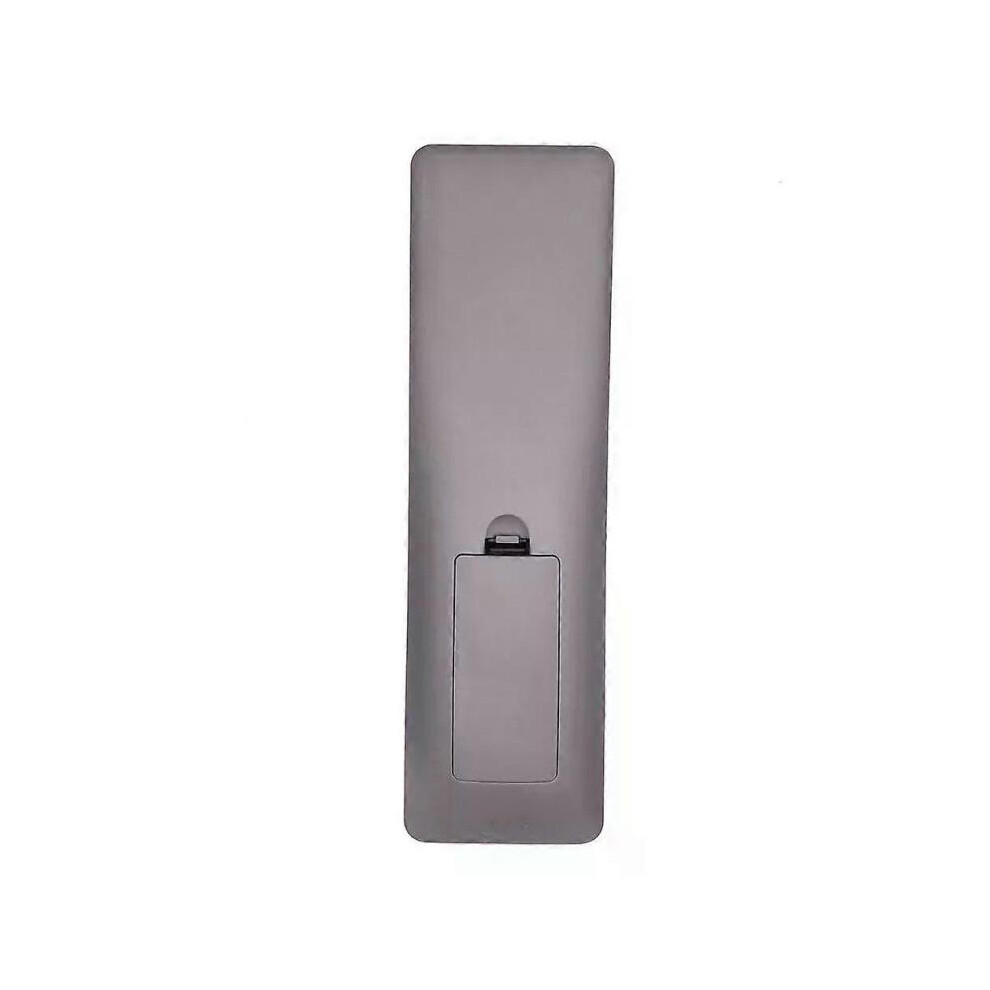
Model Number:SHWRMC0116 Condition:New Compatible Brand:For Sharp Type:TV Remote Material: ABS Material Colour: As Shown Quantity: 1 x remote control (requires 2 x AAA batteries,batteries are not included) Unit Type: piece Package: PP Bag Package Weight: 0.150kg (0.33lb.) Package Size: 28cm x 13.5cm x 5cm (11.02in x 5.31in x 2in) Remark: This is Original remote control units. Supplied with models: SHW/RMC/0117 Here is the instruction as below: 1. Remote does not work with TV when first-time installation is on the screen During first-time installation press and hold the YELLOW and BLUE buttons on the remote control for a few seconds. The power light will blink 5 times to confirm the TV and remote control are paired. 2. Remote control does not power on the TV set or work with TV Switch the TV on using the standby button on the TV set (not the remote control), once switched on, press the standby button on the TV set once, this will prompt the pairing menu to appear, scroll through and highlight Pair your remote by pressing the CH+/CH- TV button (scroll up/down function in the menu) then press the TV sets standby button (OK function in the menu) to confirm your selection, then with the remote control, press and hold the YELLOW and BLUE buttons for a few seconds, the power light will blink 5 times to confirm the TV and the remote control is paired. OR Switch the TV on by pressing the TV control stick once, this is located on the back of the TV in the left bottom corner. Once switched on, press and hold the TV control stick on the TV set for a few seconds. This will prompt the pairing menu to appear, scroll through and highlight the Pair your remote option by pressing the TV control stick up or down, then press the control stick to confirm your selection. Then with the remote control, press and hold the YELLOW and BLUE buttons for a few seconds, the power light will blink 5 times to confirm the TV and remote control are paired.
Details
| OPC | PHXS99D |
|---|---|
| Codes | 8297080679178 (EAN) |
| Product and Safety Information |
Important information
Warnings
Usage instructions
| Seller | Ratings | Warranty | Returns | Price | Delivery | Total | Quantity |
|---|---|---|---|---|---|---|---|
|
Dispatched from:

|
(857 reviews) | - |
30 Days
Free Returns No
|
€36.00
|
+Free Delivery
Est. Delivery:
3rd-8th Dec
|
€36.00
|
Earn as you shop with instant Cashback on everything.
No catch, no cost
Become a Cashback VIP
Just 1 purchase unlocks bigger deals & rates
You'll only get instant Cashback at OnBuy! Enter your email below and we'll send you a copy of your basket to save you time later.
By entering your email address, you'll automatically be added to our database, where you can enjoy personalised Cashback offers and early access to our best deals. You can opt out of our emails at any time and we'll never share your details with anyone. Check our Privacy Policy and T&Cs to find out more.
Want access to personalised offers and the highest Cashback rates? Sign up to our emails below.
You can opt out of our emails at any time and we'll never share your details with anyone. Check our Privacy Policy and T&Cs to find out more.
This page has expired.
Refresh and continue