


Imágenes del producto

En stock
Por qué te encantará comprar en OnBuy:
Los precios de los productos vendidos en OnBuy incluyen el IVA.
Opciones de pago sin intereses disponibles


Ver descripción completa del producto y detalles
Envío: Estándar (Gratis) | mar. 17 - sáb. 21 nov.
Vendido por: ZHANHUANG
Devoluciones: 30 días
Protección de pago de 180 días

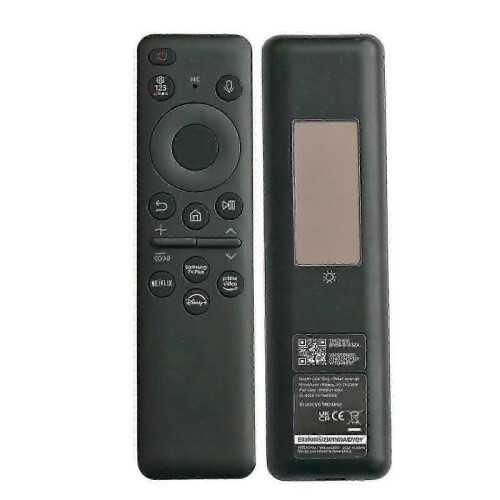


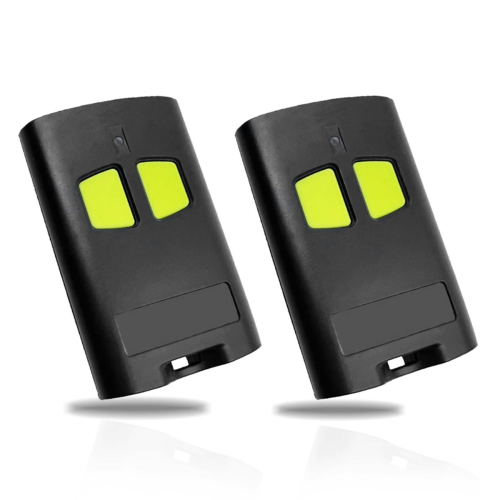
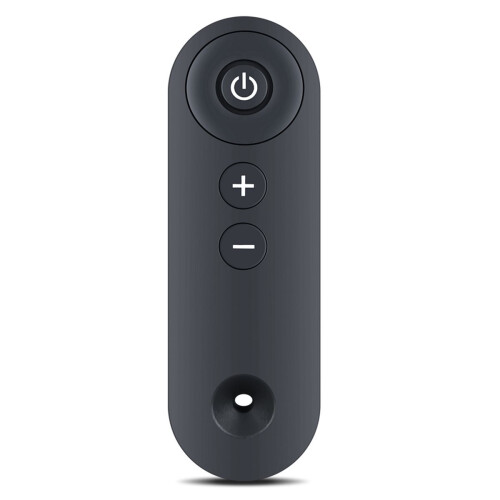


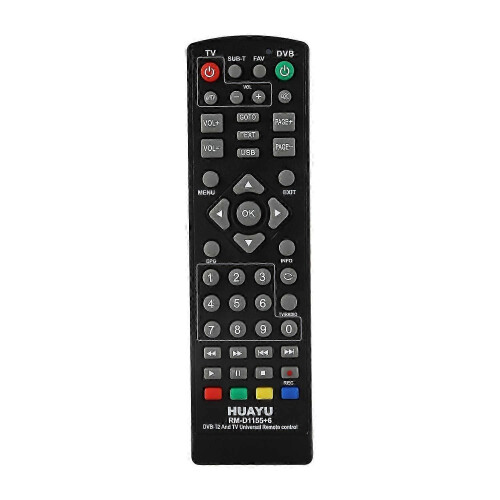
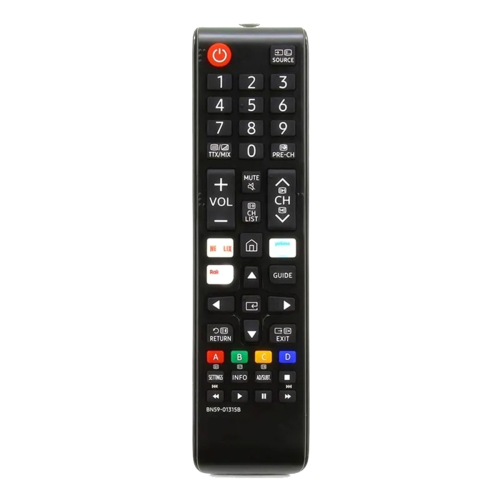
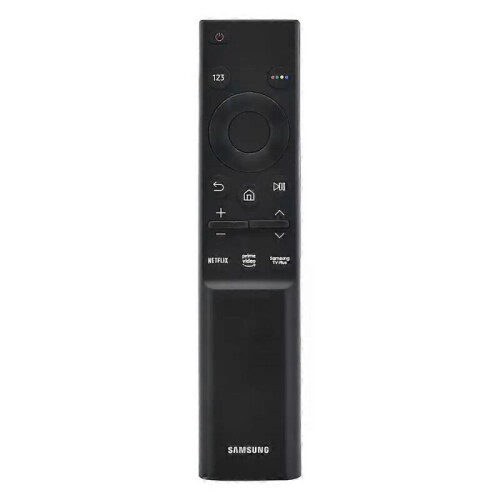
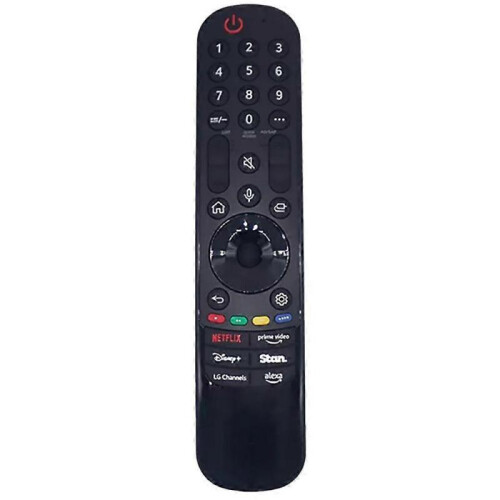


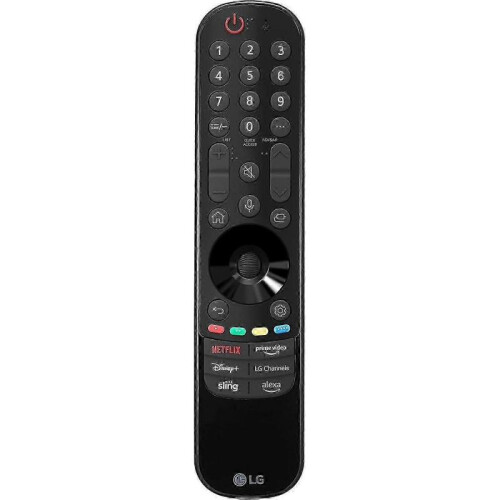

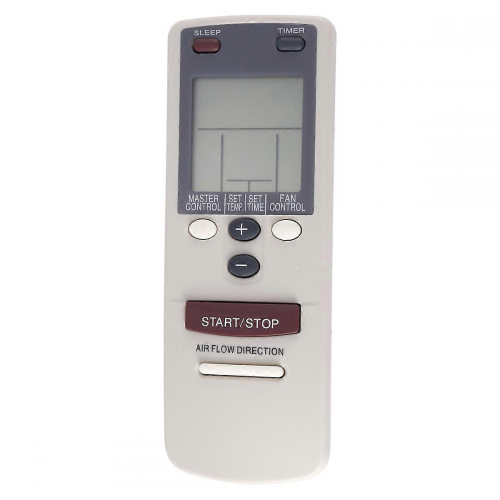
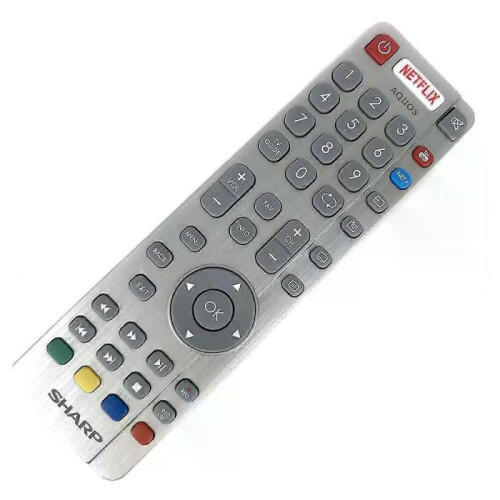
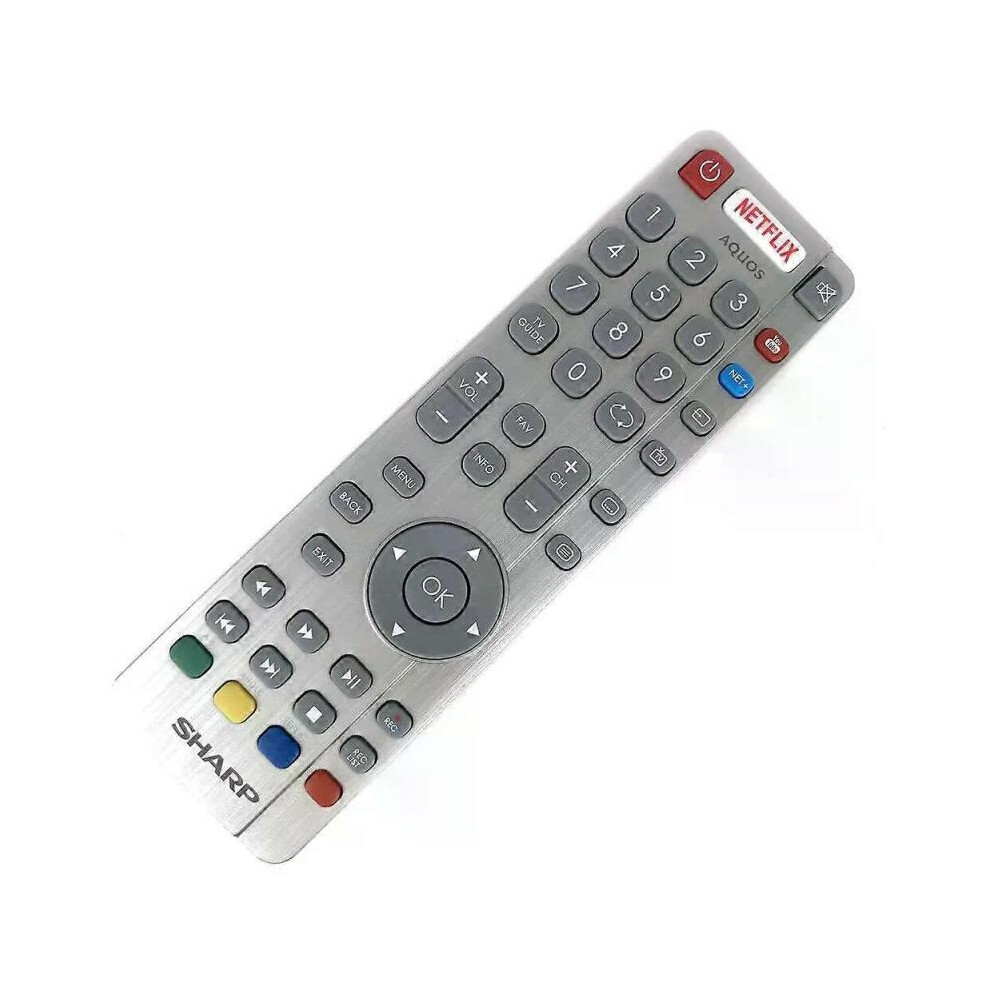
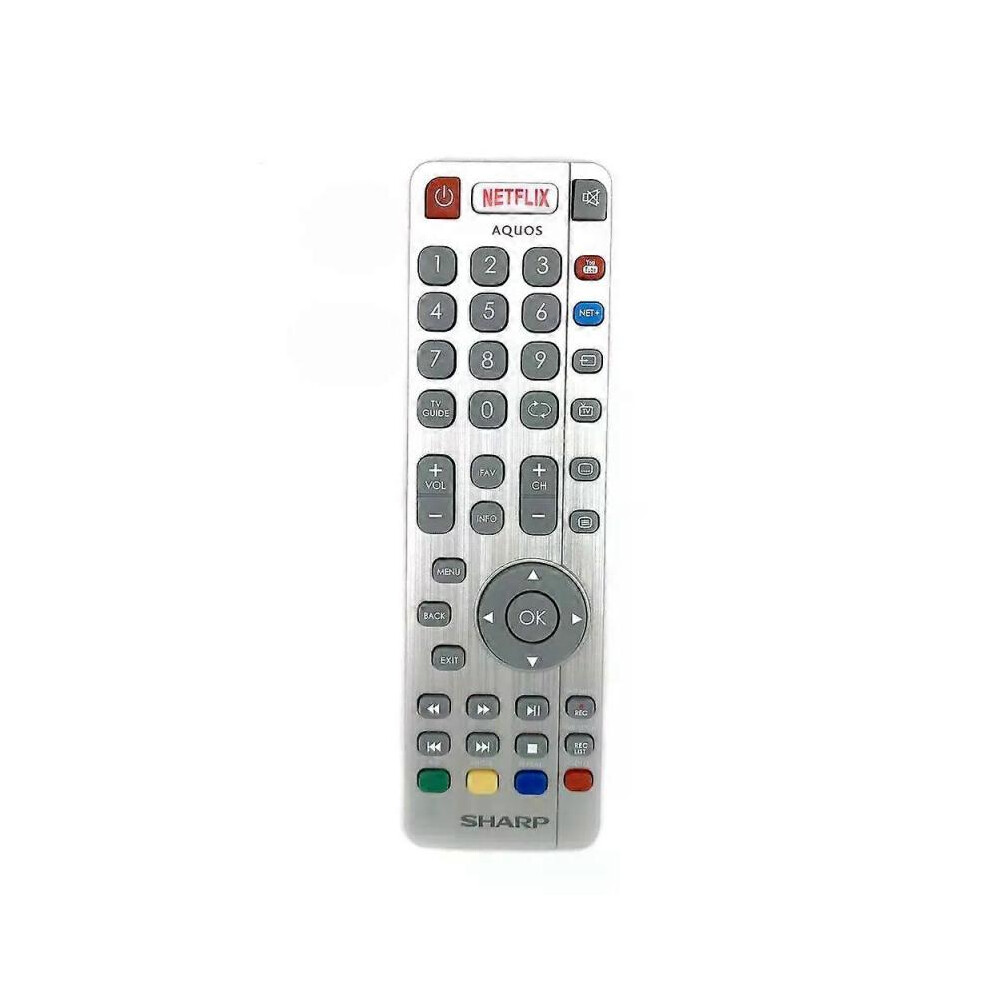
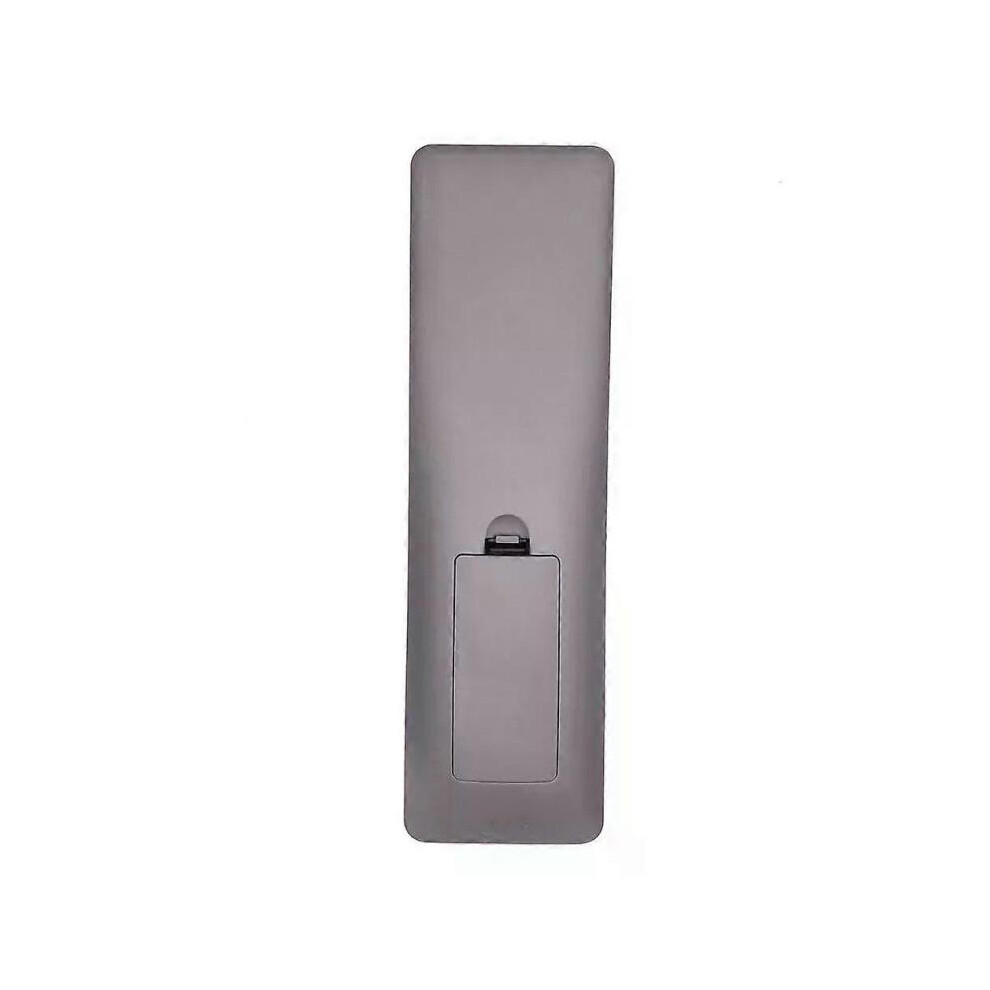
Model Number:SHWRMC0116 Condition:New Compatible Brand:For Sharp Type:TV Remote Material: ABS Material Colour: As Shown Quantity: 1 x remote control (requires 2 x AAA batteries,batteries are not included) Unit Type: piece Package: PP Bag Package Weight: 0.150kg (0.33lb.) Package Size: 28cm x 13.5cm x 5cm (11.02in x 5.31in x 2in) Remark: This is Original remote control units. Supplied with models: SHW/RMC/0117 Here is the instruction as below: 1. Remote does not work with TV when first-time installation is on the screen During first-time installation press and hold the YELLOW and BLUE buttons on the remote control for a few seconds. The power light will blink 5 times to confirm the TV and remote control are paired. 2. Remote control does not power on the TV set or work with TV Switch the TV on using the standby button on the TV set (not the remote control), once switched on, press the standby button on the TV set once, this will prompt the pairing menu to appear, scroll through and highlight Pair your remote by pressing the CH+/CH- TV button (scroll up/down function in the menu) then press the TV sets standby button (OK function in the menu) to confirm your selection, then with the remote control, press and hold the YELLOW and BLUE buttons for a few seconds, the power light will blink 5 times to confirm the TV and the remote control is paired. OR Switch the TV on by pressing the TV control stick once, this is located on the back of the TV in the left bottom corner. Once switched on, press and hold the TV control stick on the TV set for a few seconds. This will prompt the pairing menu to appear, scroll through and highlight the Pair your remote option by pressing the TV control stick up or down, then press the control stick to confirm your selection. Then with the remote control, press and hold the YELLOW and BLUE buttons for a few seconds, the power light will blink 5 times to confirm the TV and remote control are paired.
[OnBuy.com]Detalles
| OPC | PHXS99D |
|---|---|
| Códigos | 8297080679178 (EAN) |
| Información sobre el producto y seguridad |
Información importante
Advertencias
Instrucciones de uso
| Vendedor | Valoraciones | Garantía | Devoluciones | Precio | Envío | Total | Cantidad |
|---|---|---|---|---|---|---|---|
|
Enviado desde:

|
(804 opiniones) | - |
30 días
Devoluciones gratuitas No
|
36,00 €
|
+Free Delivery
Entrega estimada:
17-21 nov.
|
36,00 €
|
Gana mientras compras con Cashback instantáneo en todo.
Sin trampa, sin coste
Hazte VIP de Cashback
Solo 1 compra desbloquea mejores ofertas y recompensas
¡Conseguirás Cashback instantáneo en OnBuy! Introduce tu correo electrónico aquí y te enviaremos una copia de tu cesta para que ahorres tiempo más adelante.
Al introducir tu dirección de correo electrónico, te añadiremos automáticamente a nuestra base de datos, donde podrás disfrutar de ofertas personalizadas de Cashback y acceso anticipado a nuestras mejores promociones. Puedes darte de baja de nuestros correos electrónicos en cualquier momento y nunca compartiremos tus datos con nadie. Consulta nuestra Política de Privacidad y nuestros Términos y Condiciones para obtener más información.
¿Quieres acceder a ofertas personalizadas y a las tasas de Cashback más altas? Suscríbete a nuestros correos electrónicos aquí.
Puedes darte de baja de nuestros correos electrónicos en cualquier momento y nunca compartiremos tus datos con nadie. Consulta nuestra Política de Privacidad y nuestros Términos y Condiciones para obtener más información.
Esta página ha caducado.
Actualiza y continúa