


Obrázky produktu

Skladem
Proč si zamilujete nakupování na OnBuy:
Ceny zboží prodávaného na OnBuy jsou zobrazeny včetně DPH.
Možnosti platby bez úroků k dispozici


Zobrazit kompletní popis a podrobnosti o produktu
Doručení: Standardní (Zdarma) | čtv 19 - úte 24 lis
Prodává: ZHANHUANG
Vrácení zboží: 30 dní
180denní ochrana platby
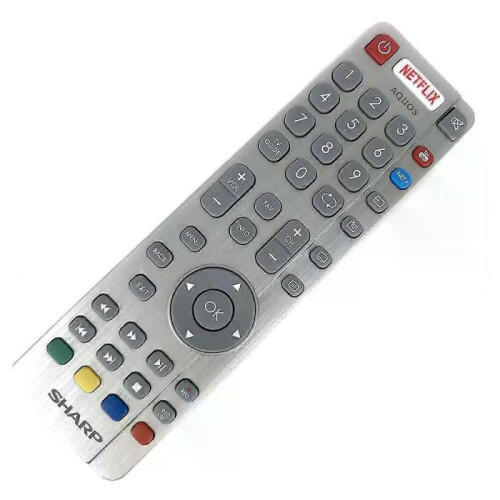
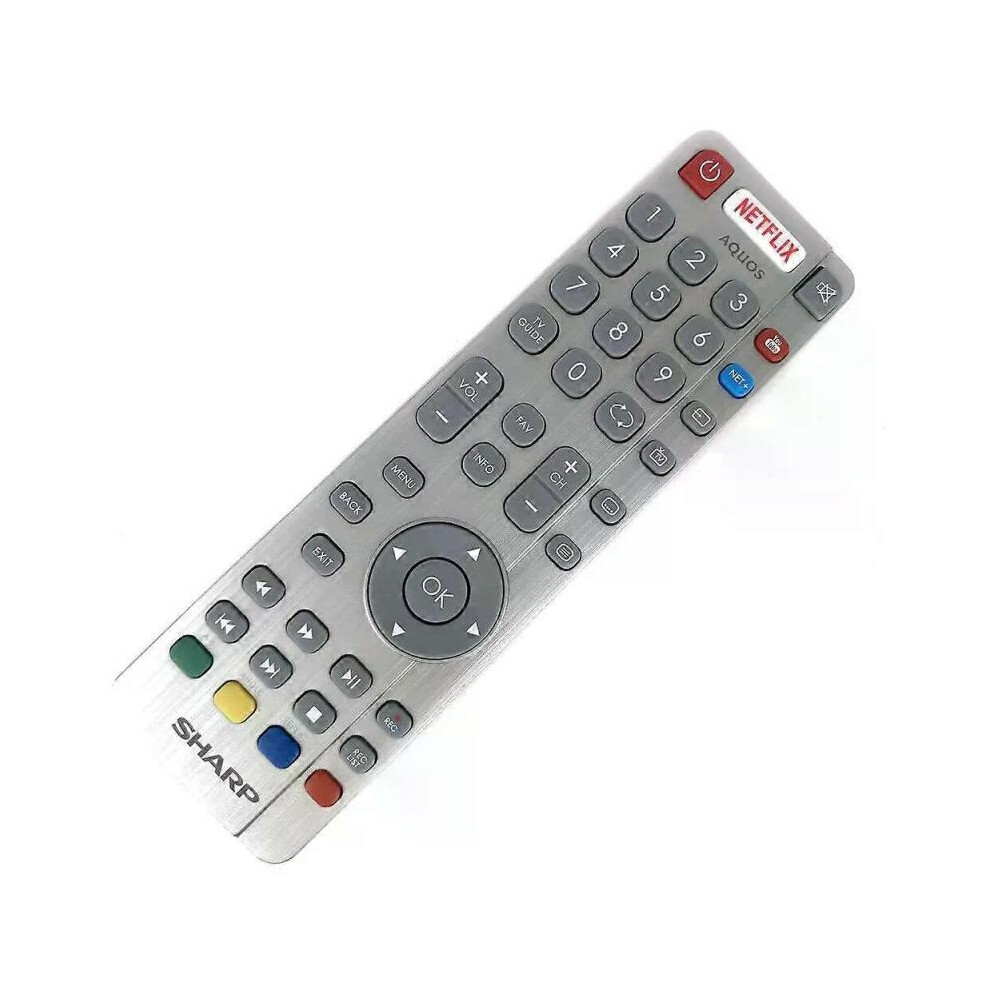
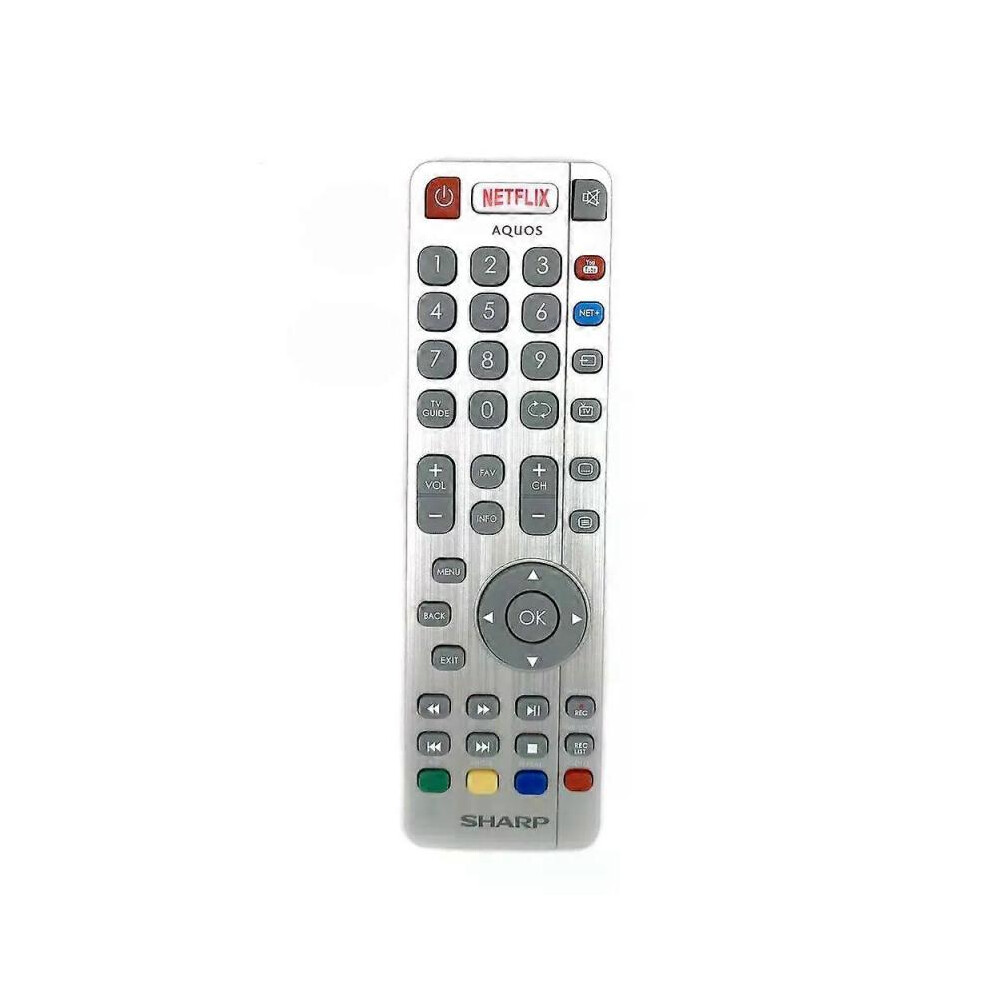
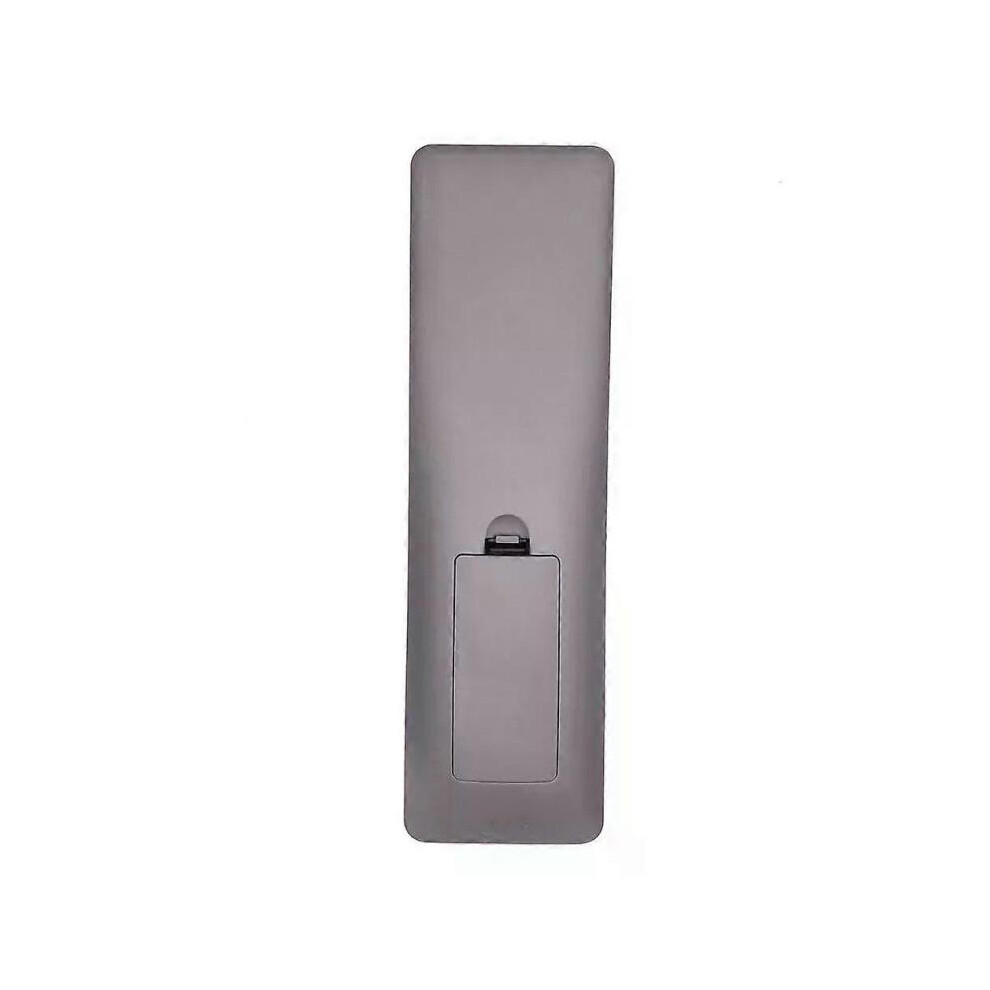
Model Number:SHWRMC0116 Condition:New Compatible Brand:For Sharp Type:TV Remote Material: ABS Material Colour: As Shown Quantity: 1 x remote control (requires 2 x AAA batteries,batteries are not included) Unit Type: piece Package: PP Bag Package Weight: 0.150kg (0.33lb.) Package Size: 28cm x 13.5cm x 5cm (11.02in x 5.31in x 2in) Remark: This is Original remote control units. Supplied with models: SHW/RMC/0117 Here is the instruction as below: 1. Remote does not work with TV when first-time installation is on the screen During first-time installation press and hold the YELLOW and BLUE buttons on the remote control for a few seconds. The power light will blink 5 times to confirm the TV and remote control are paired. 2. Remote control does not power on the TV set or work with TV Switch the TV on using the standby button on the TV set (not the remote control), once switched on, press the standby button on the TV set once, this will prompt the pairing menu to appear, scroll through and highlight Pair your remote by pressing the CH+/CH- TV button (scroll up/down function in the menu) then press the TV sets standby button (OK function in the menu) to confirm your selection, then with the remote control, press and hold the YELLOW and BLUE buttons for a few seconds, the power light will blink 5 times to confirm the TV and the remote control is paired. OR Switch the TV on by pressing the TV control stick once, this is located on the back of the TV in the left bottom corner. Once switched on, press and hold the TV control stick on the TV set for a few seconds. This will prompt the pairing menu to appear, scroll through and highlight the Pair your remote option by pressing the TV control stick up or down, then press the control stick to confirm your selection. Then with the remote control, press and hold the YELLOW and BLUE buttons for a few seconds, the power light will blink 5 times to confirm the TV and remote control are paired.
Podrobnosti
| OPC | PHXS99D |
|---|---|
| Kódy | 8297080679178 (EAN) |
| Informace o produktu a bezpečnosti |
Důležité informace
Upozornění
Návod k použití
| Prodejce | Hodnocení | Záruka | Vrácení zboží | Cena | Doručení | Celkem | Množství |
|---|---|---|---|---|---|---|---|
|
Odesláno z:

|
(804 recenzí) | - |
30 dní
Vrácení zboží zdarma Ne
|
874,00 Kč
|
+Free Delivery
Odhadované doručení:
19-24 lis
|
874,00 Kč
|
Získávejte odměny při nákupu s okamžitým Cashback na vše.
Žádný háček, žádné náklady
Staňte se Cashback VIP
Už po 1 nákupu získáte lepší nabídky a ceny
Okamžitý Cashback získáte pouze na OnBuy! Zadejte svůj e-mail níže a my vám pošleme kopii vašeho košíku, abyste ušetřili čas při dalším nákupu.
Zadáním své e-mailové adresy budete automaticky zařazeni do naší databáze, kde můžete využívat personalizované nabídky Cashback a získat přednostní přístup k nejlepším akcím. Z odběru e-mailů se můžete kdykoli odhlásit a vaše údaje nikdy nebudeme sdílet s nikým dalším. Více informací najdete v našich Zásadách ochrany osobních údajů a Obchodních podmínkách.
Chcete získat přístup k personalizovaným nabídkám a nejvyšším sazbám Cashback? Přihlaste se k odběru našich e-mailů níže.
Z odběru našich e-mailů se můžete kdykoli odhlásit a vaše údaje nikdy nebudeme sdílet s nikým dalším. Podrobnosti najdete v našich Zásadách ochrany osobních údajů a Obchodních podmínkách.
Tato stránka vypršela.
Obnovte stránku a pokračujte