






















Images du produit

En stock
Pourquoi vous allez adorer OnBuy :
Les prix des articles vendus sur OnBuy incluent la TVA.
Options de paiement sans intérêts disponibles


Voir la description complète et les détails du produit
Livraison : Standard (Gratuite) | lun. 23 - sam. 28 nov.
Vendu par : ZHANHUANG
Retours : 30 jours
Protection des paiements pendant 180 jours
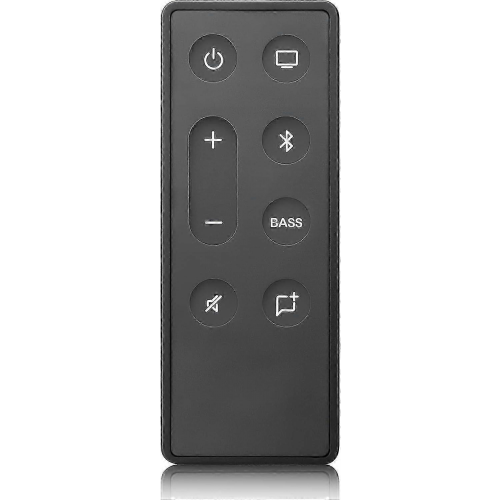
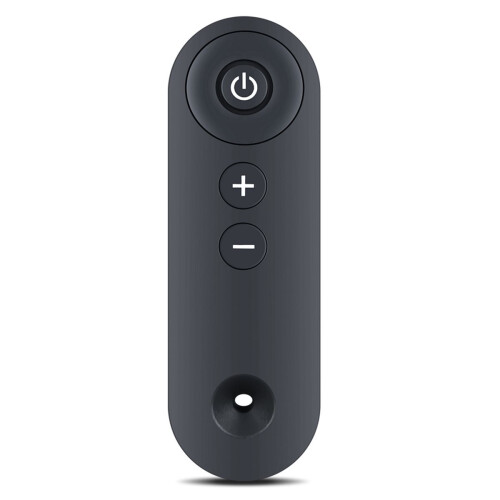
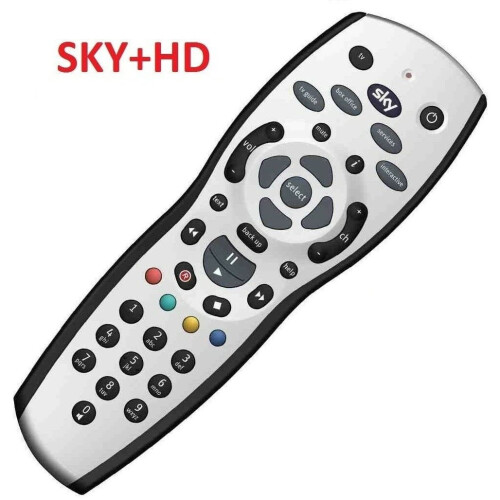
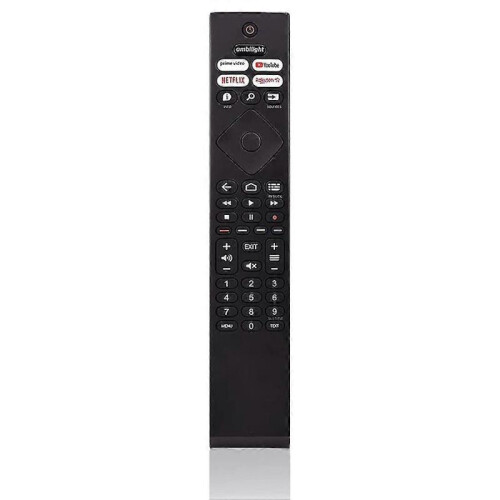
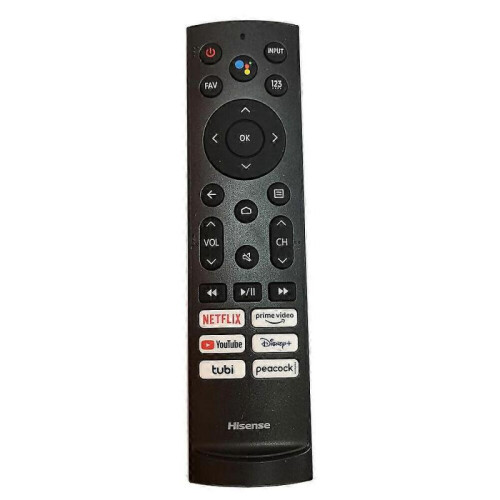
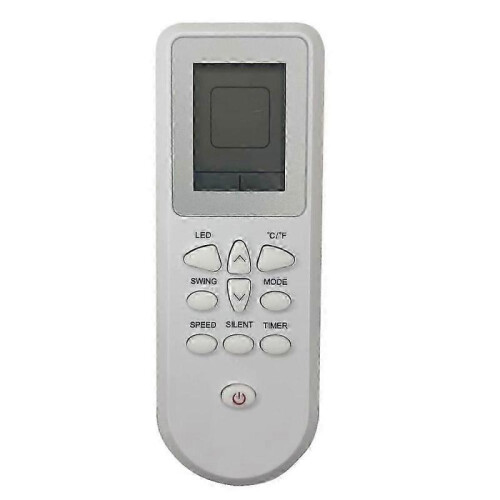

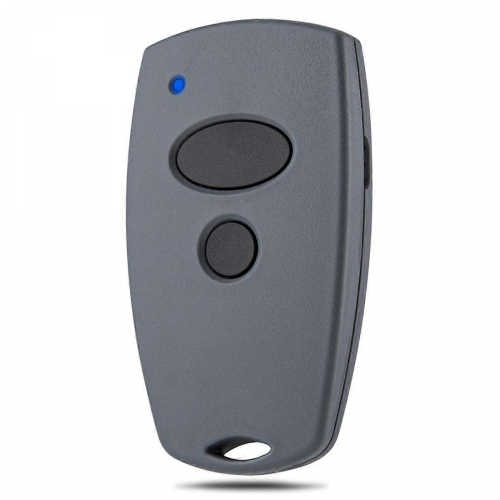

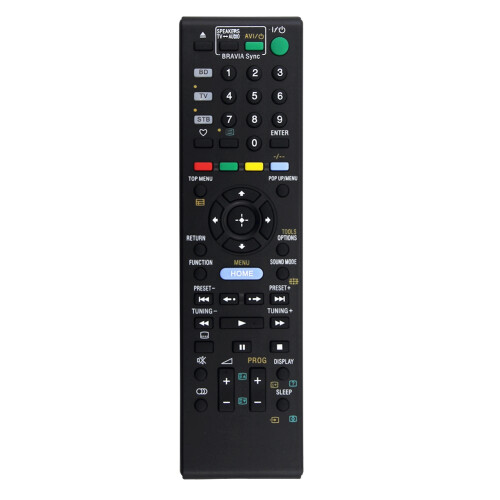
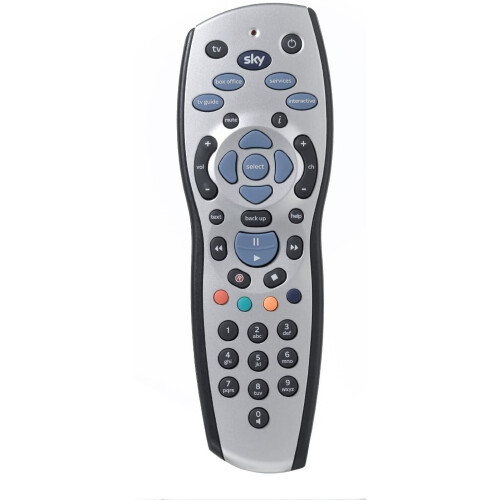
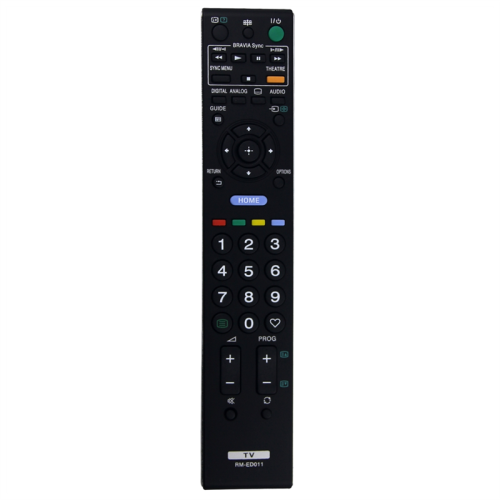
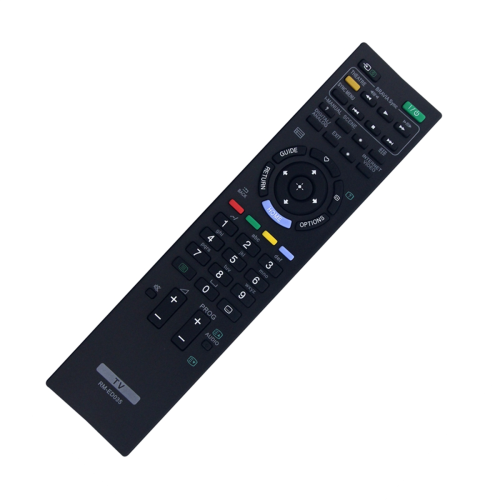
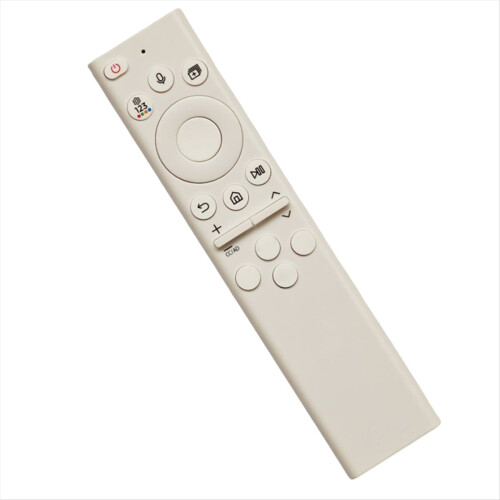
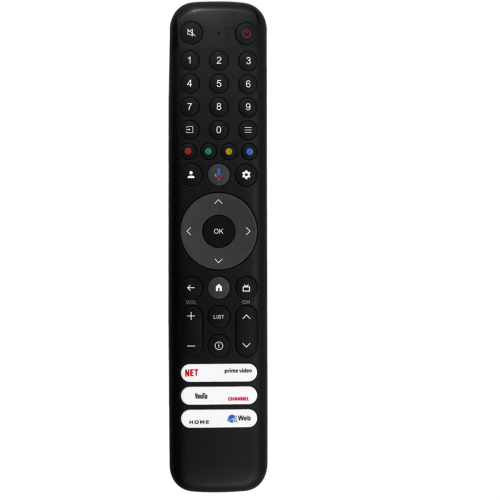

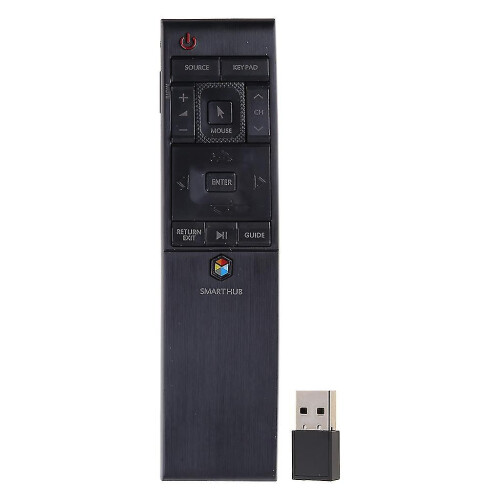
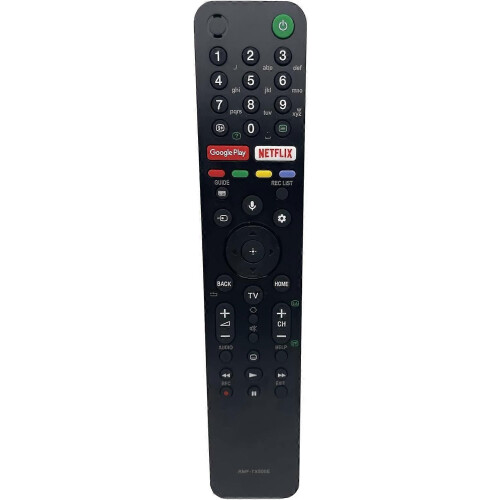


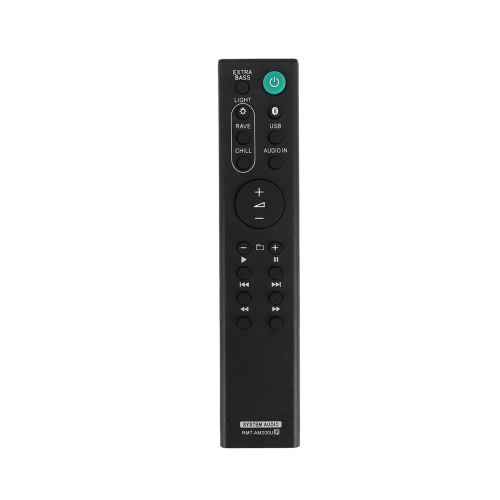

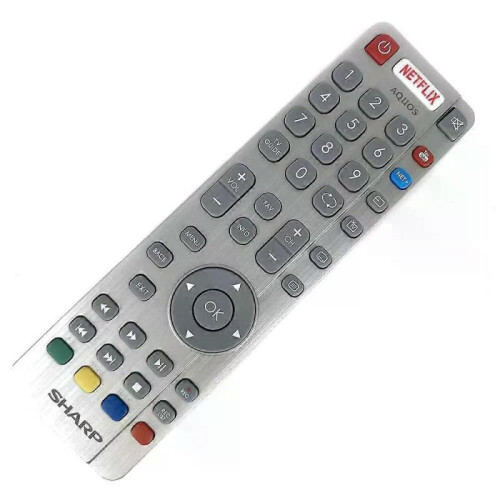
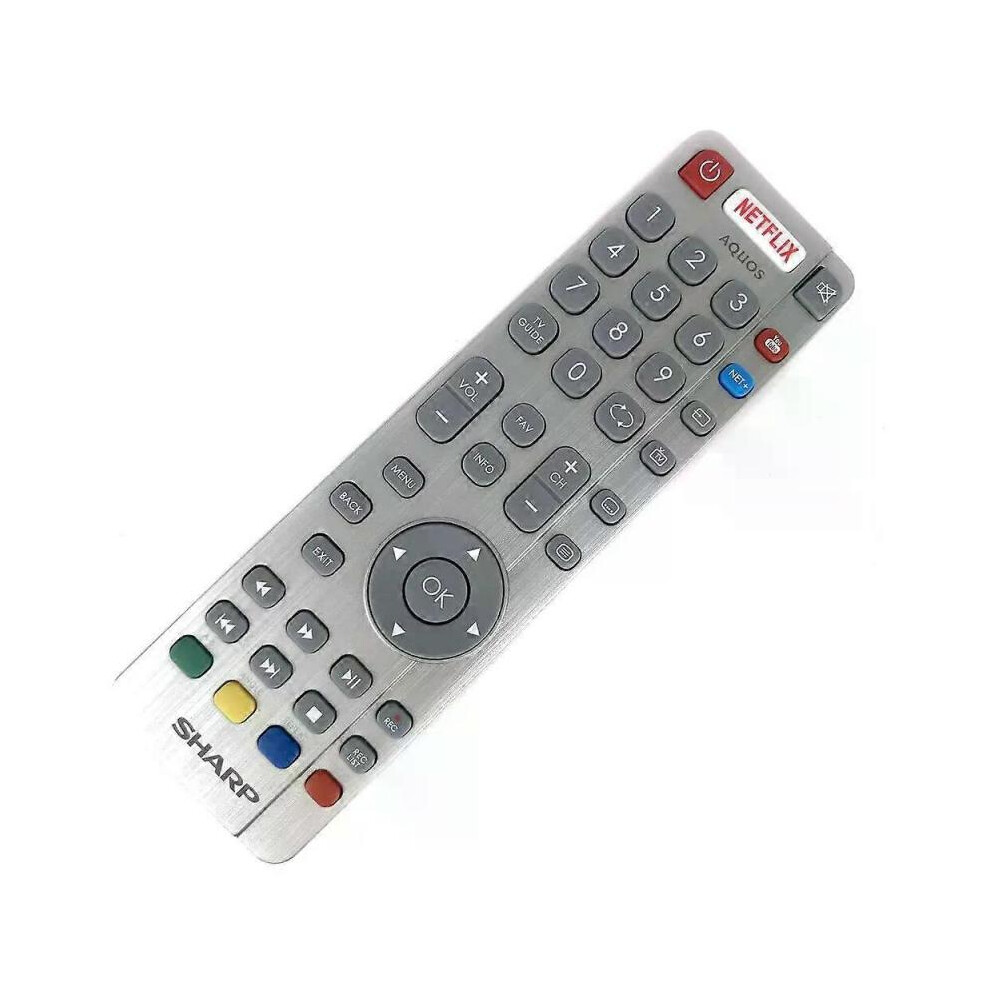
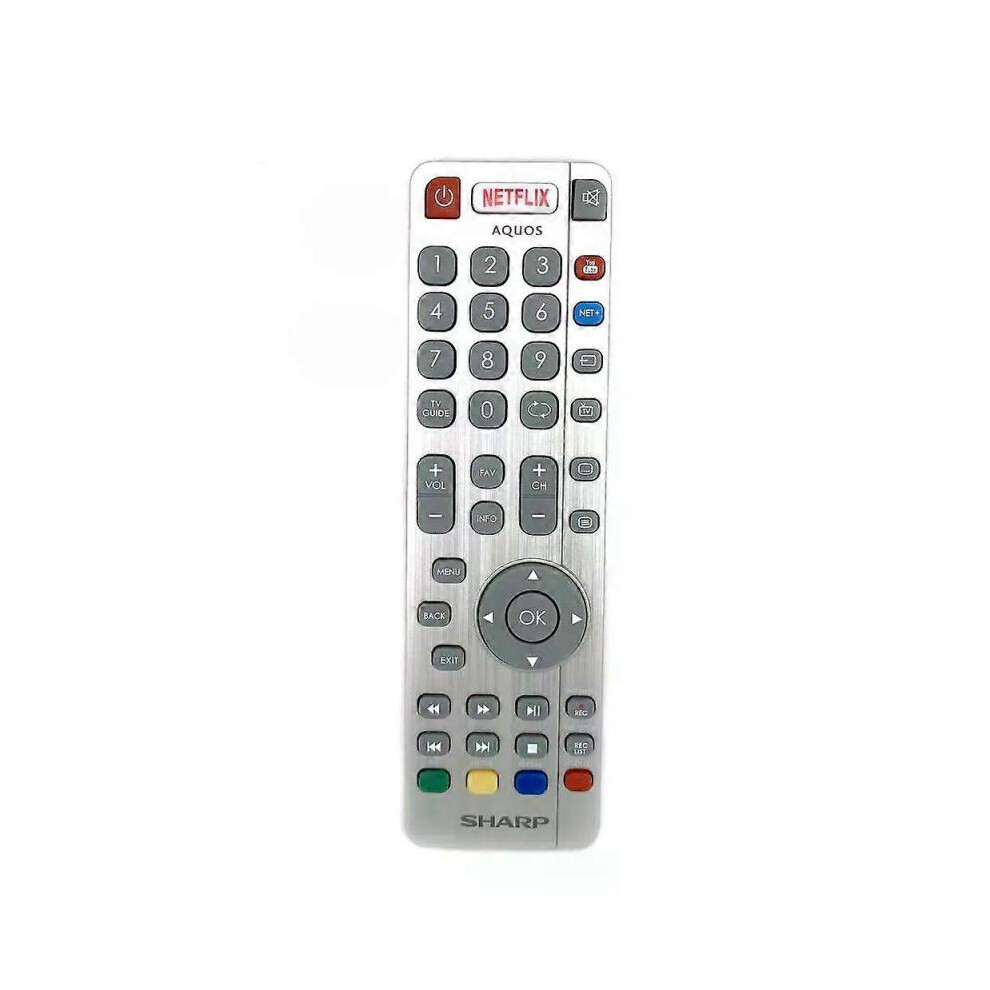
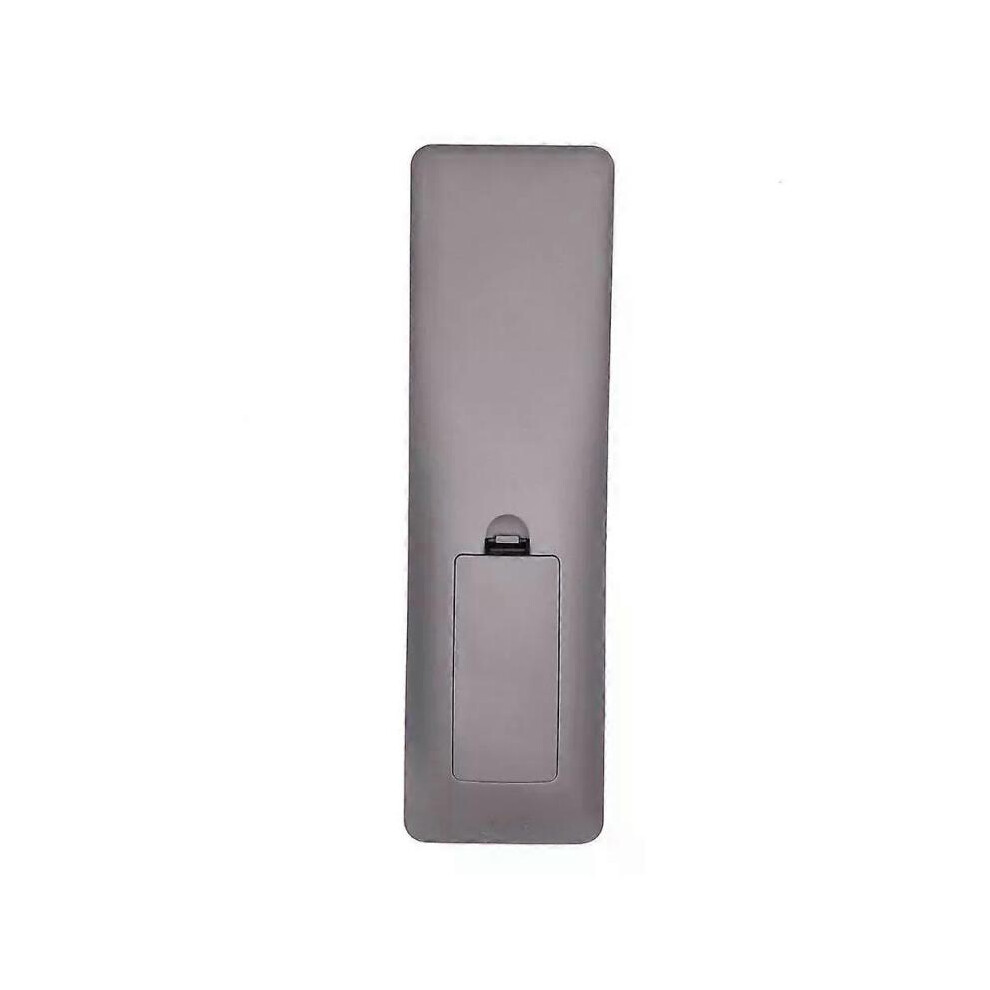
Model Number:SHWRMC0116 Condition:New Compatible Brand:For Sharp Type:TV Remote Material: ABS Material Colour: As Shown Quantity: 1 x remote control (requires 2 x AAA batteries,batteries are not included) Unit Type: piece Package: PP Bag Package Weight: 0.150kg (0.33lb.) Package Size: 28cm x 13.5cm x 5cm (11.02in x 5.31in x 2in) Remark: This is Original remote control units. Supplied with models: SHW/RMC/0117 Here is the instruction as below: 1. Remote does not work with TV when first-time installation is on the screen During first-time installation press and hold the YELLOW and BLUE buttons on the remote control for a few seconds. The power light will blink 5 times to confirm the TV and remote control are paired. 2. Remote control does not power on the TV set or work with TV Switch the TV on using the standby button on the TV set (not the remote control), once switched on, press the standby button on the TV set once, this will prompt the pairing menu to appear, scroll through and highlight Pair your remote by pressing the CH+/CH- TV button (scroll up/down function in the menu) then press the TV sets standby button (OK function in the menu) to confirm your selection, then with the remote control, press and hold the YELLOW and BLUE buttons for a few seconds, the power light will blink 5 times to confirm the TV and the remote control is paired. OR Switch the TV on by pressing the TV control stick once, this is located on the back of the TV in the left bottom corner. Once switched on, press and hold the TV control stick on the TV set for a few seconds. This will prompt the pairing menu to appear, scroll through and highlight the Pair your remote option by pressing the TV control stick up or down, then press the control stick to confirm your selection. Then with the remote control, press and hold the YELLOW and BLUE buttons for a few seconds, the power light will blink 5 times to confirm the TV and remote control are paired.
[OnBuy.com]Informations
| OPC | PHXS99D |
|---|---|
| Codes | 8297080679178 (EAN) |
| Classement | In demand |
| Informations sur le produit et la sécurité |
Informations importantes
Avertissements
Instructions d'utilisation
| Vendeur | Notes | Garantie | Retours | Prix | Livraison | Total | Quantité |
|---|---|---|---|---|---|---|---|
|
Envoyé depuis :

|
(804 avis) | - |
30 jours
Retours gratuits Non
|
36,00 €
|
+Free Delivery
Date de livraison estimée :
23-28 nov.
|
36,00 €
|
Gagnez en faisant vos achats avec du Cashback instantané sur tout.
Sans frais, sans engagement
Rejoignez le programme cashback VIP
Un seul achat pour débloquer de meilleures offres et réductions
Vous bénéficiez d’un Cashback instantané sur tout ce que vous achetez chez OnBuy ! Saisissez votre adresse e-mail plus bas et nous vous enverrons une copie de votre panier afin de vous permettre de gagner du temps plus tard.
En saisissant votre adresse e-mail, vous serez automatiquement ajouté(e) à notre base de données, et vous pourrez bénéficier d’offres de Cashback personnalisées ainsi que d’un accès anticipé à nos meilleures offres. Vous pouvez vous désinscrire et ne plus recevoir nos e-mails à tout moment. Nous ne partagerons jamais vos informations avec qui que ce soit. Consultez notre Politique de confidentialité et nos Conditions générales pour en savoir plus.
Vous voulez accéder à des offres personnalisées et aux taux de cashback les plus élevés ? Inscrivez-vous plus bas afin de recevoir notre newsletter.
Vous pouvez vous désinscrire à tout moment. Vos données seront protégées et ne seront pas partagées. Consultez notre Politique de confidentialité et nos Conditions générales pour en savoir plus.
Cette page a expiré.
Actualiser et continuer