






















Product Images


In stock
Smart shoppers OnBuy it!
Interest-free payment options available


See full product description & details
Delivery: Standard (Free) | Tue 10th - Mon 16th Nov
Sold by: Shen zhen shi qiu Electronics Technology Co.Ltd
Returns: 30 days
180-day payment protection


Summary
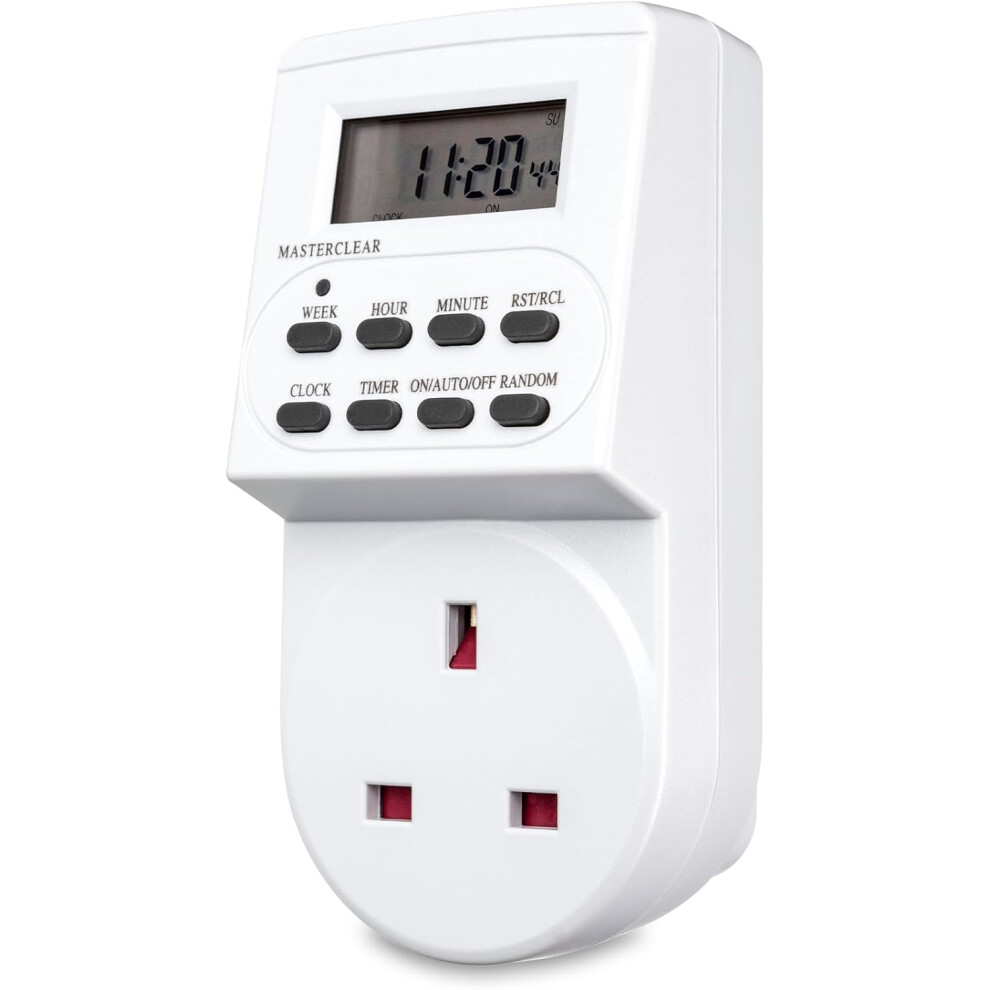
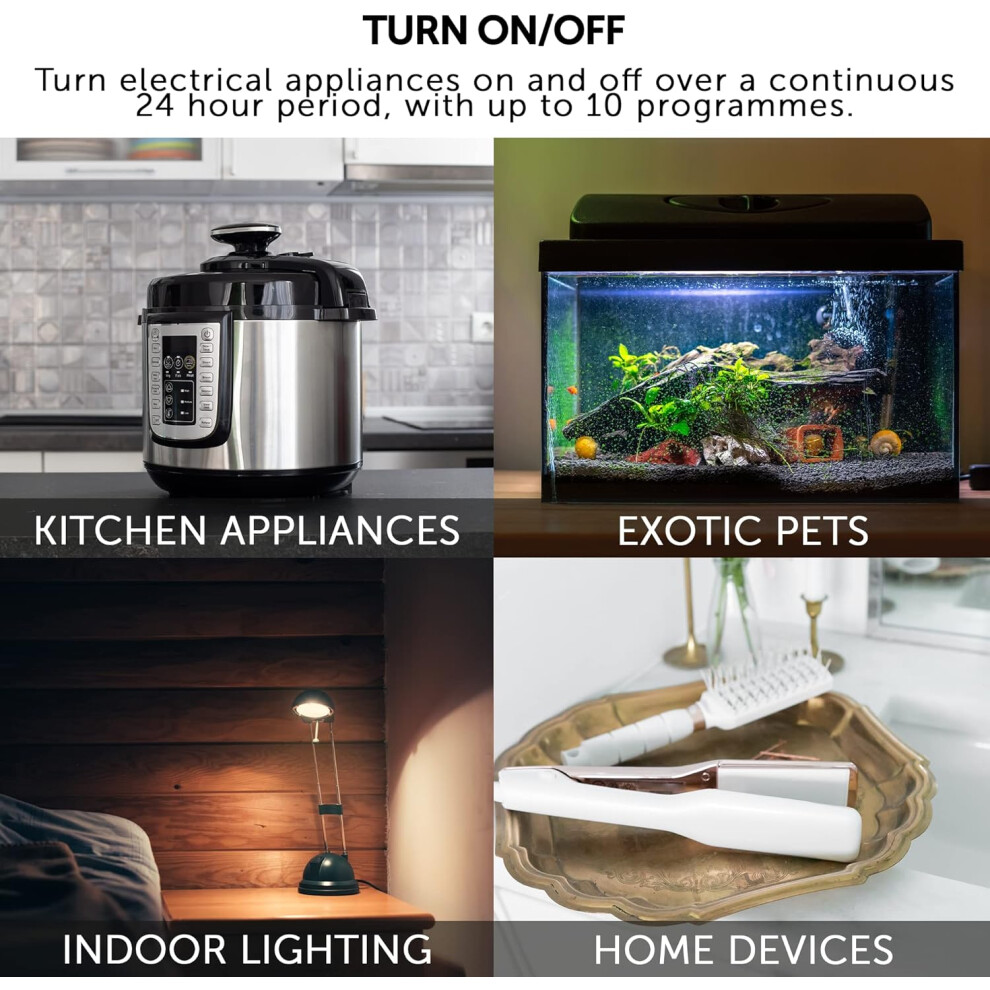
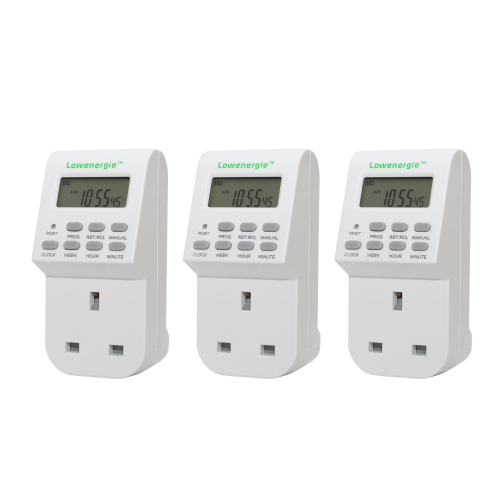
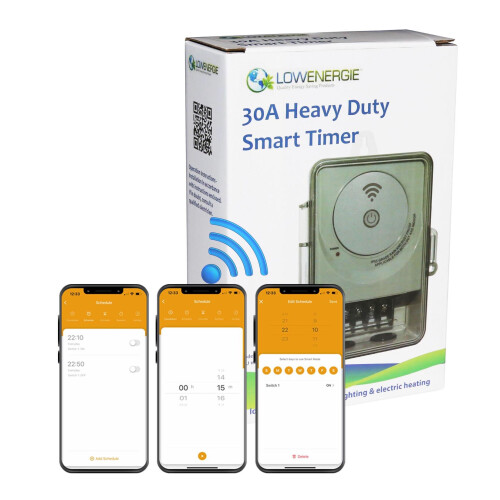
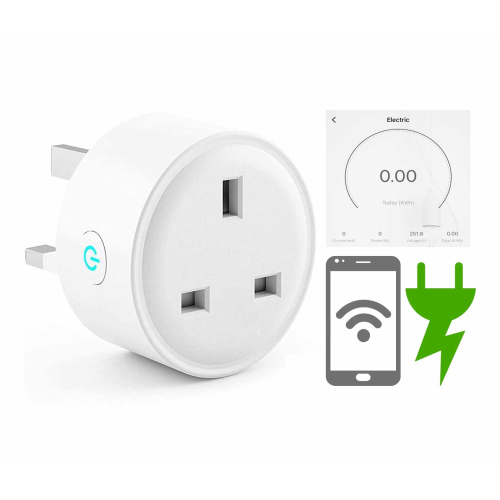
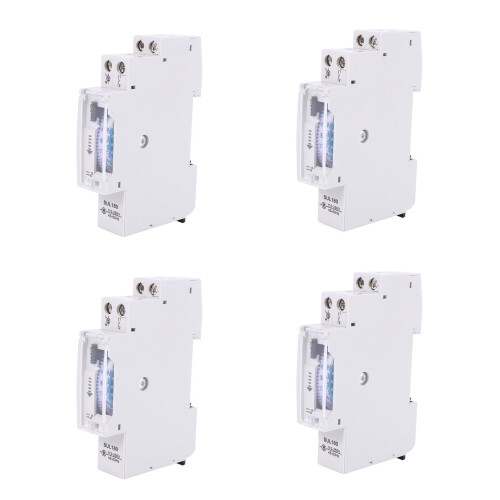
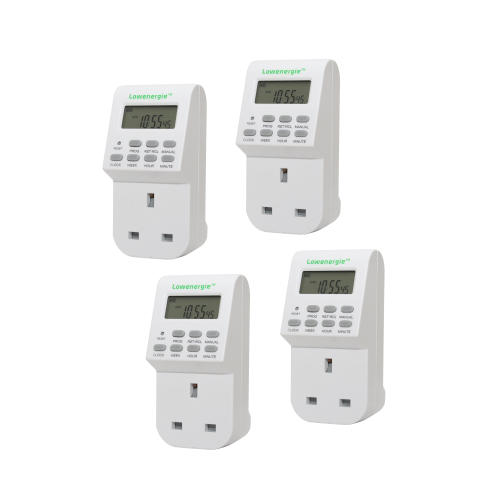
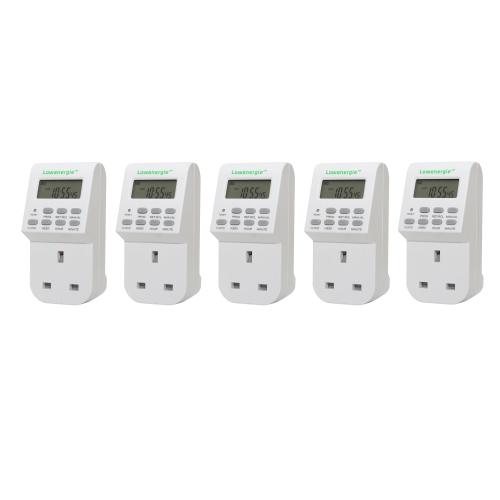
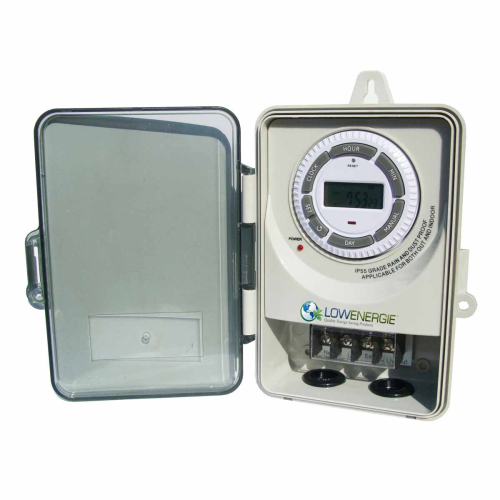
Digital timer with multiple programming options. Automatically turn lights, decorations and other electrical appliances on/off, boosting convenience, saving energy and home security.
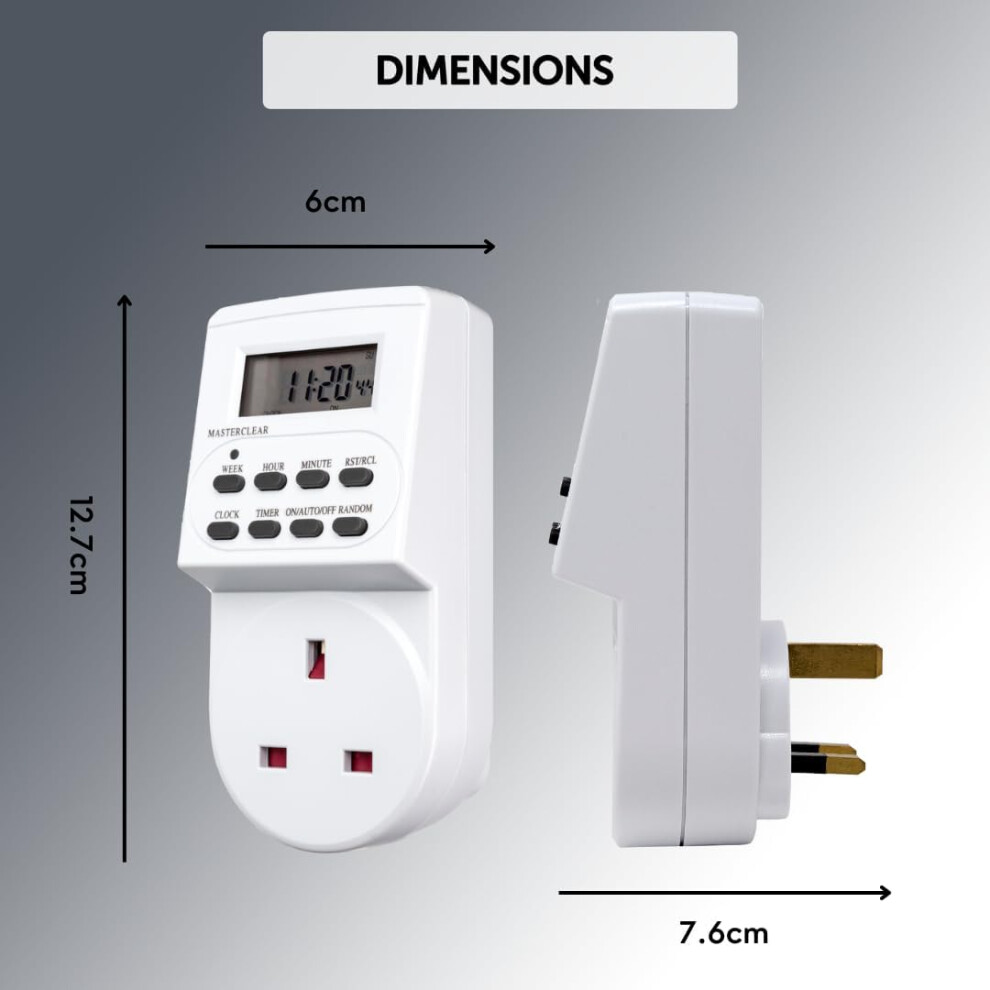
Size: 12.7 x 7.6 x 6cm
Voltage: 100 - 240v
Max Wattage: 3120W
CE/UKCA Approved
Defender 24 Hour Digital Timer Switch Energy Saving & Crime Prevention Device
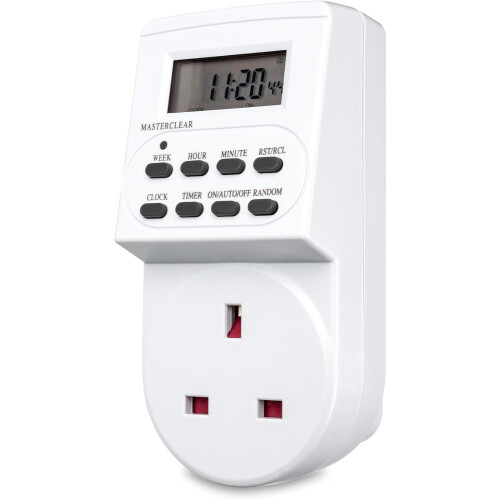
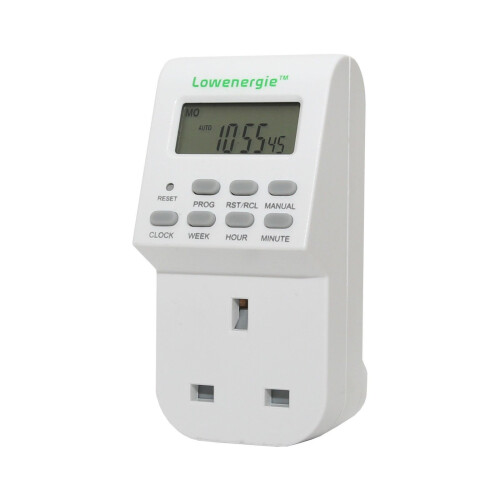
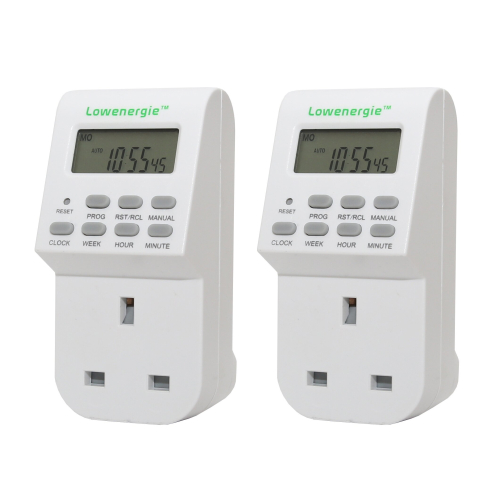
The Defender 24-Hour Digital Timer is an innovative twist on a regular segment timer switch, equipped with a digital display. This plug-in timer switch allows users to set up to 10 bespoke programmes for the turning on/off of appliances, suitable to control any electrical appliance up to 3,120W.
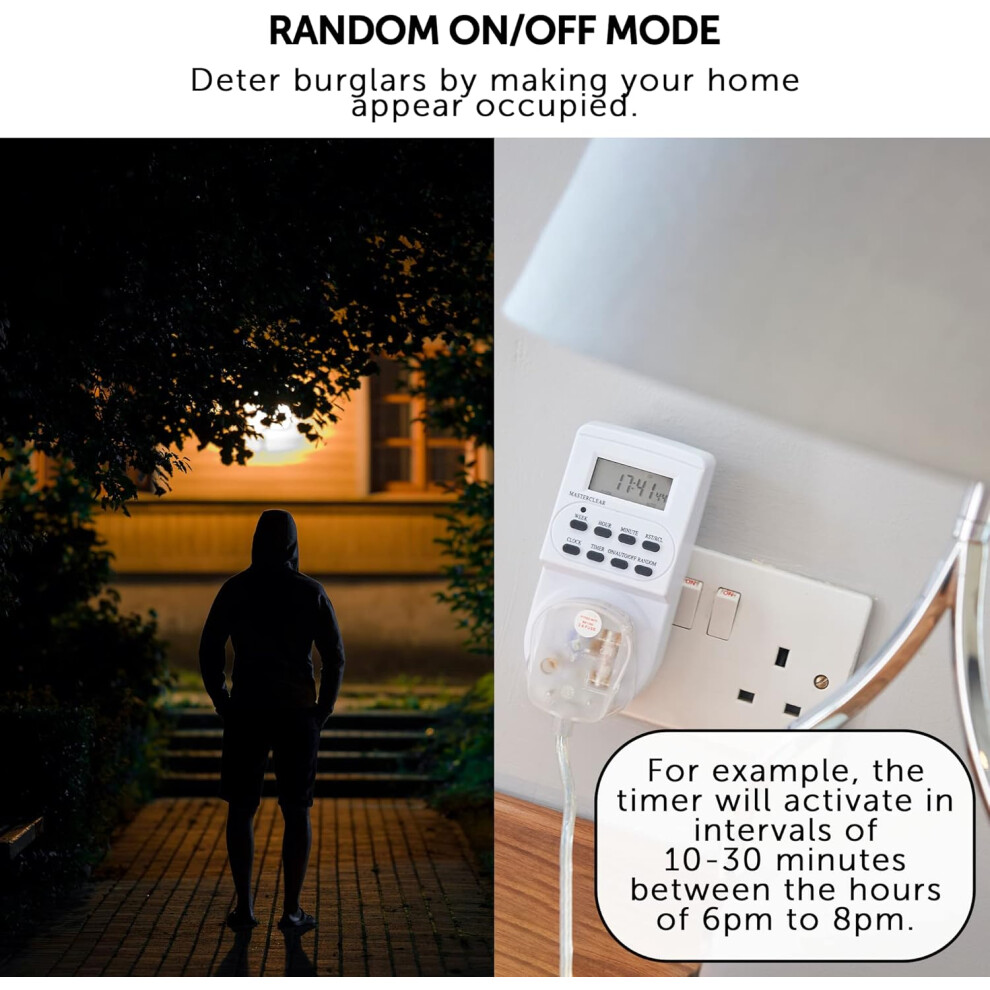
Designed to deter burglars and opportunist thieves by convincing them someone is home at an empty property. Perfect for use in the dark, winter months or for those who don't get home until late.
Digital LCD Screen
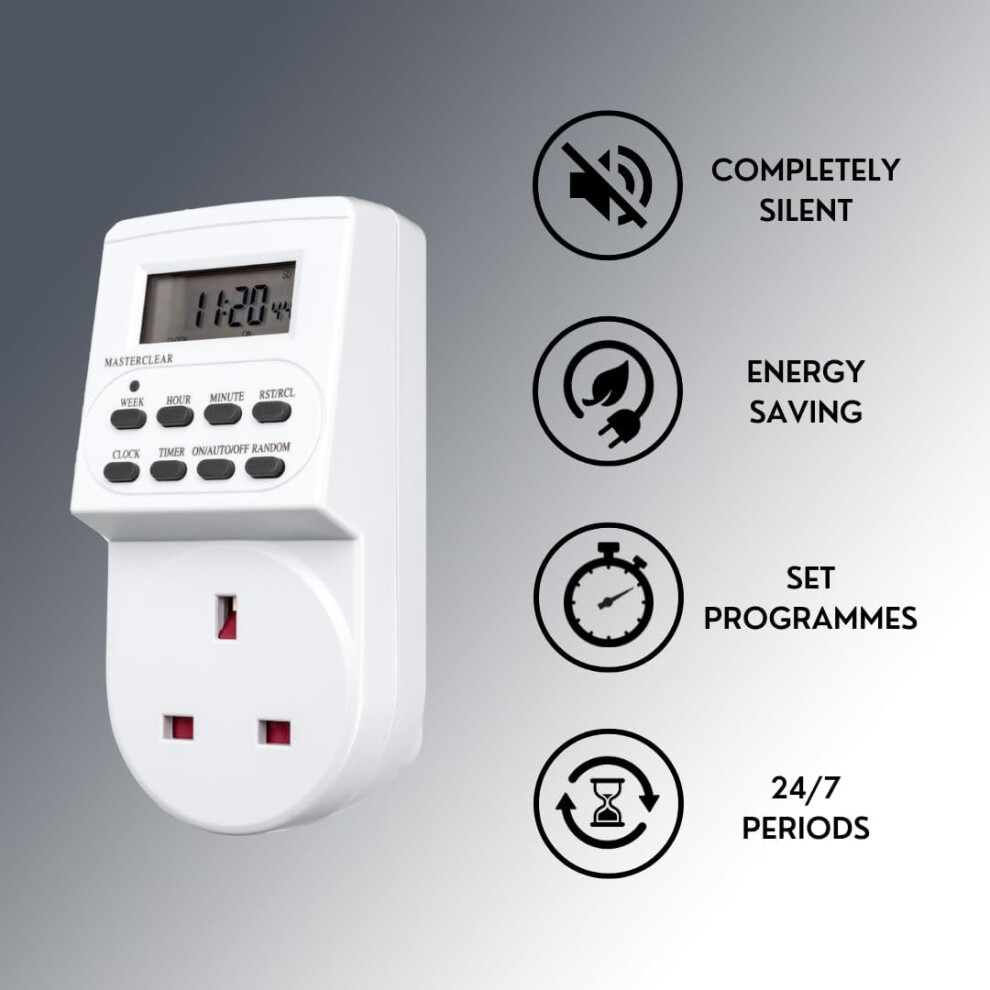
NO segments or ticking
Covers full 24-7 periods
Set hourly, weekly or monthly timers
Up to 10 bespoke programmes
Includes random and daylight saving mode
Back-up battery to retain settings
Automate and simplify your life
Operation
Plug the timer into a live socket and leave for approximately 30 minutes to charge the memory back-up battery within the unit. This will allow you to then remove the timer from the plug and set your programmes conveniently, rather than bending down to the socket.
Initial Reset
Reset the timer before programming by pressing and holding the MASTER CLEAR button with a paper clip or pen. The screen will go blank. Release the button after 3 seconds and, after a few more seconds, the time will display as 00:00 - reset is complete.
Set Day and Time
Press and hold CLOCK button and simultaneously press the WEEK button to set the day.
Press and hold CLOCK button and simultaneously press the HOUR button to set the hours.
Press and hold CLOCK button and simultaneously press the MINUTE button to set the minutes.
Release CLOCK button to finish - the day and time is set.
Note: single pressing (not holding) CLOCK button at any time takes you back to the time screen.
Other Functions
Random Mode
To simply allow the timer to activate and deactivate randomly, press RANDOM button.
When the R appears on screen, the timer is in random mode and will activate in intervals of
10-30 minutes between the hours of 18:00-06:00.
Note: for Random function to work, the timer must also be in AUTO mode.
Note: during Random mode any regular programmes scheduled between 18:00-06:00 will be blocked and overridden.
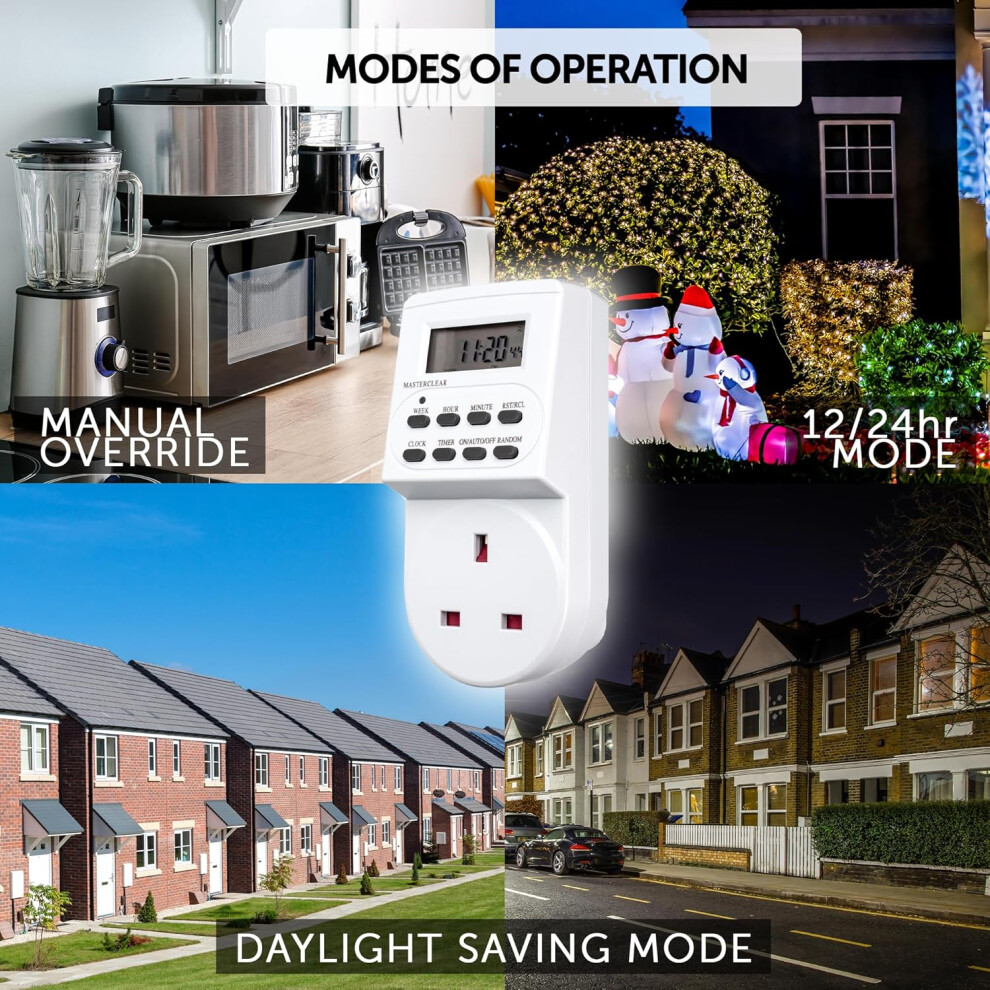
Manual Override Mode
Should you need to switch the timer power constantly ON, or immediately OFF, simply press
ON/AUTO/OFF button. Whichever word appears on the screen is the state the timer is in.
12/24Hr Mode
Press CLOCK and TIMER buttons simultaneously to toggle between 12 and 24hr clock views. Default is set to 24hr.
Daylight Saving Mode
Press CLOCK and ON/AUTO/OFF buttons simultaneously to toggle between 'Summer' and '
Winter' time. When the S appears on the screen, the clock is in Summer mode and advances 1 hour. Repeat the above and the S disappears to move to Winter mode, with the clock moving back 1 hour.
Details
| OPC | PH2Y2XP |
|---|---|
| Codes | 0749691200497 (EAN) |
| 749691200497 (UPC) | |
| Links | Digital Timer Plugs |
| Seller | Ratings | Warranty | Returns | Price | Delivery | Total | Quantity |
|---|---|---|---|---|---|---|---|
|
Dispatched from:

|
(11 reviews) | 3 months |
30 Days
Free Returns No
|
£17.59
|
+Free Delivery
Est. Delivery:
10th-16th Nov
|
£17.59
|
Earn as you shop with instant Cashback on everything.
No catch, no cost
Become a Cashback VIP
Just 1 purchase unlocks bigger deals & rates
You'll only get instant Cashback at OnBuy! Enter your email below and we'll send you a copy of your basket to save you time later.
By entering your email address, you'll automatically be added to our database, where you can enjoy personalised Cashback offers and early access to our best deals. You can opt out of our emails at any time and we'll never share your details with anyone. Check our Privacy Policy and T&Cs to find out more.
Want access to personalised offers and the highest Cashback rates? Sign up to our emails below.
You can opt out of our emails at any time and we'll never share your details with anyone. Check our Privacy Policy and T&Cs to find out more.
This page has expired.
Refresh and continue