


























Product Images


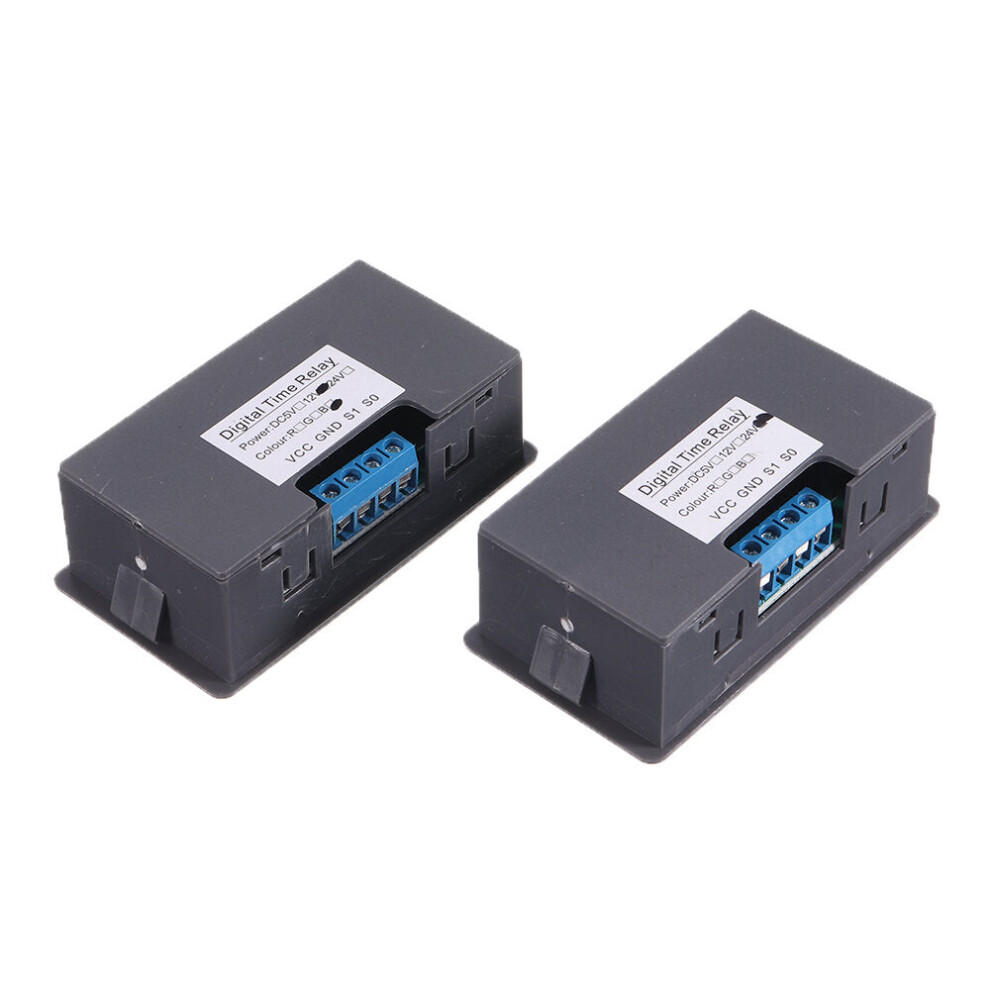
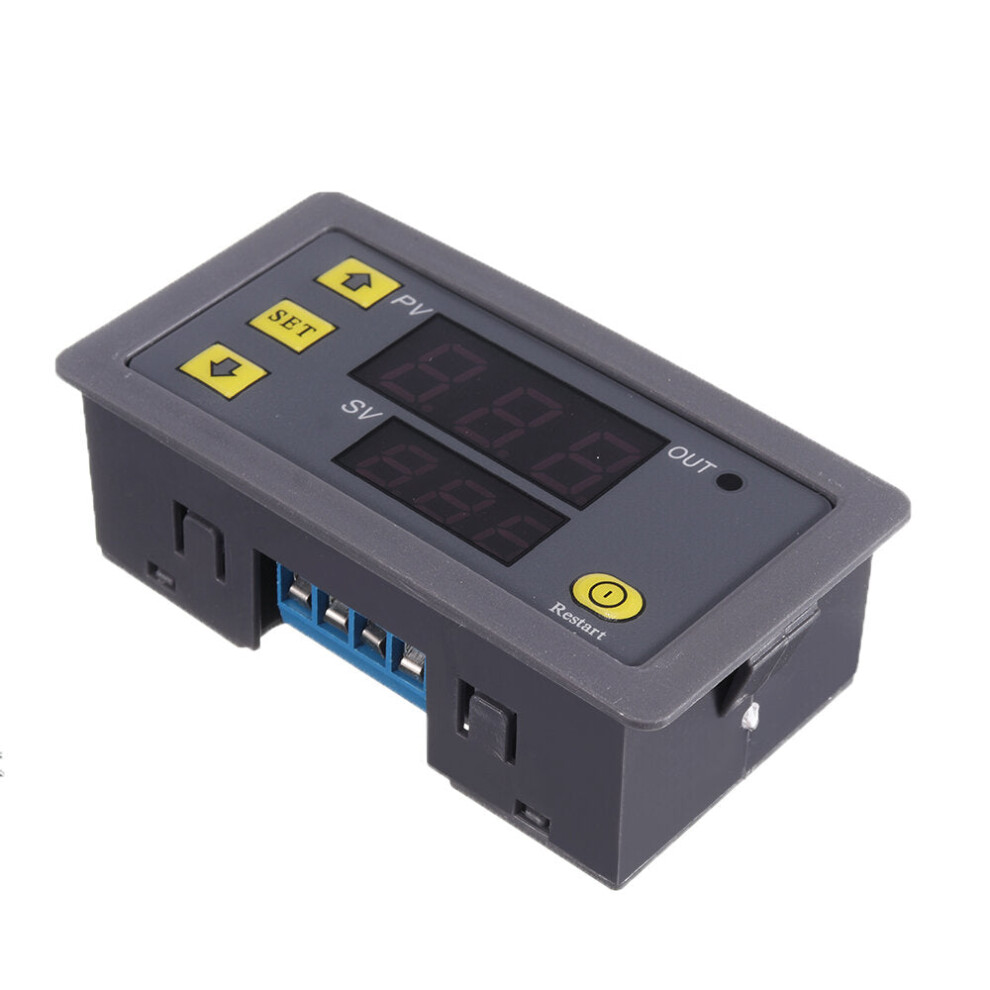
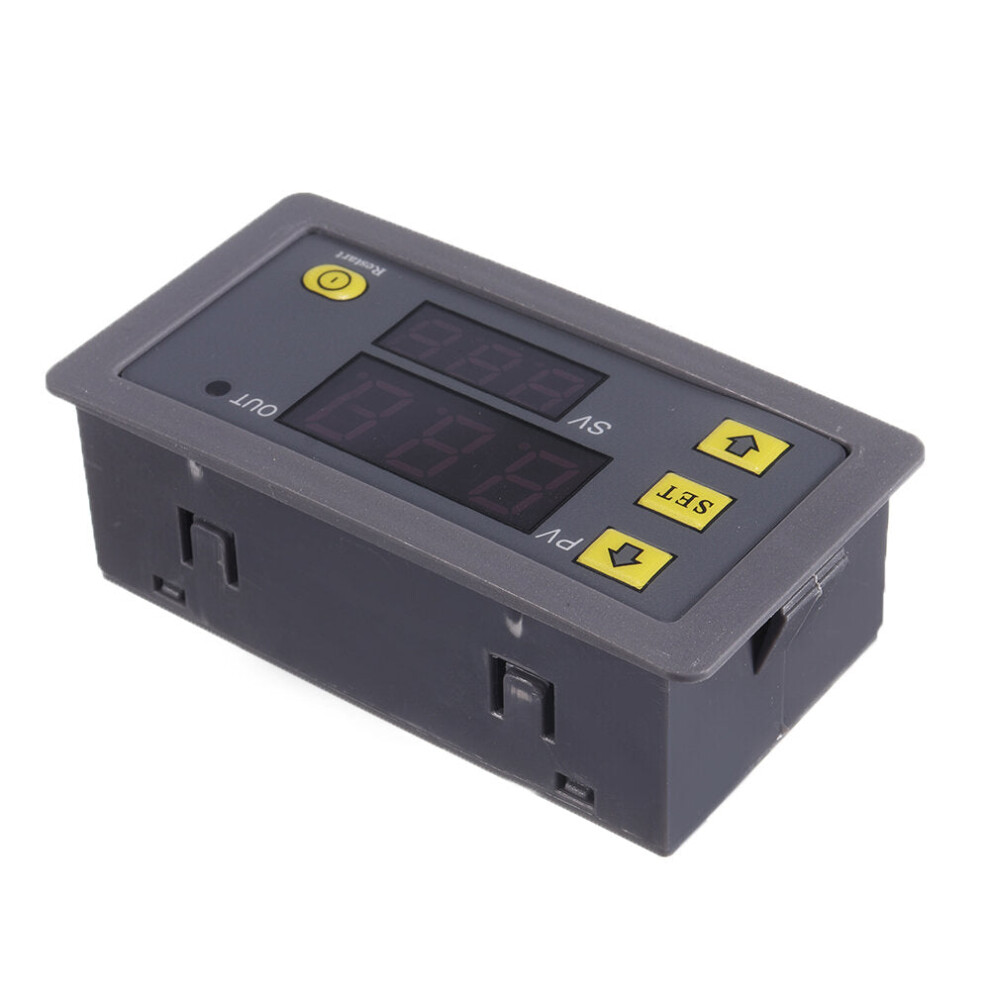


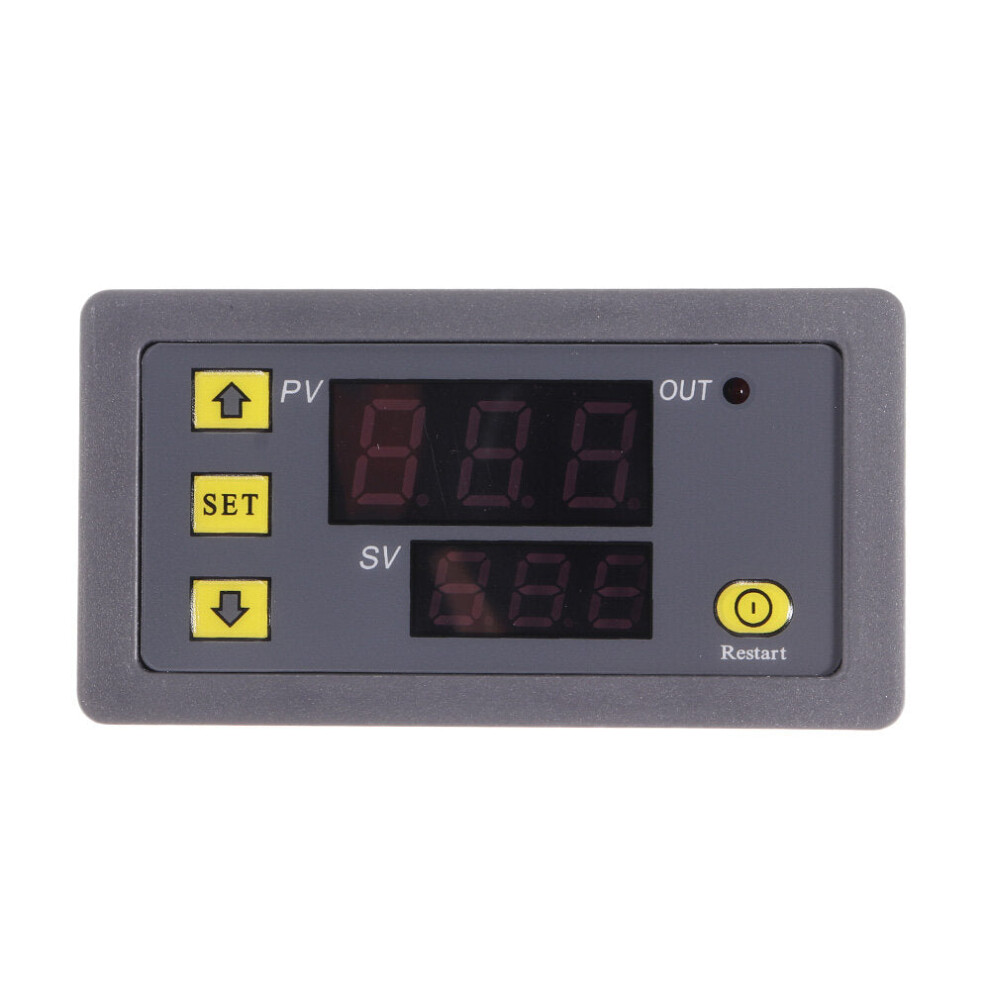
In stock
Smart shoppers OnBuy it!
Interest-free payment options available


See full product description & details
Delivery: Standard (Free) | Mon 12th - Fri 16th Oct
Sold by: GreenZech
Returns: 30 days
180-day payment protection
Product Parameters:
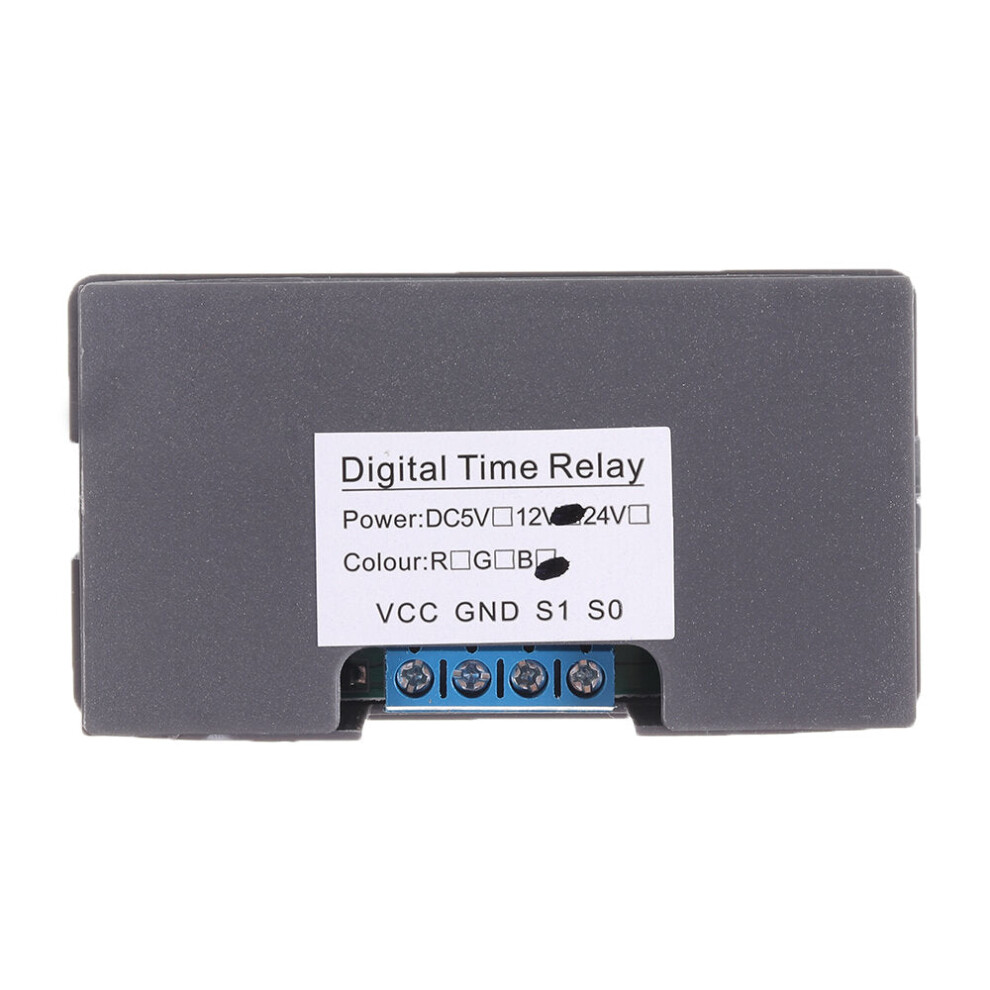
Product name: Digital time-delay relay.
Product specifications: Display panel: 79*43mm; Installation: 71*40*24mm.
Power supply: DC 24V.
Timing range: 0 ~ 999S/ 0 ~ 999M/ 0 ~ 999H.
Functions: Timing, Delaying, Circulation, etc, 18 functions.
Max. Power: Max. working current is 10A, max. power is 1500W.
Using Instruction:
WARM TIPS: Please wait 6 seconds after finishing setting the data. The data set will be stored automatically after 6 seconds.
Short press SET button once, then enter into time setting mode. When the red digital tube flashes, press button or button to adjust the time of the timing T1. When you finish the setting of T1, short press SET button again. When the green digital tube flashes, press button or button to adjust the time of the timing T2. When you finish the setting of T2, short press SET button again. Then the system will store the setting automatically in 6 seconds, please wait 6 second after finishing setting.
Long press SET button, then enter into parameters setting mode. There are two groups of parameters for the users to choose, P0, P1. In the current mode, short pressing SET button can switch the parameter groups between P0 and P1. In each mode, you can press ???button or button to adjust the working mode you need.
Mode:
P0-0: The timing mode of T1 is second.
P0-1: The timing mode of T1 is minute.
P0-2: The timing mode of T1 is hour.
P1-0: After T1 time delay, the relay pulls in. (T1 timing)
P1-1: After T1 time delay, the relay releases. (T1 timing)
P1-2: After T1 time delay, the relay pulls in (T1 timing). Then after T2 time delay, the relay releases (T2 timing).
P1-3: After T1 time delay, the relay releases (T1 timing). Then after T2 time delay, the relay pulls in (T2 timing).
P1-4: After T1 time delay, the relay pulls in (T1 timing). Then after T2 time delay, the relay releases (T2 timing) and repeat the cycle.
P1-5: After T1 time delay, the relay releases (T1 timing). Then after T2 time delay, the relay pulls in (T2 timing) and repeat the cycle.
e.g.: someone need to turn on after 10 seconds, then turn off after 20 seconds and repeat the cycle.
The setting method is as following:
T1 is set to 10 and T2 is set to 20.
Choose P0-0 (The timing mode of T1 is second.).
Choose P1-5 (The working mode of the relay is working firstly then stopping working and then repeating the cycle).
Product Functions:
Function 1: This product can be used in timing, delaying, cycle timing, intermittent timing, etc.
Function 2: This product can be used in raft fishing machine, slow-down machine DIY.
Function 3: This product can be used in timing switch machine, timing alarm control board.
Package includes:
1 x Digital time-delay relay
Details
| OPC | PJGC5KX |
|---|---|
| Brand | GreenZech |
| Codes | 8727971220740 (EAN) |
| Seller | Ratings | Warranty | Returns | Price | Delivery | Total | Quantity |
|---|---|---|---|---|---|---|---|
|
Dispatched from:

|
(70 reviews) | 100 months |
30 Days
Free Returns No
|
£26.60
|
+Free Delivery
Est. Delivery:
12th-16th Oct
|
£26.60
|
Earn as you shop with instant Cashback on everything.
No catch, no cost
Become a Cashback VIP
Just 1 purchase unlocks bigger deals & rates
You'll only get instant Cashback at OnBuy! Enter your email below and we'll send you a copy of your basket to save you time later.
By entering your email address, you'll automatically be added to our database, where you can enjoy personalised Cashback offers and early access to our best deals. You can opt out of our emails at any time and we'll never share your details with anyone. Check our Privacy Policy and T&Cs to find out more.
Want access to personalised offers and the highest Cashback rates? Sign up to our emails below.
You can opt out of our emails at any time and we'll never share your details with anyone. Check our Privacy Policy and T&Cs to find out more.
This page has expired.
Refresh and continue