


Product Images


In stock
Smart shoppers OnBuy it!
Interest-free payment options available


See full product description & details
Delivery: Standard (Free) | Sat 21st - Fri 27th Nov
Sold by: Shen zhen shi qiu Electronics Technology Co.Ltd
Returns: 30 days
180-day payment protection




Summary
Powerful Long Range Signal
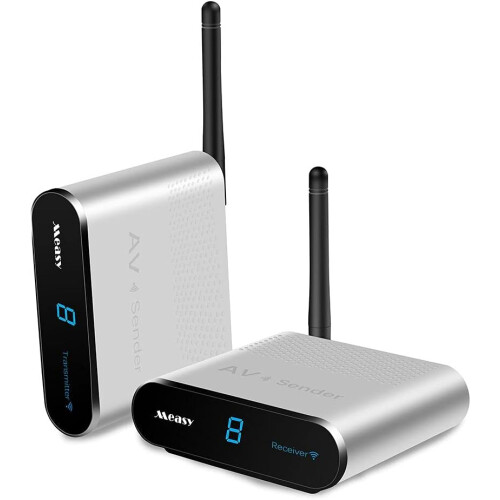
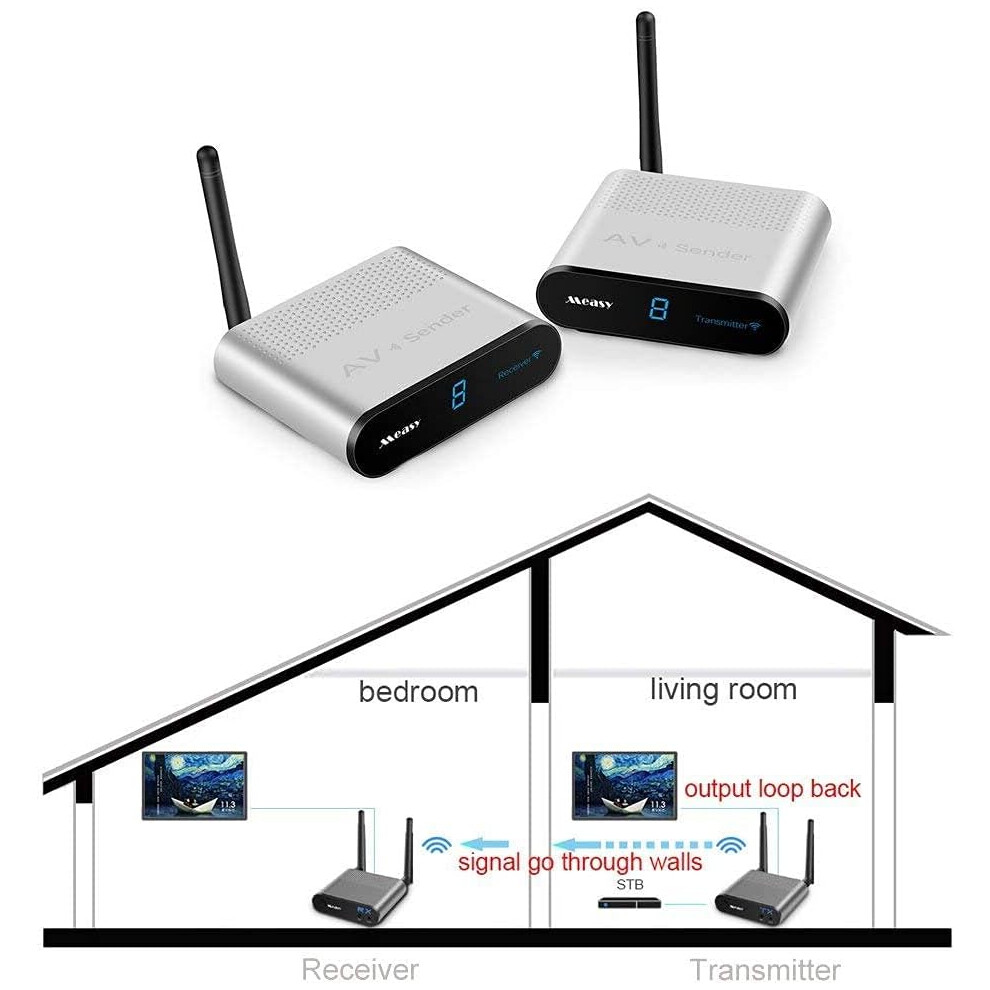
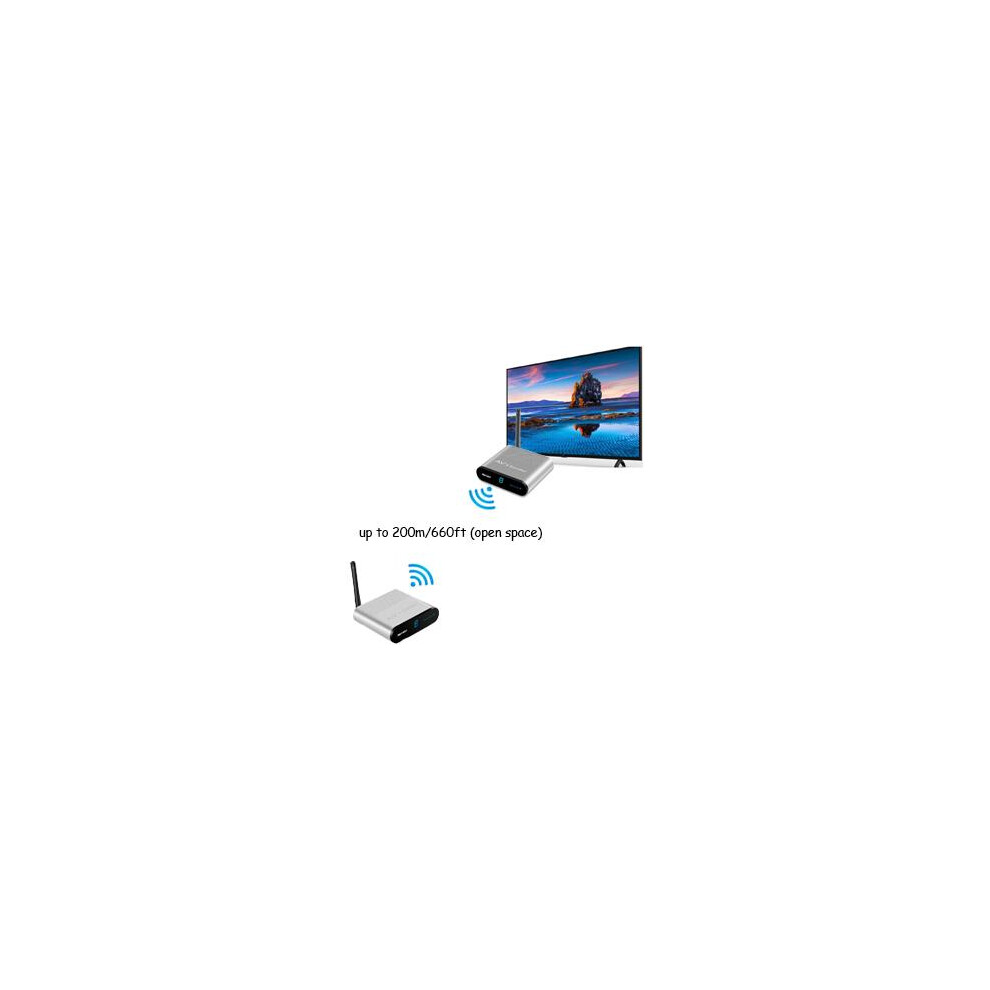
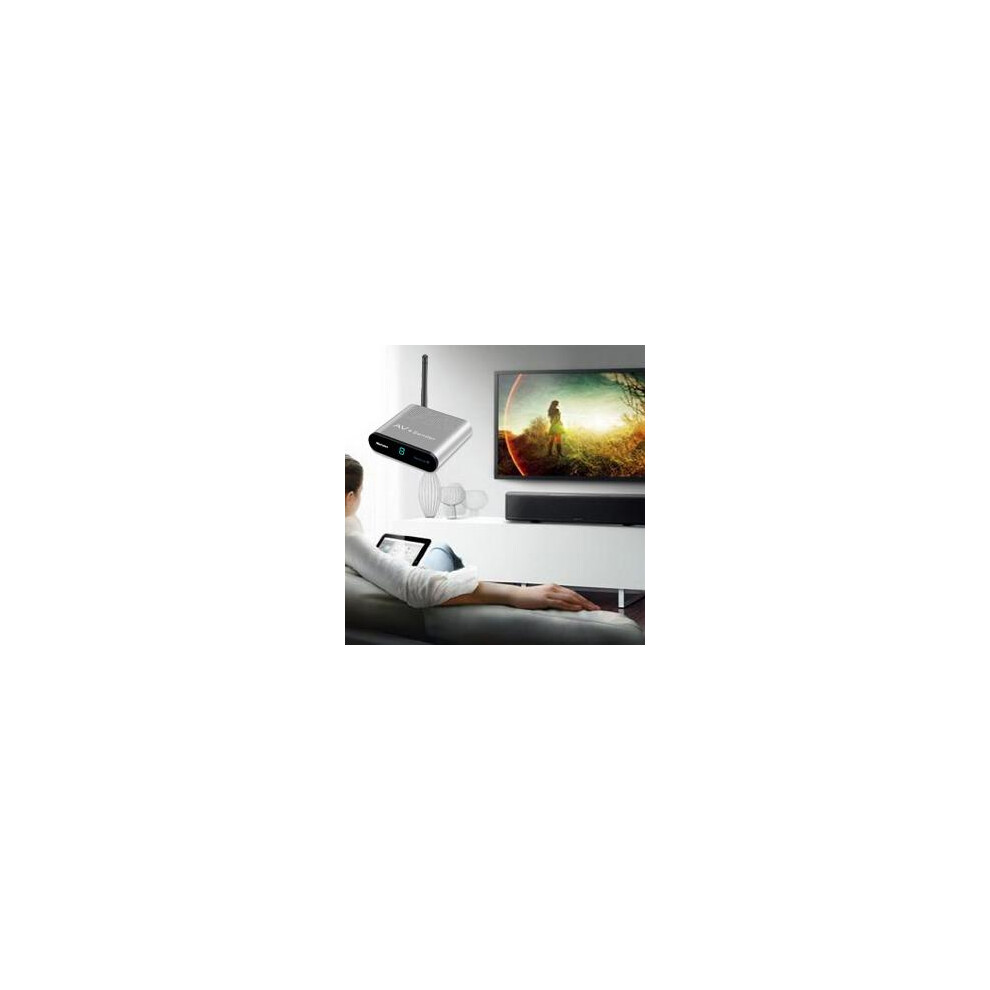
This wireless system broadcasts real time audio and video up to 660ft (open space). It also transmits through walls, ceilings, and floors effortlessly. Watch TV in your bedroom, basement, or any other room wirelessly with crystal clear sound and video.
8 Channel Frequencies to Avoid Interference
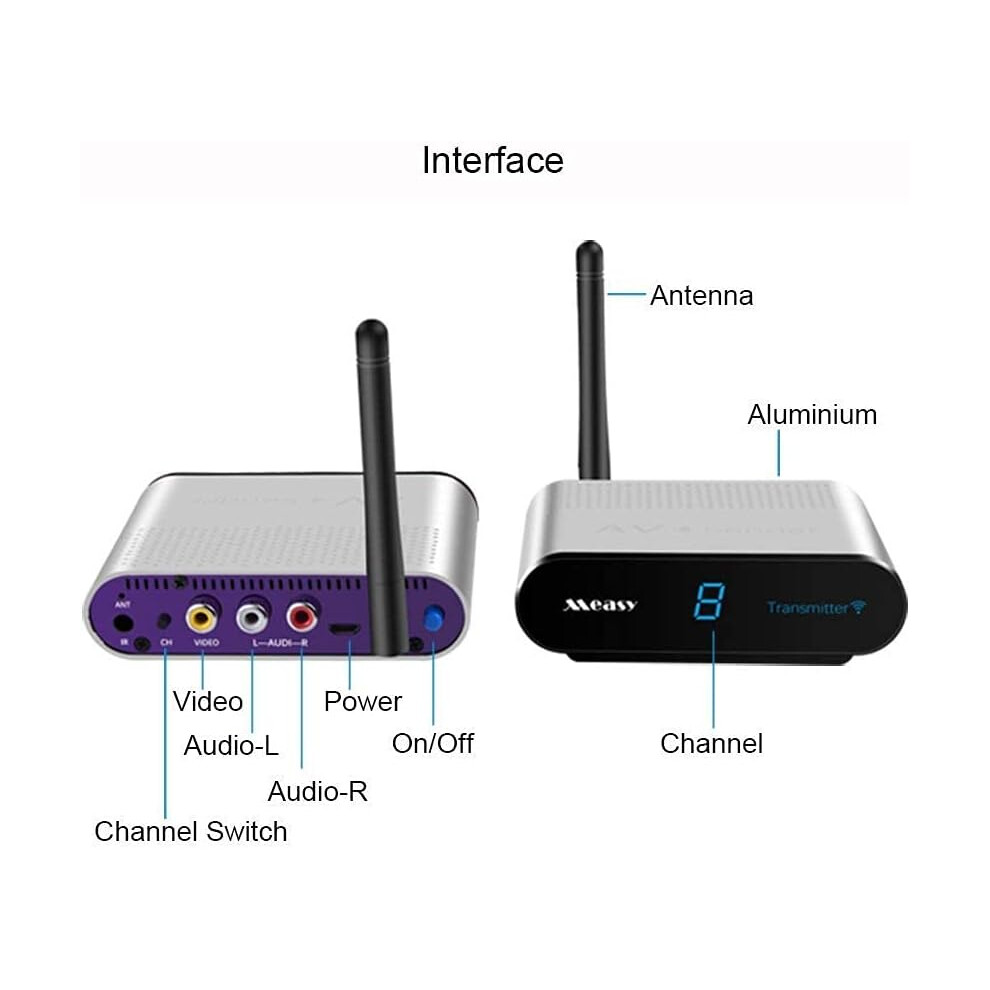
There are 8 channel frequencies to choose from on this system. Matching the channel buttons on the transmitter and receiver will ensure both devices are on the same frequency.
Note :
1 Please make sure the transmitter and receiver must at the same channel to work .
2 Please user the power adapter in the package to supply enough power for the transmitter and receiver to work well .
Features:
* 2.4GHz ISM frequency band.
* 660 feet transmission range without any holdback.
* 8 groups of selectable channels.
* Patented Wireless technology. avoiding the interference from other wireless device.
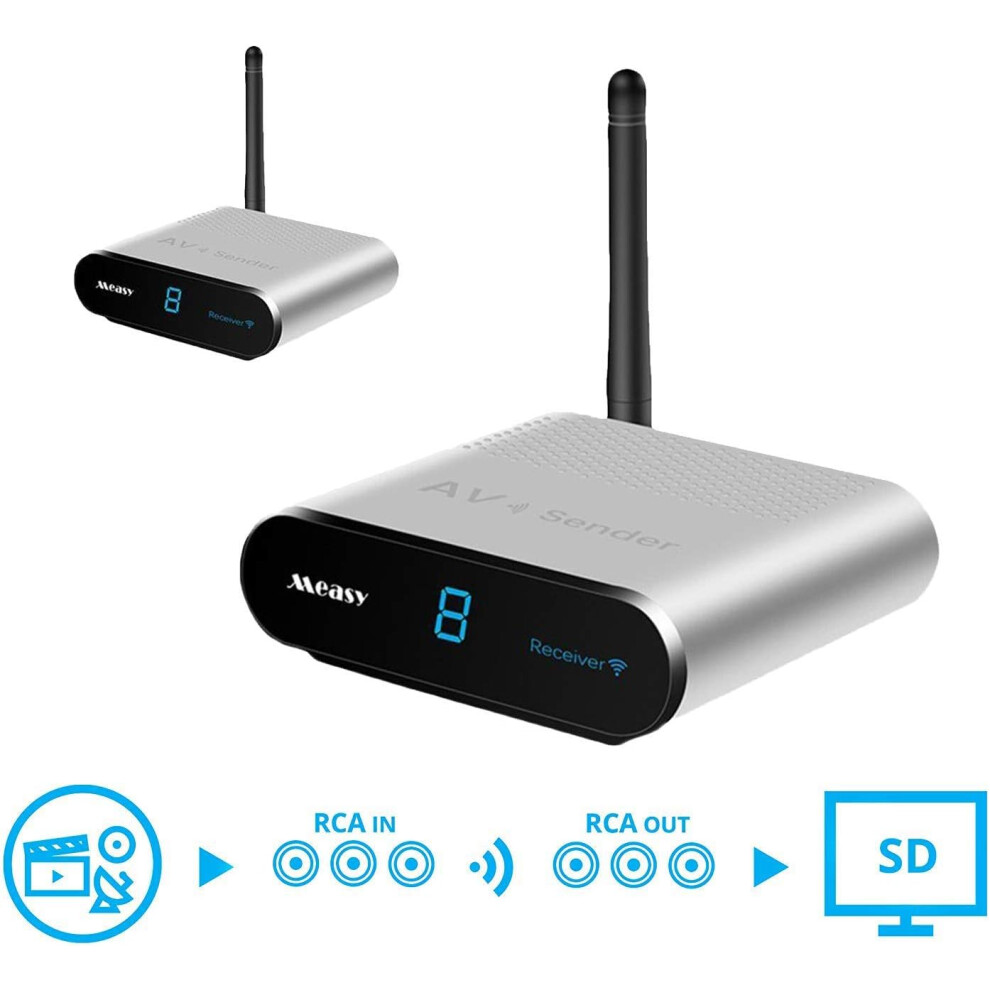
* Support 1 group of AV signal input/ output.
* Support any AV output devices, VCD, DVD, IPTV, DVR, Satellite receiver, CCTV Camera Digital STB etc.
* Transmitter have built-in infrared signal emission or infrared transmission extension cable, so that you can do remote control the signal from DVD, DVR, STB, IPTV, and other device.
* Support PAL/ NTSC system and stereo audio transmission.
* Without installing any software,without any setting, plug and play.
Size:
Transmitter:10*8.7*2.7CM
Receiver:10*8.7*2.7CM
Package Included:
1 x Transmitter
1 x Receiver
2 x Power Adapter
2 x RCA Cable
1 x Operation Manual
1.How Can I Transmit To Multiple TVs?
The sender does support multiple receivers. If you wish to transmit to a second TV additional receivers are available. Keep Transmitter and receiver setting at the same channel, it can support 1 transmitter and more receivers at the same time.
2. The image is interfered.
A).Please adjust the angle of the antenna for 2.4GHz transmitter and the receiver.
B).Please try to change the 2.4GHz transmission channel for the transmitter and the receiver.
C).If allowed, please put the transmitter and the receiver in a higher place to strengthen the wireless transmission.
3.Why Is My Video Black and White?
If the image transmits in Black & White, the video cable may be connected to a Component Video input: these are Red,Blue, and Green, Some TVs will have a Yellow RCA connection built into the Green Component connection. It may be necessary to change your TV settings to enable the Video input option. To find information that is specific to your TV, please check your TV's user manual
4. If the channel display do not light up and there is no image.
A). Please check the power connection of the transmitter and receiver, open the power switch.
B). Please try to change the 2.4GHz transmission channel for the transmitter and the receiver.
C),Please check if the transmitter and the receiver are connected correctly (Refer to installation instruction).
5.What If They Don't Connect?
A).Please ensure that the transmitter and receiver are within the range of each other, If the signal pass through walls and floors, the transmission distance will reduce to 32.8ft/10m only. Line of sight is recommended as obstacles can reduce the transmission distance.
B). Confirm that both power switches are set to the ON position and that the channel selection switches are set to the same number.
C).Test each channel to improve signal strength and avoid interference. D).All wireless devices may be subject to interference, which may result in a loss of signal, or intermittent signal. To correct interference issues we recommend adjusting the antennas or the position of the transmitter and receiver by moving them away from sources of interference. Sources of interference can be devices such as cordless phones, wireless routers and microwaves.
6.How Can I Connect The sender To My Coaxial, BNC,or HDMI Source Device?
The sender requires an RCA connection for operation. If you wish to connect to another connection type you will need an adapter (Coaxial to RCA,BNC to RCA)or a converter(HDMl to RCA).Many adapters and converters are available for different connection types.
Note; If trving to connect to a Coaxial or HDMI TV an adapter or converter can still be used but must be the reverse type (RCA to HDMI, RCA to Coaxial).
Note :
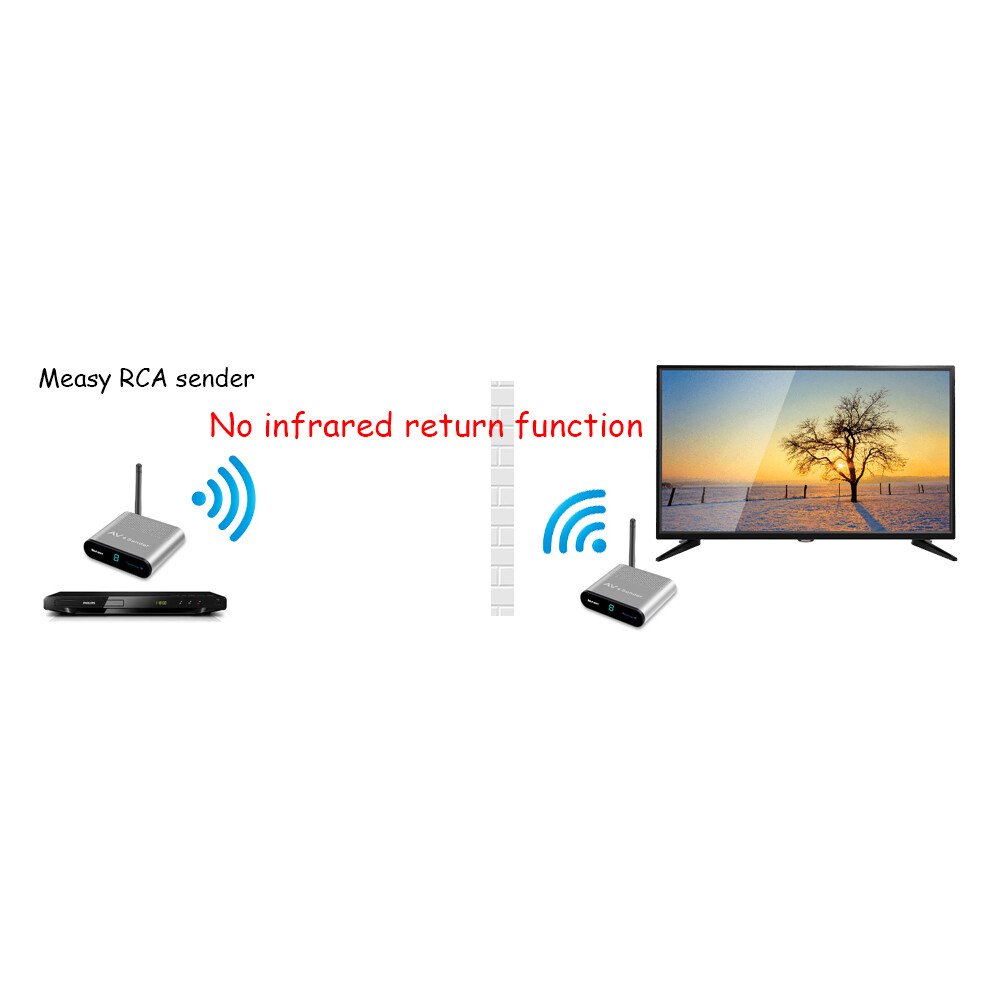
1 This wireless audio video sender have no ir extension function ,so can not use any remote control to change channel at the side of the receiver . If you need to change the channel at the side of the receiver ,better to choose other similar model our AV230 or AV240 which have ir extension function .
2 This wireless tv transmitter can up to 200m (660ft in line of sight ) in the open space without inference or signal conflict ,it can easily to pass through wood wall,glass wall or hollow wall .The distance only can be up to 10-30m when pass through 1 wall . The transmission only can be up to 8m or less when pass through concrete wall .
3 After the receiver connects the TV,you should change from TV to AV channels and keep the receiver away from other devices and metal devices to avoid effecting wireless signal reception .
4 This wireless tv sender support 1 transmitter to more receivers . When you use 1 to more receivers . Please make sure all the transmitter and receiver must at the same channel . This link just for one transmitter and one receiver (1x1) ,please buy extra receivers if you want more .
5 The resolution of AV220 is 640480P (NOT HD). It is recommended that the receiver connecting a display or TV set under 40 inch.System must be PAL/NTSC. Setting the TV support 16:9 or 4:3 image.
6 To ensure that the product can be used normally , the product should be connected when power off in case the product be damaged .Switch on when finish connection and never plug in or out . Please turn off the product if long time not use it .
7 Please select the 2.4GHz transmission channel with the best image and sound effect according to the actual operation environment . If there is interference from the router signal in the environment , please select another 2.4GHz transmission channel to avoid the interference source .
8 The bandwidth support TV Size within 42 inch, screen size over 42 inch may cause black and white only or not full screen.Weakly signal output from TV Box caused black and white only.(It's a rare case).Also must use the right power adapter in the package to supply enough power to work .
Specification Frequency 2.4GHz Sensitivity -90dBm transmitted power 50mW Transmission range 660feet AV input/output RCA One video input/output 1Vp-p (PAL/NTSQ) One audio input/output 1Vp-p (Stereo) Housing Aluminium Power input 5V/1000mA Operating temperature 32~104F/0~40C Storage temperature -4~140F/20~60C Humidity 20-90RH
Details
| OPC | PH2TVNF |
|---|---|
| Codes | 0749691199234 (EAN) |
| 749691199234 (UPC) |
| Seller | Ratings | Warranty | Returns | Price | Delivery | Total | Quantity |
|---|---|---|---|---|---|---|---|
|
Dispatched from:

|
(11 reviews) | 3 months |
30 Days
Free Returns No
|
£84.99
|
+Free Delivery
Est. Delivery:
21st-27th Nov
|
£84.99
|
Earn as you shop with instant Cashback on everything.
No catch, no cost
Become a Cashback VIP
Just 1 purchase unlocks bigger deals & rates
You'll only get instant Cashback at OnBuy! Enter your email below and we'll send you a copy of your basket to save you time later.
By entering your email address, you'll automatically be added to our database, where you can enjoy personalised Cashback offers and early access to our best deals. You can opt out of our emails at any time and we'll never share your details with anyone. Check our Privacy Policy and T&Cs to find out more.
Want access to personalised offers and the highest Cashback rates? Sign up to our emails below.
You can opt out of our emails at any time and we'll never share your details with anyone. Check our Privacy Policy and T&Cs to find out more.
This page has expired.
Refresh and continue