





















Product Images



In stock
Smart shoppers OnBuy it!
Interest-free payment options available


See full product description & details
Delivery: Priority (Free) | Mon 14th - Fri 18th Sep
Sold by: BALURE
Returns: 30 days
180-day payment protection
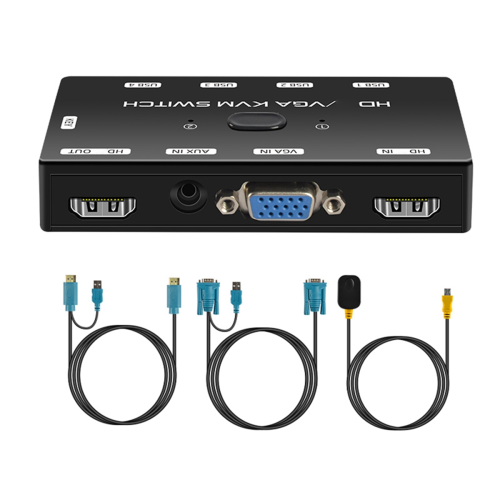
![8K@60Hz Displayport KVM Switch, DP 1.4 KVM Switcher Support 4K@240Hz, 4 Port USB Switcher [1 USB C and 3 USB A Port] Share Keyboard, Mouse, Hard Drive](https://cdn.onbuy.com/product/9bfb71eb8e174e3bbdaf8a62025269a3/500-500/pdtb22n.jpg)




Summary
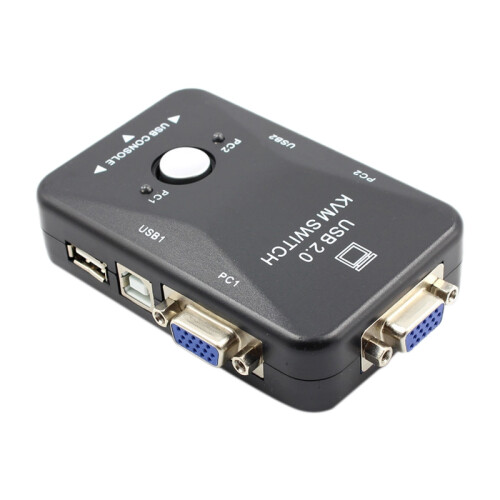
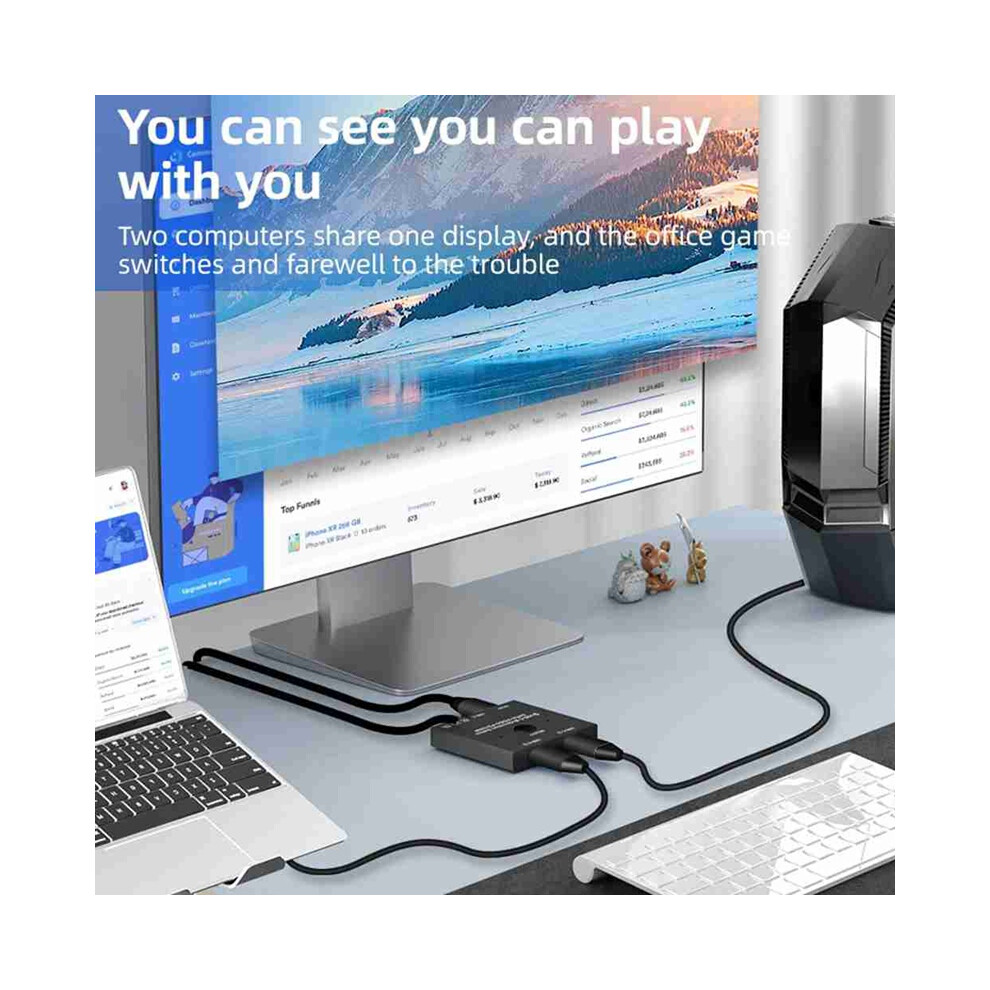
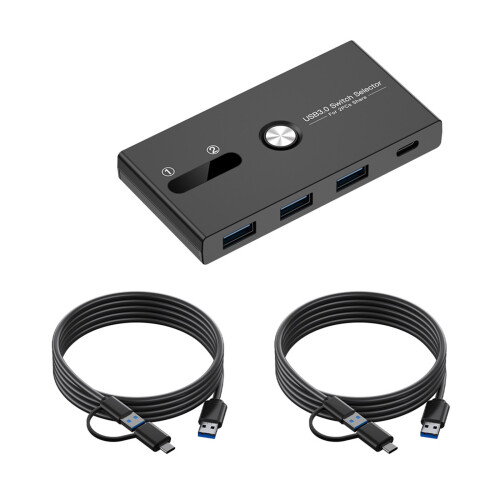
Very Important,You must USB C Gen-2 Cable to Video Output in your Displays.USB-C 8K Bi-Direction Video Transmissions&Data&Power Switch/Splitter:The USB-C switcher allow you to connect two USB-C sources to one USB-C display or connect one USB-C source to toggle between two displays,(Two displays CANNOT display simultaneously),both of your source and display's USB-C Port should support DP Alternate Mode for Video Transmitting.Ultra HD 8K Video Experience
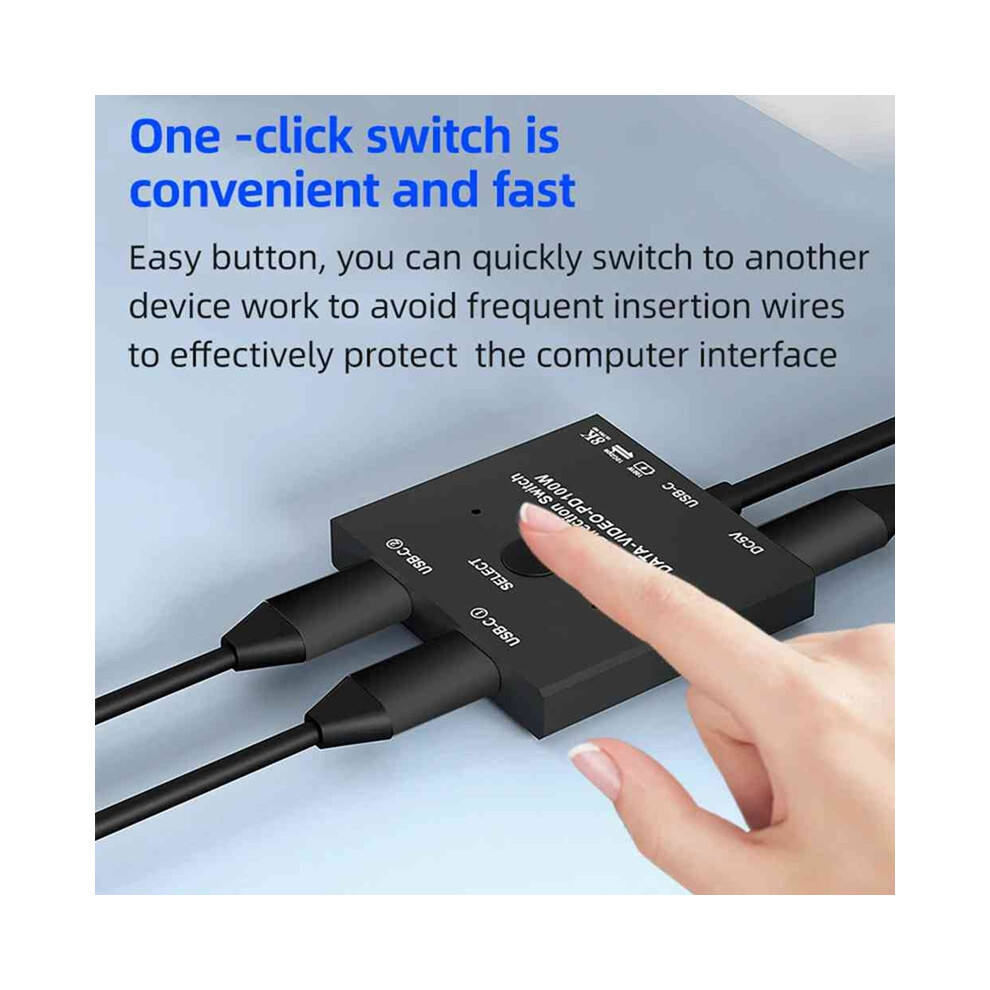
We do not recommend to connect from our Switch to your Docking ,easily to cause Abnormal USB Function.USB-C 8K Switch for Video 2in 1Out,you are allowed to connect two sources to the Port "USB-C 1" and "USB-C 2"in the switch,then connect to the display with the supplied Fixed USB-C Cable.For the USB-C Cable connected between devices and Our Switch,these kind of cable should all supporting video transmissiomns."Select"Button to switch between two source
USB-C 8K Splitter for Two Displays 1in 2Out,you are allowed to connect device from the USB C end via the supplied fixed USB C Cable,then connect to two USB-C displays to the port "USB-C 1" and port "USB-C 2"in the switch.In this connection,you can connect via USB-C to - compatible or DP Cable to your monitor.Two Displays can not connect at the same time,the USB-C Cable you used should support for video transfer."Select"Button to switch between two displays.
USB-C Gen-2 cable must be used, otherwise the video signal cannot be transmitted.{USB-C Switch with Power and Data Function},It supports Max 100w Power Delivery and Max Transmissions Speed 10Gbps(USB3.1 Gen2),With our switch, you can charge your mobile phone, computer, tablet and other devices, and you can also transfer data from your computer, mobile phone, etc. to your U disk and other devices. Both data and charging functions require your USB-C cable tosupport the above functions.
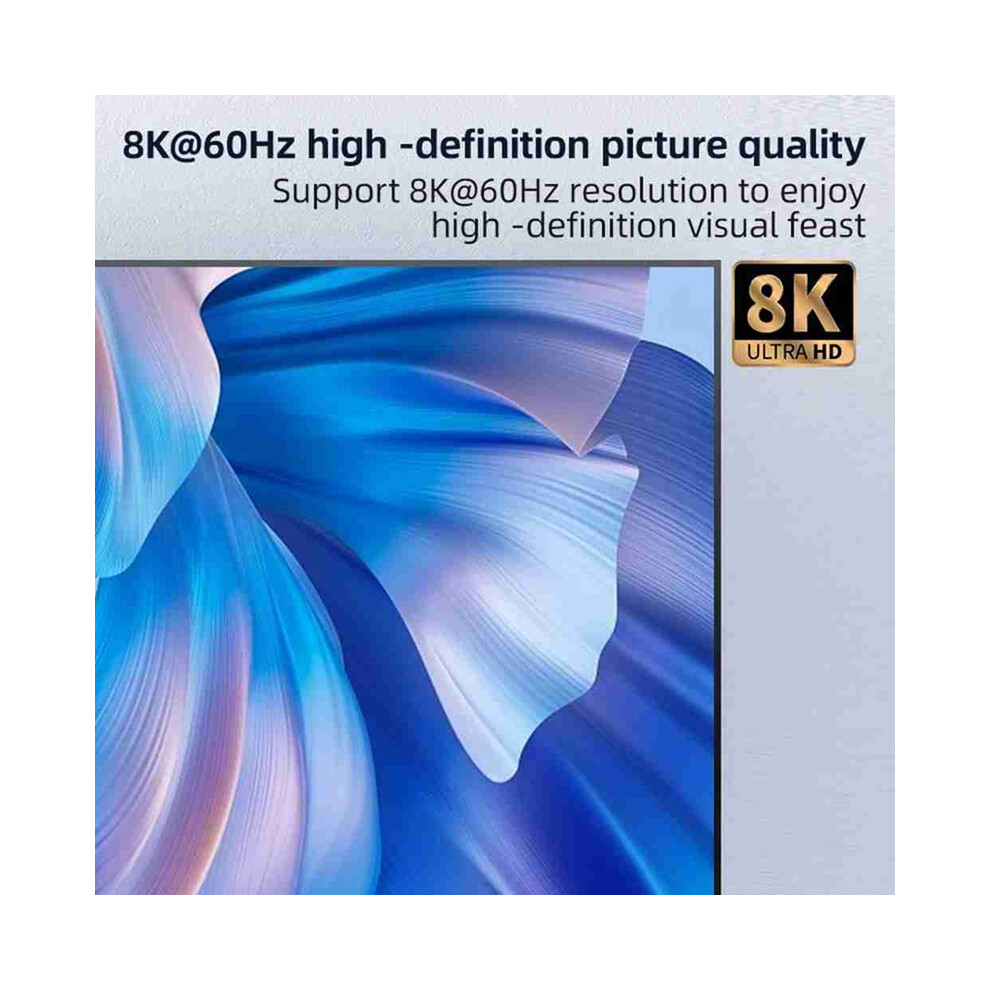
Ultra 8K Video Output,you can output max 8K@30Hz 4K@120Hz 1080P@165Hz via our USB-C Switch/Splitter to your USB-C Displays,The maximum resolution of your output depends on your Source device, monitor and cable used.When you use our switcher to realize the video function, we recommend that you do not use too long cables(The sum of the cables at both ends does not exceed 3 meters).Too long cables at both ends cause the screen to flicker or the screen cannot be displayed
Colour: As Shown
Material: Aluminum Alloy
Package Contents:
1*USB C KVM Switch(Due to different product batches, the appearance , which does not affect the use)
Only the above package content, other products are not included.
Note: Light reflection and different displays may cause the color of the item in the picture a little different from the real thing. The measurement allowed error is +/- 1-3cm.
Details
| OPC | PJQJBXF |
|---|---|
| Brand | Jojomino |
| Codes | 4853440196675 (EAN) |
Product Data
| Length | 15 |
|---|---|
| Width | 10 |
| Depth | 6 |
| Material | Aluminum Alloy |
| Seller | Ratings | Warranty | Returns | Price | Delivery | Total | Quantity |
|---|---|---|---|---|---|---|---|
|
Dispatched from:

|
(352 reviews) | - |
30 Days
Free Returns No
|
£28.25
|
+Free Priority Delivery
Est. Delivery:
14th-18th Sep
|
£28.25
|
Earn as you shop with instant Cashback on everything.
No catch, no cost
Become a Cashback VIP
Just 1 purchase unlocks bigger deals & rates
You'll only get instant Cashback at OnBuy! Enter your email below and we'll send you a copy of your basket to save you time later.
By entering your email address, you'll automatically be added to our database, where you can enjoy personalised Cashback offers and early access to our best deals. You can opt out of our emails at any time and we'll never share your details with anyone. Check our Privacy Policy and T&Cs to find out more.
Want access to personalised offers and the highest Cashback rates? Sign up to our emails below.
You can opt out of our emails at any time and we'll never share your details with anyone. Check our Privacy Policy and T&Cs to find out more.
This page has expired.
Refresh and continue