


Product Images


In stock
Smart shoppers OnBuy it!
Interest-free payment options available


See full product description & details
Delivery: Standard (Free) | Mon 30th Nov - Sat 5th Dec
Sold by: VEISHET, there are 3 other sellers
Returns: 30 days
180-day payment protection
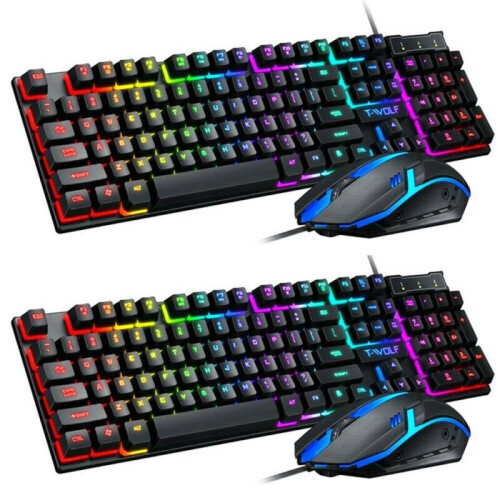
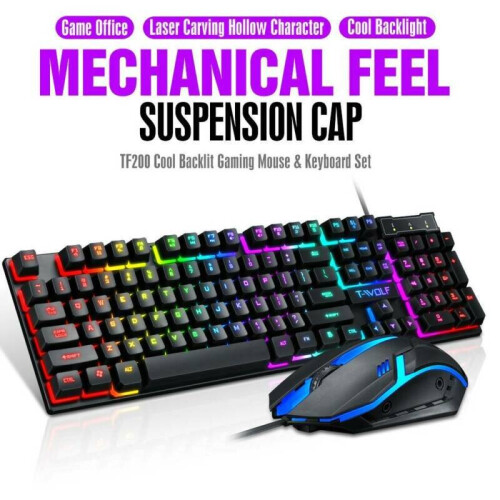
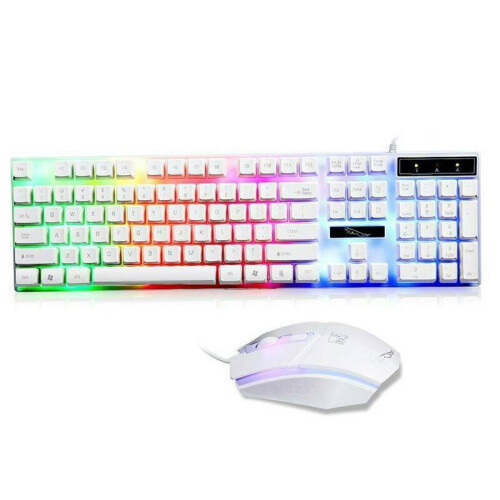

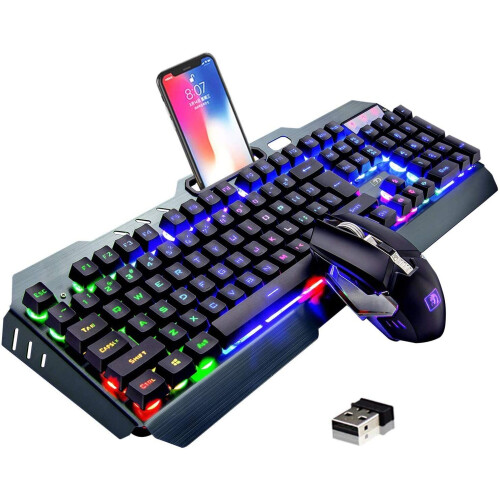
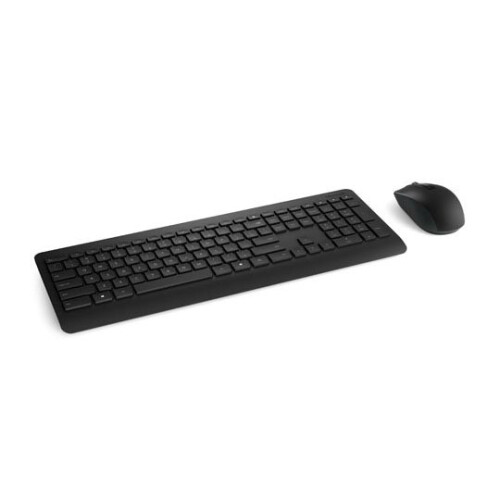

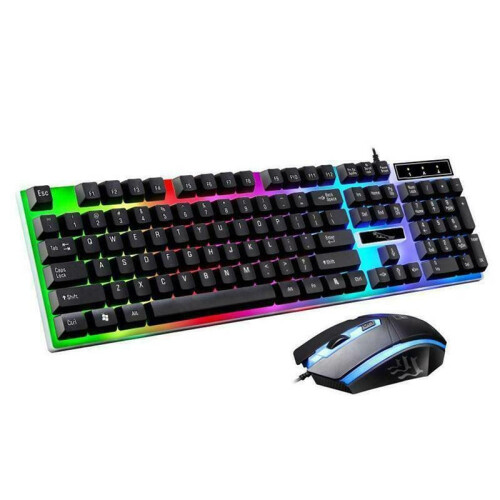
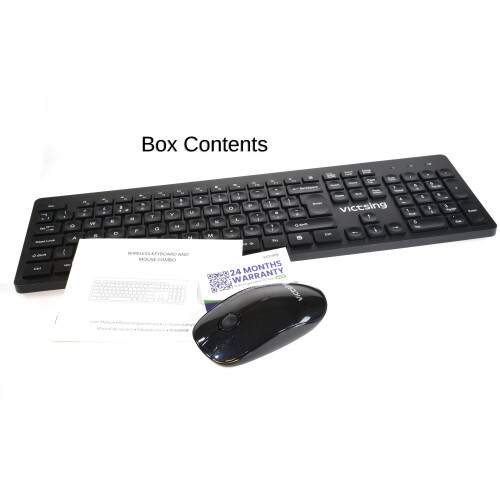
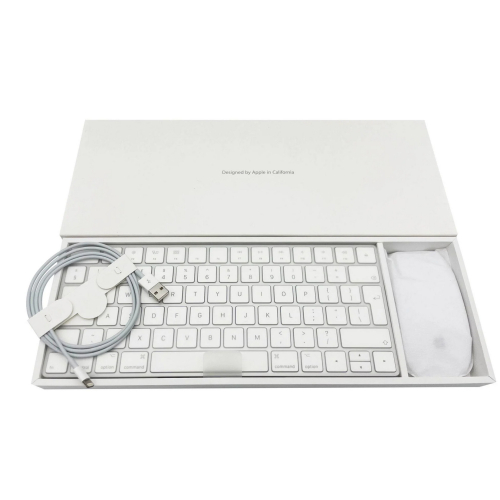
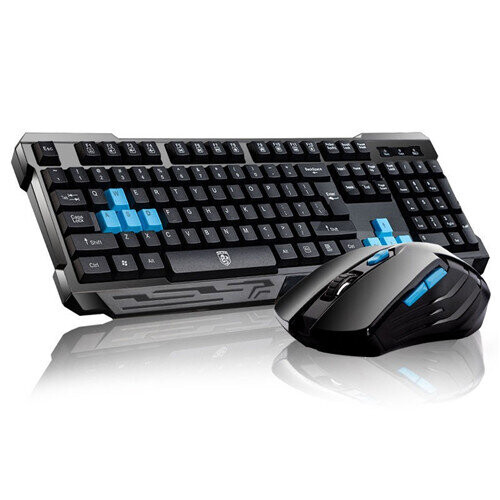
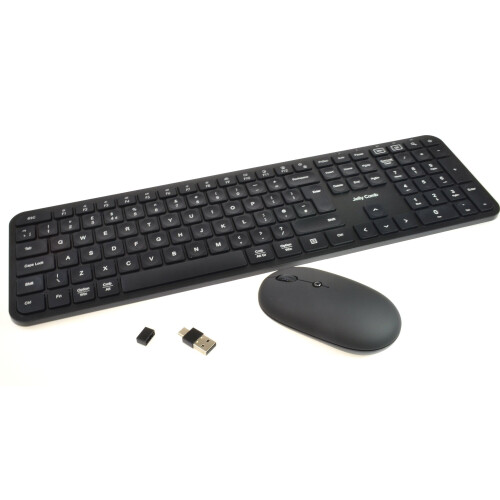
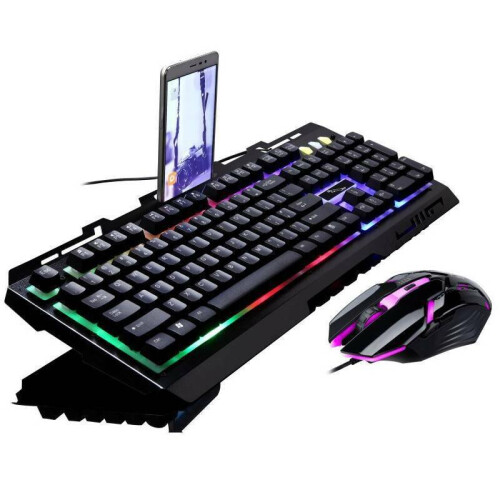

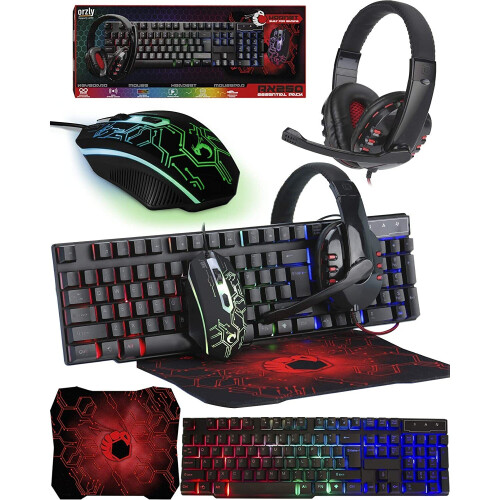
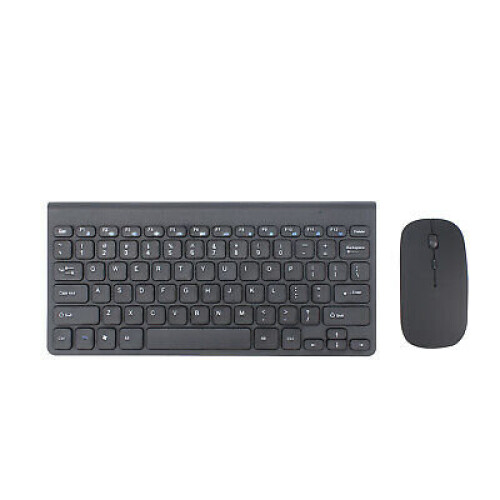

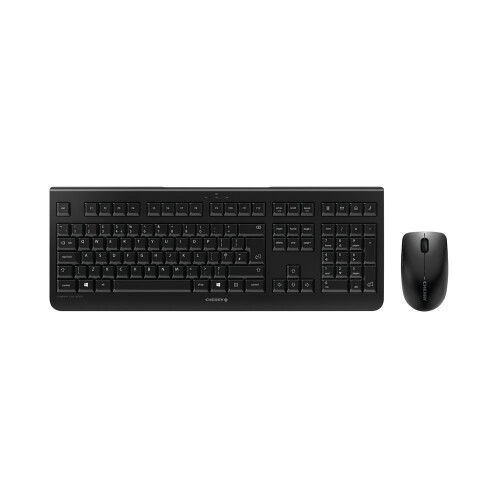


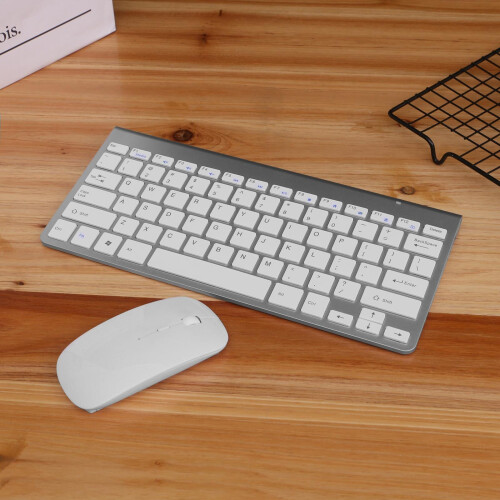
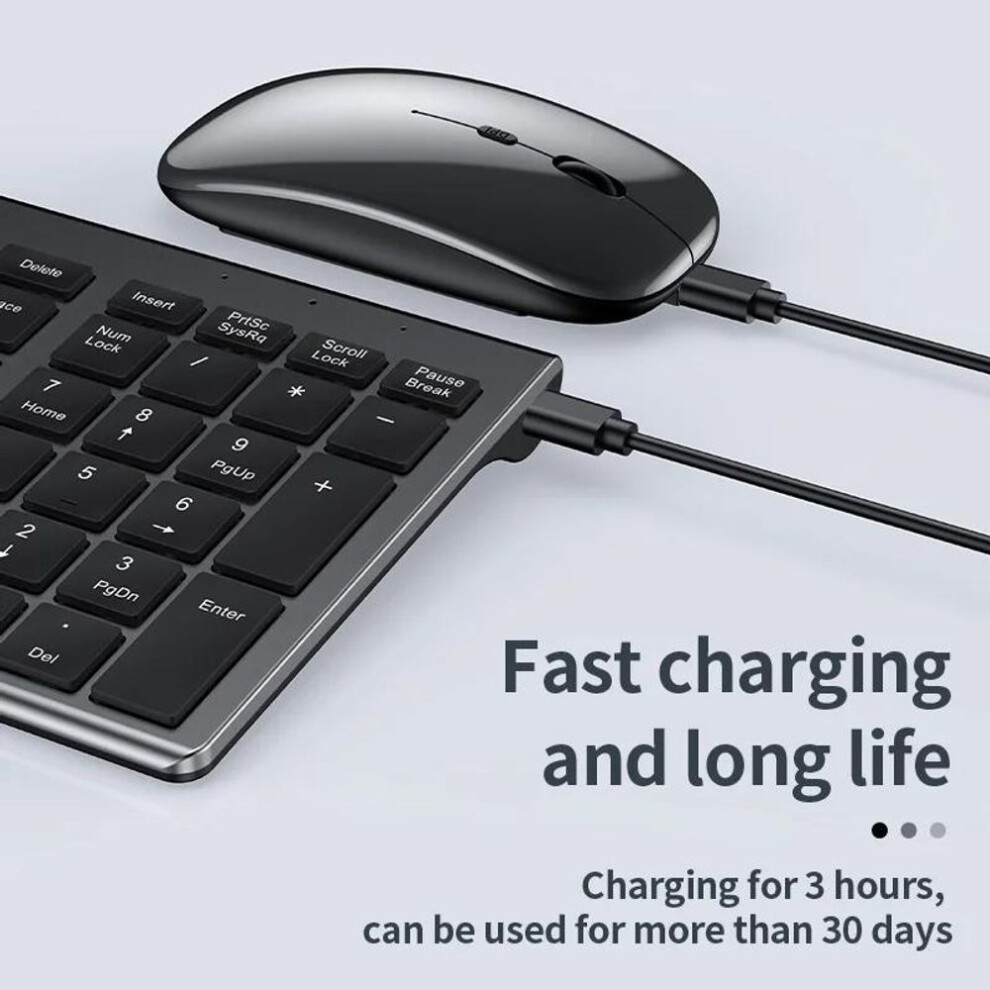
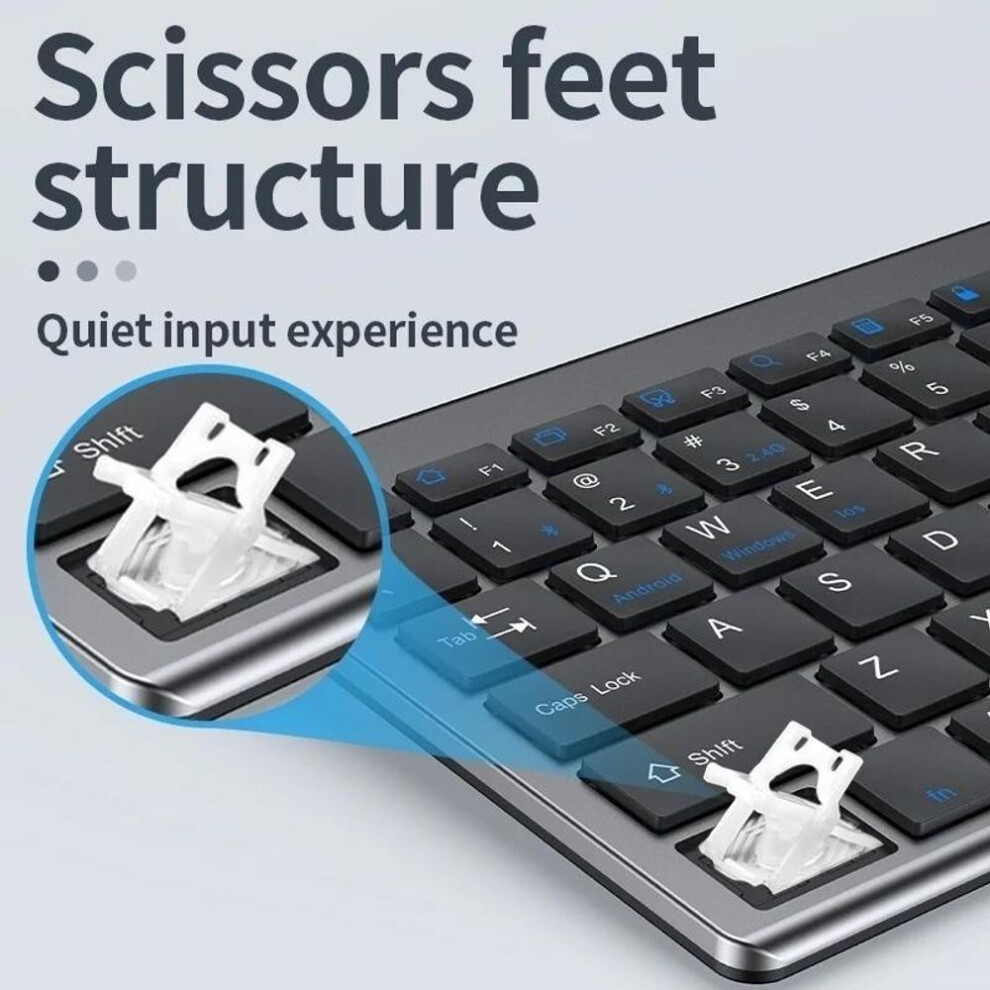
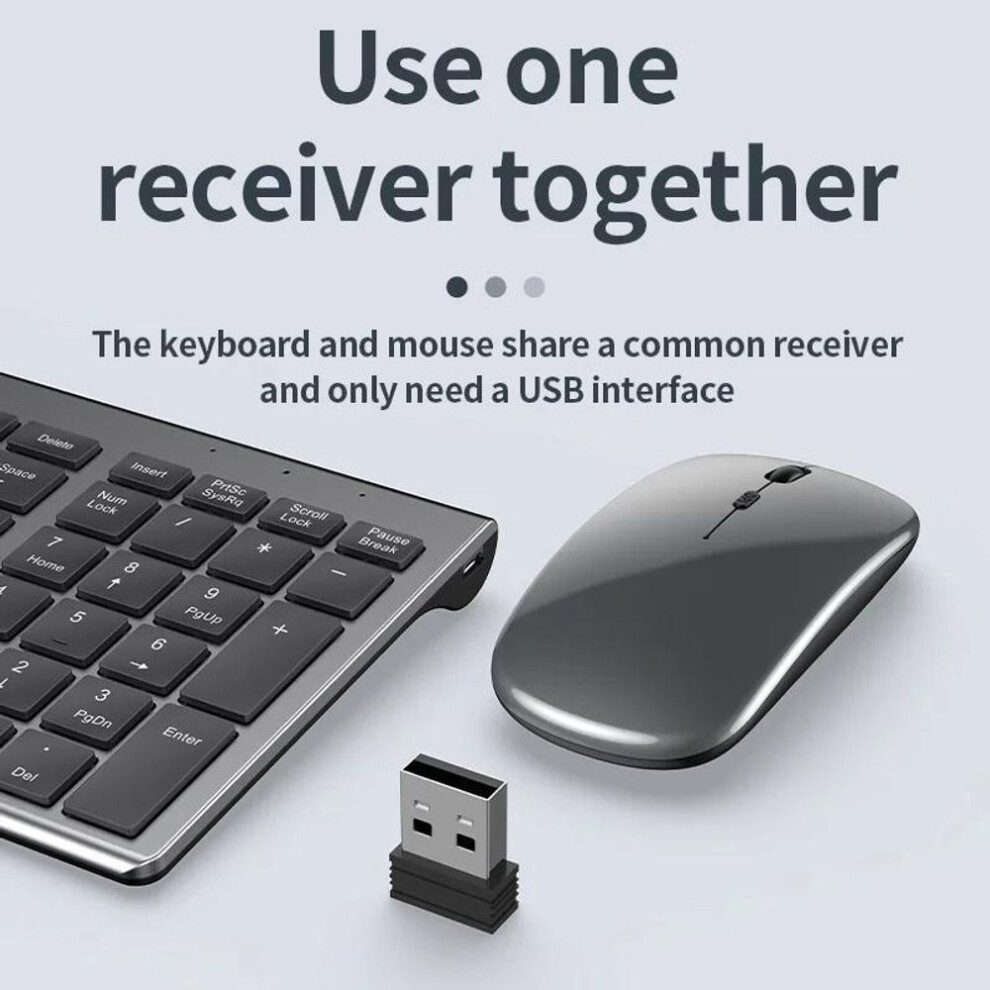
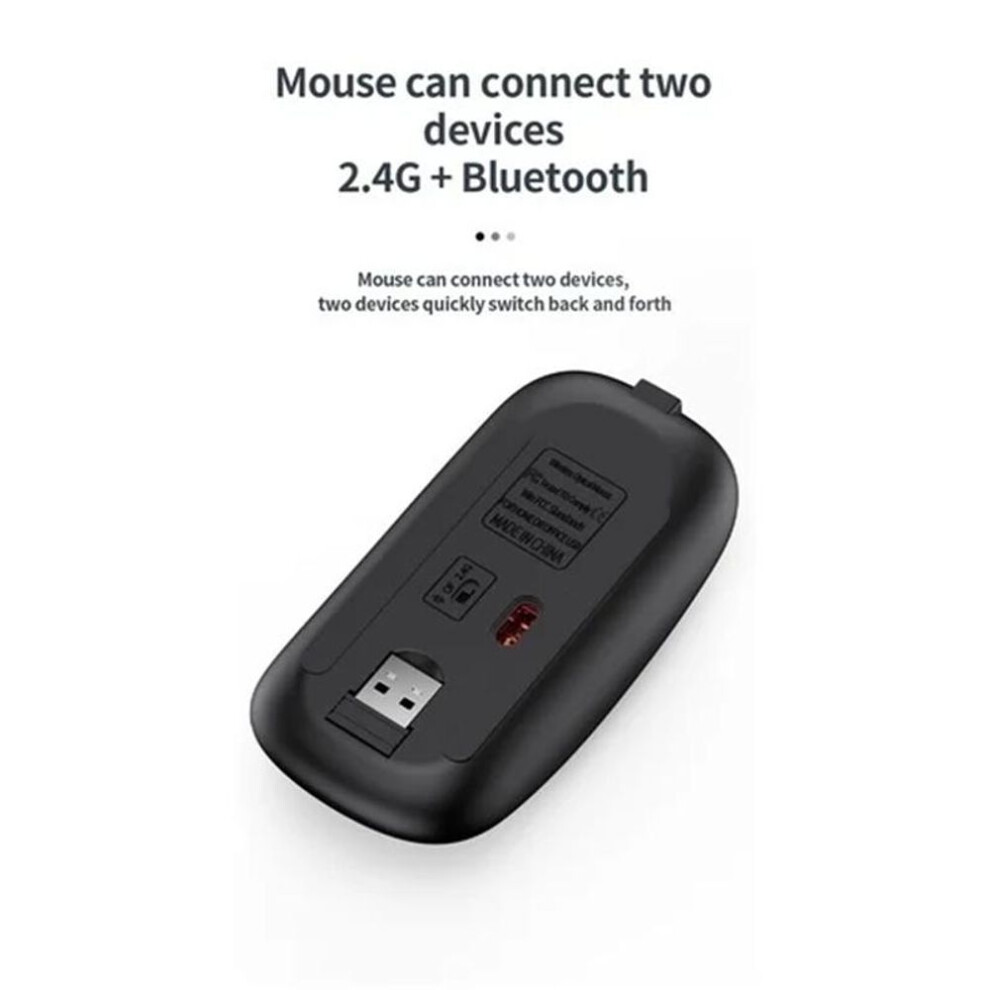
USB2.4G connection: 1. Flip the power switch to ON to turn on the keyboard 2. Insert the USB into the computer, press and hold the button FN+~, the connection is successful Bluetooth connection: 1. Flip the power switch to ON to turn on the keyboard 2. Turn on your device's Bluetooth to enter the search state (system settings - turn on Bluetooth - search and add) 2. Press and hold the key FN+1 or FN+2 or FN+3 on the keyboard, the light flashes, the device will display "O50 keyboard BT", you can click to connect successfully. Multi-device connection: 1.FN+1: Connect to Bluetooth device 1 2.FN+2: connect to bluetooth device 2 3.FN+3: connect to bluetooth device 3 4.FN+~: connect to USB, 2.4G wireless reception 5. Press FN+1/2/3/~ alone to switch the paired devices 6.FN+1/2/3, press and hold for 3 seconds in combination: flashing light, can start the searched state (connect a new device) Additional instructions: 1. For the first connection, you need to switch the keyboard to the corresponding system 2. Failure to switch may cause the function keys to not be used normally! 3. The keyboard distance is 5-10 meters, and the language environment factors of different devices are related to the distance. troubleshooting: 1. When the keyboard cannot be searched, please try to turn on the bluetooth on the device to search again 2. When the keyboard is turned on and there is no indicator light, try to charge the keyboard. 3. After connecting to other devices, go back to the original device again, you need to delete the old record before you can connect 4. When the pairing fails, you need to delete the failed pairing record, and then perform the second pairing
Details
| OPC | PFVDXX2 |
|---|---|
| Brand | Seenda |
| Codes | 8053696899320 (EAN) |
| Rank | Bestseller |
| Links | Wireless Keyboard & Mouse Sets |
| Bluetooth Keyboard & Mouse Sets |
Detailed Product Information
| Weight | 590g |
|---|---|
| Height | 3cm |
| Length | 44cm |
| Width | 13cm |
| Weight | 590g |
| Height | 3cm |
| Length | 44cm |
| Width | 13cm |
| Seller | Ratings | Warranty | Returns | Price | Delivery | Total | Quantity |
|---|---|---|---|---|---|---|---|
| (3.6k reviews) | - |
30 Days
Free Returns No
|
£20.29
|
+Free Delivery
Est. Delivery:
30th Nov - 5th Dec
|
£20.29
Recommended
We recommend listings based on a combination of price, delivery time, quality of seller reviews and other factors
|
||
| (94 reviews) | - |
30 Days
Free Returns No
|
£21.99
|
+Fast & Free Delivery
Est. Delivery:
13th-14th Nov
|
£21.99
|
||
| (2.4k reviews) | - |
30 Days
Free Returns Yes
|
£21.50
|
+Free Priority Delivery
Est. Delivery:
20th-25th Nov
|
£21.50
|
||
|
Dispatched from:

|
(240 reviews) | 12 months |
30 Days
Free Returns No
|
£58.00
|
+Free Delivery
Est. Delivery:
20th-25th Nov
|
£58.00
|
All OnBuy Reviews are Verified Reviews
Earn as you shop with instant Cashback on everything.
No catch, no cost
Become a Cashback VIP
Just 1 purchase unlocks bigger deals & rates
You'll only get instant Cashback at OnBuy! Enter your email below and we'll send you a copy of your basket to save you time later.
By entering your email address, you'll automatically be added to our database, where you can enjoy personalised Cashback offers and early access to our best deals. You can opt out of our emails at any time and we'll never share your details with anyone. Check our Privacy Policy and T&Cs to find out more.
Want access to personalised offers and the highest Cashback rates? Sign up to our emails below.
You can opt out of our emails at any time and we'll never share your details with anyone. Check our Privacy Policy and T&Cs to find out more.
This page has expired.
Refresh and continue