





















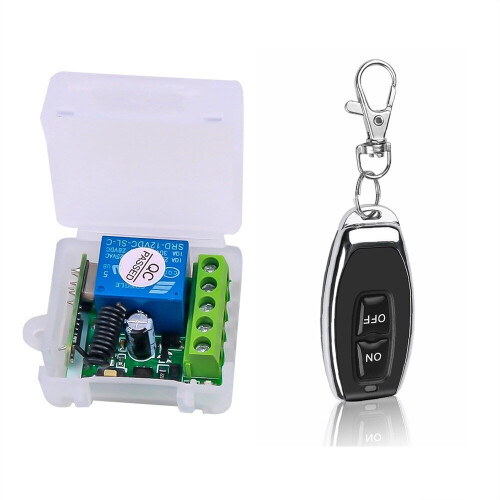
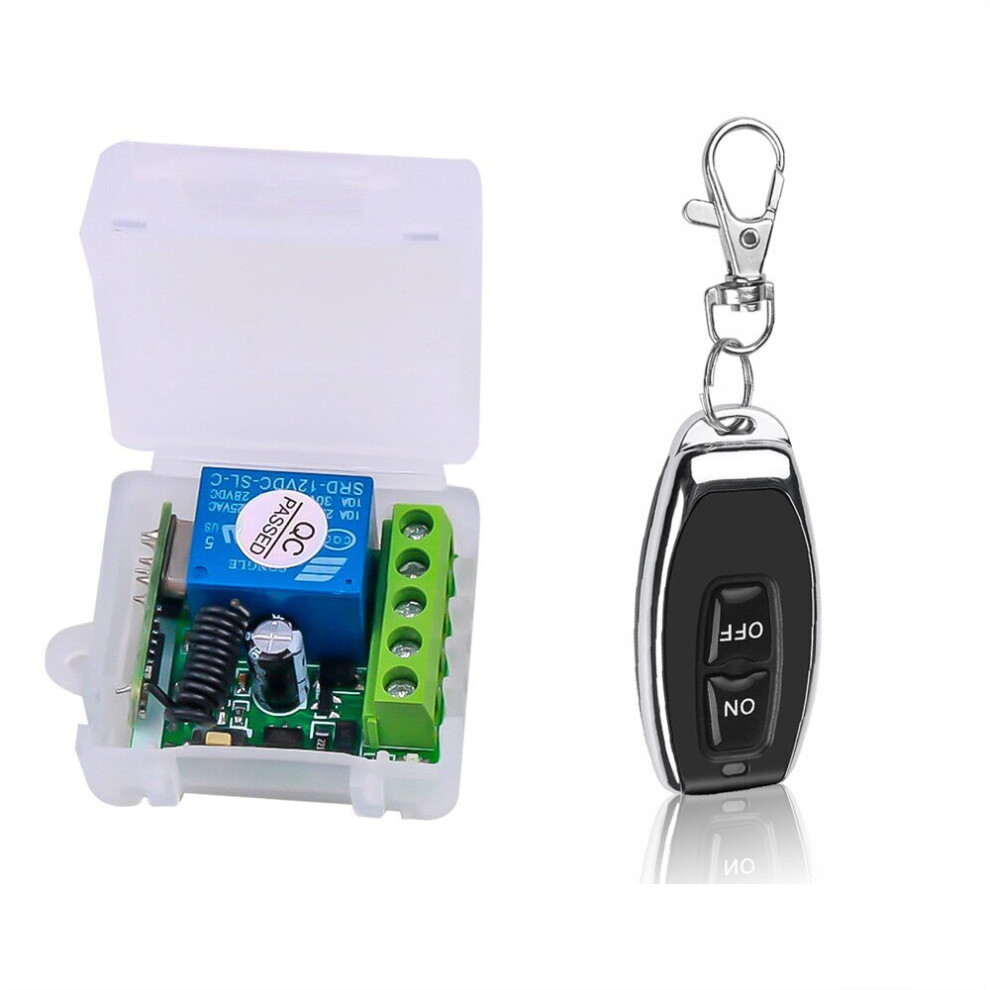
DC12V 10A Relay 1 CH Wireless RF Remote Control Switch ON OFF
In stock
Smart shoppers OnBuy it!
- Earn Cashback on every purchase – spend it instantly on your next order
- Free delivery – on millions of items across the site
- Customers love us – 132,000 Trustpilot reviews and an 'Excellent' rating
Interest-free payment options available


See full product description & details
Delivery: Priority (Free) | Thu 27th Aug - Wed 2nd Sep
Sold by: winwinstore
Returns: 30 days
180-day payment protection
You might also like

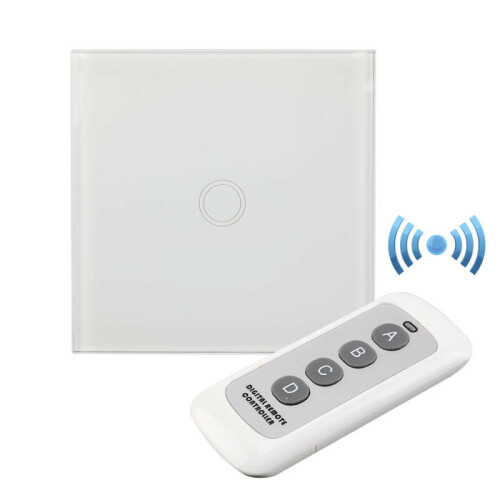









DC12V 10A Relay 1 CH Wireless RF Remote Control Switch ON OFF Description
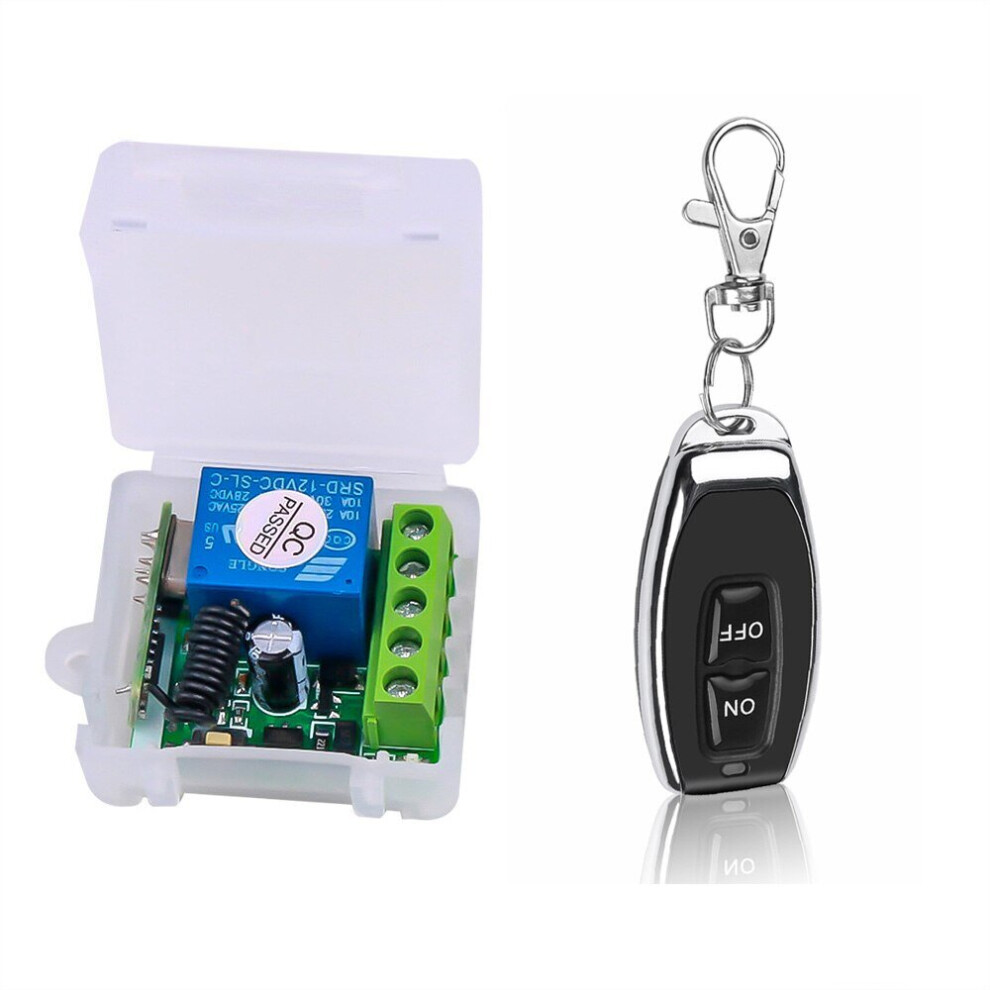
Input Voltage: 12 V, RF working mode: Superheterodyne Receiver sensitivity: > 97 dbm Transmitting distance:> 100 m ( open space) Decoding mode: MCU software decoding Remote storage: 20 Support remote type: EV1527 learning code Working mode: Momentary, toggle, latching time delay (5s ,10s ,15s ) Output terminal: NO , NC , COM Remote control battery: 2 x 3 V CR2016 button batteries Note: Maximum input power is 12 V Remote programming Working mode: 1. Inching mode: press the remote controltherelaywill connect, and thenrelease?the remote controlto disconnect the relay; 2. Self-locking mode: press the remote controltherelaywill connect, and then press the remote controlagainto disconnect the relay; 3. Interlock mode: press the remote control key A toconnect?the relay, and press the remote control key B to disconnect?relay. 4. Delay mode: press the remote controltherelaywill connect, release the remote control and start timing. After 5S, 10S?and 15S?(3 gears), the relay will be automatically closed. Learning Methods: 1. Inching learning method: Press the codepairing?button on the control panel once, and the LED indicator will flash once. After the LED indicatorlit, press the buttonyou need to pairing on?the remote control,?the LED indicator on the control panel will flash for 3 times?which means the pairing succeed. 2. Self-locking learning method: Press the codepairing?button on the control paneltwice, and the LED indicator will flashtwice. After the LED indicatorlit, press the buttonyou need to pairing on?the remote control,?the LED indicator on the control panel will flash for 3 times?which means the pairing succeed. 3. Mutual lock learning method: Press the codepairing?button on the control panelthree times, and the LED indicator will flashthree times. After the LED indicatorlit, press the buttonyou need to pairing on?the remote control,?the LED indicator on the control panel will flash for 3 times?which means the pairing succeed. 4.5S?delay learning method: Press the codepairing?button on the control panel four?times, and the LED indicator will flashfour times. After the LED indicatorlit, press the buttonyou need to pairing on?the remote control,?the LED indicator on the control panel will flash for 3 times?which means the pairing succeed. 5. 10S?delay learning method: Press the codepairing?button on the control panel five times, and the LED indicator will flashfive times. After the LED indicatorlit, press the buttonyou need to pairing on?the remote control,?the LED indicator on the control panel will flash for 3 times?which means the pairing succeed. 6. 15S?delay learning method: Press the codepairing?button on the control panel?six times, and the LED indicator will flashsix times. After the LED indicatorlit, press the buttonyou need to pairing on?the remote control,?the LED indicator on the control panel will flash for 3 times?which means the pairing succeed. Clearingmethod: Press the codepairing?button on the control panel?eight times,then it will?automatically clear all thelearnedremote controls.After clearing, the remote control previously learnedcan?no longer beused. Package including 1*Receiver module 1*Remote Control (with battery)
Details
| OPC | P8S6PH2 |
|---|---|
| Codes | 0644589801216 (EAN) |
| Rank | #263 Electrical Switches |
Compare Sellers for DC12V 10A Relay 1 CH Wireless RF Remote Control Switch ON OFF
- New from £10.99
| Seller | Ratings | Warranty | Returns | Price | Delivery | Total | Quantity |
|---|---|---|---|---|---|---|---|
| (4.4k reviews) | - |
30 Days
Free Returns Yes
|
£10.99
|
+Free Priority Delivery
Est. Delivery:
27th Aug - 2nd Sep
|
£10.99
|
Reviews of DC12V 10A Relay 1 CH Wireless RF Remote Control Switch ON OFF
All OnBuy Reviews are Verified Reviews
Earn as you shop with instant Cashback on everything.
No catch, no cost
- Paid into your OnBuy account
- Spend it on your next purchase
- Save it or withdraw it
Become a Cashback VIP
Just 1 purchase unlocks bigger deals & rates