
































Product Images



In stock
Smart shoppers OnBuy it!
Interest-free payment options available


See full product description & details
Delivery: Priority (Free) | Tue 13th - Sat 17th Oct
Sold by: CNNOTEPAD
Returns: 30 days
180-day payment protection
Summary
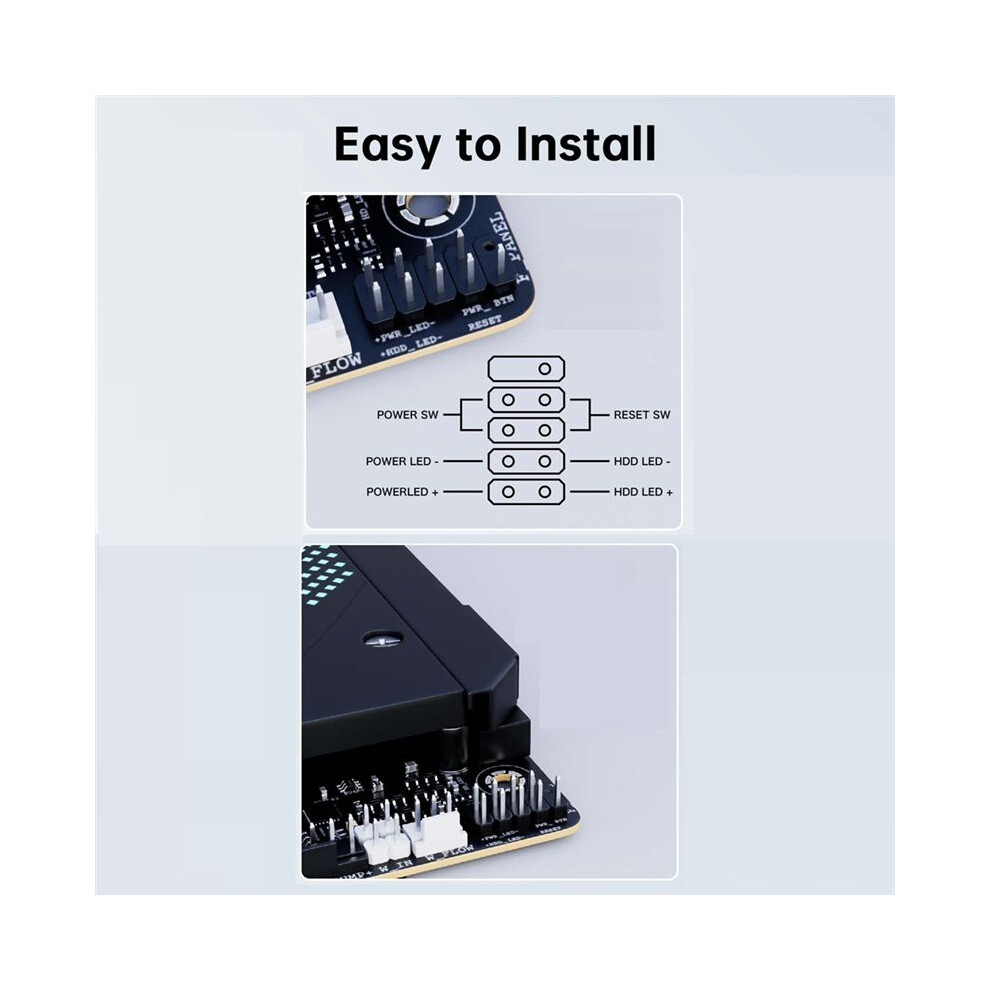
1. Modification scope: The spacing between the corresponding sockets of the motherboard is 2.54mm, and the plug of the front is a scattered terminal, not all integrated into a whole;
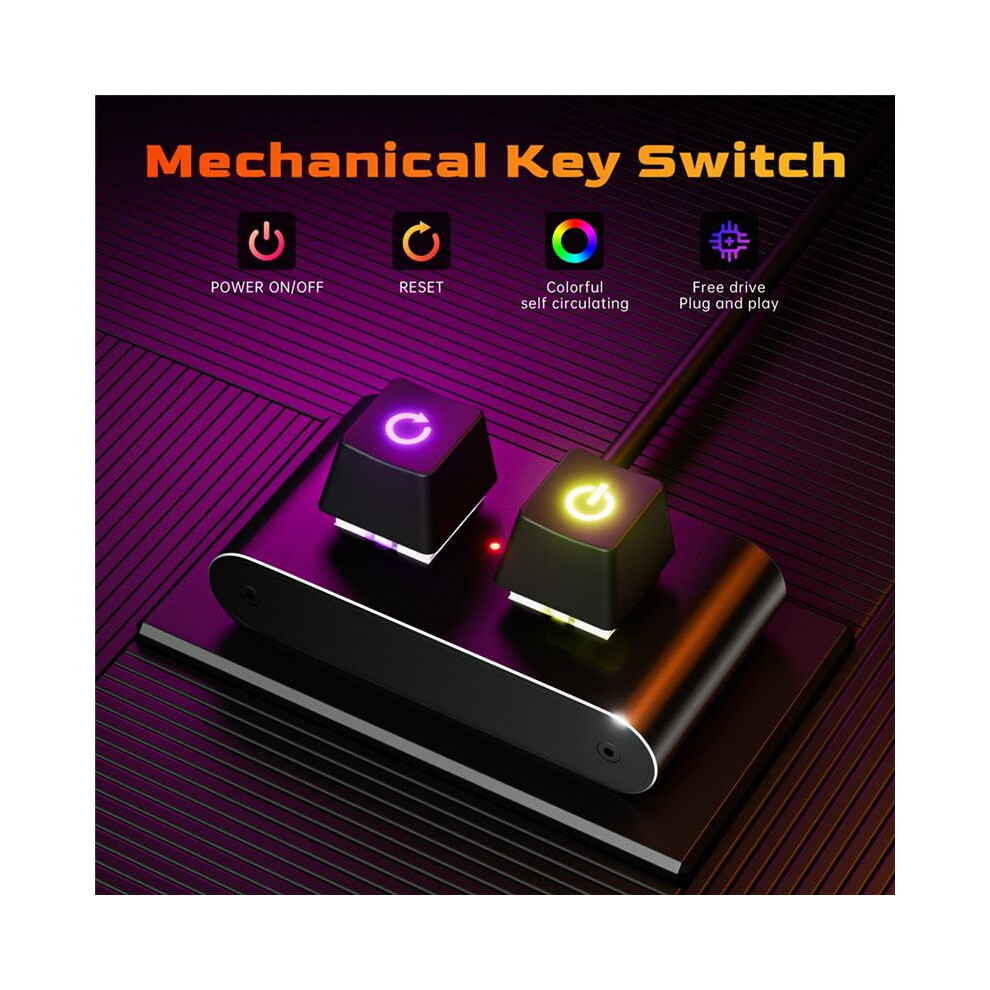
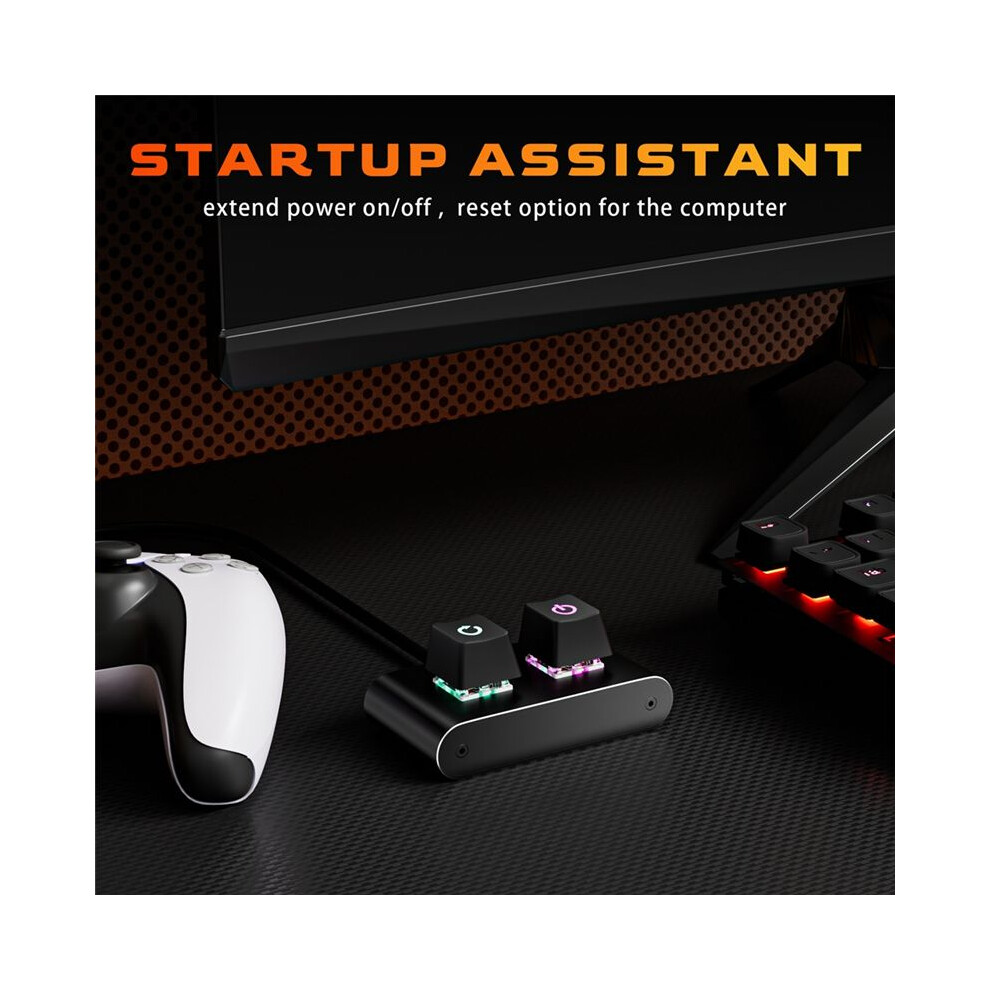
2. This extension has complete power and restart functions, and the POWER LED and HDD LED are reflected the external ;
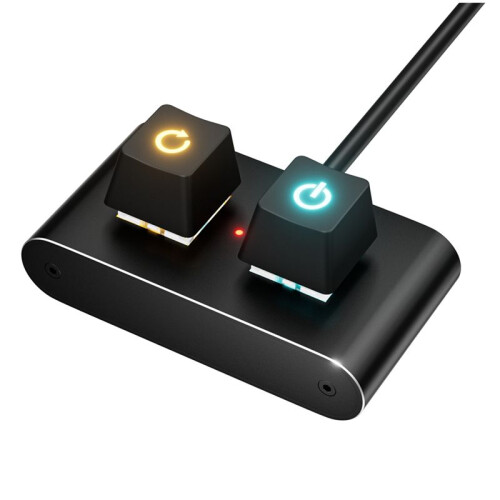
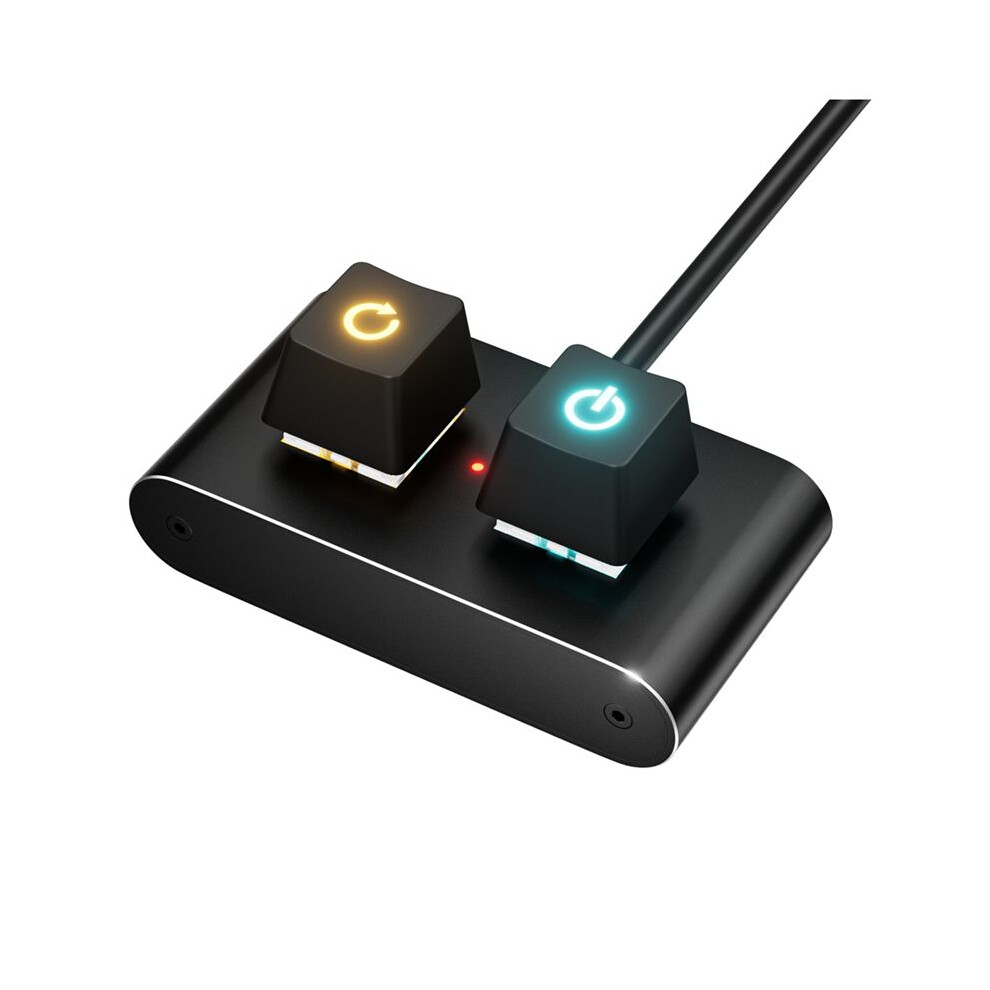
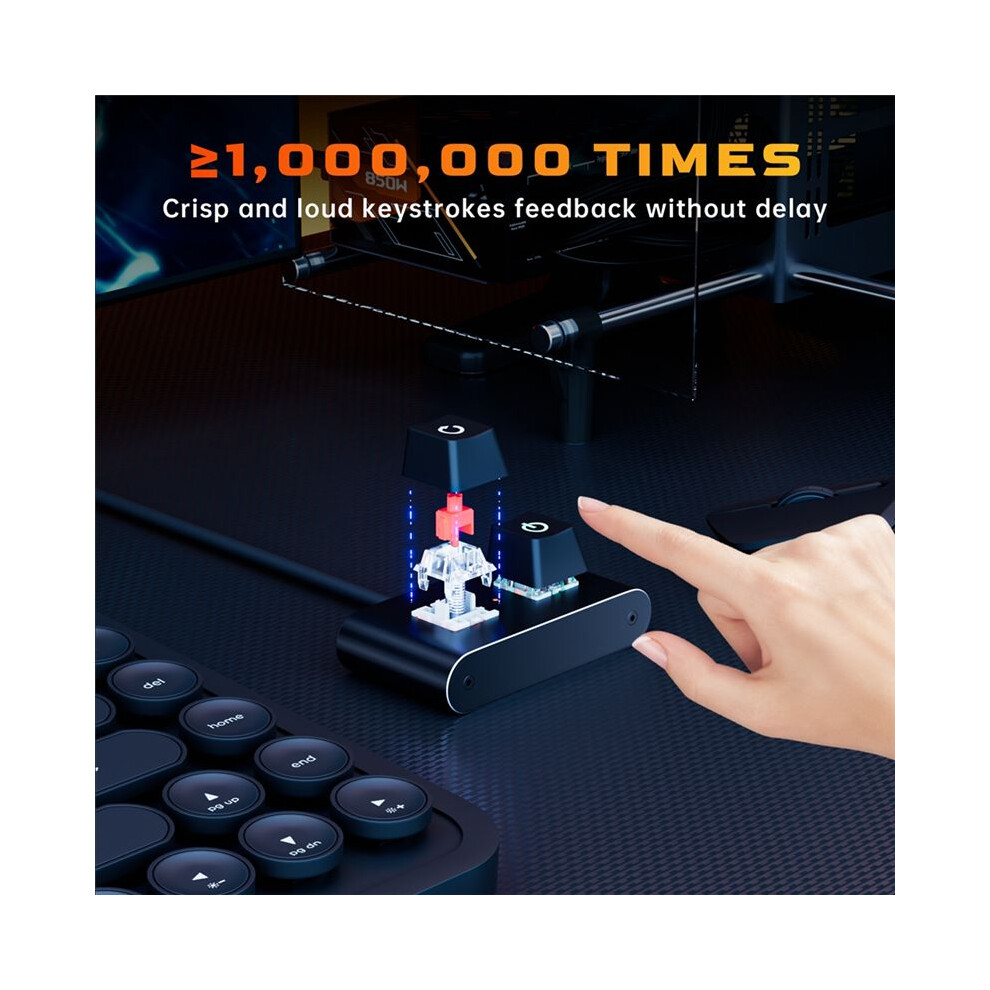
3. The frequently used power button is placed the right side of the product, and the less frequently used restart button is placed the left. The power indicator light is reflected in the colorful self-circulating light effect under the keycap (LED chip control), and the hard disk indicator light is viewed through the small hole in the middle of the product;
4. The keycap icon is light-transmissive, and there are colorful self-circulating LED lights under the two buttons. It cannot be modified by yourself. If you don't need the light, you can not connect the POWER LED .
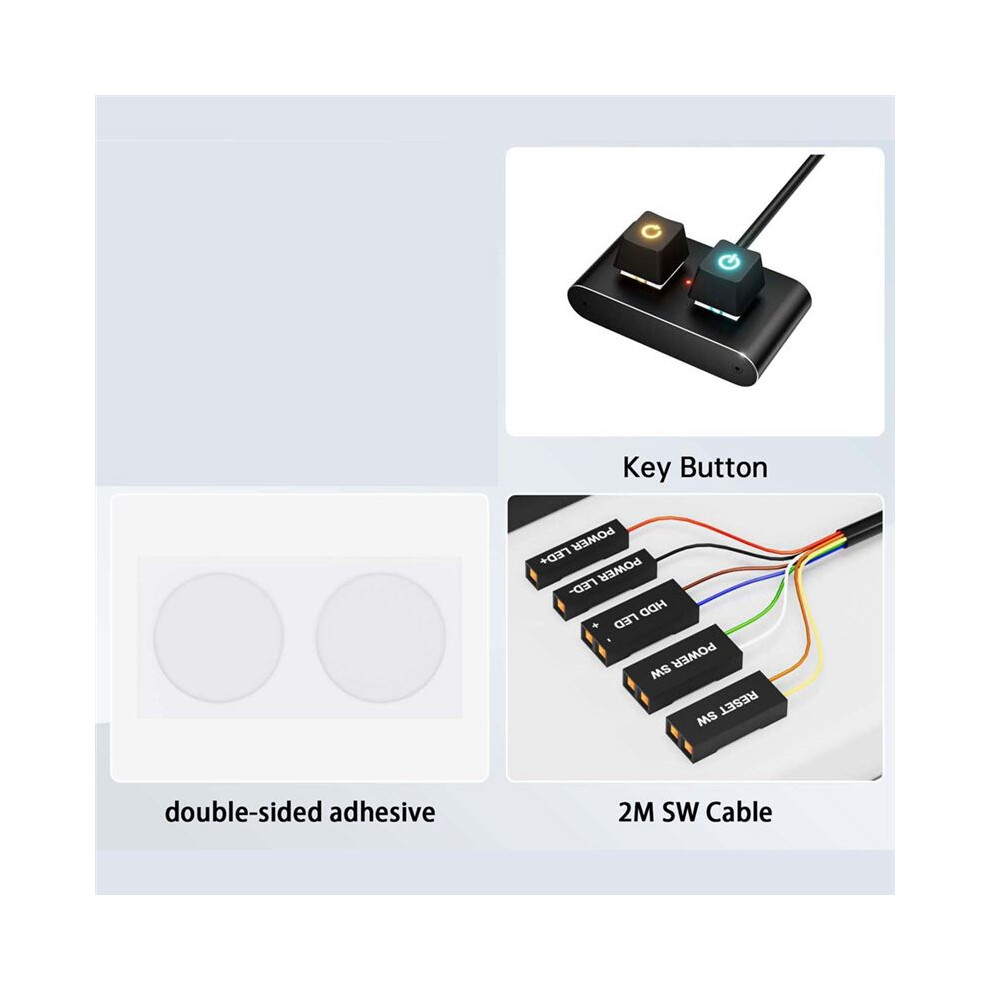
Installation instructions:1. Directly connect the terminal wires of this to the corresponding positions of the F_PANEL socket the motherboard, and only use the new ;
2. The can be placed in a suitable position as required, or the provided double-sided adhesive pad can be used to stick it to the required position;
Specification:Without Adapter
Color: Black
Material: Aluminum+Plastic
Package Contents:
1 x Desktop Computer Power
2 x double-sided adhesive pads
2 x cable ties
Details
| OPC | PVWHY8G |
|---|---|
| Brand | Tlily |
| Codes | 4711502310790 (EAN) |
Product Data
| Height | 3cm |
|---|---|
| Width | 9cm |
| Length | 12cm |
| Weight | 0.1015kg |
| Colour | Black |
| Size | Without Adapter |
| Material | Aluminum+Plastic |
| Seller | Ratings | Warranty | Returns | Price | Delivery | Total | Quantity |
|---|---|---|---|---|---|---|---|
|
Dispatched from:

|
(466 reviews) | - |
30 Days
Free Returns No
|
£10.41
|
+Free Priority Delivery
Est. Delivery:
13th-17th Oct
|
£10.41
|
Earn as you shop with instant Cashback on everything.
No catch, no cost
Become a Cashback VIP
Just 1 purchase unlocks bigger deals & rates
You'll only get instant Cashback at OnBuy! Enter your email below and we'll send you a copy of your basket to save you time later.
By entering your email address, you'll automatically be added to our database, where you can enjoy personalised Cashback offers and early access to our best deals. You can opt out of our emails at any time and we'll never share your details with anyone. Check our Privacy Policy and T&Cs to find out more.
Want access to personalised offers and the highest Cashback rates? Sign up to our emails below.
You can opt out of our emails at any time and we'll never share your details with anyone. Check our Privacy Policy and T&Cs to find out more.
This page has expired.
Refresh and continue