






















Product Images


In stock
Smart shoppers OnBuy it!
Interest-free payment options available


See full product description & details
Delivery: Priority (Free) | Tue 3rd - Sat 7th Nov
Sold by: WILLIAMSONBO, there is 1 other seller
Returns: 30 days
180-day payment protection

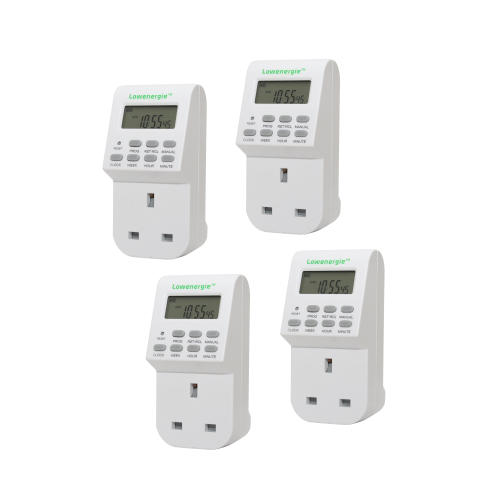
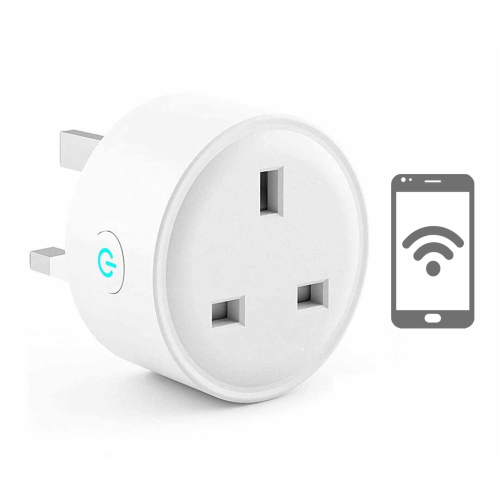
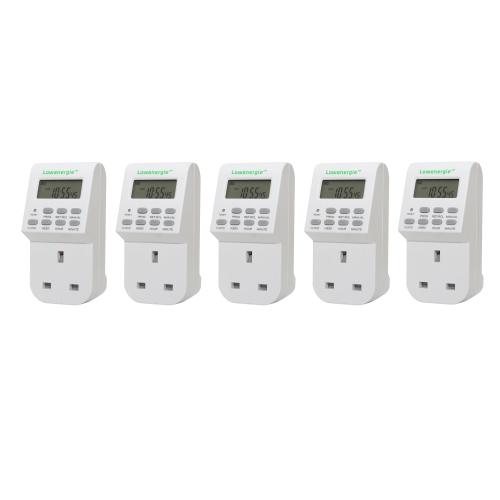
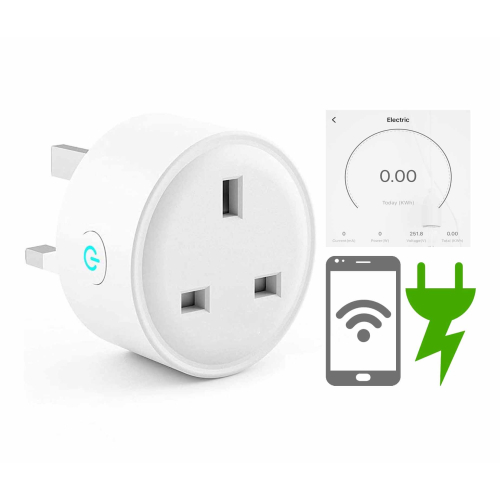

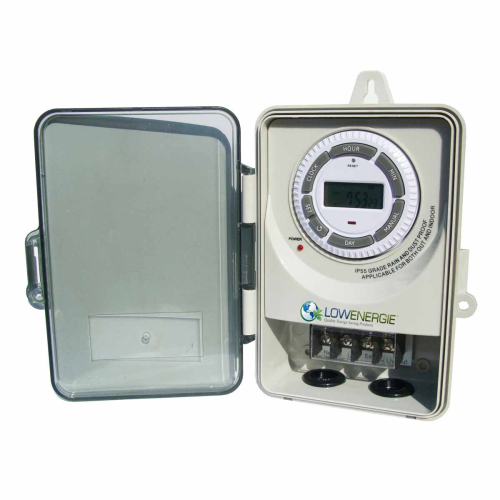
Description:
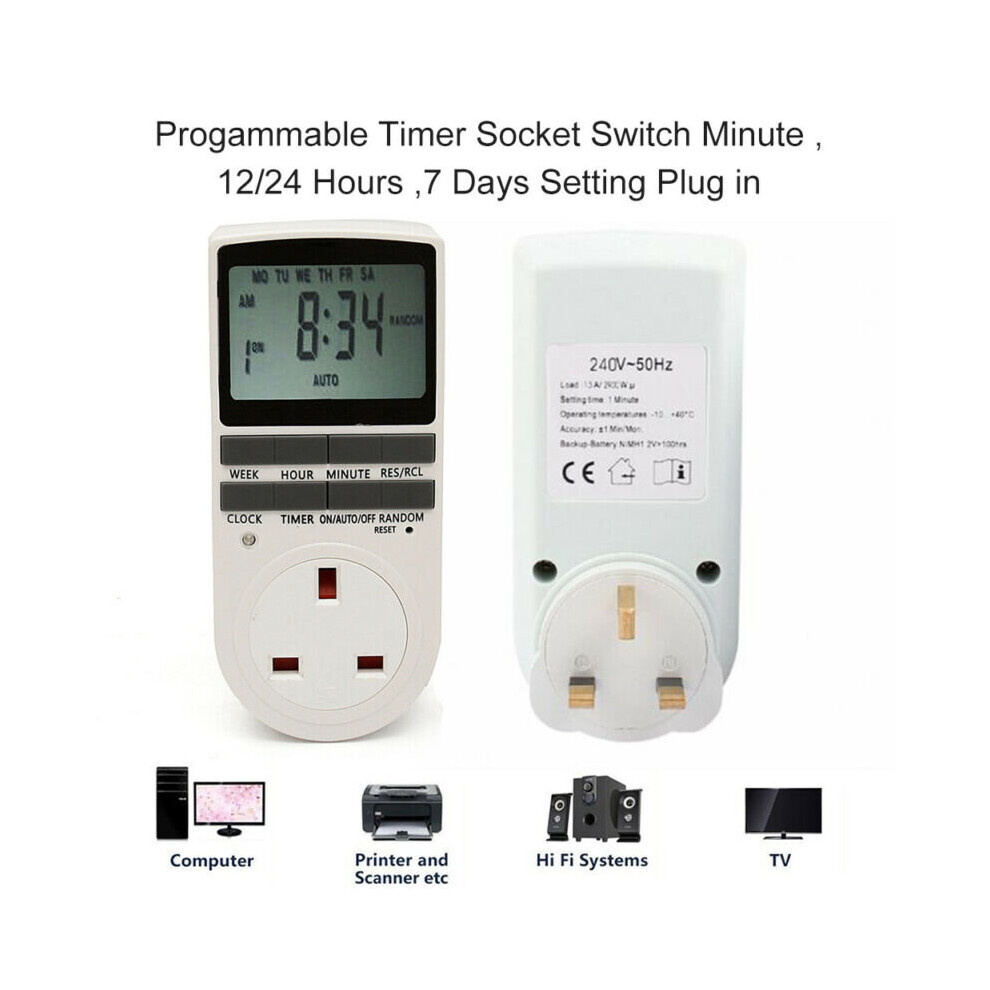
100% Branded New and High Quality!
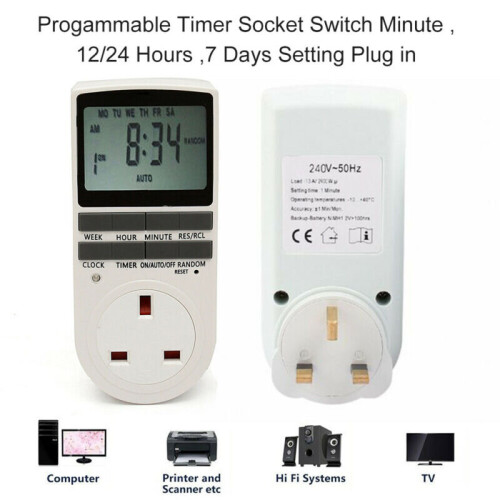
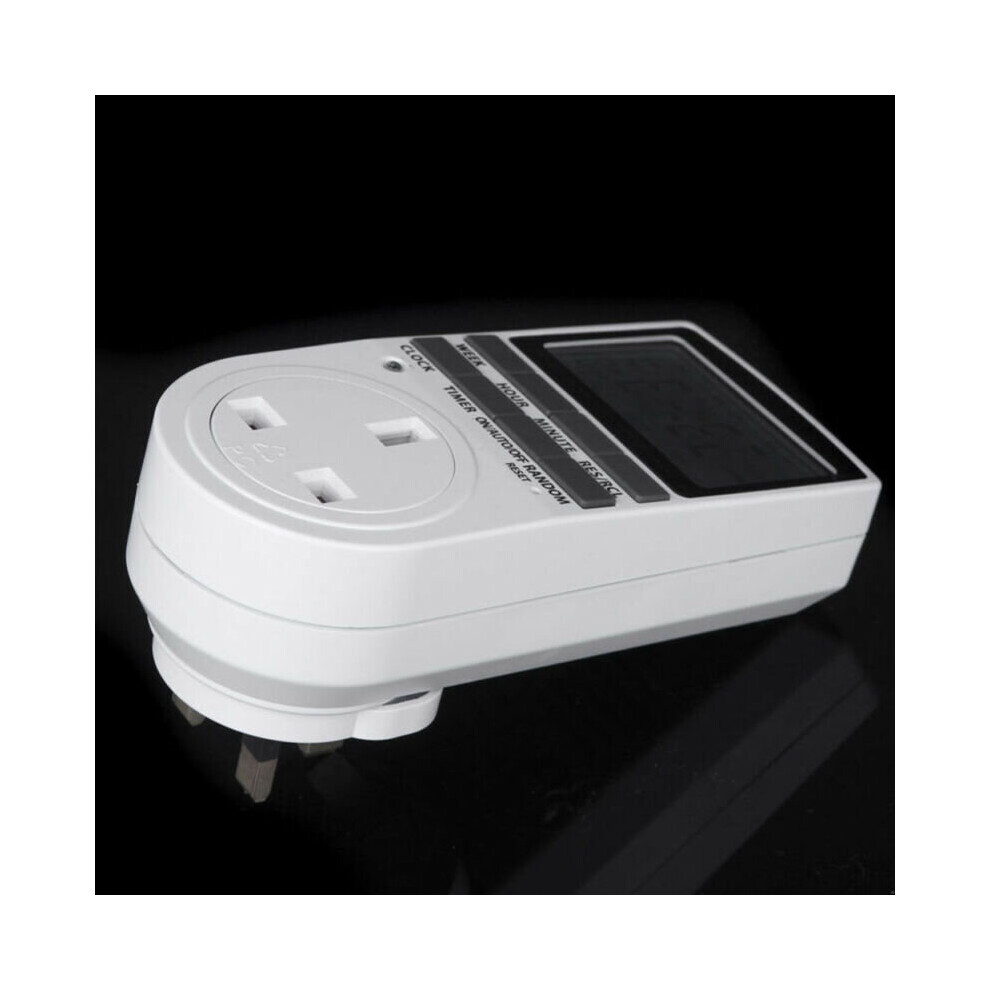
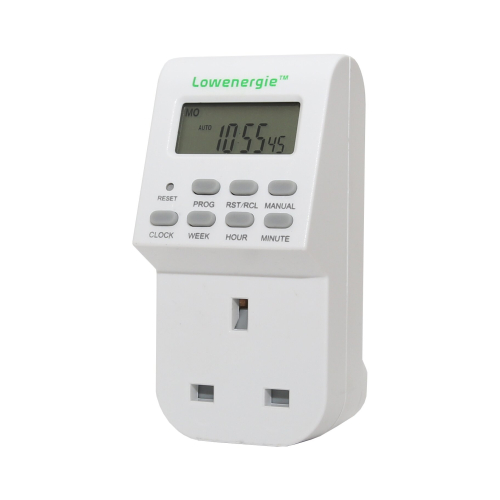
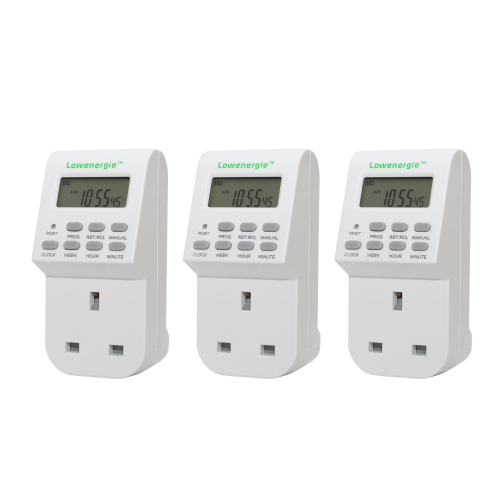
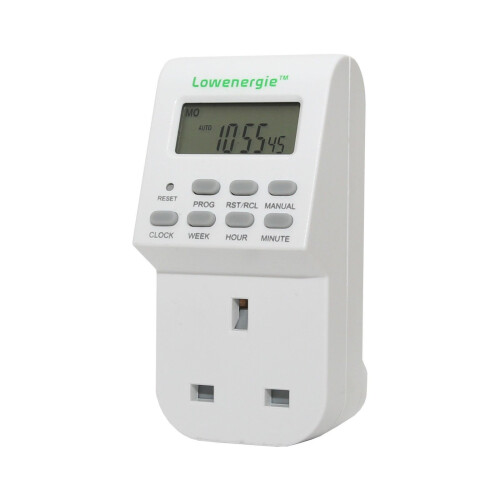
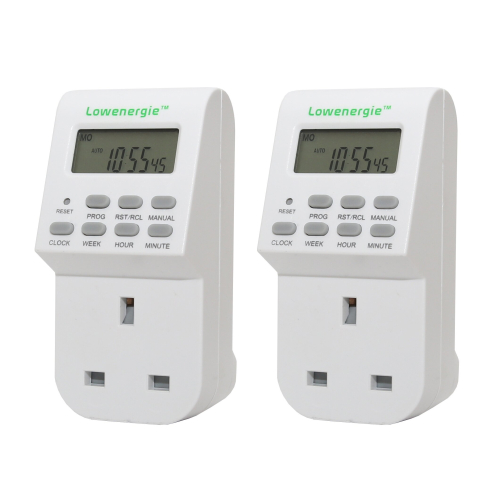
LCD display for easy and clear reading.
MULTI TASKING: This timer plug has up to 10 different ON/OFF programs set over a week, with the option of having them repeat for the following weeks!
PROTECTING: Timer plug allows for a setting which randomly turns lights on and off over a period of time to keep potential burglars away as they will think you are home.
ENERGY SAVING: Comes with a setting that automatically turns electronic devices around the house off when not being used.
Providing 16-combination of daily-programs.
With summer time change-over.
Random function for security lights.
12/24 hours changeable.
High accuracy and strong anti-interference.
Specification:
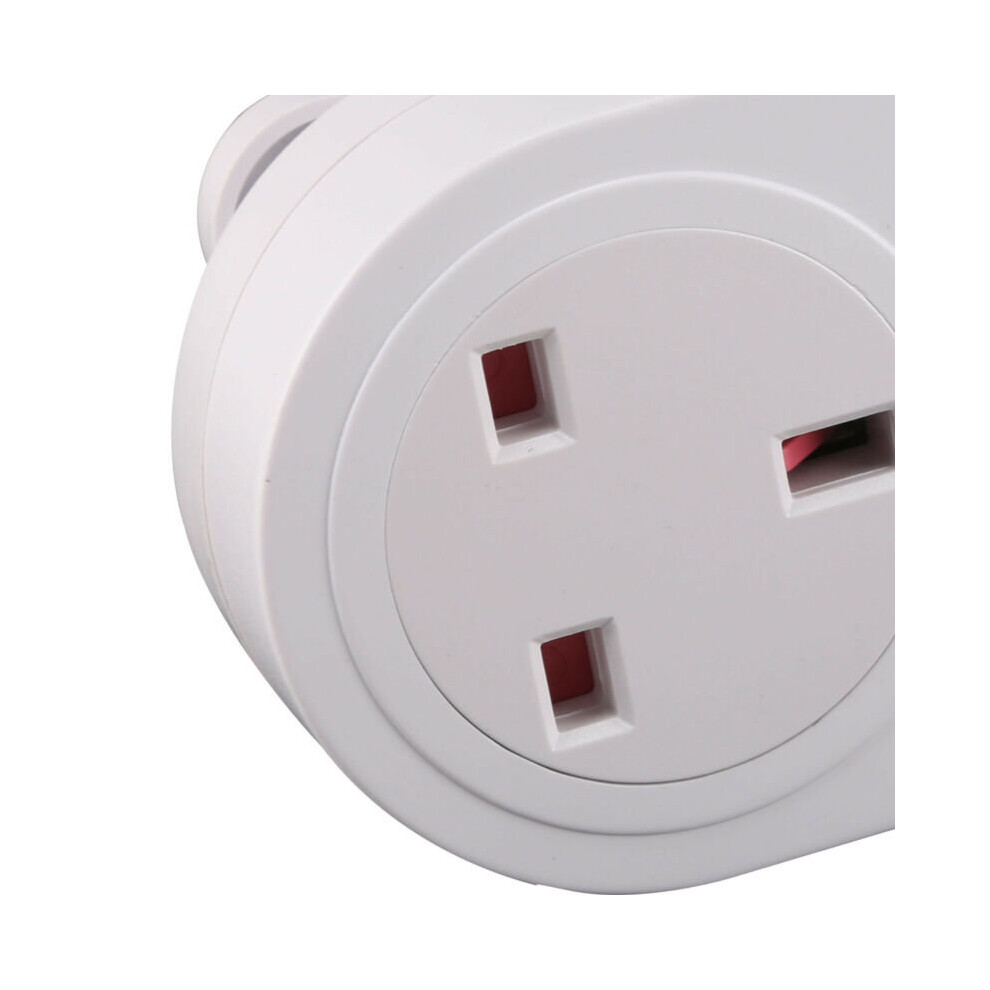
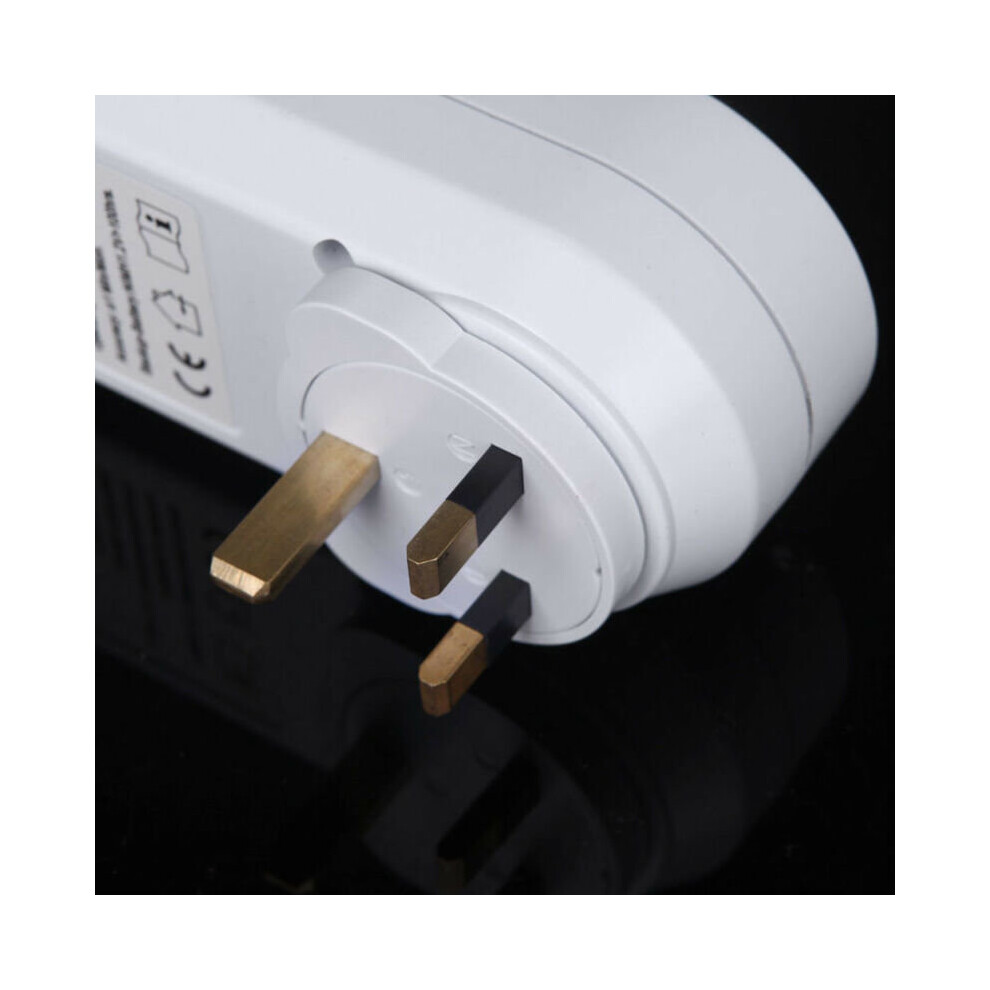
Plug type: UK plug
Voltage: 230V 50Hz
Rating: 230V~AC/13A/2900W
Installation: Plug-in type
Setting time: 1 minute
Operating temperature: -10~40℃
Accuracy: ±1 min / Mon.
Package Included:
1 x Timer Switch (UK Plug)
How it Works:
Timer on at 8:30 AM ON and OFF at 9:20 AM every day of the week:
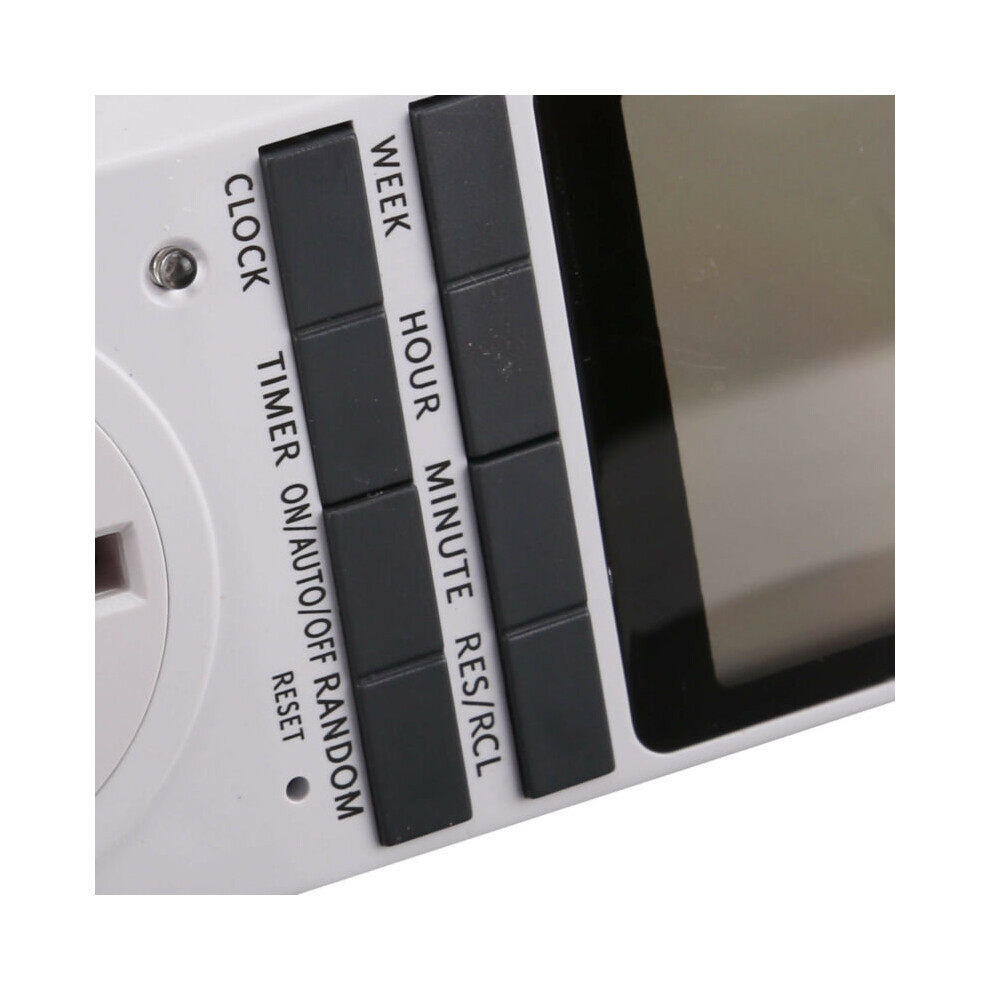
Use a paper clip to press the 'RESET' button to clear all settings
1.Set the current time, for example, now it's 11:30 AM, Tuesday. below
following:
a) Press the CLOCK + WEEK button and adjust the WEEK to Tuesday TU.
b) Press the CLOCK + HOUR button and adjust the HOUR to 11.30.
d) To switch between 12hour/24hour mode, simultaneously press the 'CLOCK' and the 'TIMER' button
e) And then press the ON/AUTO/OFF button to 'AUTO'
f) After adjusting, press CLOCK to save the set time
2.Adjust the timing (Monday to Sunday 8:30 ON, Monday to Sunday 9:20 OFF), below
following:
a) Press the TIMER button to appear the first set of ON setting interface.
b) Press the WEEK button continuously until the mode of MO TU WE TH FR SA SU.
c) Press the HOUR button to adjust the HOUR to 8.
d)Press the MINUTE button to adjust the minutes to 30.
e)Press the ON/AUTO/OFF button to 'AUTO'
f) Press the TIMER button to store the Settings and automatically switch to the first set OFF set interface.
g)Press the HOUR button to adjust the HOUR to 9.
h)Press the MINUTE button to adjust the minutes to 20.
i)press the ON/AUTO/OFF button to 'AUTO'
j)Finally, press the CLOCK button to exit the setup interface and return to the current display state of the CLOCK.
3. Plug the timer into an outlet before your setting timing ON
Details
| OPC | P5W7TYH |
|---|---|
| Codes | 0613310292050 (EAN) |
| Links | Digital Timer Plugs |
| Seller | Ratings | Warranty | Returns | Price | Delivery | Total | Quantity |
|---|---|---|---|---|---|---|---|
| (5.4k reviews) | - |
30 Days
Free Returns Yes
|
£13.18
|
+Free Priority Delivery
Est. Delivery:
3rd-7th Nov
|
£13.18
Recommended
We recommend listings based on a combination of price, delivery time, quality of seller reviews and other factors
|
||
| (455 reviews) | - |
30 Days
Free Returns No
|
£13.19
|
+Free Priority Delivery
Est. Delivery:
5th-10th Nov
|
£13.19
|
All OnBuy Reviews are Verified Reviews
Earn as you shop with instant Cashback on everything.
No catch, no cost
Become a Cashback VIP
Just 1 purchase unlocks bigger deals & rates
You'll only get instant Cashback at OnBuy! Enter your email below and we'll send you a copy of your basket to save you time later.
By entering your email address, you'll automatically be added to our database, where you can enjoy personalised Cashback offers and early access to our best deals. You can opt out of our emails at any time and we'll never share your details with anyone. Check our Privacy Policy and T&Cs to find out more.
Want access to personalised offers and the highest Cashback rates? Sign up to our emails below.
You can opt out of our emails at any time and we'll never share your details with anyone. Check our Privacy Policy and T&Cs to find out more.
This page has expired.
Refresh and continue