





















Product Images

In stock
Smart shoppers OnBuy it!
Interest-free payment options available


See full product description & details
Delivery: Standard (Free) | Tue 3rd - Sat 7th Nov
Returns: 30 days
180-day payment protection









Summary
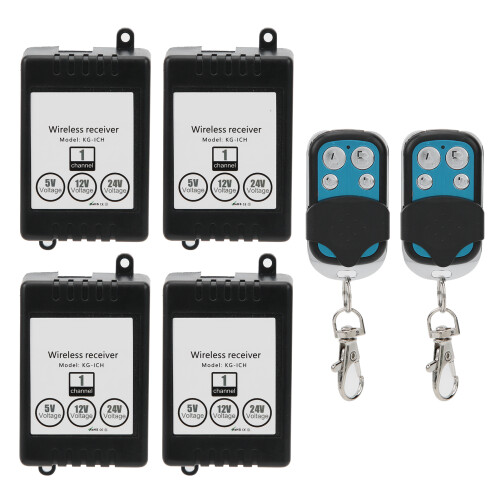
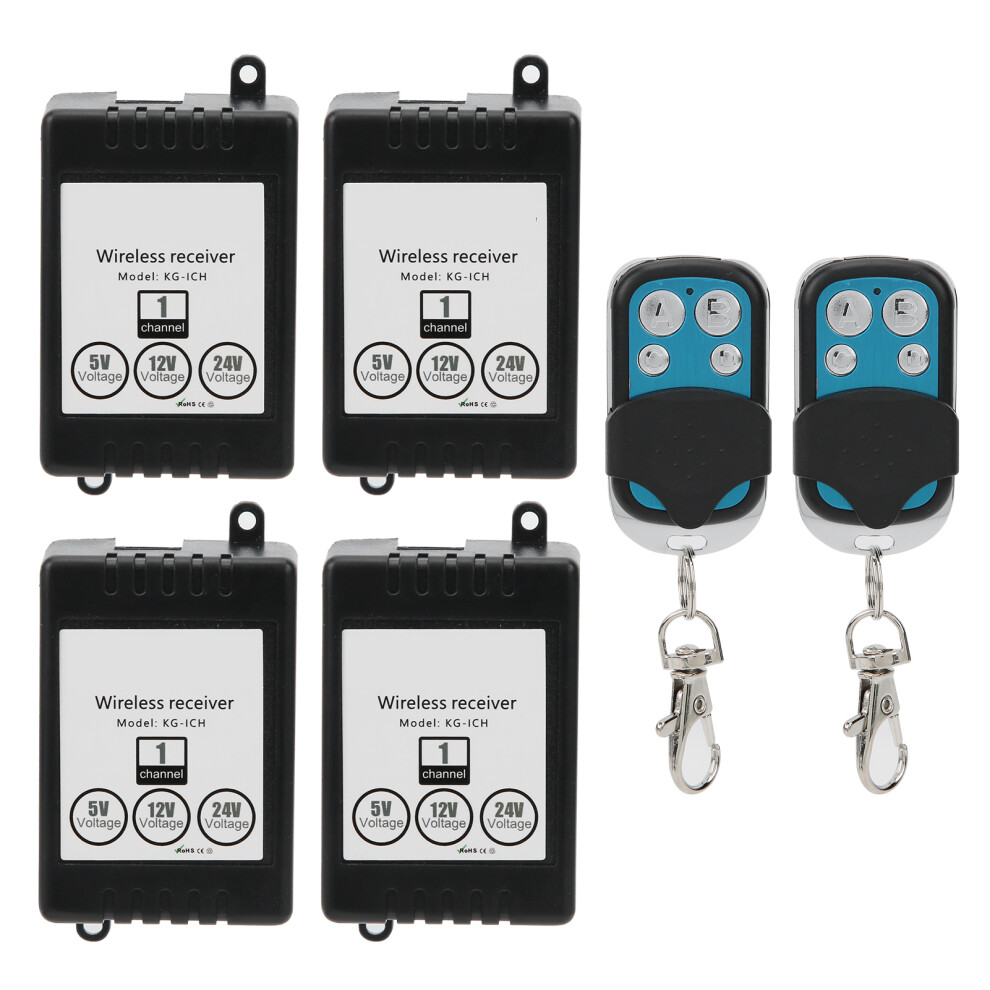
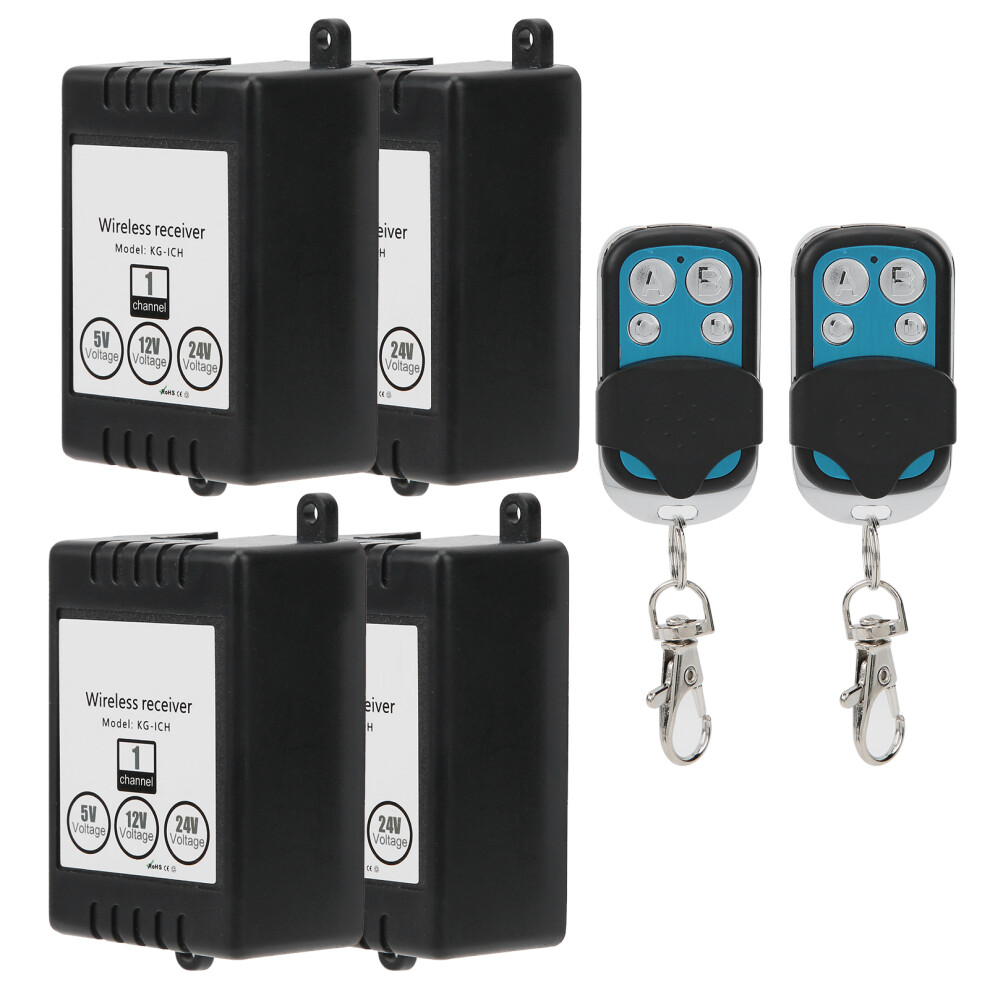
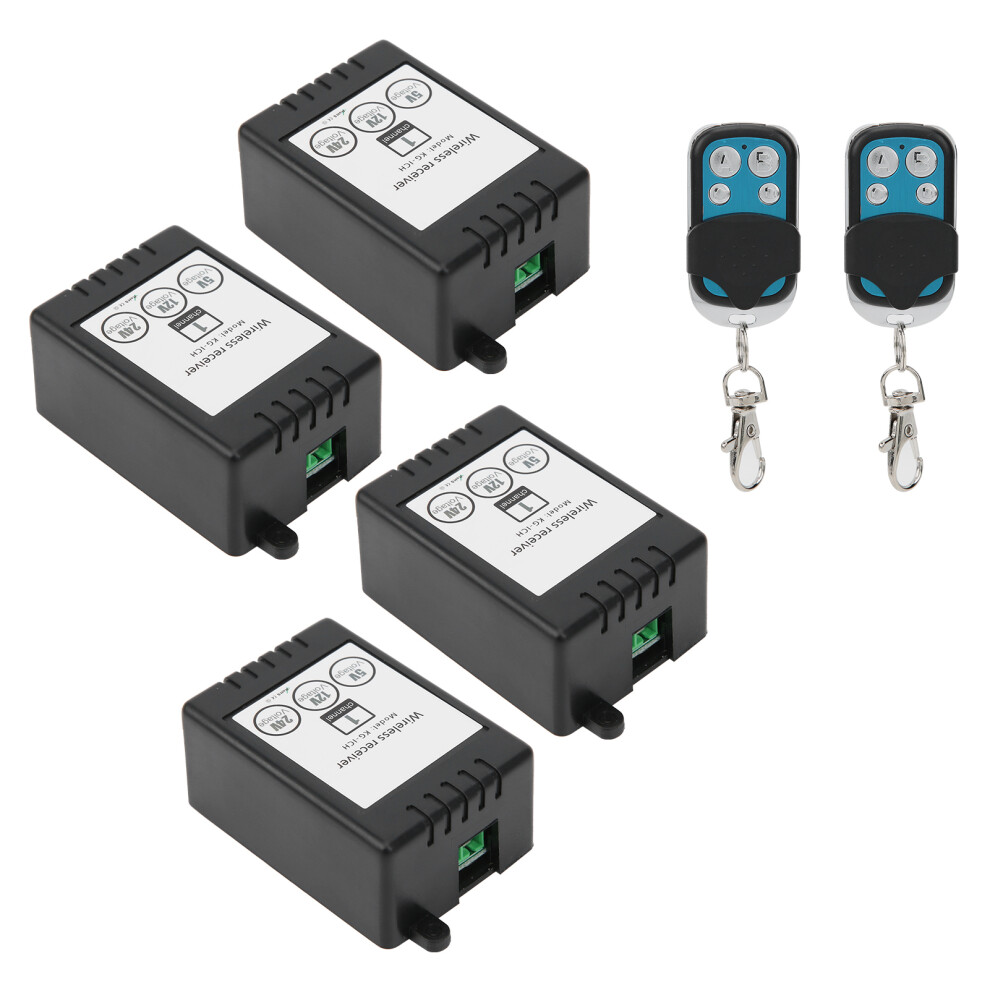
1、A variety of learning methods control the access control, which is highly practical. 2、Wide voltage DC5V, 12V, 24V can be used, which is convenient and easy to operate. 3、Comes with 2pcs 2‑key remote control, easy to use and not easy to damage, for long term use. 4、Processed with high-quality materials of ABS, wear-resistant, high-temperature resistant. 5、Professional manufacturing, superb craftsmanship and high accuracy help to provide the best performance.
Item Type: Access Control Chip with Remote Control
Material: ABSModel: KG1201E
Input Voltage: Wide voltage DC5V-12V-24V can be
Function: Inching, self-locking, interlocking, delay
Delay Time: 10S, 30S, 90S, 120S
Remote Control Battery: 12V27A (Battery Included)
Wiring Instructions:
1. +: Connect to the positive pole of the power supply;
2. -: Connect to the negative pole of the power supply;
3. NO: output terminal; normally open terminal of relay;
4. COM: output terminal; relay common terminal;
5. NC: output terminal; normally closed terminal of the relay;
6. The input voltage supports 5V/12V/24V.
7. With voltage output (that is, how many volts are input and output is how many volts)
Learn to code:
1. Jog learning method:
Press the control panel pairing button once, and the LED indicator will flash once. After the LED indicator lights up, press the remote control button that needs to be paired. The control panel LED indicator flashes 3 times in succession.
2. Self-locking learning method:
Press the control panel pairing button twice, and the LED indicator flashes twice. After the LED indicator lights up, press the operation controller button that needs to be paired, and the control board LED indicator flashes 3 times in succession.
3. Interlocking learning method:
Press the control panel pairing button 3 times, and the LED indicator flashes 3 times. After the LED indicator lights up, press the operation controller button that needs to be paired. The control panel LED indicator flashes 3 times continuously.
4. Learning method with 10-second delay:
Press the code matching button on the control panel 4 times, the LED indicator flashes 4 times. After the LED indicator lights up, press the remote control button that needs to be coded, and the control panel LED indicator flashes 3 times in succession.
5. Learning method with a delay of 30 seconds:
Press the control panel pairing button 5 times in a row, the LED indicator flashes 5 times. After the LED indicator lights up, press the remote control button that needs to be paired, and the control panel LED indicator flashes 3 times in succession.
6. Learning method with a delay of 90 seconds:
Press the code matching button on the control panel 6 times, the LED indicator flashes 6 times. After the LED indicator lights up, press the remote control button that needs to be coded, and the control panel LED indicator flashes 3 times in a row.
7. Learning method with a delay of 120 seconds:
Press the code matching button on the control panel 7 times, the LED indicator flashes 7 times. After the LED indicator lights up, press the remote control button that needs to be coded, and the control panel LED indicator flashes 3 times in a row.
Clear Data:
After pressing the learning button on the control panel 8 times in succession, all the remote controllers that have learned the code matching will be automatically cleared. After clearing, the remote control that has previously learned to code will no longer be controlled.
Explanation of output mode:
1. Self-locking: Press the same pass control button, press it once, the relay opens, and press it again, the relay closes.
2. Interlock: Press the remote control "A" button to leave the relay on, press the remote control "B" button to turn off the relay,
3. Jog: Press the "A" button of the universal controller to open the relay, release the "A" button of the adaptor, and the relay close. If you keep pressing the "A" button of the adaptor, the relay keeps on, when Let go of the remote control, when the relay is turned off, it will turn off.
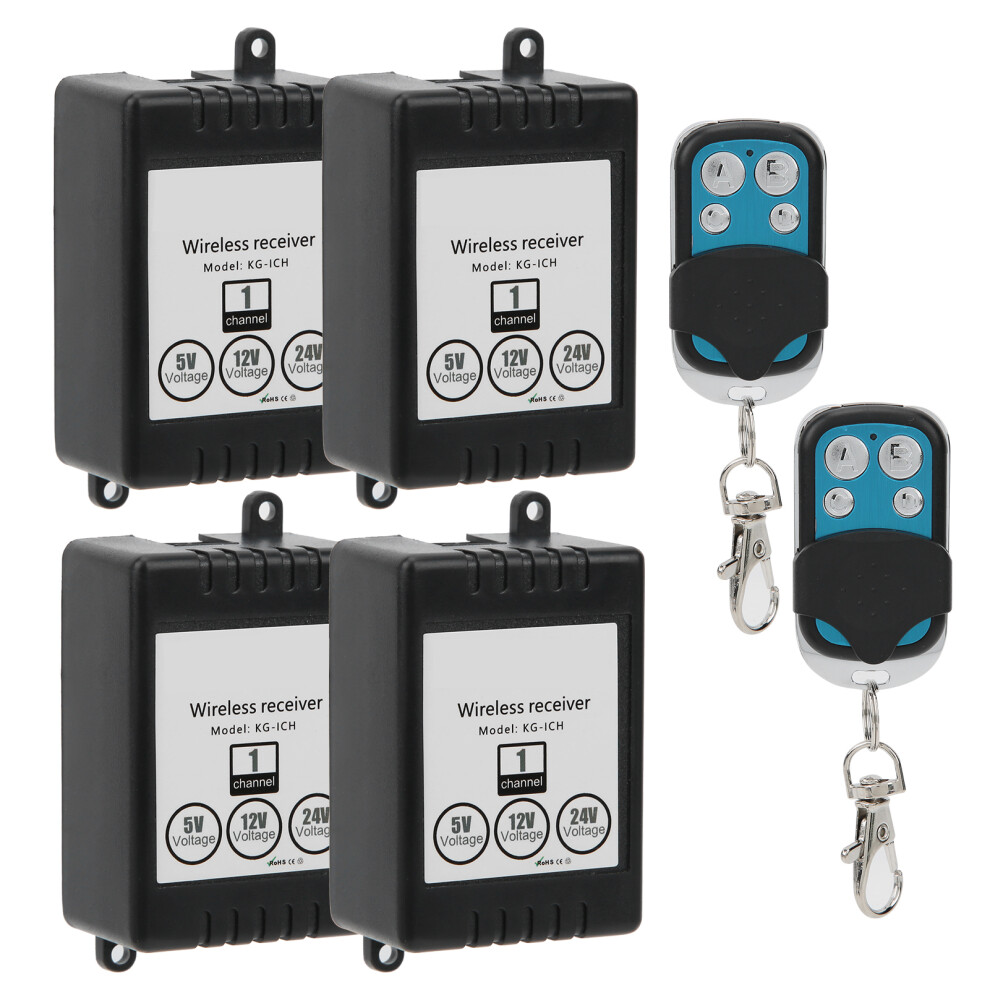
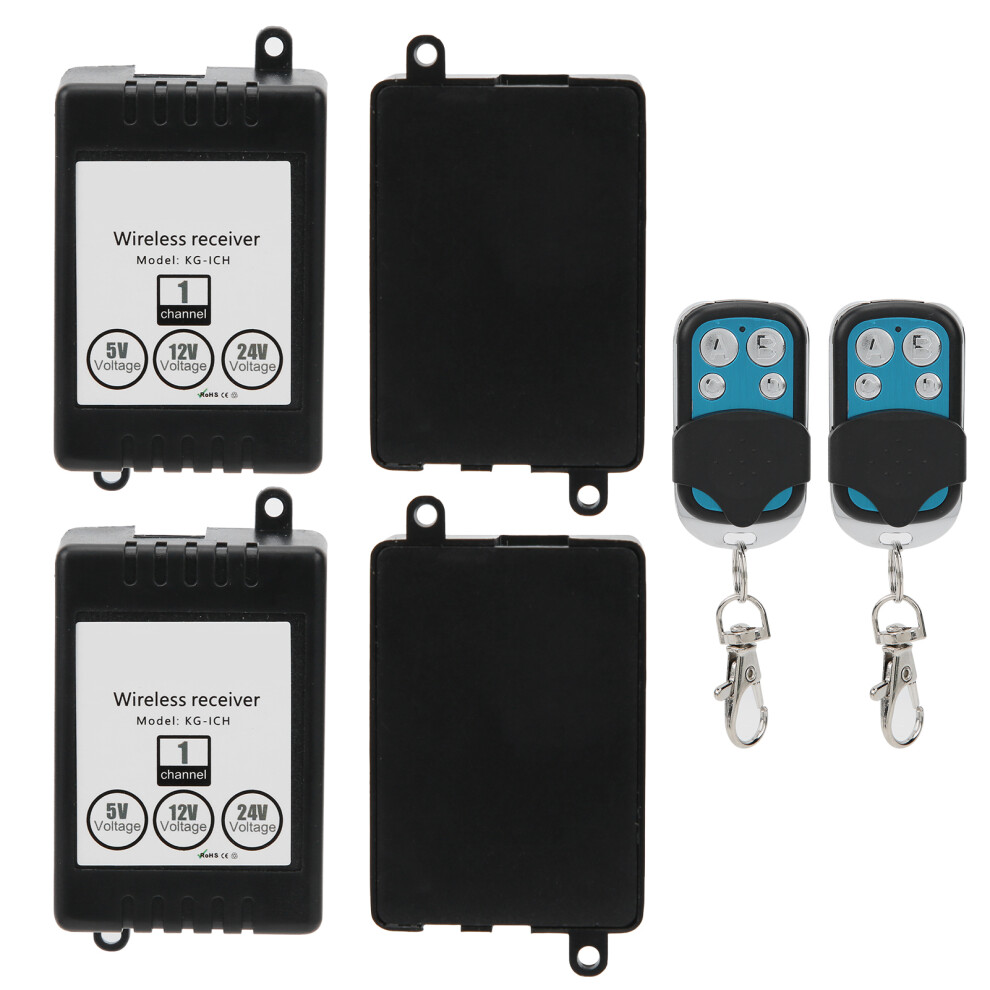
4 x Access Control Chip
2 x Remote Control
Details
| OPC | PMK5CPB |
|---|---|
| Codes | 604725151858 (UPC) |
| Seller | Ratings | Warranty | Returns | Price | Delivery | Total | Quantity |
|---|---|---|---|---|---|---|---|
|
Dispatched from:

|
(8 reviews) | - |
30 Days
Free Returns No
|
£32.90
|
+Free Delivery
Est. Delivery:
3rd-7th Nov
|
£32.90
|
Earn as you shop with instant Cashback on everything.
No catch, no cost
Become a Cashback VIP
Just 1 purchase unlocks bigger deals & rates
You'll only get instant Cashback at OnBuy! Enter your email below and we'll send you a copy of your basket to save you time later.
By entering your email address, you'll automatically be added to our database, where you can enjoy personalised Cashback offers and early access to our best deals. You can opt out of our emails at any time and we'll never share your details with anyone. Check our Privacy Policy and T&Cs to find out more.
Want access to personalised offers and the highest Cashback rates? Sign up to our emails below.
You can opt out of our emails at any time and we'll never share your details with anyone. Check our Privacy Policy and T&Cs to find out more.
This page has expired.
Refresh and continue