































Product Images


In stock
Smart shoppers OnBuy it!
Interest-free payment options available


See full product description & details
Delivery: Standard (Free) | Thu 8th - Fri 9th Oct
Sold by: LUSHAURA
Returns: 30 days
180-day payment protection
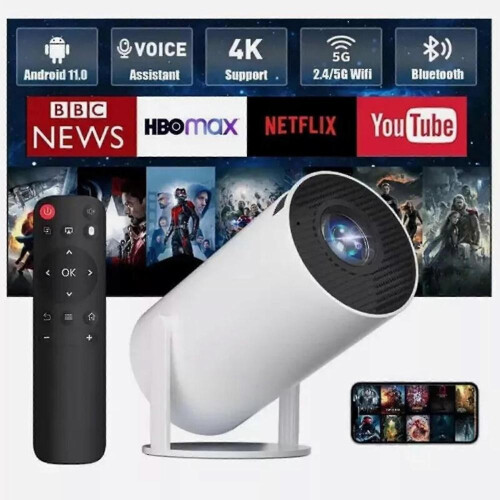
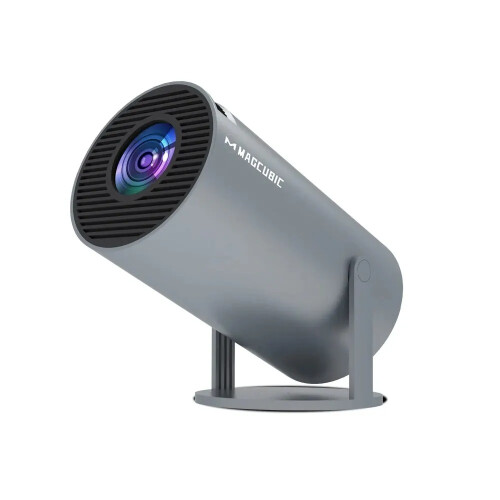
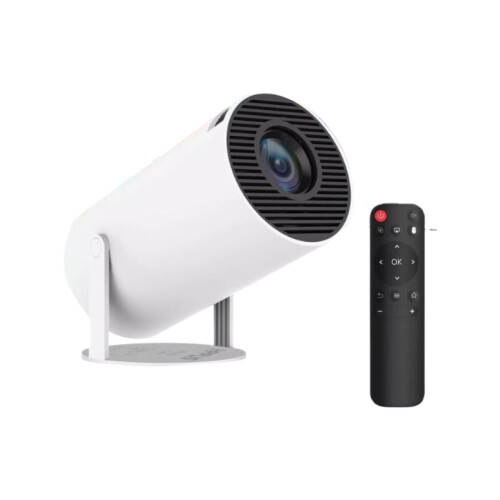
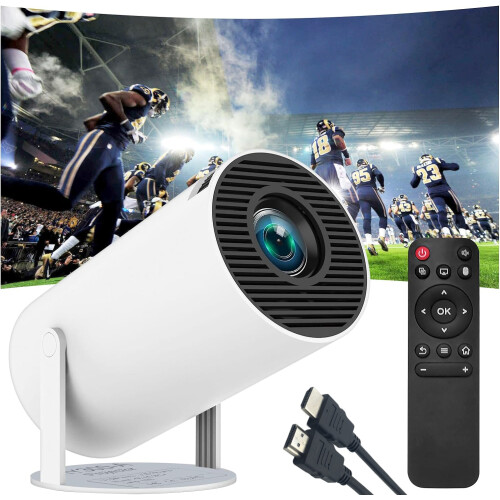
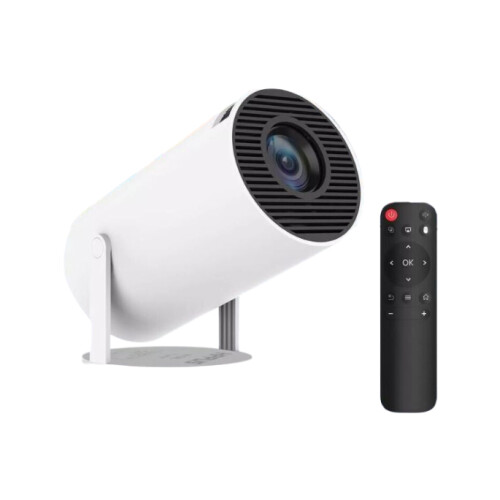
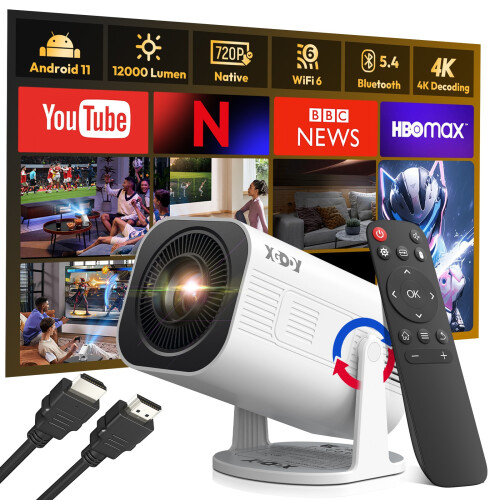
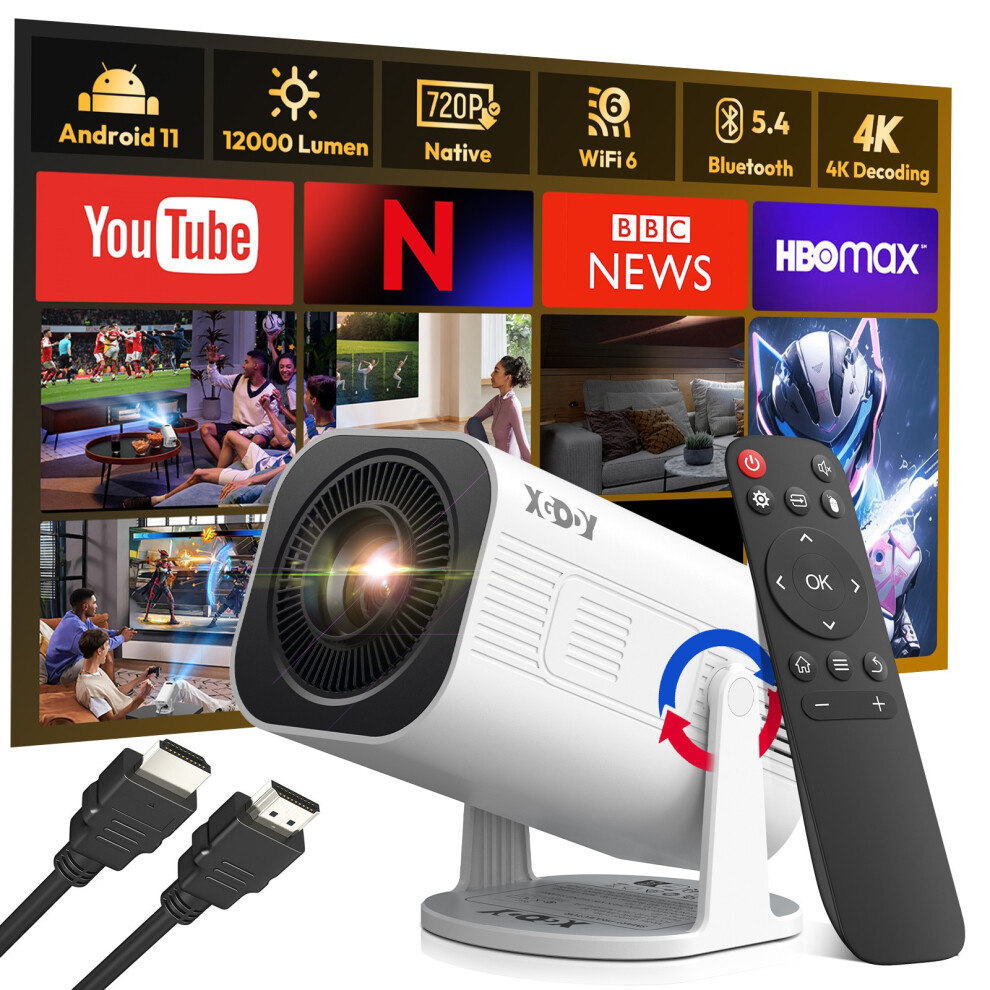
XGODY 4K Android Projector Smart WiFi Mini Bluetooth Office Home Theater HDMI
Product Description
Specifications
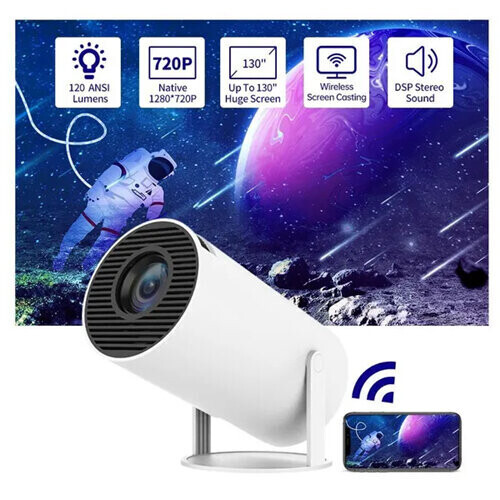
Supported resolutions: 4K, 1920 x 1080, 1280 x 720
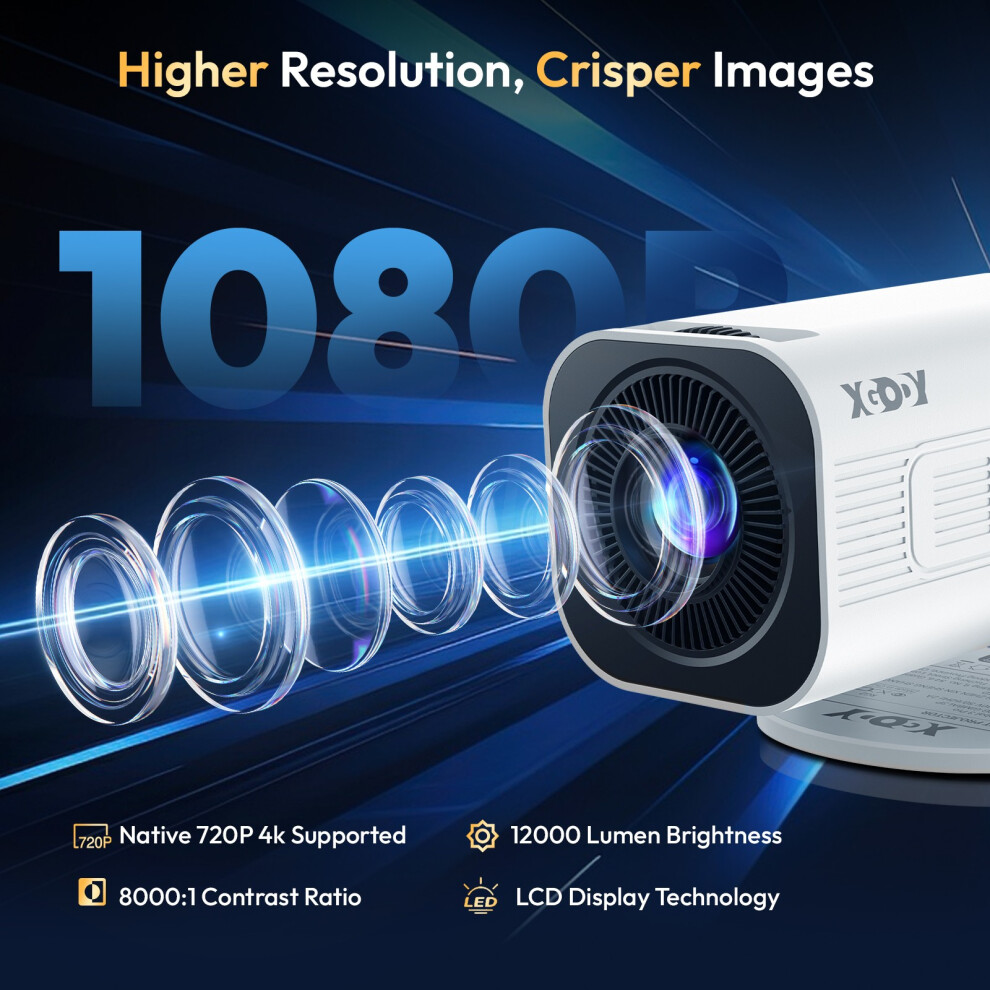
Native resolution: 1280 x 720
Brightness: 12,000 lumens
Contrast ratio: 8,000:1
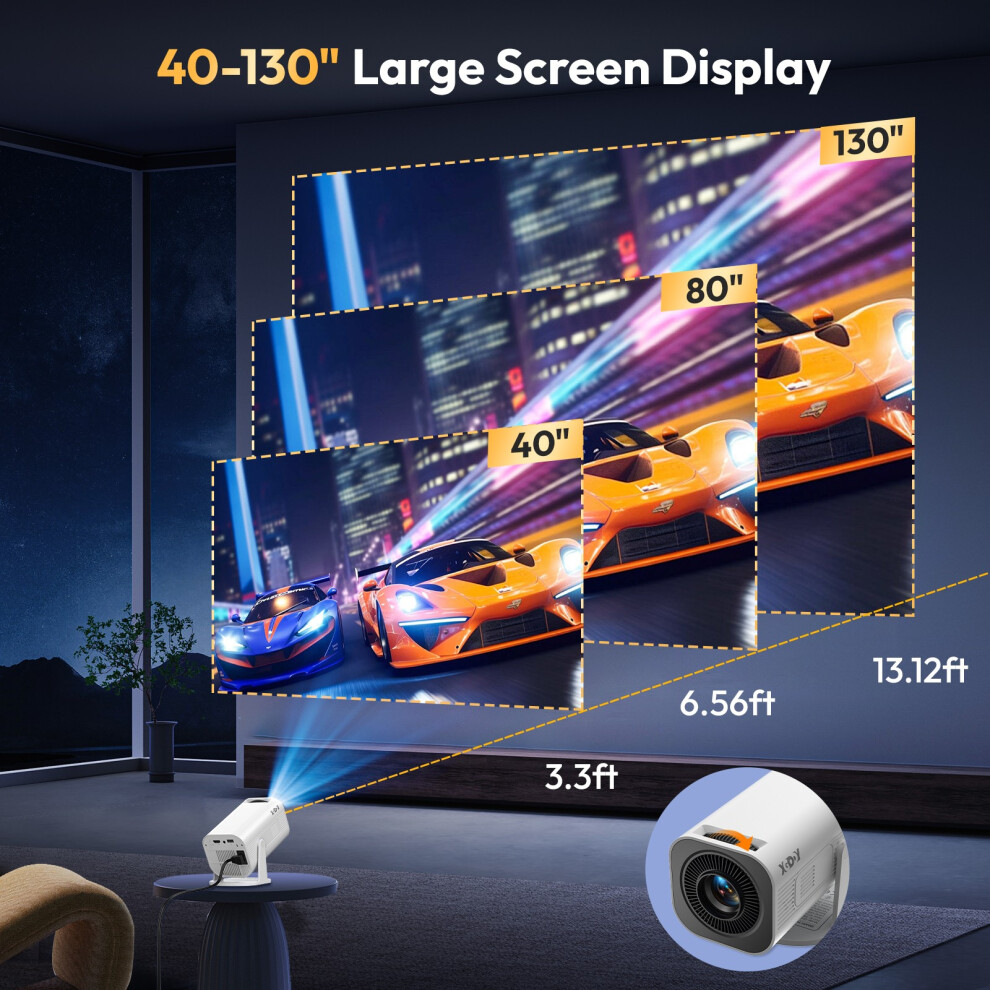
Projection size: 40-130 inches
Lamp life: 50,000 hours
Connections: HDMI, USB
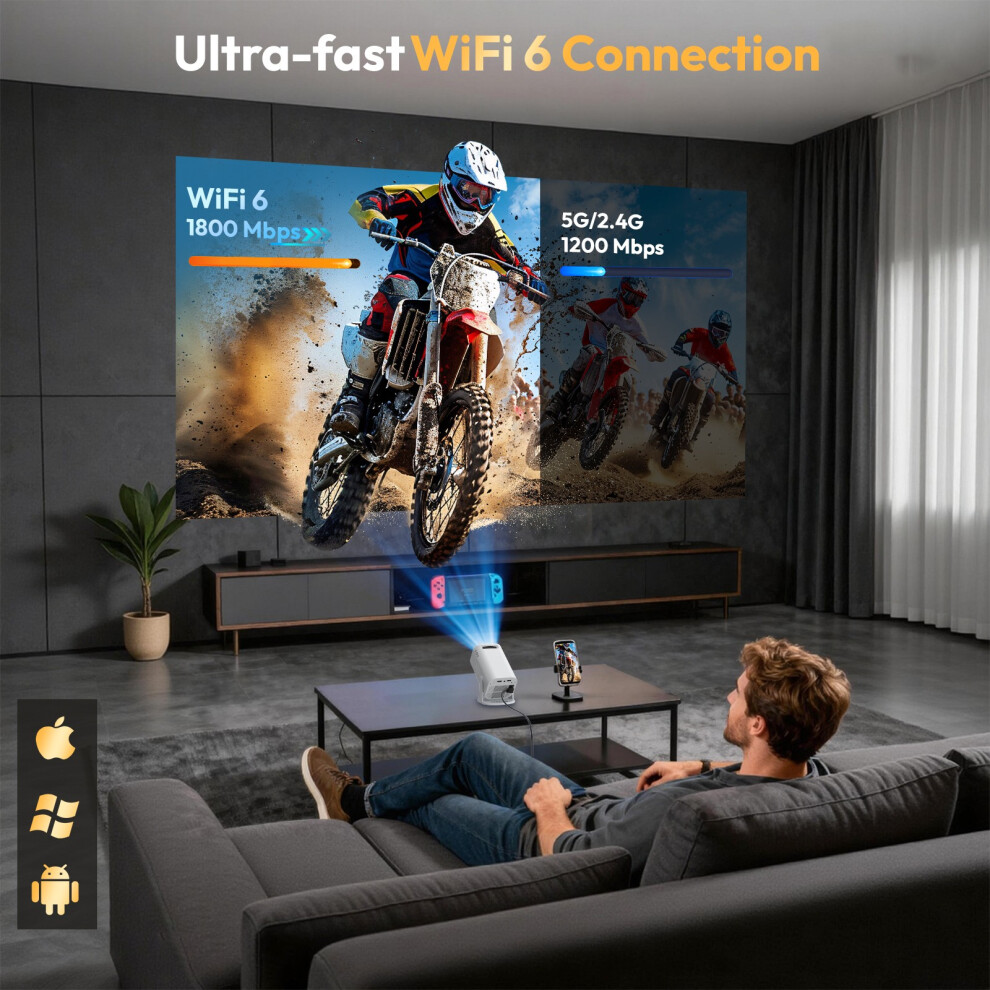
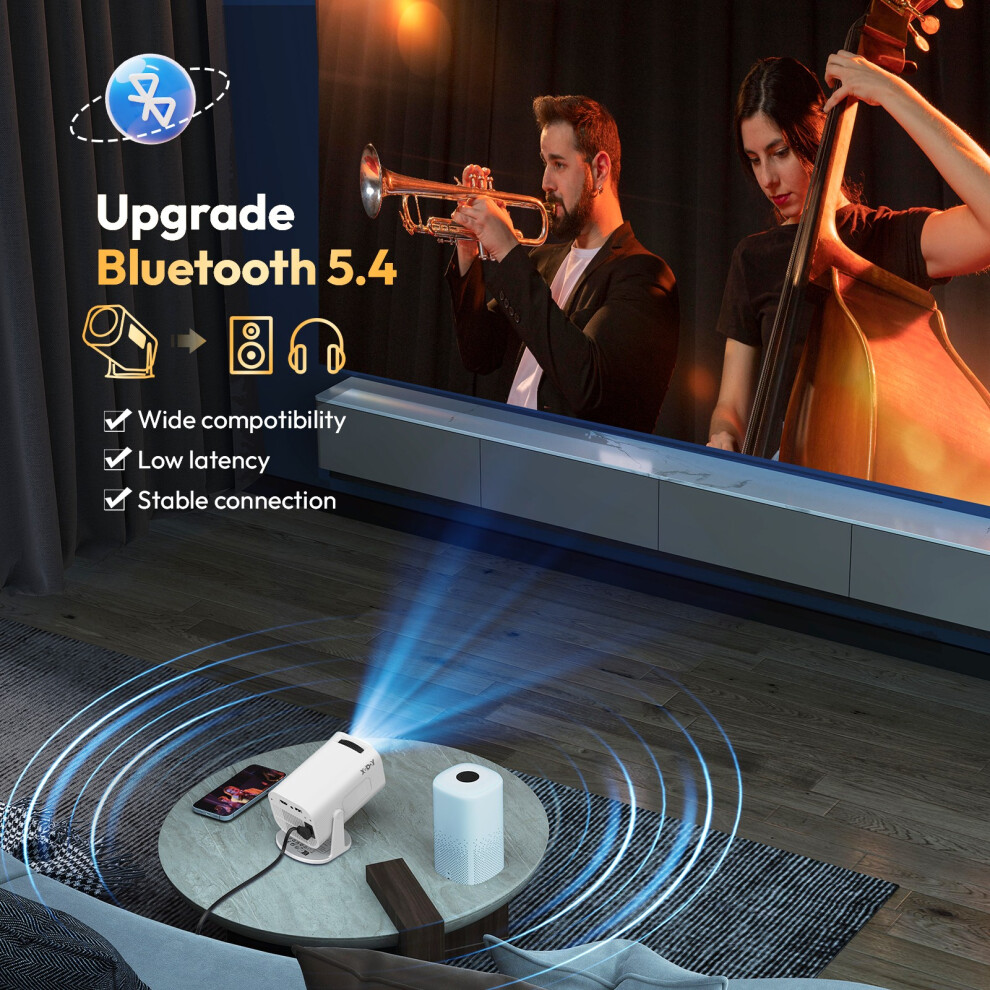
Wireless connection: Wi-Fi 6, Bluetooth 5.4
Aspect ratio: 16:9, 4:3
Package :
1 x Projector
1 x Remote Control
1 x Power Cable
1 x HDMI Cable
1 x User Manual
How to Connect?
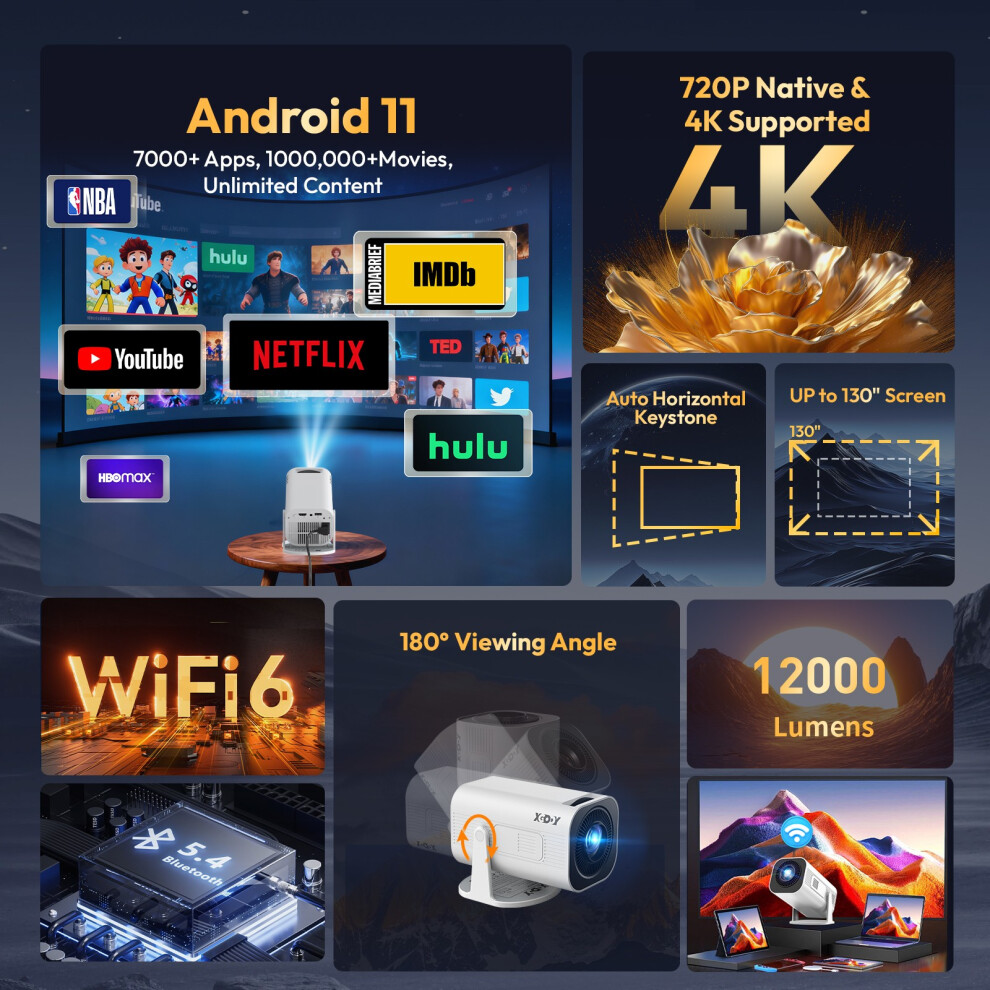
HD PROJECTION WITH 4K COMPATIBILITY Experience breathtaking visuals with this compact projector featuring native 720P resolution, full 4K video support, 12,000 lumens of brightness, and a 40-130 inch projection size. Whether you're watching movies, sports, or gaming, it transforms any room into your personal home theater.
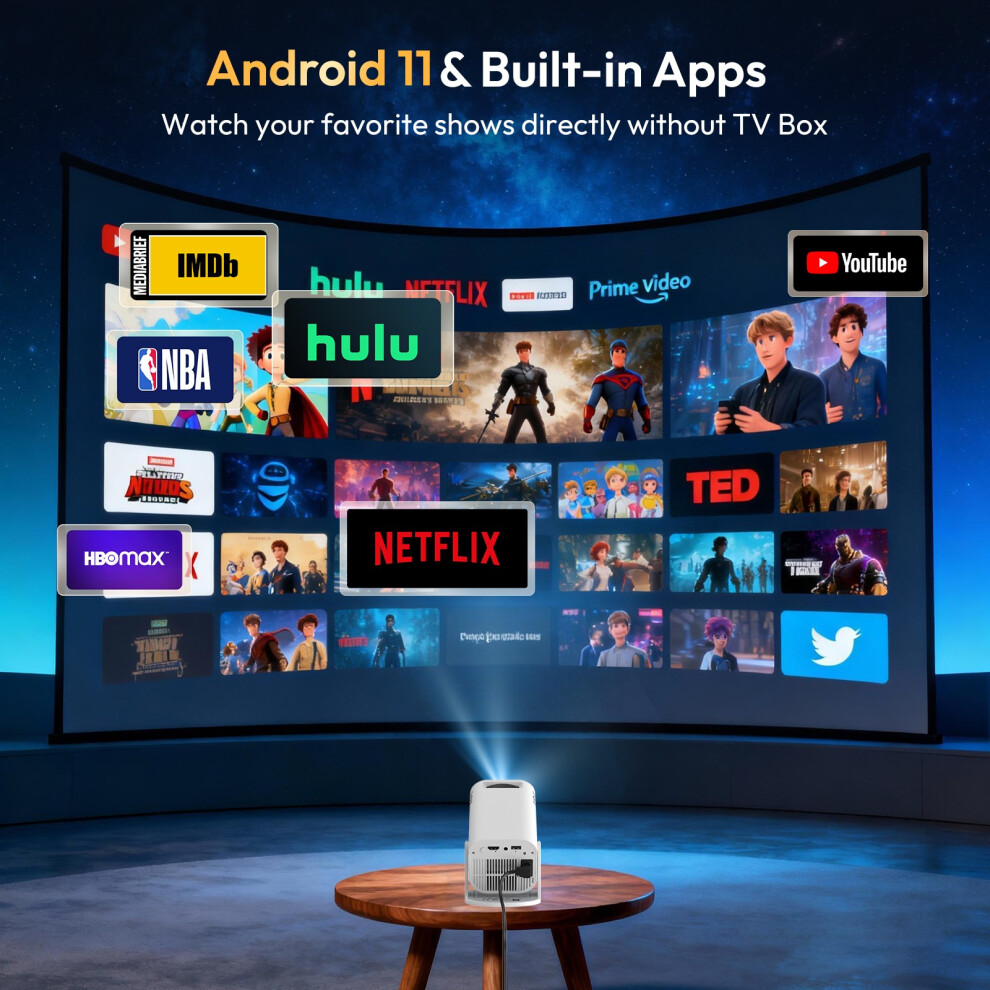
ANDROID 11.0 SMART SYSTEM Enjoy endless entertainment with the built-in Android 11.0 system. Stream your favorite shows and movies directly from pre-installed apps like Netflix, YouTube, and more. No extra devices, no hassle - instant access to a world of content.
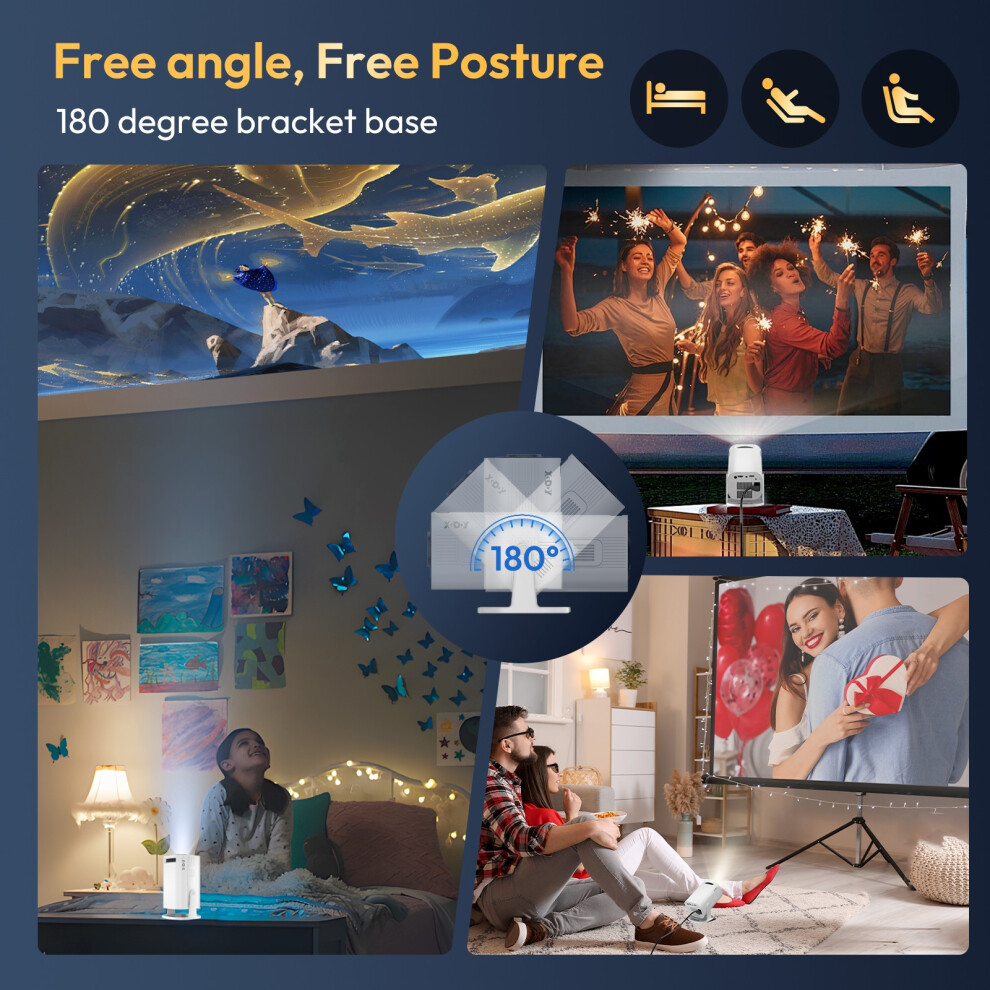
SMALL, PORTABLE AND DURABLE Weighing just 490g with a 30W LED lamp rated for up to 50,000 hours, this projector is built to last and travel with you. Perfect for movie nights at home, camping trips, outdoor screenings, and gaming sessions - big entertainment in a lightweight package.
FAST DUAL-BAND WiFi6 TECHNOLOGY Equipped with the latest dual-band WiFi6 (2.4G and 5GHz), enjoy faster, more stable streaming than with single-band WiFi5. Buffer-free gaming, lag-free video calls, and smooth 4K streaming - all with a reliable wireless connection.
Q&A Question 1: How to change the signal source input to HDMI?
Answer: 1, Please choose "Settings" select "Source" and then choose HDMI, just connect your device and projector via HDMI cable,
2, If you connect a game console to the projector via HDMI cable, the type-c to HDMI adapter needs to be powered separately.
Question 2: How to download and update apps from the App Store?
Answer: 1, Enter the App Store, click the app information icon on the top right corner of the page, check if the version needs to be updated;
2, If the page shows "new version" then click "update now" to update.
Question 3: How to download mainstream media like Netflix?
Answer: Enter the latest version of the App Store and download the app Disney+, Netflix and other apps.
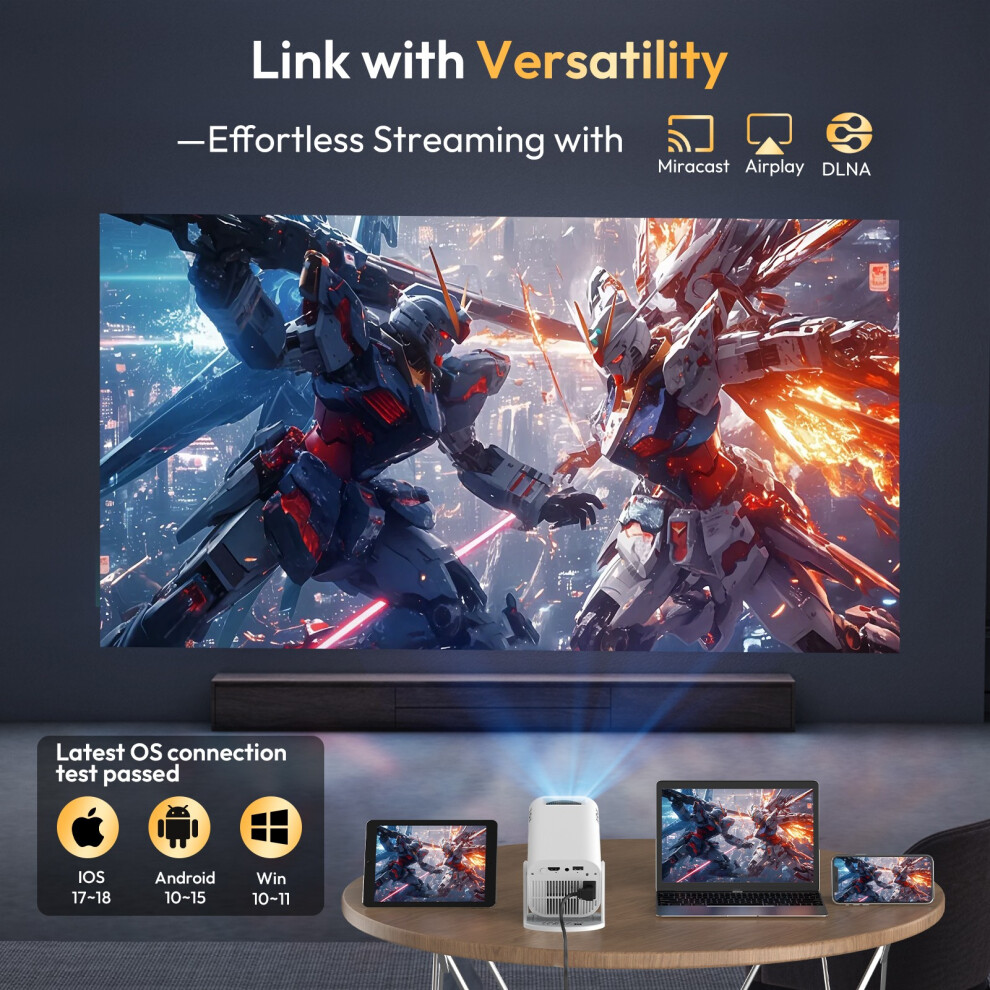
Question 4: How to use Miracast?
Answer: Please select Miracast in "My Apps" open Miracast Settings, turn on phone mirroring, and then connect.
Working hours: GMT+8 / 9:00-18:30.
Details
| OPC | PXQ2CW8 |
|---|---|
| Brand | XGODY |
| Codes | 190429789294 (UPC) |
| Links | Smart Projectors |
| Seller | Ratings | Warranty | Returns | Price | Delivery | Total | Quantity |
|---|---|---|---|---|---|---|---|
| (30 reviews) | - |
30 Days
Free Returns Yes
|
£58.44
|
+Fast & Free Delivery
Est. Delivery:
8th-9th Oct
|
£58.44
|
Earn as you shop with instant Cashback on everything.
No catch, no cost
Become a Cashback VIP
Just 1 purchase unlocks bigger deals & rates
You'll only get instant Cashback at OnBuy! Enter your email below and we'll send you a copy of your basket to save you time later.
By entering your email address, you'll automatically be added to our database, where you can enjoy personalised Cashback offers and early access to our best deals. You can opt out of our emails at any time and we'll never share your details with anyone. Check our Privacy Policy and T&Cs to find out more.
Want access to personalised offers and the highest Cashback rates? Sign up to our emails below.
You can opt out of our emails at any time and we'll never share your details with anyone. Check our Privacy Policy and T&Cs to find out more.
This page has expired.
Refresh and continue