





















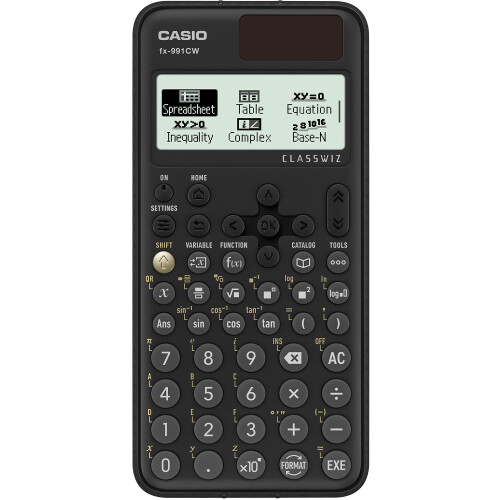
Casio FX991CW ClassWiz Advanced Scientific Calculator - Black
In stock
Smart shoppers OnBuy it!
- Earn Cashback on every purchase – spend it instantly on your next order
- Free delivery – on millions of items across the site
- Customers love us – 135,000 Trustpilot reviews and an 'Excellent' rating
Interest-free payment options available


See full product description & details
Delivery: Standard (Free) | Sat 3rd - Mon 5th Oct
Sold by: Software Market Ltd, there are 2 other sellers
Returns: 30 days
180-day payment protection
You might also like


















Summary
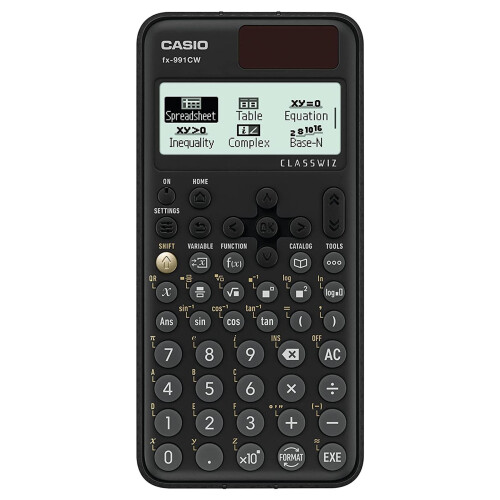
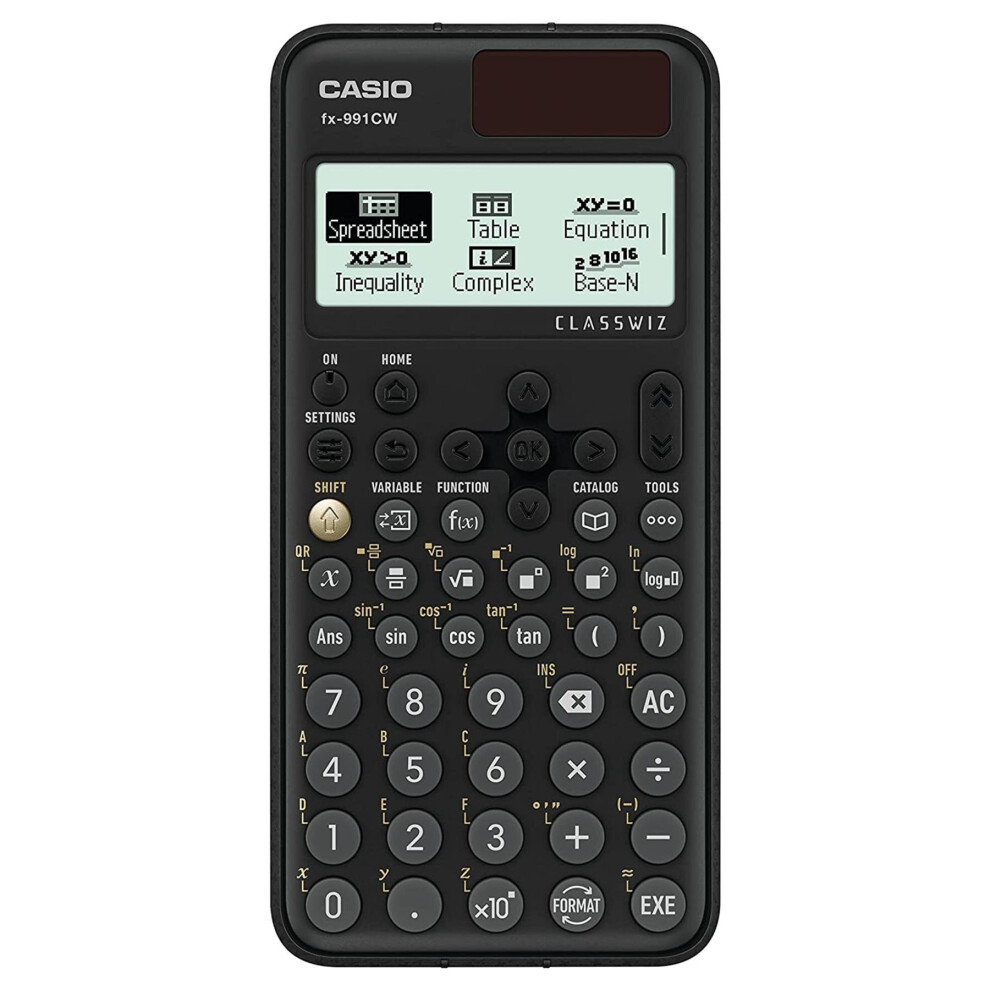
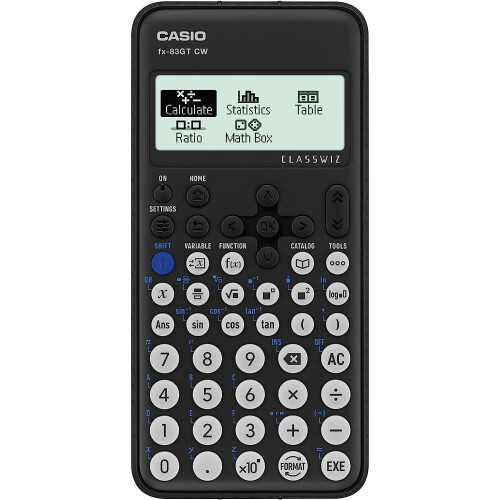
- New upgraded version of the Casio fx-991 containing additional features, to include a high definition display and improved menu navigation.
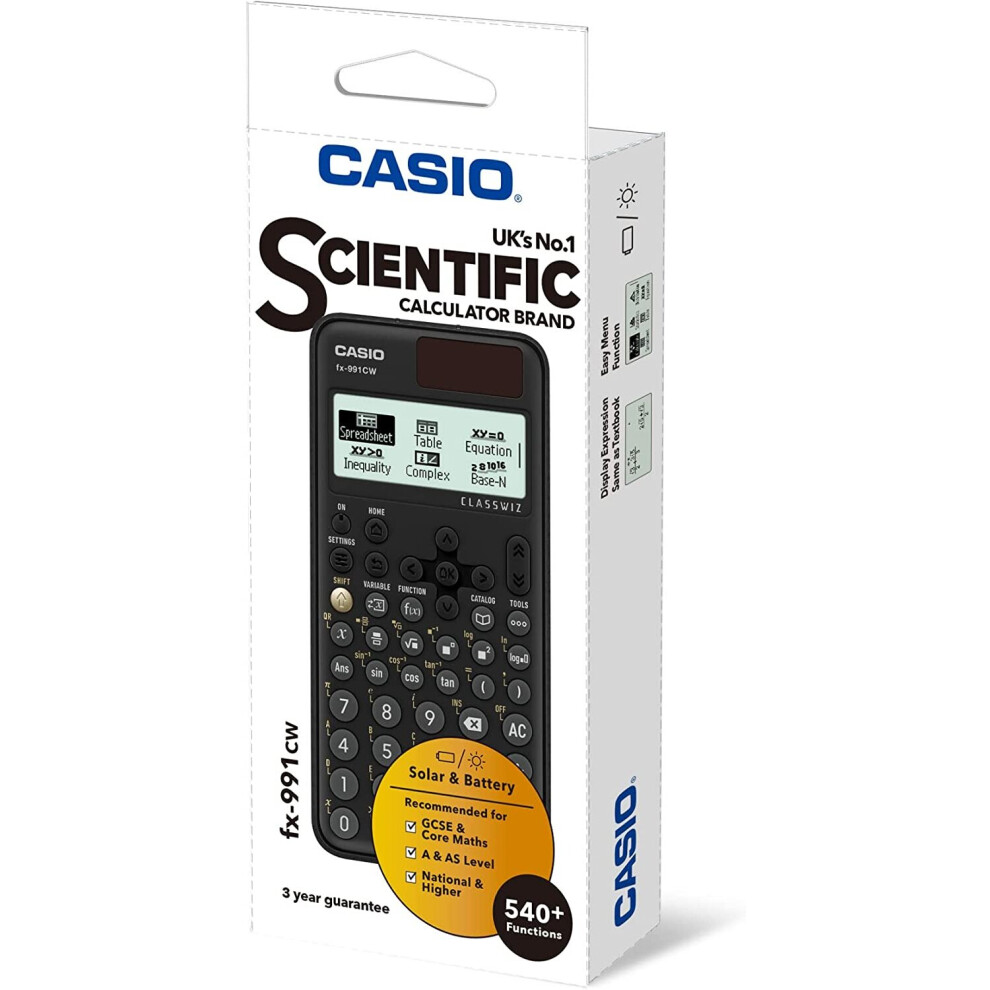
- Approved for Key stages 3, 4 and 5, recommended for Advanced GCSE, A/AS level and Highers
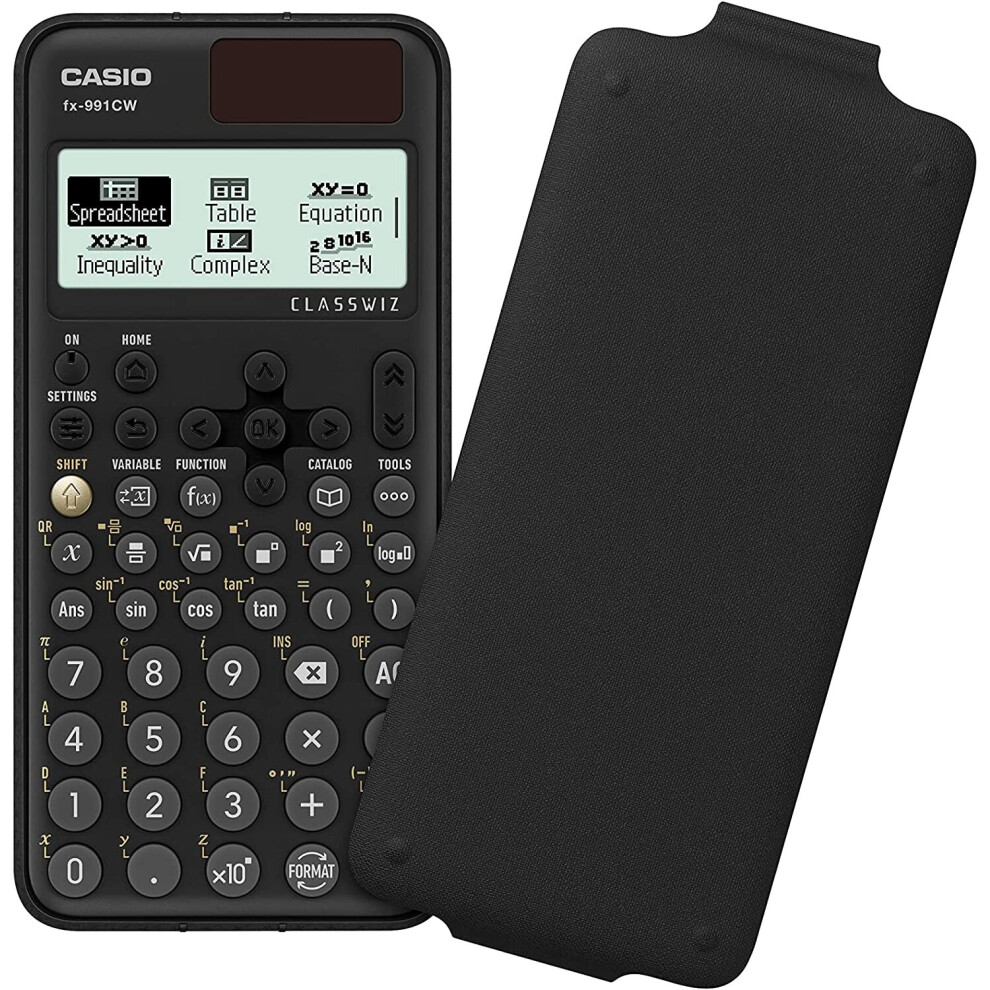
- Clip-on on protective hard cover included, 540+ functions
- Dual powered, solar with battery backup and Auto power-off.
- Graphing Capability, 1 LR44 batteries required.
Casio FX991CW ClassWiz Advanced Scientific Calculator - Black Description
Casio FX991CW ClassWiz Advanced Scientific Calculator - Black
Description
The Casio fx-991 CW is Casio's most advanced scientific calculator with 540 + mathematical functions. The large Natural Textbook Display shows mathematical expressions like roots and fractions as they appear in your textbooks which increases comprehension because results are easier to understand.
Details
| OPC | PBPN9YH |
|---|---|
| Brand | |
| Codes | 4549526615597 (EAN) |
| Rank | Bestseller |
| Links | Casio Calculators |

Product Images

Detailed Product Information
| Colour | Black |
|---|---|
| Weight | 196g |
| Height | 23.00cm |
| Length | 14.20cm |
| Width | 2.50cm |
| Colour | Black |
| Weight | 196g |
| Height | 23.00cm |
| Length | 14.20cm |
| Width | 2.50cm |
| Colour | Black |
| Weight | 196g |
| Height | 23.00cm |
| Length | 14.20cm |
| Width | 2.50cm |
Disclaimer: The information below is provided by various external sources and should be used as a guide only.
ClassWiz CW Series is designed teaching and studying for today. Its brand-new approachable UI and various features encourage students’ math learning.
Enjoy math learning with ClassWiz CW series!
Intuitive, approachable new design
High-definition & 4-gradation display
With the 4-gradation display, the current input location is displayed in a darker color.
Intuitive cursor operation
Simple cursor-based operations and a key layout that follows the natural flow of use.
Natural Textbook Display
List display function for thorough, speedy learning
Intuitive, easy-to-learn icon display
High-speed calculation
Fast calculation for smooth performance in class or during examinations.
Packed with features to encourage learning
Calculator Apps
Easily select a calculator app from the Home screen that is suitable for the type of calculation that you want to perform.
Spreadsheet
Useful for learning statistics, recursive formulas, and more.
Handles up to 5 columns x 45 rows (maximum of 170 data items).
Math Box
The following functions to support math learning: Dice Roll and Coin Toss for probability simulations.
Calculate
General calculations.
Statistics
Statistical and regression calculations.
Table
Generates a number table based on one or two functions.
Equation
Simultaneous equations, higher-order equations, and Solver (function to find the value of any variable contained in an input equation).
Online visualization service using QR codes
Easily generate QR codes of equations input into the calculator. Graphs and other graphics can be displayed on smartphones or tablets.
Variety of functions that are available in calculator apps to support students’ learning.
CATALOG
The CATALOG menu shows Store values to variables categories of commands, functions, and symbols according to the calculator app that you are currently using and the current status of the app (the displayed screen or current settings).
FUNCTION
You can store functions in both the f(x) and g(x) memory.
VARIABLE
You can store values to variables and use the variables in calculations.
ClassWiz CW Series is designed teaching and studying for today. Its brand-new approachable UI and various features encourage students’ math learning.
Enjoy math learning with ClassWiz CW series!
Intuitive, approachable new design
High-definition & 4-gradation display
With the 4-gradation display, the current input location is displayed in a darker color.
Intuitive cursor operation
Simple cursor-based operations and a key layout that follows the natural flow of use.
Natural Textbook Display
List display function for thorough, speedy learning
Intuitive, easy-to-learn icon display
High-speed calculation
Fast calculation for smooth performance in class or during examinations.
Packed with features to encourage learning
Calculator Apps
Easily select a calculator app from the Home screen that is suitable for the type of calculation that you want to perform.
Spreadsheet
Useful for learning statistics, recursive formulas, and more.
Handles up to 5 columns x 45 rows (maximum of 170 data items).
Math Box
The following functions to support math learning: Dice Roll and Coin Toss for probability simulations.
Calculate
General calculations.
Statistics
Statistical and regression calculations.
Table
Generates a number table based on one or two functions.
Equation
Simultaneous equations, higher-order equations, and Solver (function to find the value of any variable contained in an input equation).
Online visualization service using QR codes
Easily generate QR codes of equations input into the calculator. Graphs and other graphics can be displayed on smartphones or tablets.
Variety of functions that are available in calculator apps to support students’ learning.
CATALOG
The CATALOG menu shows Store values to variables categories of commands, functions, and symbols according to the calculator app that you are currently using and the current status of the app (the displayed screen or current settings).
FUNCTION
You can store functions in both the f(x) and g(x) memory.
VARIABLE
You can store values to variables and use the variables in calculations.
Alternative names:
- Casio FX-991CW calculator Pocket Scientific Black
- Casio FX-991CW calculator Pocket Scientific Black
Detailed Product Information
Design
| Type | Scientific |
|---|---|
| Form factor | |
| Product colour | Black |
| Control type | Buttons |
| Cover | Yes |
Weight & dimensions
| Weight | 95 g |
|---|---|
| Height | 162 mm |
| Width | 77 mm |
| Depth | 107 mm |
Power
| Battery type | LR44 |
|---|---|
| Power source | Battery |
Display
| Digits | 12 digits |
|---|---|
| Display tilting | No |
| Display type | Dot-matrix |
Performance
| Symbolic notation | Fraction, Pi, Square root |
|---|---|
| Conversion between | Decimal, Fraction, Percent |
| Random number/integer generator | Yes |
| Negation key | Yes |
| Convert angles from degrees to | Gradian, Radian |
Customers also buy
Compare Sellers for Casio FX991CW ClassWiz Advanced Scientific Calculator - Black
- New from £29.99
| Seller | Ratings | Warranty | Returns | Price | Delivery | Total | Quantity |
|---|---|---|---|---|---|---|---|
| (239 reviews) | 1 month |
30 Days
Free Returns No
|
£29.99
|
+Fast & Free Delivery
Est. Delivery:
3rd-5th Oct
|
£29.99
Recommended
We recommend listings based on a combination of price, delivery time, quality of seller reviews and other factors
|
||
| (192 reviews) | 12 months |
30 Days
Free Returns No
|
£30.49
|
+Fast & Free Delivery
Est. Delivery:
7th-8th Oct
|
£30.49
|
||
| (620 reviews) | - |
30 Days
Free Returns No
|
£35.49
|
+Free Delivery
Est. Delivery:
13th-15th Oct
|
£35.49
|
Reviews of Casio FX991CW ClassWiz Advanced Scientific Calculator - Black
All OnBuy Reviews are Verified Reviews
Earn as you shop with instant Cashback on everything.
No catch, no cost
- Paid into your OnBuy account
- Spend it on your next purchase
- Save it or withdraw it
Become a Cashback VIP
Just 1 purchase unlocks bigger deals & rates