





















Product Images


Hurry only 1 left
Smart shoppers OnBuy it!
Interest-free payment options available


See full product description & details
Delivery: Standard (Free) | Mon 15th - Wed 17th Jun
Returns: 30 days
180-day payment protection









Summary
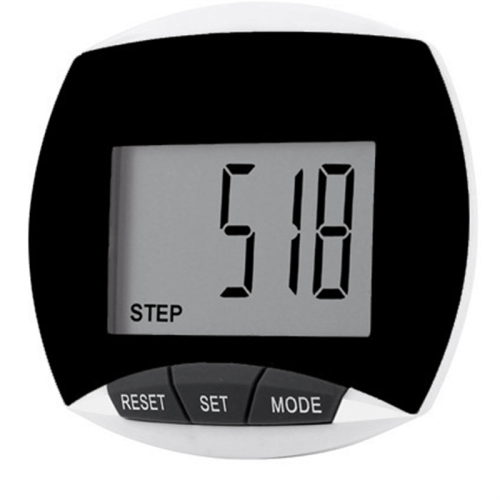
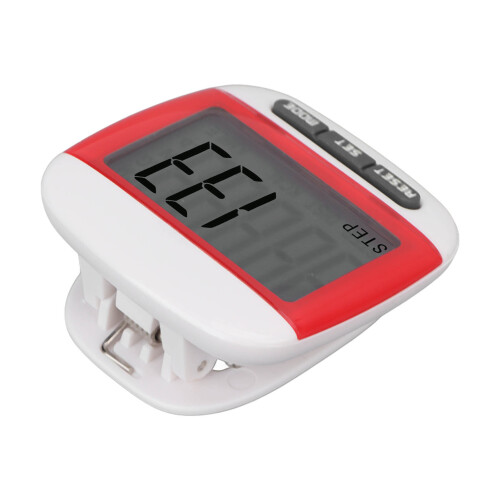
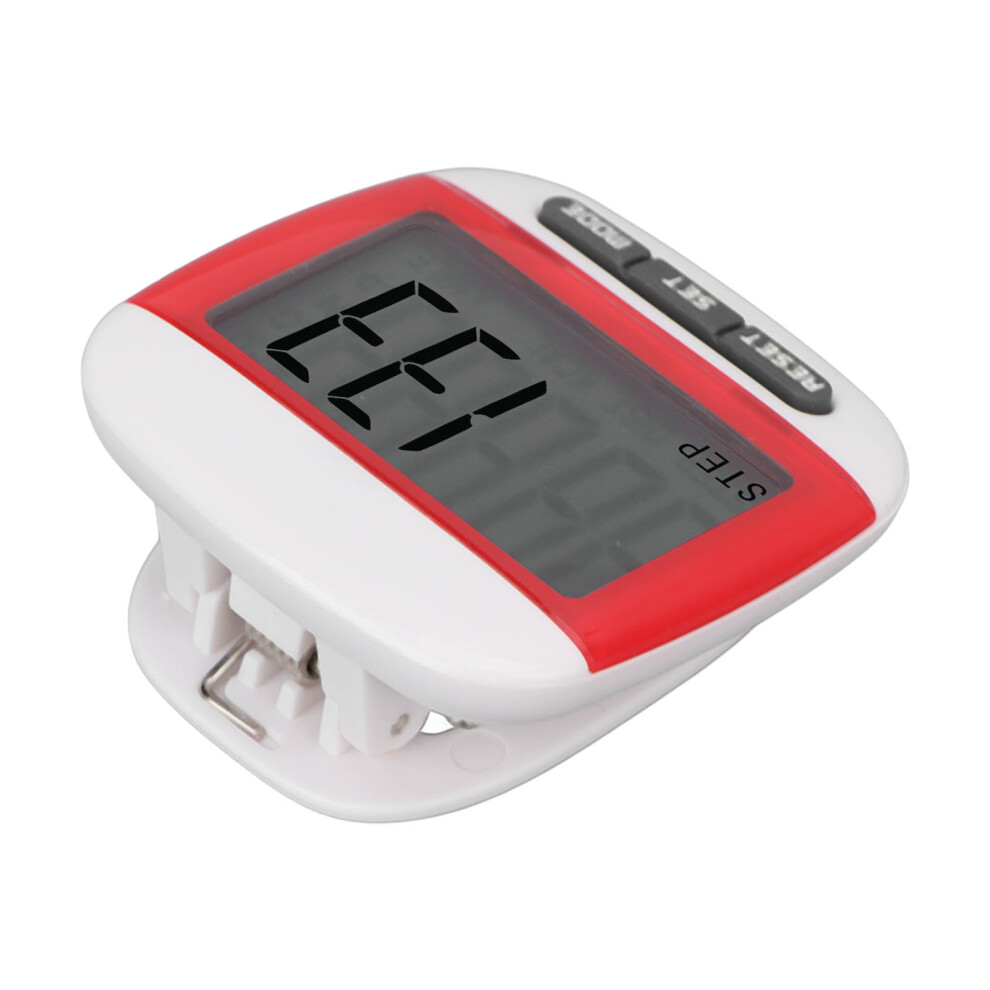
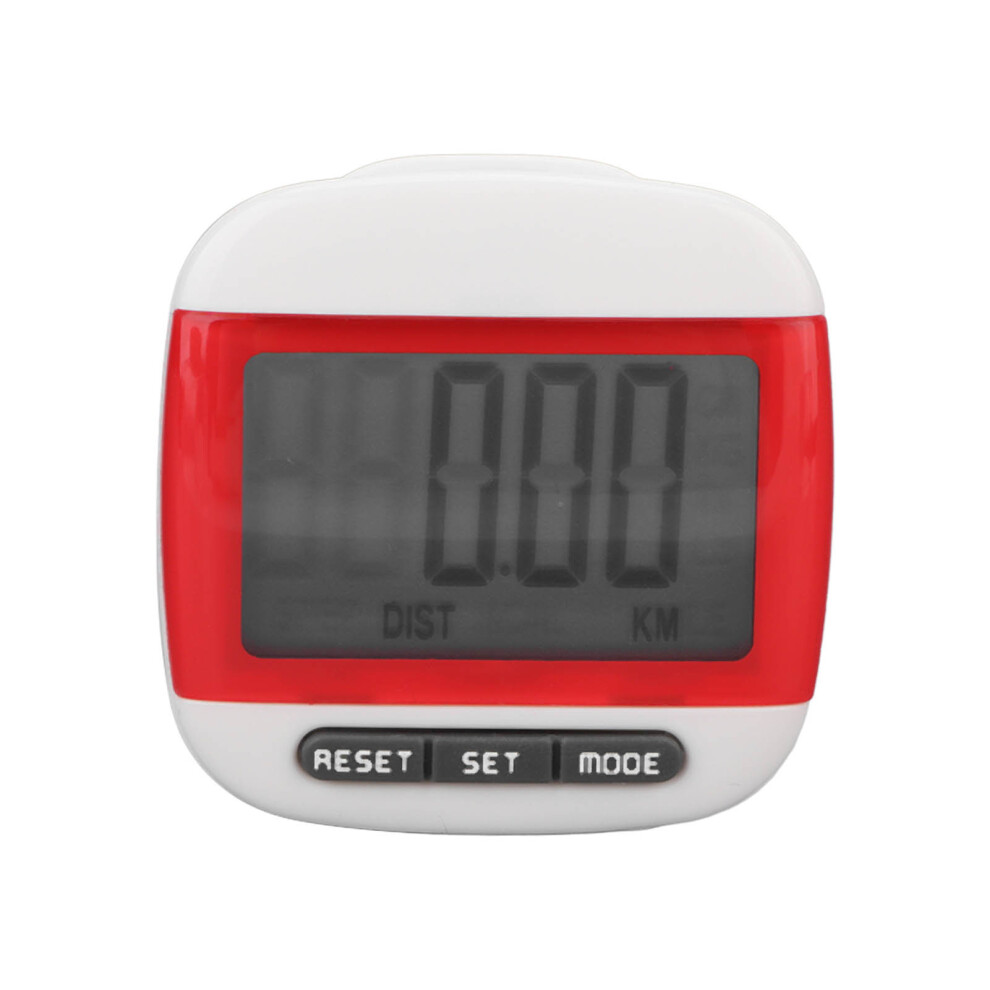
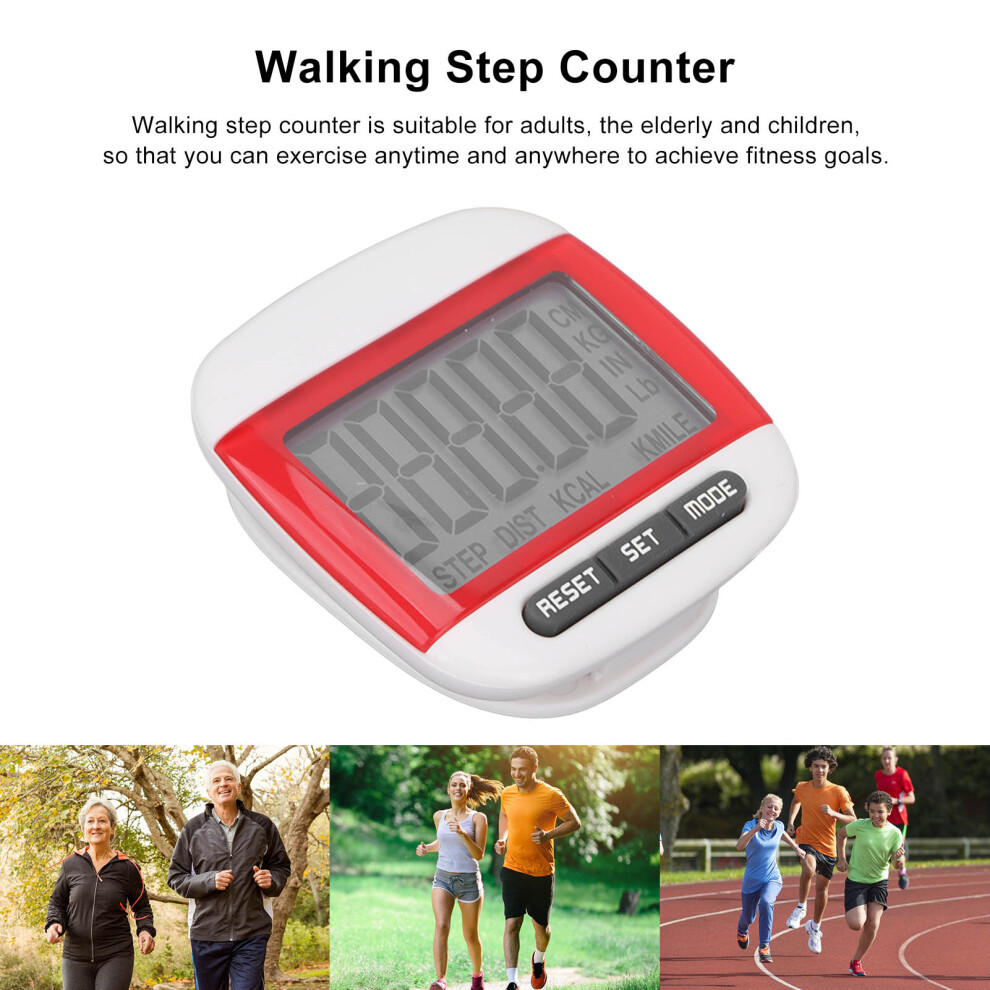
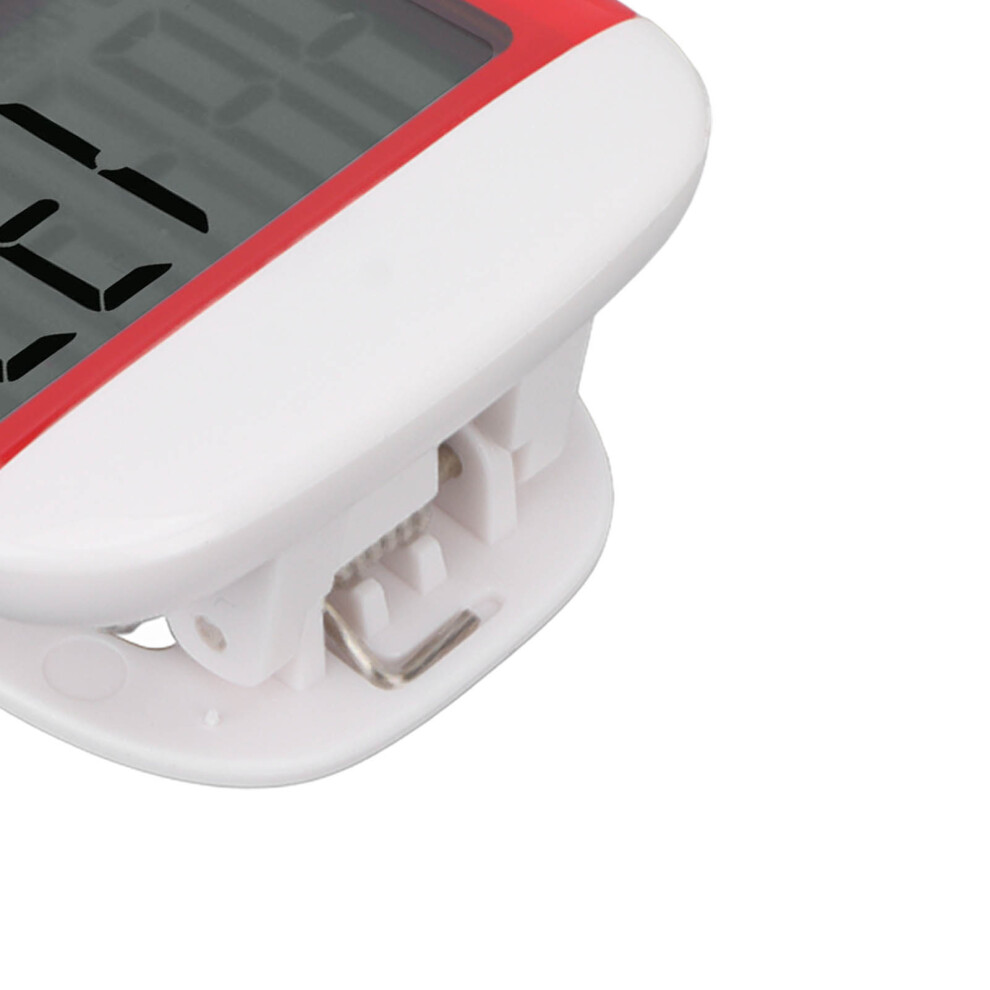
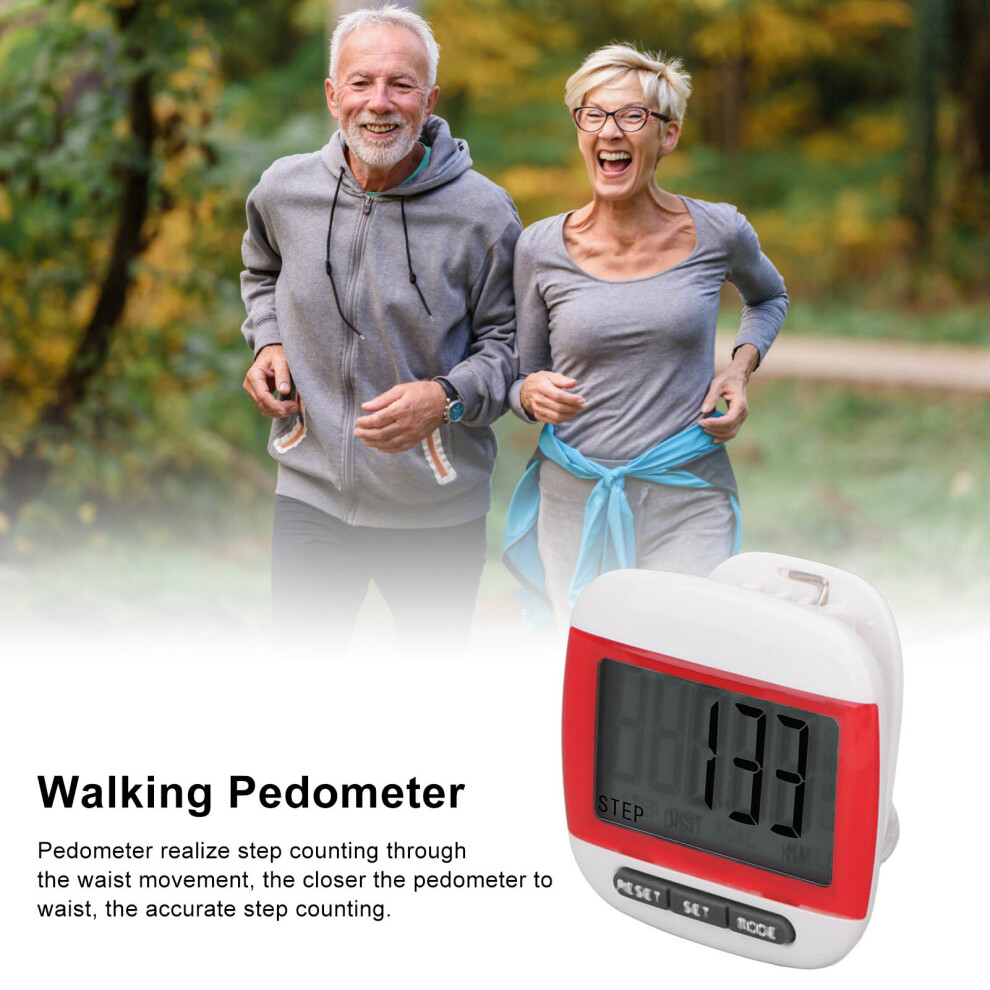
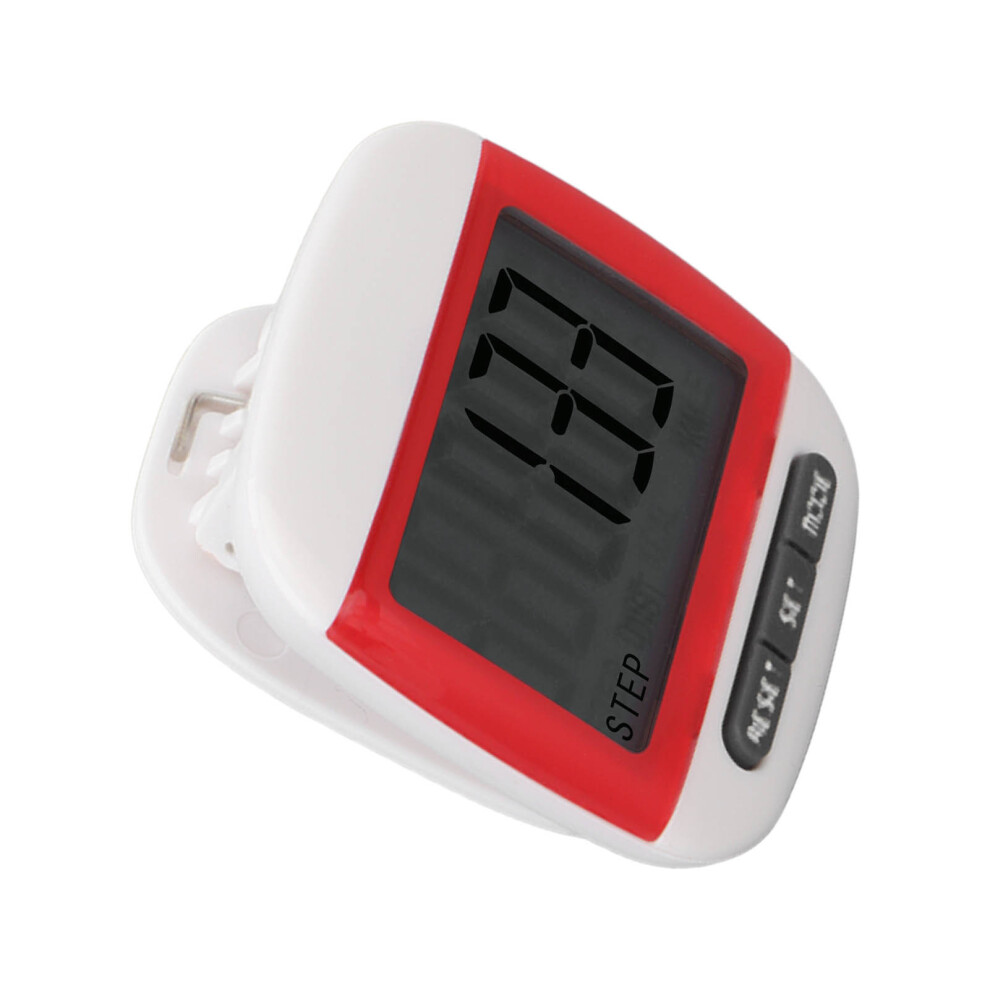
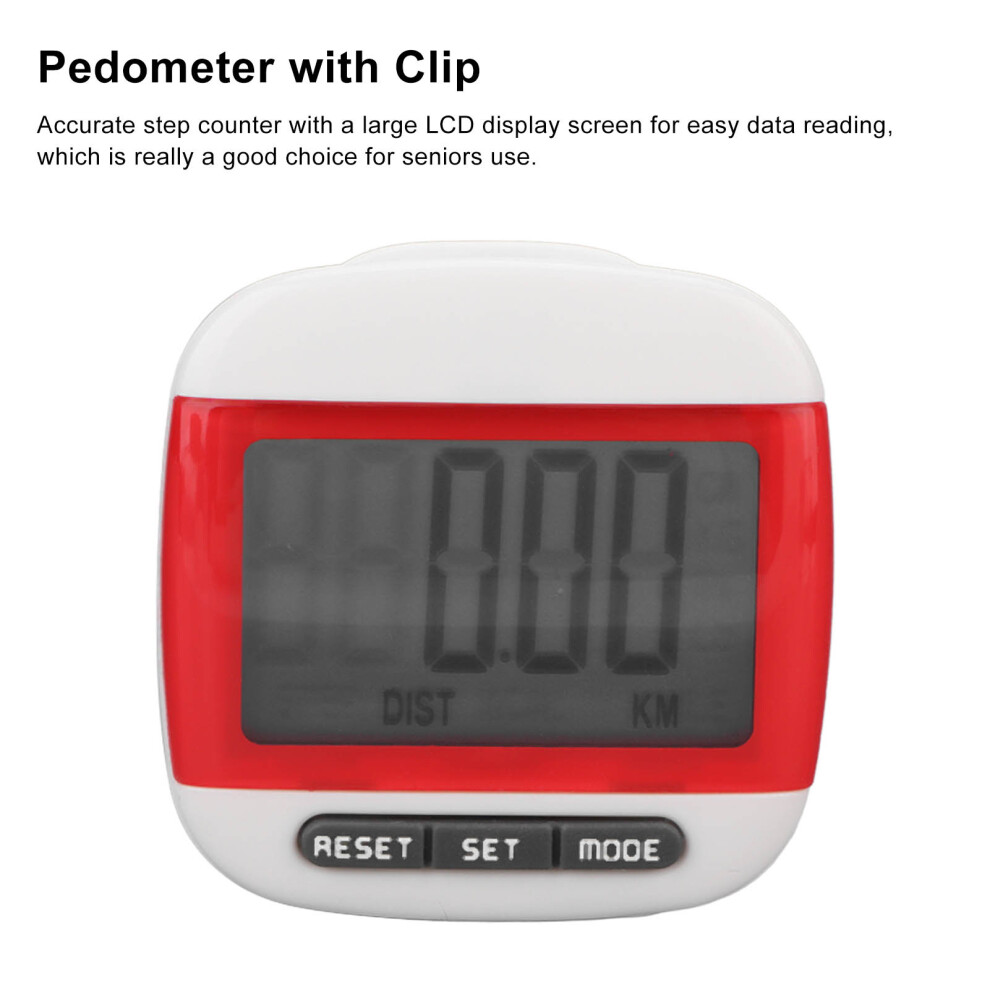
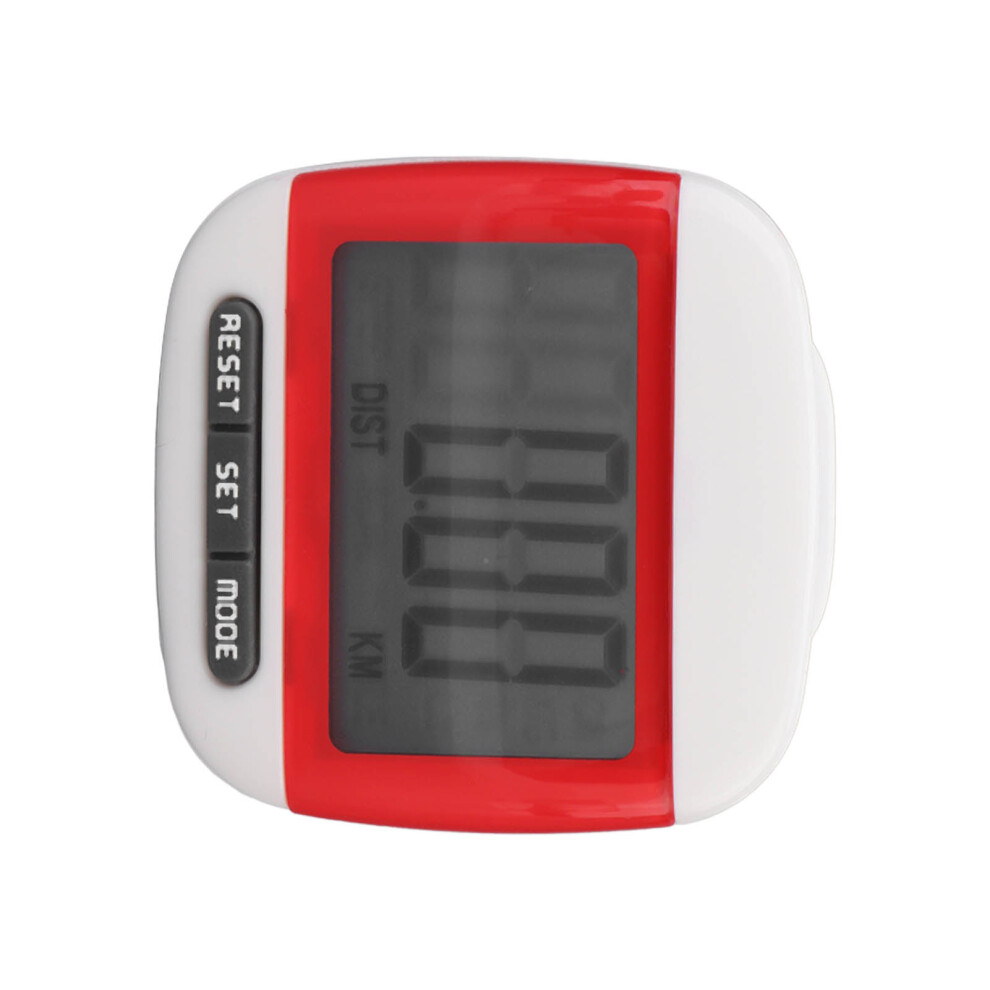
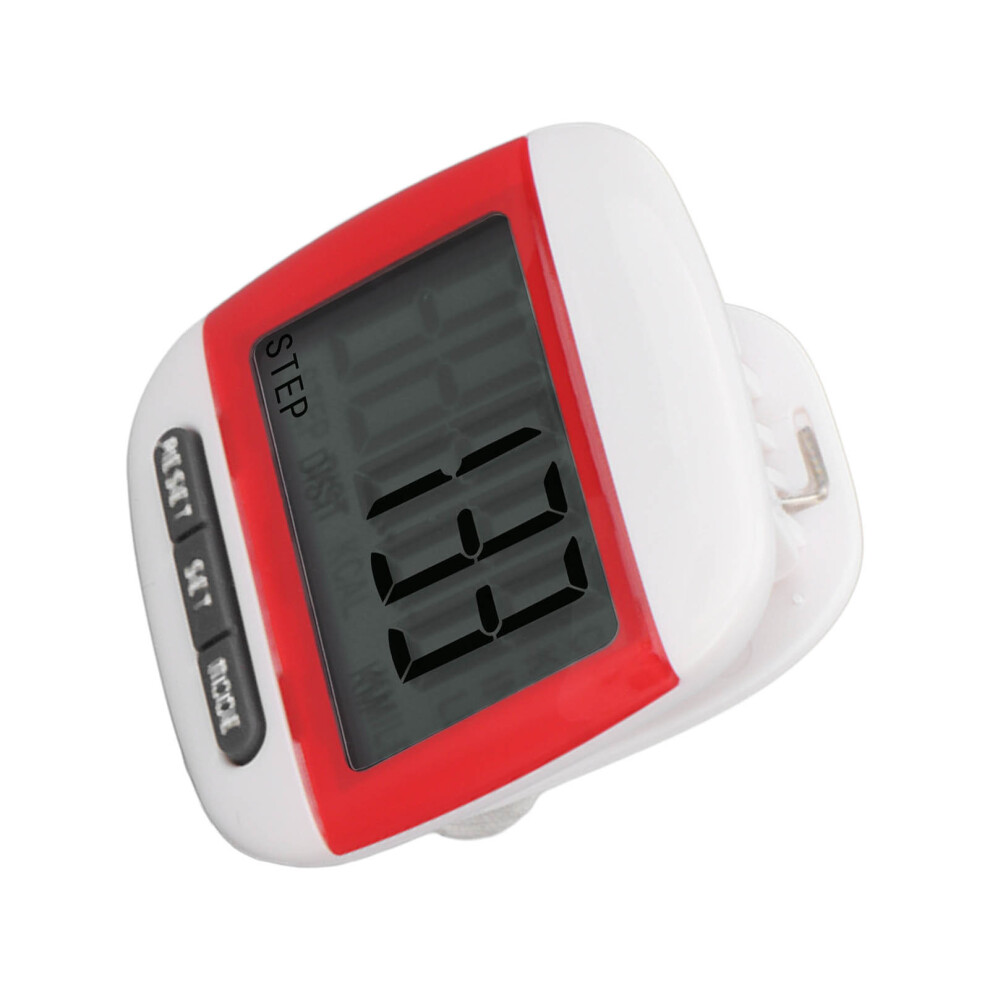
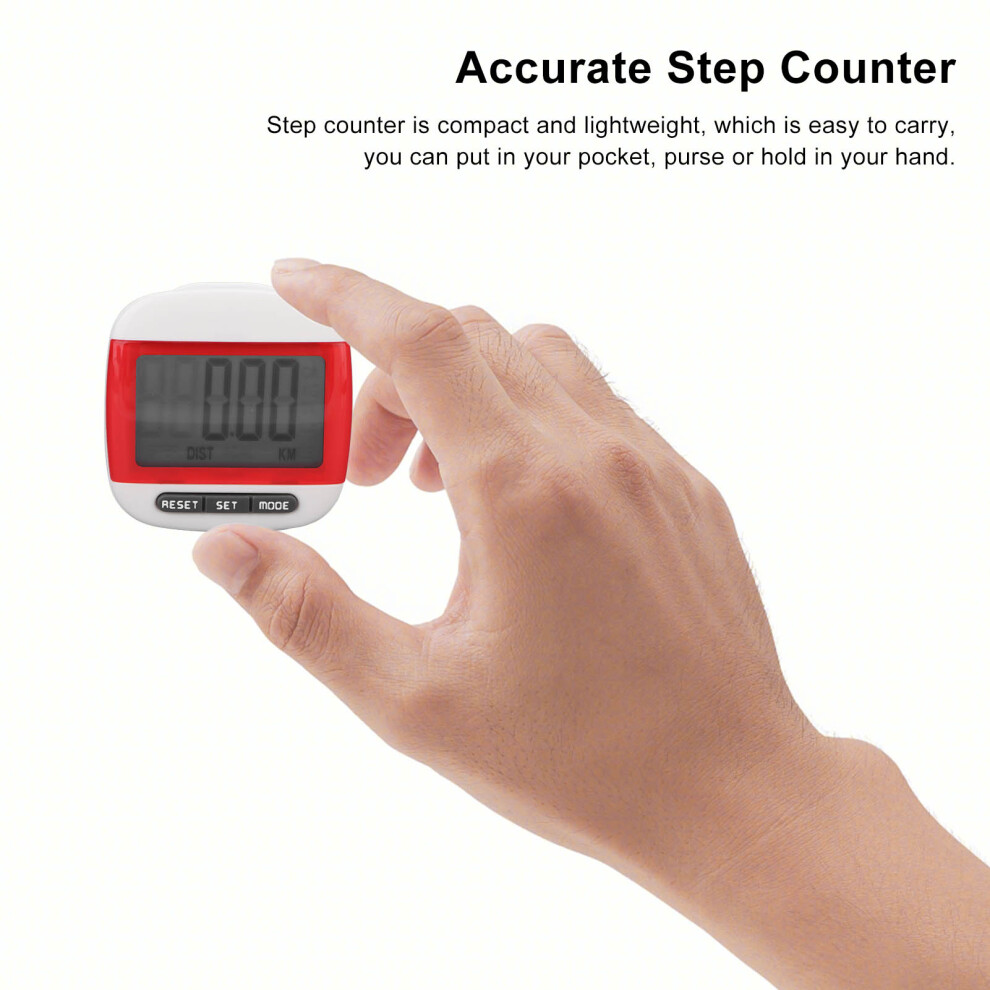
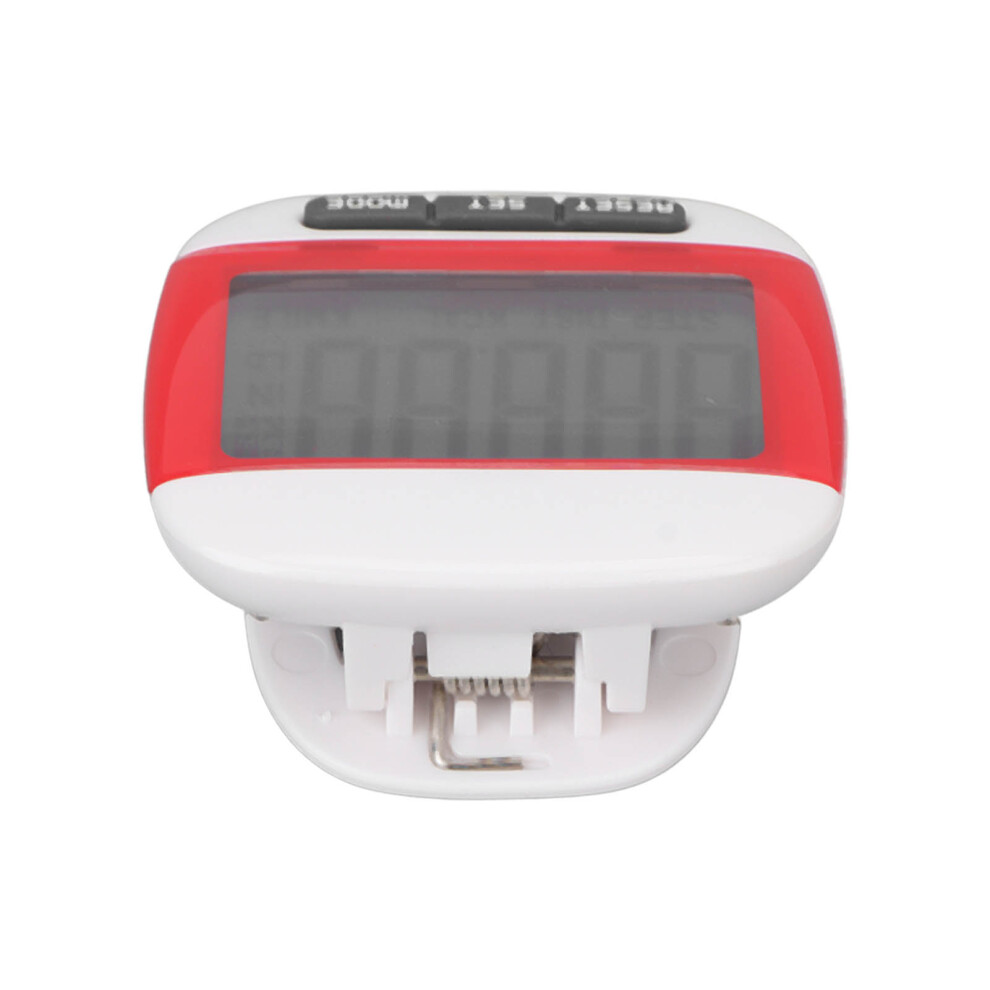
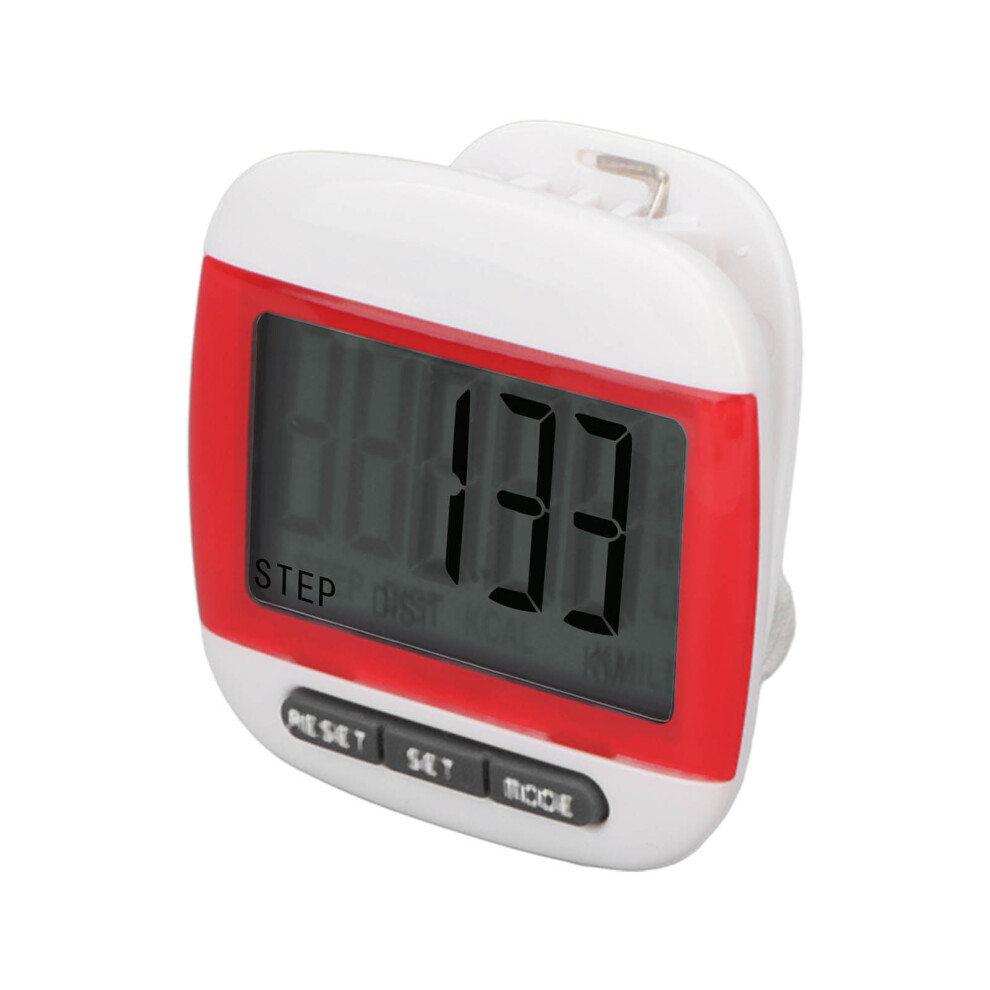
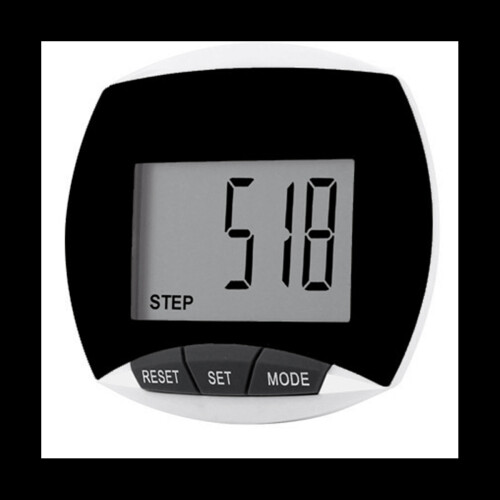
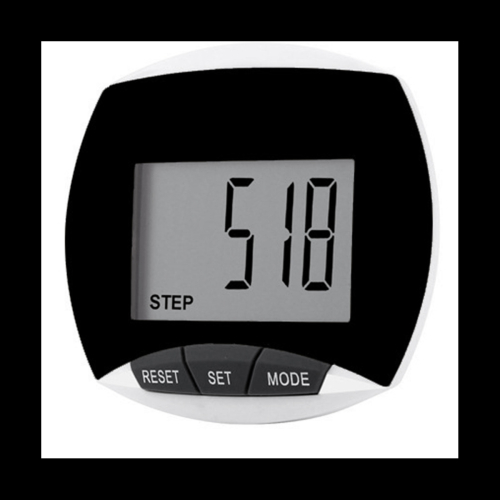
Elderly Step Counter LCD Display Clear Screen Accurate Walking Pedometer with ClipRed
Item Type: Pedometer
Material: ABS
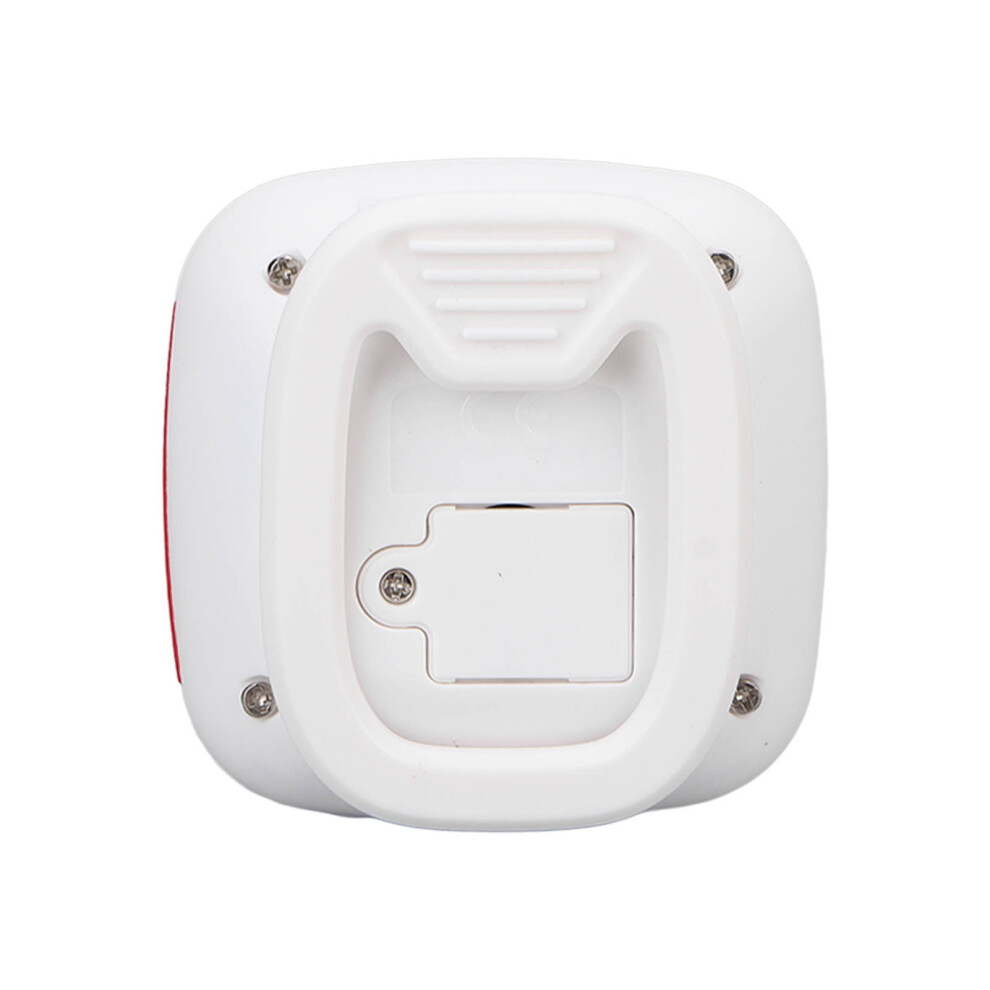
Battery: 1 x LR1130 Button Battery (Not Included)
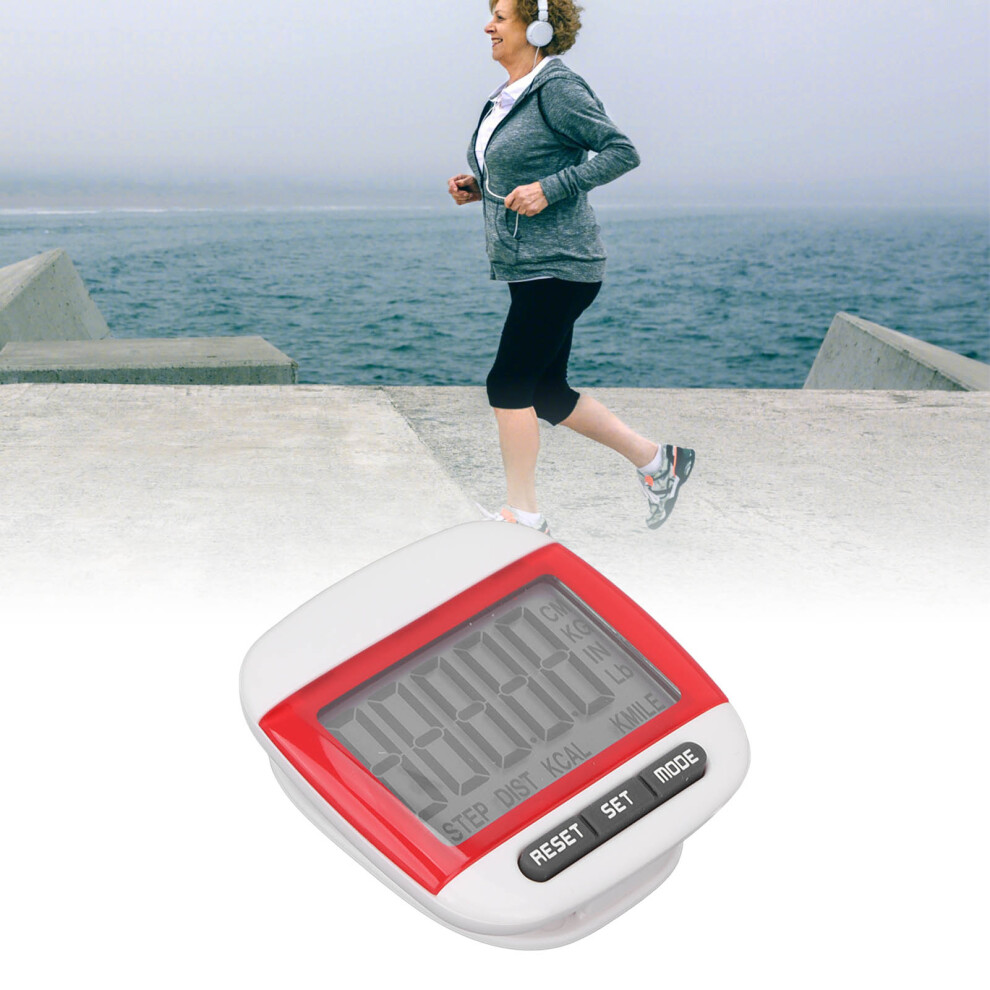
Suitable People: For men, women, children and the elderly who want to track their steps and achieve fitness goals.
How e:
This pedometer is through the waist movement to achieve step counting, the closer the pedometer is to the waist, the more accurate step counting.
1. Step Calculation Function:
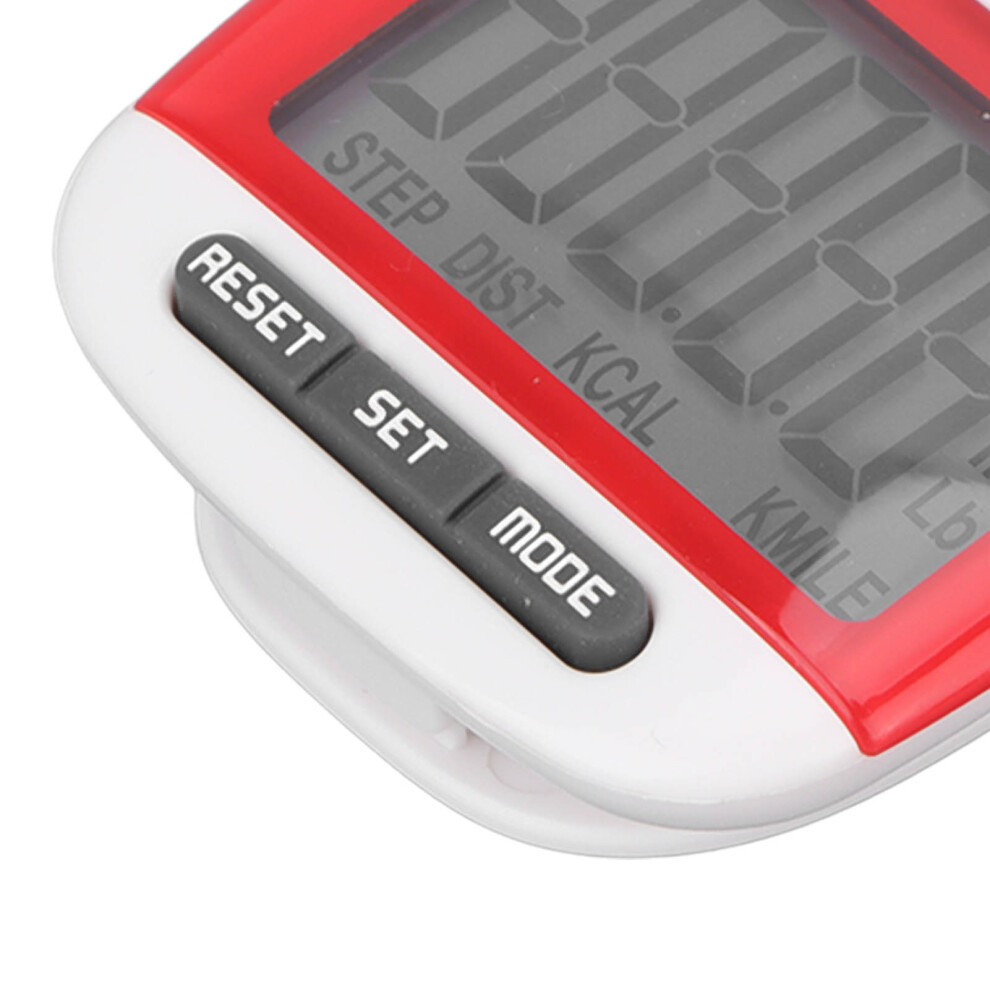
Press the "MODE" key until the word "STEP" appears at the bottom of the display. Once the pedometer detects movement data, the pedometer will start counting steps.
In order to avoid recording the number of steps during sudden movement, the data below 5 steps will not be displayed. If you walk more than 5 steps in a row, the data will be displayed by the pedometer, starting at step 5 and then continuing to measure.
Long press the "RESET" button will reset the number on the pedometer.
2. Distance Calculation:
Metric version, press "MODE" button until "KM" word appears on the screen.
For the British version, press the "MODE" key until the screen appears "MILE".
3. Step Setting:
Press the "SET" key to adjust the stride length (the distance of each step) and the numbers on the screen start flashing.
Press the "RESET" button to adjust your desired value. Once the value is set and nothing is done for 5 seconds, it will automatically return to distance metering mode.
Hold down the "RESET" button to reset the number on the pedometer.
Set your stride length:
a. Take 10 steps at your normal stride.
Step calculation function:
a. Calculate the distance from the first step to the last step.
b. Calculate by dividing the total distance you took by the 10 steps.
4. Calorie Count
Press the MODE key until KCAL appears on the screen.
Press the "SET" key to set your weight and the number on the monitor starts flashing.
Press the "RESET" button repeatedly to adjust your desired value. Once you set the value, it will automatically return to the calorie mode if you do nothing for 5 seconds.
Once the pedometer measures activity, it will start counting calories.
Hold down the "RESET" button to reset the calorie count to 0.
5. Metric and Imperial Settings: The pedometer can be set to metric and imperial modes.
In any mode, hold down the "MODE" key until the display blinks and the value returns to 0 to enter another mode.
Press the "MODE" key to switch to distance test mode, then see if the display at the bottom of the monitor is in metric or imperial format.
6. Automatically Close:
If no movement data is detected within 1 minute, it will automatically turn off and the value will be automatically saved in the record. Once the pedometer detects movement data, it automatically recovers.
Details
| OPC | PHVPRWJ |
|---|---|
| Codes | 4181321563941 (EAN) |
| Seller | Ratings | Warranty | Returns | Price | Delivery | Total | Quantity |
|---|---|---|---|---|---|---|---|
| (39 reviews) | - |
30 Days
Free Returns No
|
£12.13
|
+Free Delivery
Est. Delivery:
15th-17th Jun
|
£12.13
|
Earn as you shop with instant Cashback on everything.
No catch, no cost
Become a Cashback VIP
Just 1 purchase unlocks bigger deals & rates
Wait! You've left
something behind...
You'll only get instant Cashback at OnBuy! Enter your email below and we'll send you a copy of your basket to save you time later.
No thanks, I'm alright for now
By entering your email address, you'll automatically be added to our database, where you can enjoy personalised Cashback offers and early access to our best deals. You can opt out of our emails at any time and we'll never share your details with anyone. Check our Privacy Policy and T&Cs to find out more.
Before you go...
Remember, you'll only get instant Cashback on everything at OnBuy!
Want access to personalised offers and the highest Cashback rates? Sign up to our emails below.
No thanks, I'm alright for now
You can opt out of our emails at any time and we'll never share your details with anyone. Check our Privacy Policy and T&Cs to find out more.