





















Product Images

In stock
Smart shoppers OnBuy it!
Interest-free payment options available


See full product description & details
Delivery: Standard (Free) | Thu 12th - Fri 13th Nov
Sold by: EdenCart, there are 4 other sellers
Returns: 30 days
180-day payment protection
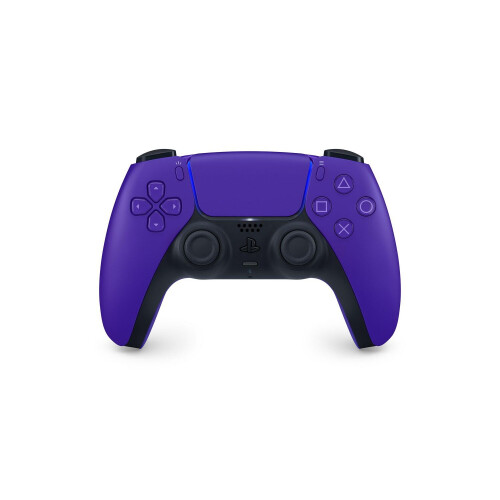
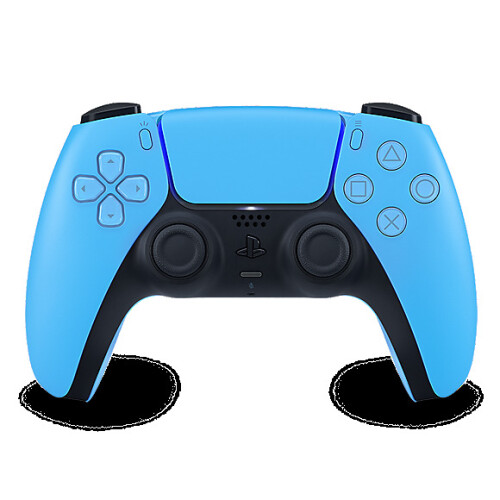
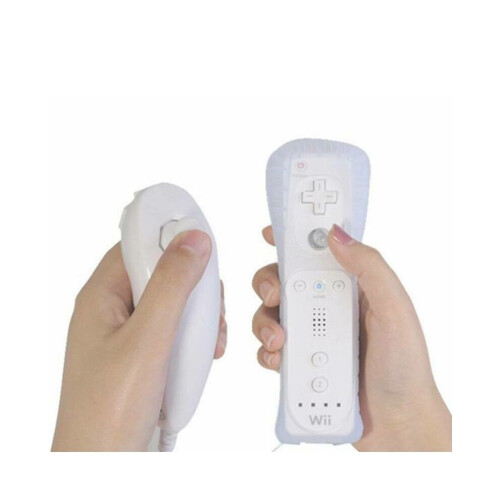
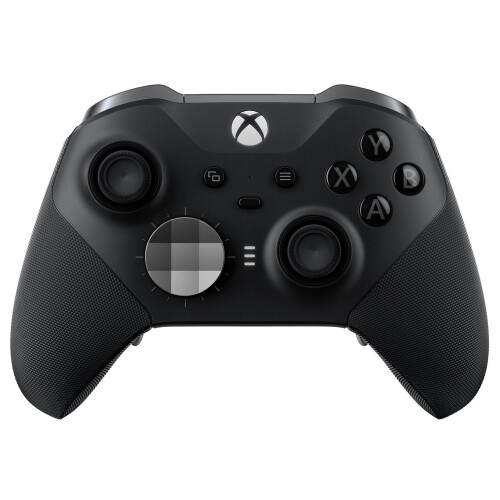
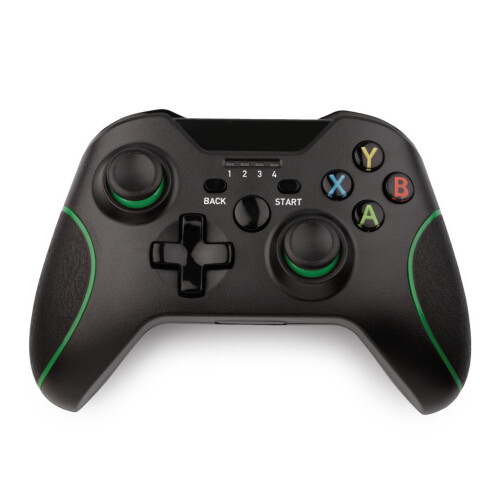
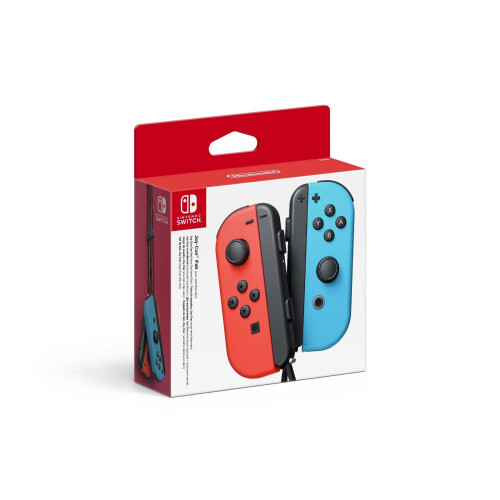
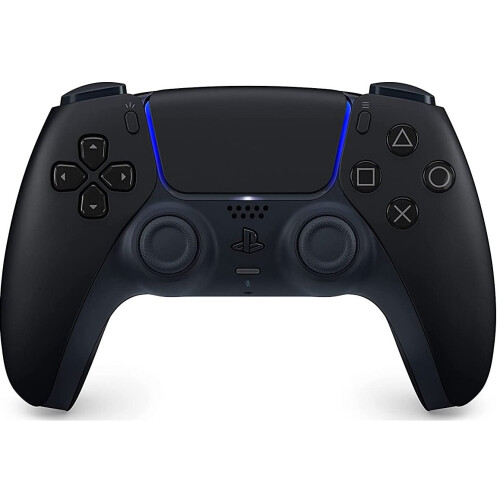
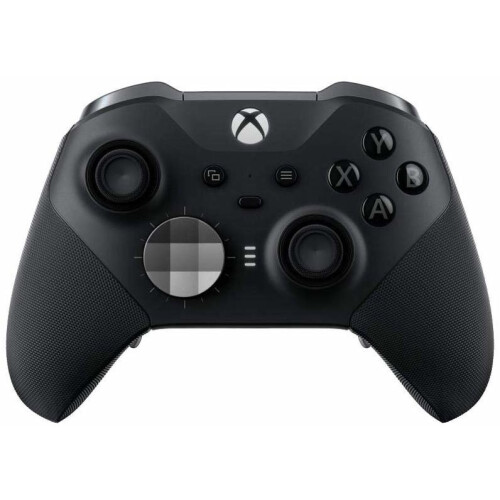
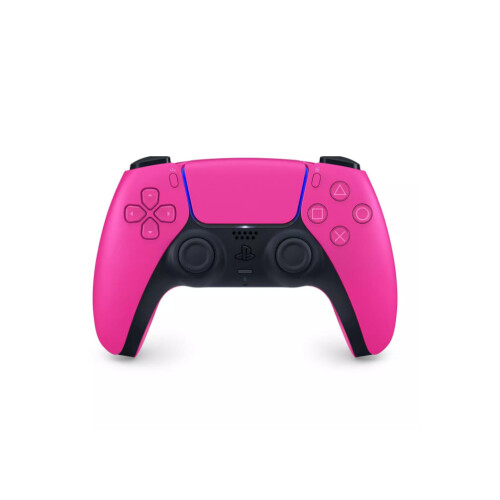
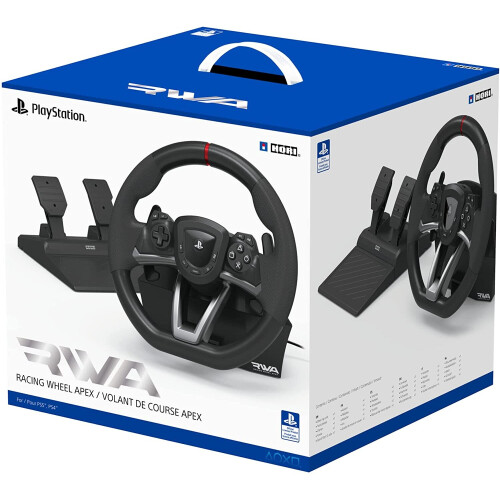
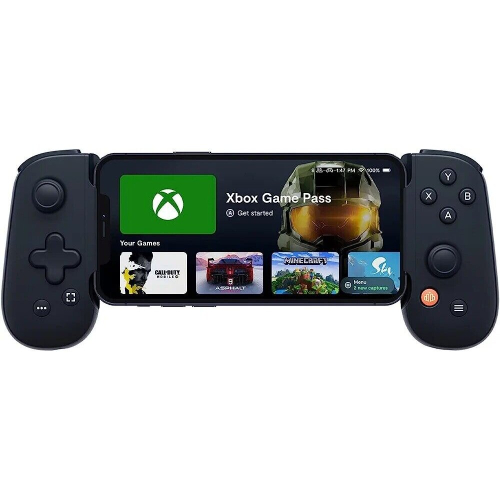
1. Controller features
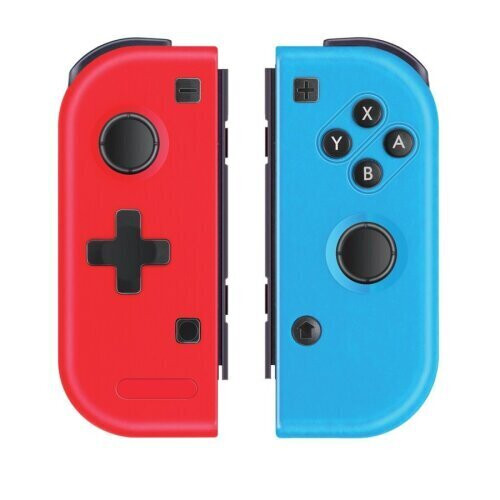
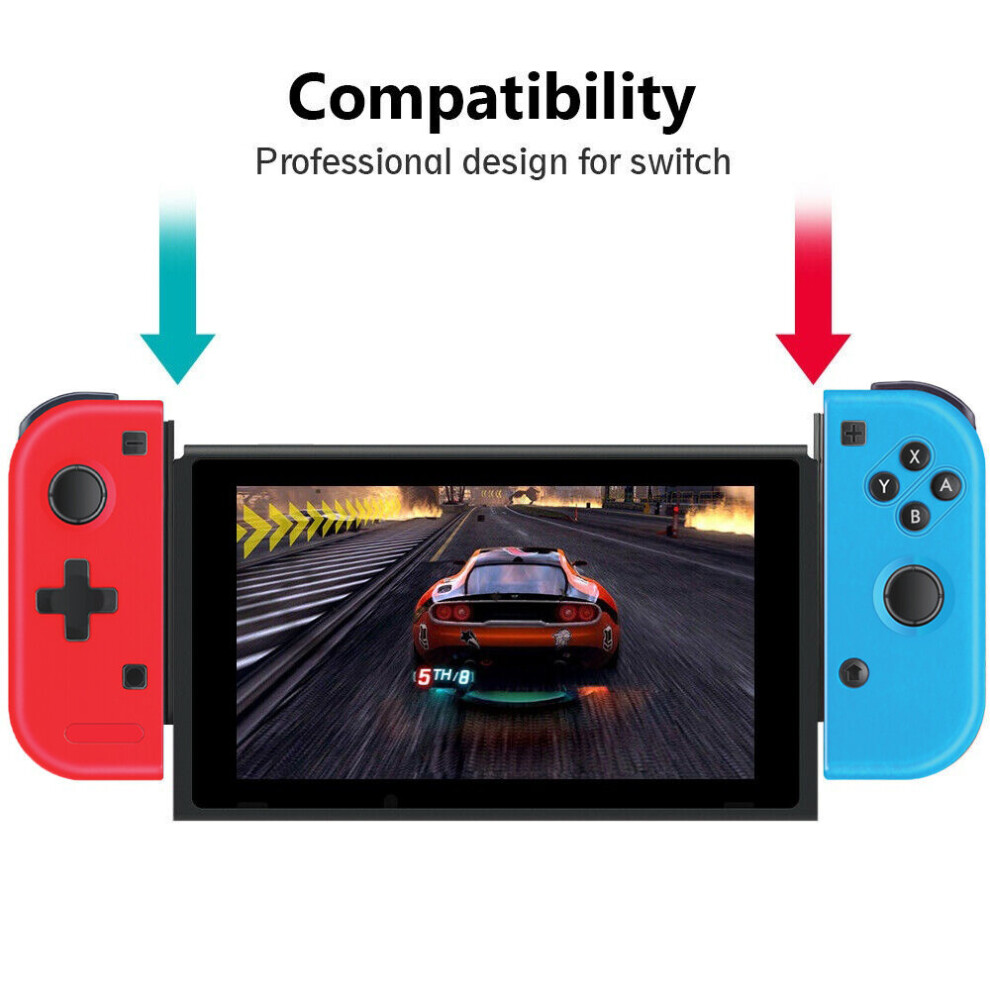
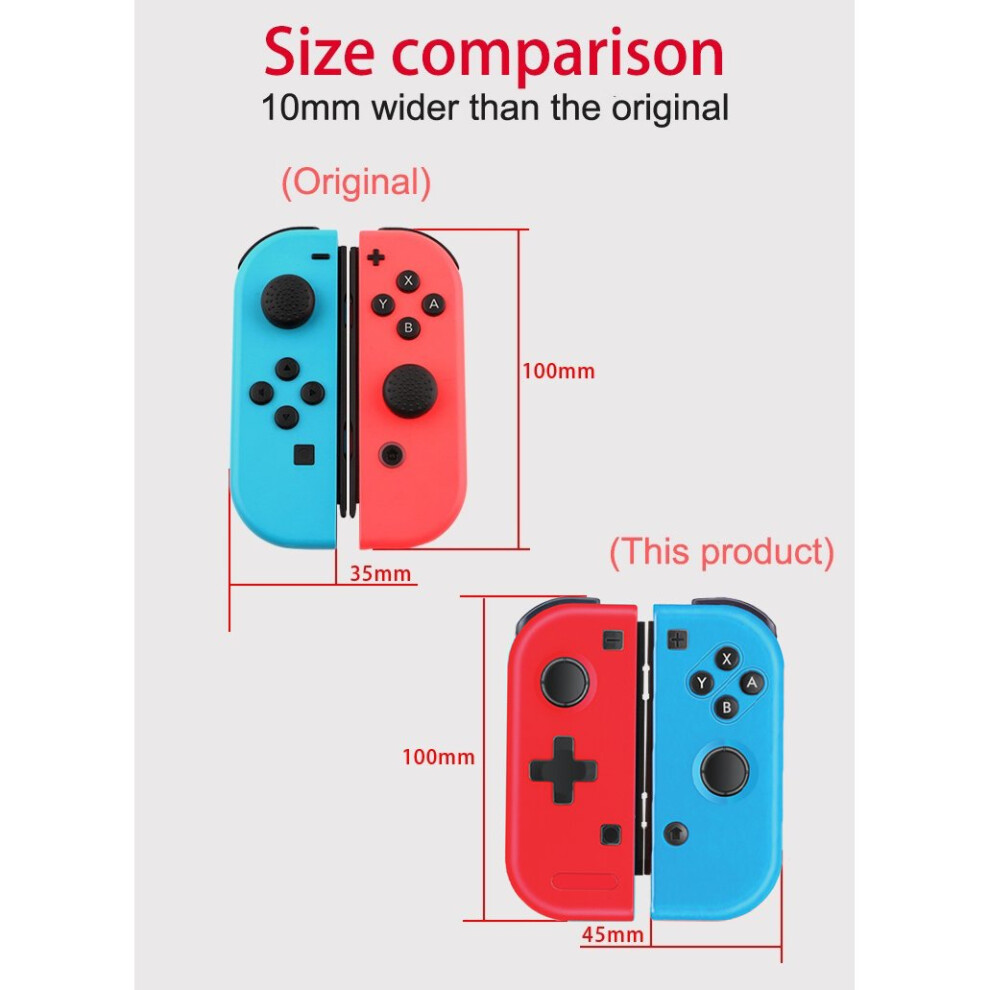
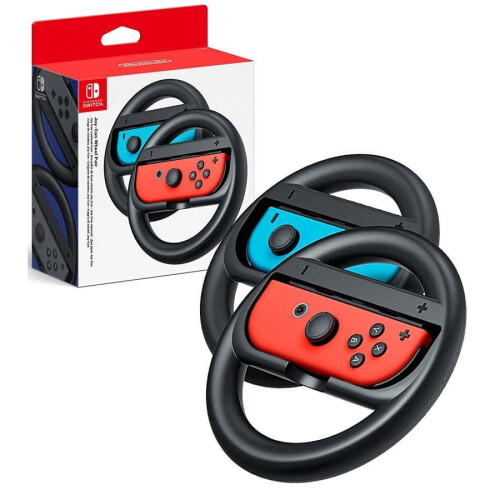
1) The handle is a Bluetooth wireless left and right small handle, compatible with the Switch host, and supports plug and play with the host rail card slot mode.
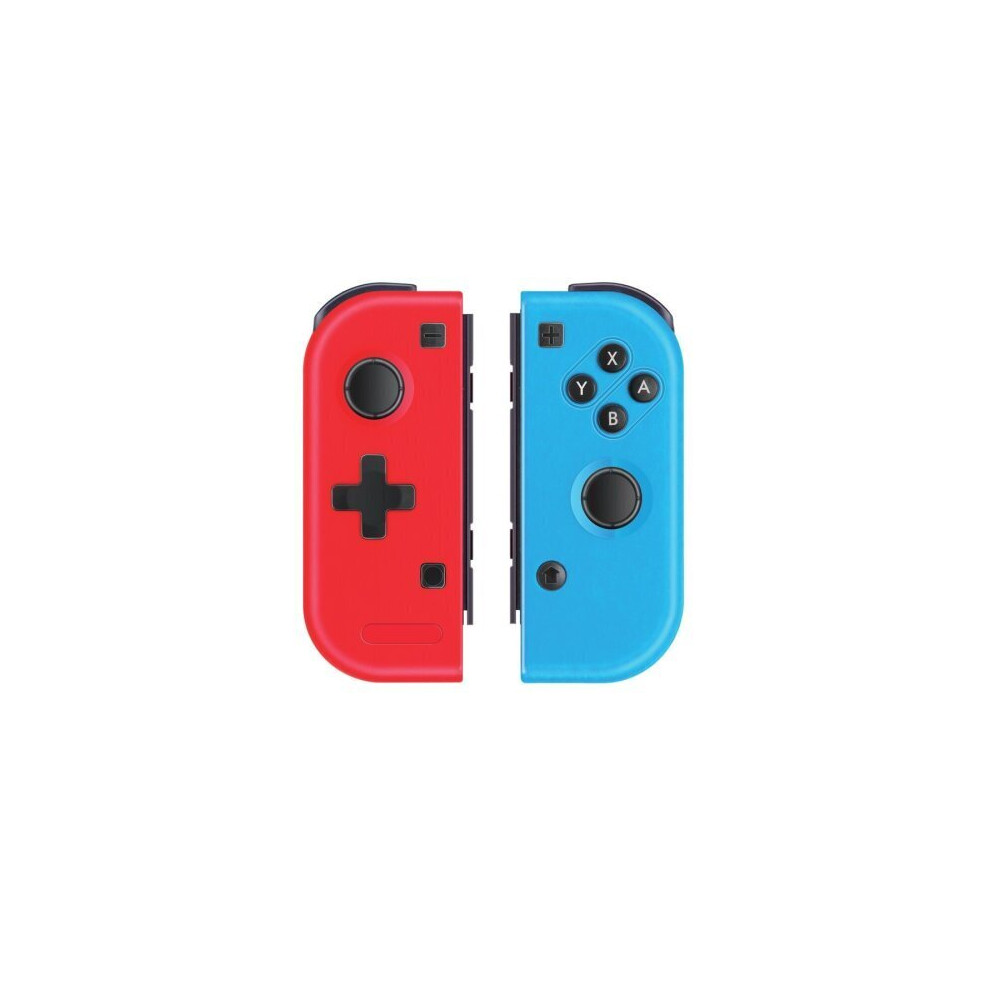
2) Similar to the SWITCH original Joy-Con small handles, the left and right handles can also be used as two separate handles.
3) Supports automatic pairing with the host plug and play, plug and play, no need to set up, simple and convenient.
4) Wireless connection, lower interference and stable connecting signal.
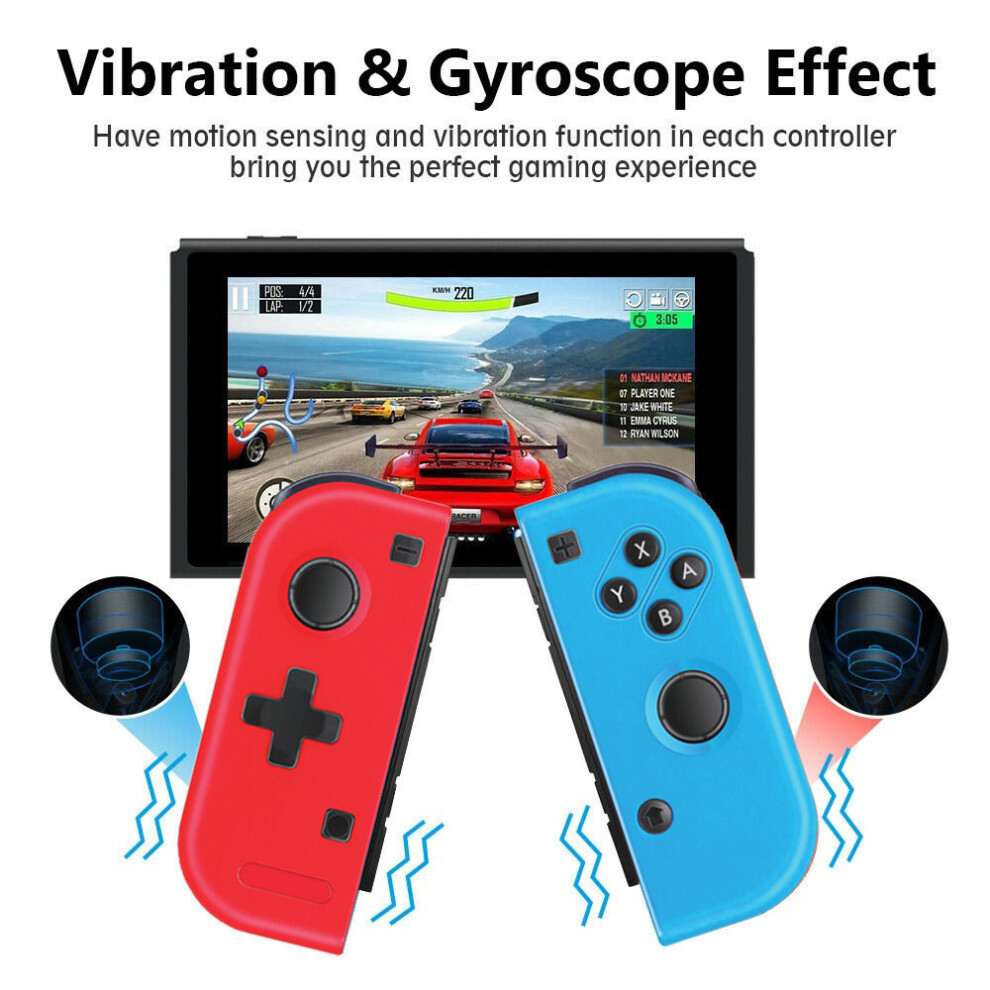
5) It supports motion sensing function via built-in Gyro in each controller.
6) It supports vibration function via built-in motor in each controller.
7) Multiplayer games can be played by connecting more wireless controllers simultaneously to a Switch console.
8) Ergonomic design and light weight construction make it comfortable even for long hours of continuous gaming.
9) It can be upgraded by update software through USB cable connecting to PC.
2.Connecting instruction
2.1)Handle rail and host connection method:
A:On the main unit, insert the left and right handle rails into the left and right rail slots of the main unit to achieve a wired connection to the main unit. Insert the left and right handles into the slide rails on the left and right sides of the SWITCH main unit. When you insert the position, you will hear the locked sound (the screen will also prompt). When the handle is inserted into the main unit, the main unit will automatically connect to the handle and recognize the handle.
B.When the handle is in the host rail slot connection mode, unplug the left and right handles on the main unit (first press the rear lower rail lock button to remove the handle), then the handle will automatically connect to the main unit, the handle will display the corresponding channel indicator . The handle is now in Bluetooth wireless connection mode.
C.In the Bluetooth wireless connection state, if you want to disconnect the current connection, you can short press the synchronization button on the rail to disconnect the Bluetooth connection of the handle, and the handle enters the sleep state. Press and hold the sync button on the handle for 3 seconds, the channel indicator lights up, and the handle is automatically connected to the host Bluetooth.
2.2) Connecting to a paired Switch console
A. An Entire Controller (a Left Controller + a Right Controller): Short press “HOME” key for 1s to power an Entire Controller on, the controller will be connected to the console automatically again.
B. An independent Left Controller: Short press “Screenshot” key for 1s to power a Left Controller on, the controller will be connected to the console automatically again.
C. An independent Right Controller: Short press “HOME” key for 1s to power a Right Controller on, the controller will be connected to the console automatically again.
3.4) Connecting controller back to Switch console
1) In the sleep state of the handle, short press the right handle HOME button or the left handle screen capture button to wake up the handle, and the handle is automatically connected back to the host.
2) If a Switch console is in sleeping mode, first press the power button of the console to wake the console up then short press “HOME” or “Screenshot” key of the controller to connect the controller back to the console (If a Switch console is in sleeping mode, the console can't be woken up by directly pressing any key of the controller.).
Features
Details
| OPC | P5WYK75 |
|---|---|
| Brand | HAPCON |
| Codes | 0030391653714 (EAN) |
| 030391653714 (UPC) | |
| Rank | Hot |
Detailed Product Information
| Colour | Neon |
|---|---|
| Colour | Neon |
| Seller | Ratings | Warranty | Returns | Price | Delivery | Total | Quantity |
|---|---|---|---|---|---|---|---|
| (41 reviews) | - |
30 Days
Free Returns Yes
|
£19.50
|
+Fast & Free Delivery
Est. Delivery:
12th-13th Nov
|
£19.50
Recommended
We recommend listings based on a combination of price, delivery time, quality of seller reviews and other factors
|
||
| (459 reviews) | - |
30 Days
Free Returns No
|
£19.99
|
+Free Priority Delivery
Est. Delivery:
20th-25th Nov
|
£19.99
|
||
|
Dispatched from:

|
(238 reviews) | 12 months |
30 Days
Free Returns No
|
£21.89
|
+Free Delivery
Est. Delivery:
17th-21st Nov
|
£21.89
|
|
| (643 reviews) | 1 month |
30 Days
Free Returns No
|
£55.00
|
+Free Delivery
Est. Delivery:
13th-16th Nov
|
£55.00
|
||
| (279 reviews) | 1 month |
30 Days
Free Returns No
|
£55.00
|
+Free Delivery
Est. Delivery:
13th-16th Nov
|
£55.00
|
All OnBuy Reviews are Verified Reviews
Earn as you shop with instant Cashback on everything.
No catch, no cost
Become a Cashback VIP
Just 1 purchase unlocks bigger deals & rates
You'll only get instant Cashback at OnBuy! Enter your email below and we'll send you a copy of your basket to save you time later.
By entering your email address, you'll automatically be added to our database, where you can enjoy personalised Cashback offers and early access to our best deals. You can opt out of our emails at any time and we'll never share your details with anyone. Check our Privacy Policy and T&Cs to find out more.
Want access to personalised offers and the highest Cashback rates? Sign up to our emails below.
You can opt out of our emails at any time and we'll never share your details with anyone. Check our Privacy Policy and T&Cs to find out more.
This page has expired.
Refresh and continue